VIDIO vs CaseGuard Studio
CaseGuard Studio alternative without per-seat annual licenses
CaseGuard Studio is an on-premise desktop suite that redacts video, audio and documents, with batch work and transcription for records and legal departments. VIDIO is an online tool for redacting video, priced by usage rather than by seat.
 VIDIO
VIDIO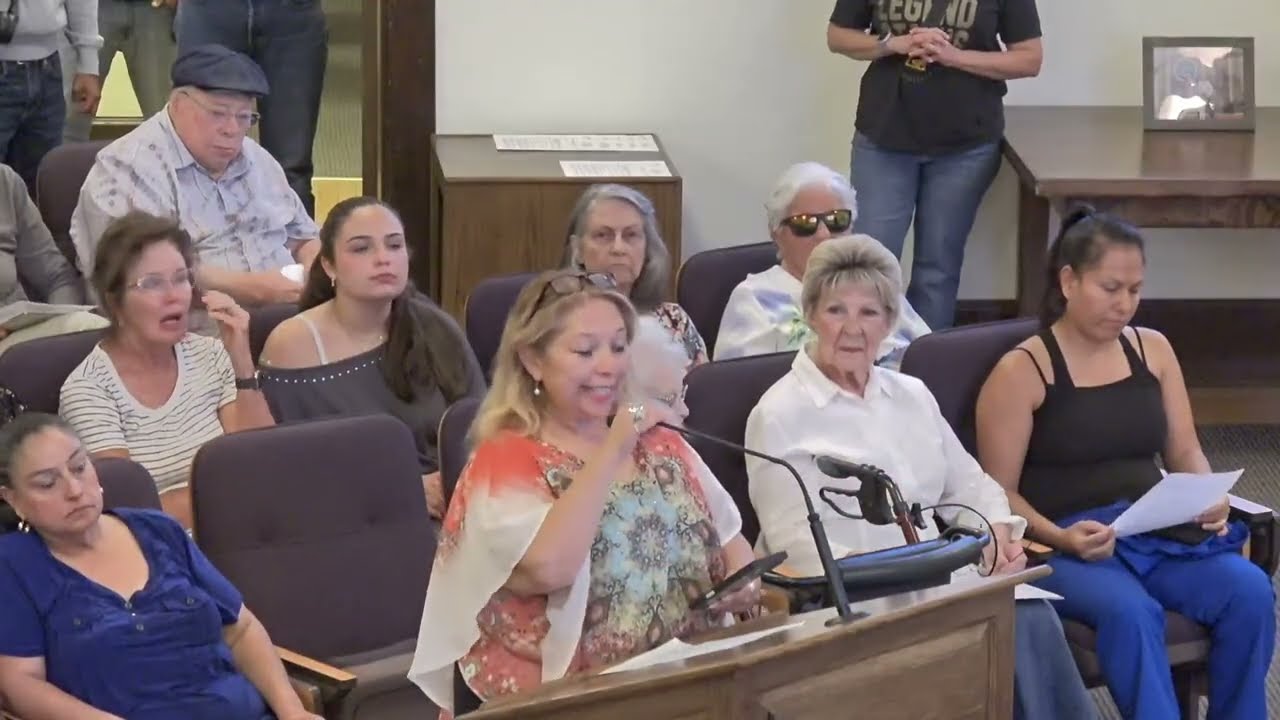 Scanning
Auto face redaction in videos in VIDIO
The short answer
CaseGuard fits a records office that redacts every kind of file offline and wants it all in one licensed suite. Its Media Suite is listed at $299 per user per month, paid annually.
If your job is video only, VIDIO covers faces, documents in shot and spoken details in the browser, and you can try it on the free plan first.
VIDIO vs CaseGuard Studio at a glance
- Built for
Records and legal departments
- Teams and creators who share video
- Deployment
- Web app, cloud processing
- Covers
- Video and its audio track
- Batch work
- Several clips can be added at once in some audio tools
- Pricing
- Pro from $8/month and Business from $40/month, both billed yearly; not per seat
- Free plan
- Yes: free Basic plan with watermark
- Commitment
- Month to month or yearly
CaseGuard Studio details from its own site, checked on October 30, 2026: CaseGuard pricing. Prices change; if something here is out of date, email support@vidio.ai and we'll fix it.
Where CaseGuard Studio is the better fit
- Works offline. CaseGuard installs on your own machines, which matters when files cannot be uploaded anywhere.
- Documents in the same suite. Doc Suite and Ultimate Suite redact paperwork as well as media, so a records team needs one product.
- Batch and collaboration. The Ultimate Suite adds batch redaction and collaboration for teams working through large request backlogs.
- Transcription included. Its suite pairs redaction with transcription, useful for interview and hearing records.
Where VIDIO is the better fit
- No seat license. You pay for credits, not per user per year, so an occasional redaction job does not need a $3,588-a-year seat.
- Papers in the shot. Blur confidential documents finds letterheads and text blocks on a page and keeps them covered as the sheet moves.
- Spoken details bleeped. Audio redaction flags names, addresses and ID numbers in the transcript and can change one speaker's voice.
- Nothing to install. It runs in a browser, including on a phone.
See it in VIDIO
Live demos on real public footage, the same ones on each tool's page.


VIDIO tools for this
Questions
Is there a CaseGuard alternative with monthly billing?
VIDIO can be billed month to month or yearly. Its paid plans are not priced per seat.
Does VIDIO work offline like CaseGuard?
No. VIDIO is web-based and processes uploads in the cloud. For fully offline redaction, CaseGuard's on-premise suite is the right kind of tool.
Can VIDIO change a witness's voice?
Yes. Alongside bleeping words, the audio redaction tool can change one speaker's voice while the interviewer sounds the same.
What does CaseGuard Studio cost?
Its pricing page lists Doc Suite at $279, Media Suite at $299 and Ultimate Suite at $379 per user per month, paid annually, with Enterprise for 10 or more seats.