Changelog
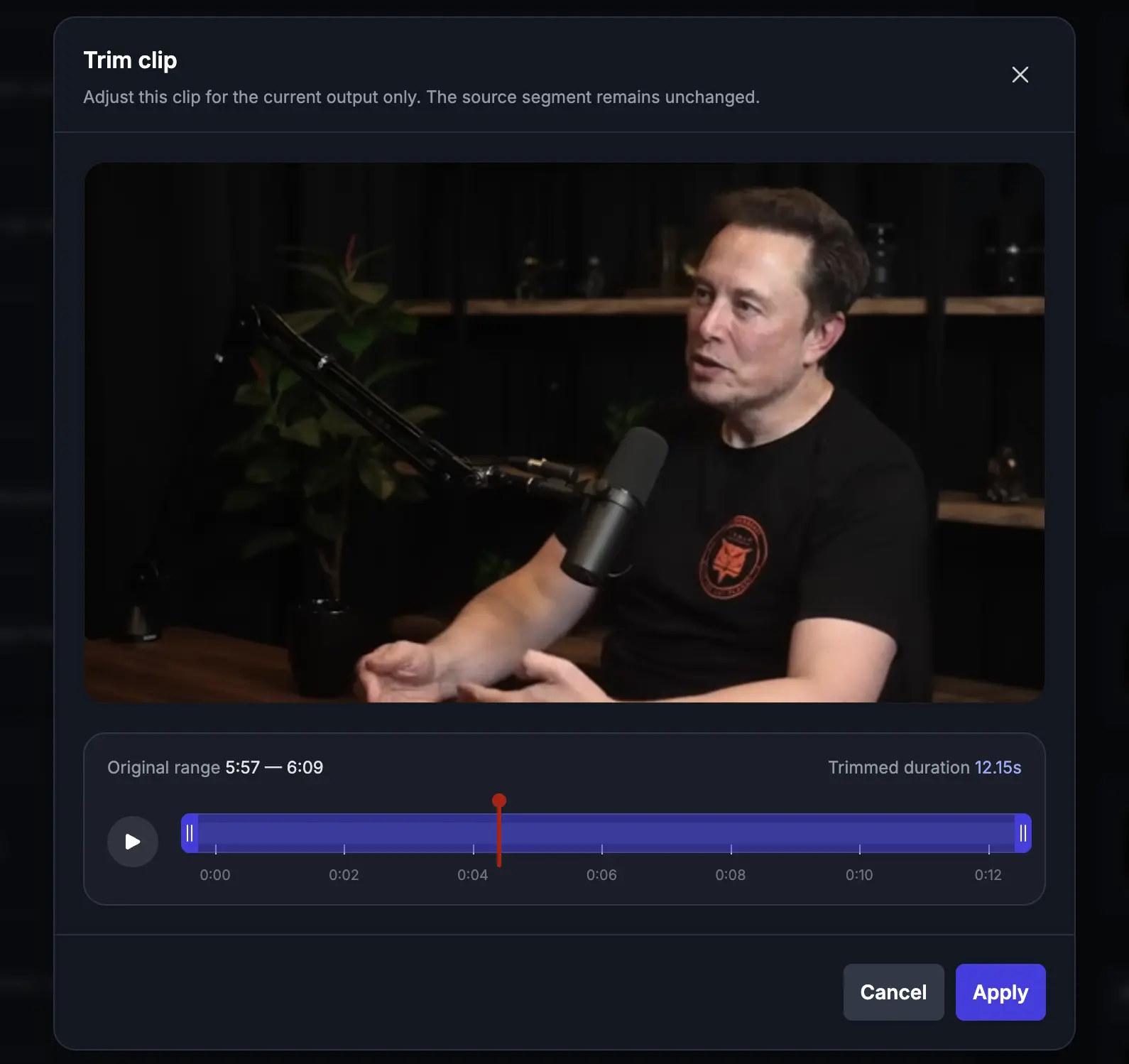
Manual Clip Trimming in VibeEdit
VIDIO Team
Summary
- Introducing manual clip trimming in VibeEdit, giving you precise control over each clip’s start and end times.
- Select a clip in the VibeEdit timeline and drag its trim handles to fine-tune exactly the footage you want to include.
What’s new
- Manual Clip Trimming: Adjust the start and end of each clip directly in the VibeEdit timeline.
- Trim Handles: Simply select a clip and drag its start/end handles to include exactly the portion you want in your highlight.
Improvements
- Precision Editing: Fine-tune clips frame-by-frame so highlight segments start and end exactly where you want.
- Efficient Workflow: Adjust clips directly in the timeline, speeding up your highlight creation process.
Fixes
- No bug fixes in this release.
Top related tools
5AskVIDIO
Ask our AI agent anything you want
This assistant can help you with guidance on what tools to use for your video editing needs.
Ask now