How to Make a Boxing Highlight Video with AI (VibeEdit)

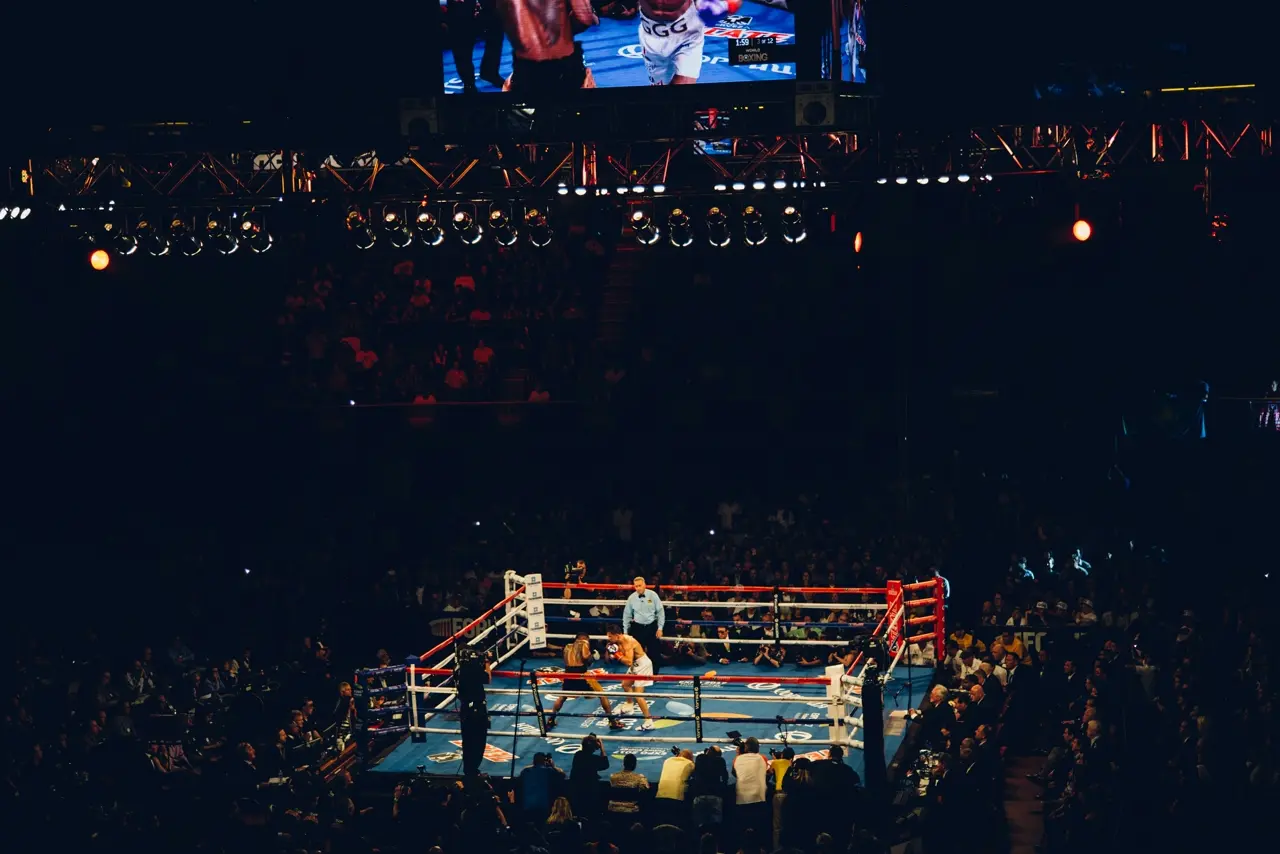
Creating boxing highlight videos with AI is now easier than ever thanks to tools like VIDIO’s VibeEdit. VibeEdit is an AI-powered sports highlight maker that automates the tedious parts of editing so you can focus on the action. In a few simple steps you can upload your fight footage, let the AI detect the best blows and knockouts, and immediately get a polished highlight reel [1][2]. No more sifting through hours of footage – VibeEdit’s AI finds key moments automatically [3] (like knockout punches and dramatic combos) and stitches them into a professional-looking video with smooth transitions and pacing [2][4].
Step-by-Step: Create a Boxing Highlight with VibeEdit
Follow these steps to make a boxing highlight video using VibeEdit’s AI editor:
- Upload Your Boxing Footage. Go to the VibeEdit tool (on Vidio.ai) and import your fight video. VibeEdit supports all major formats, so you can upload a raw match file, a training session, or even multiple clips [5]. (As one sports AI tool explains: just upload your video file – “no more dragging and dropping clips” needed [5].)
- Set Your Highlight Options. Choose a “boxing” style or template. Select the output aspect ratio (for example 16:9 for YouTube or 9:16 for Instagram Reels). Pick the clip length or target duration of your highlight. VibeEdit’s interface may also let you specify which boxer to focus on or what type of moments to include (e.g. “all knockouts” or “top combos”). In general, you’ll customize things like clip length and style just once [6].
- Run the AI. Click the button to generate your highlight video. The AI will automatically scan the footage, detecting highlights (power punches, knockdowns, etc.) and selecting the best segments. As one AI sports tool describes, the system will “spot viral moments, edit highlights, sync to music, and add animated captions” automatically [7]. Behind the scenes, VibeEdit’s algorithms are identifying things like knockouts, powerful punches, and dramatic turnarounds [2] and then “stitching these moments together into a cohesive, compelling highlight reel” with pro-level pacing [2].
- Review and Customize. After a short wait (usually a few minutes), VibeEdit will present a first draft of your boxing highlights. You can preview the clips it chose and rearrange or trim them if needed. Add any text overlays or graphics — for example, label each boxer or round. You might slow down a particularly dramatic punch or add a quick freeze-frame on a knockout for emphasis. (Some AI tools even auto-add slow-motion and replay angles on big hits [8].)
- Add Music and Finishing Touches. Select a soundtrack or let VibeEdit choose an upbeat background track. Many creators use energizing, royalty-free music that matches the fight’s intensity. Ensure the beats align with punches (some tools offer “beat sync” features [9]). Check audio levels and transitions one last time.
- Export Your Video. When you’re happy with the edit, export or download the final highlight reel (usually in full HD). VibeEdit will render the video for sharing on YouTube, Instagram, TikTok or your preferred platform.
By following these steps, you’ll turn raw boxing footage into an exciting highlight reel in minutes – a process that traditional editing would take hours [4].
VibeEdit’s Key Features for Boxing Highlights
VibeEdit is packed with AI-driven features tailored to sports action, including boxing. Here are some of the most relevant ones:
- Punch & Event Detection: VibeEdit’s AI automatically identifies knockouts, big punches, and critical moments in the fight [2]. It knows to pick out explosive hits, headshots, and turning points without manual tagging.
- Automated Clip Selection: The system finds and compiles the most exciting clips for you. In other words, VibeEdit “uses AI to find and assemble key moments automatically” [3], so you don’t have to hunt through the entire match.
- Smart Transitions & Pacing: The AI not only picks clips but also handles the editing flow. Expect clean, dynamic transitions between angles. As ReelMind explains, modern sports-AI “stitch[es] these moments together into cohesive… highlight reels, often with dynamic transitions and professional-grade pacing” [2].
- Slow Motion & Effects: To emphasize big hits, VibeEdit can apply slow-motion or replay effects at key moments. (Other AI highlight tools even “apply slow-motion to key moments… to emphasize pivotal plays” [8].)
- Player Tracking: You can focus on one boxer. VibeEdit likely lets you tag a fighter or face, and then keeps the edits centered on them. Similar sports-AI features (e.g. “Automatic Player Tracking” [10] or FlexClip’s “motion tracking… any sports player” [11]) ensure the camera stays on your chosen athlete throughout the edits.
- Text Overlays & Graphics: Add on-screen names, scores, logos or stats. Highlight tools often let you annotate clips (for example, identifying the boxer or round). VibeEdit supports text titles and callouts to make the action clear.
- Music & Beat Sync: The AI can sync highlights to music. Some tools boast features like “Automatic Beat Sync: matches dunks, tackles… to the music beats” [12] – for boxing, think of matching punches to heavy drum hits.
- Export Quality: Export in HD or 4K to ensure every jab and jab combo looks sharp. VibeEdit’s web interface produces high-quality video ready for sharing.
Each of these features is geared to make automated boxing highlights look professional. In short, VibeEdit handles the heavy lifting (detection, cutting, transitions) so you can concentrate on the creative touches.
VibeEdit vs. Other AI Sports-Highlight Tools
VibeEdit stands out among sports highlight apps for its focus on automated action detection. To put it in context:
- VibeEdit (Vidio.ai) – Specialized for sports. It uses visual AI to identify boxing actions (punches, knockouts) and auto-builds the highlight reel. The user just uploads and waits; the AI “does the heavy lifting” [7].
- Descript – Great for general editing. It uses transcripts: upload video and it transcribes everything to text, letting you edit highlights by editing the text transcript [13][14]. This is clever for dialogue and narrative, but less specialized for fast-paced sports action. VibeEdit instead zeros in on the visual action without needing text.
- CapCut (Sports Video Maker) – A free, mobile-friendly editor with templates. CapCut has many pre-made sports templates, auto-captions, and speed effects [15], but it’s more of a manual timeline editor (albeit an easy one). It doesn’t automatically find the best plays – you must choose clips or use its one-click “sports highlight” templates. VibeEdit’s edge is the automated analysis (so you don’t have to pick clips yourself).
- FlexClip – An online editor with tons of features (stock media, 100+ transitions, speed ramps) [16]. It even offers motion tracking of players with annotations [11]. However, FlexClip still relies on you to upload and arrange clips. VibeEdit, by contrast, selects the clips for you. In FlexClip you might trim and add text manually; VibeEdit does those steps automatically where possible.
- Traditional Software (Premiere Pro, Final Cut) – Very powerful but manual and time-consuming. Premiere can create cinematic boxing reels, but you’d spend hours cutting every punch. AI tools like VibeEdit are far faster. As Descript’s review notes, today’s best AI highlight editors can find “those epic sports plays…without the mind-numbing effort” [4]. VibeEdit embodies that by automating highlight editing.
In summary, while many tools exist (from text-driven editors like Descript to template-driven apps like CapCut), VibeEdit’s strength is its sports-centric AI. It directly targets athletes and games, making it ideal for boxing. It automates punch detection and clip assembly [2][3]. You get a professional highlight reel faster, without learning complex software.
Best Practices for Boxing Highlight Videos
Whether you use VibeEdit or edit manually, keep these tips in mind for an effective boxing highlight reel:
- Lead with Impact: Start with your strongest moment (a knockout punch, for example). Putting the best clip in the first 30 seconds hooks viewers [17]. NCSA recommends placing the top 4–5 plays within the first minute [17].
- Keep It Concise: Attention spans are short. Trim to the essentials. Aim for about 1–2 minutes for social media clips, or up to ~3–5 minutes for a full highlight reel [18][19]. Vimeo suggests highlights “perform best under two minutes” [18]. NCSA notes that coaches prefer around 5 minutes of play (15–30 clips) [19]. Use VibeEdit’s clip-length setting to stay in this range.
- Smooth Pacing: Cut out dead air. Remove pauses or unimportant footage. Use transitions or overlaps to keep the flow steady [20]. As Vimeo advises, insert transitions/overlays to “smooth cuts and keep a steady flow between scenes” [20]. Adjust clip order if needed for continuity.
- Match Music to Action: A high-energy soundtrack makes highlights pop. Choose music that fits the fight’s intensity (electric guitar, hip-hop beats, etc.). Sync punches to the beat if possible (some AIs can “Automatic Beat Sync” all key hits to music [12]). Keep the volume balanced so crowd noise and commentary (if any) don’t drown out the beat.
- High-Quality Footage: Always start with clear video. Record at 720p or 1080p (or higher) with minimal shaking [21]. Use a tripod or stabilize your camera/phone. Good lighting and focus ensure every punch is visible. If footage is low-res or shaky, the AI has fewer details to work with.
- Identify Boxers & Context: Use on-screen text or graphics to label each fighter (name, record, round number). NCSA advises adding arrows or markers to identify players in highlight clips [22]. This helps viewers know who is who, especially if the fighters look similar. Also consider a title card at the start (e.g. fight name, date).
- Emphasize Key Moments: Don’t show every jab. Let the AI (and your judgment) pick the big shots: knockdowns, combos, and near-knockouts. If doing it manually, pull out slow-motion on a crucial punch to highlight its impact (VibeEdit can do this automatically [8]).
- Audio & Branding: Ensure announcer voices or crowd reactions don’t overpower the music. Add commentary only if it adds excitement. Include your logo or event branding subtly.
- Finalize & Export: Preview the final edit before exporting. Check that everything is synced, clear, and polished. Then export in high resolution (1080p or 4K).
By following these best practices – strong opening, crisp footage, tight editing – your boxing highlights will look professional and engaging. VibeEdit helps with many of these (automatic pacing, effects, etc.), but you still guide the creative choices (music, key clips, etc.) to match your vision.
Try VibeEdit and Get Started Today
Creating a thrilling AI-powered boxing highlight video is only a few clicks away. VIDIO’s VibeEdit makes it easy to turn your fight footage into a knockout reel – no editing experience required. Give it a try: upload your clip, let the AI do the work, and download a ready-to-share highlight video in minutes.
Ready to see how VibeEdit’s automated boxing highlight maker works? Head to Vidio.ai’s VibeEdit tool, start a free project, and make your own sports highlight video today! (It’s free to use and can save you hours of editing time.) Your next boxing highlight reel is just an upload away.
References: Concepts and tips above are supported by leading AI video tools and guides [1][23][2][9][16][17][18]. These sources explain how AI finds key sports moments and best practices for highlight editing.
[1] [5] [6] [7] [8] [9] [10] [12] Sports Highlight Video Maker| Create Sport Highligh Reel Fast & Free
https://www.short.ai/ai-clip-maker/sports-highlight-video-maker
[2] Fight Night Show: AI-Generated Boxing Match Highlights | ReelMind
https://reelmind.ai/blog/fight-night-show-ai-generated-boxing-match-highlights
[3] [4] [13] [23] Best Highlight Video Maker Tools for 2025 | Top Picks
https://www.descript.com/blog/article/best-highlight-video-maker-tools
[11] [16] 8 Best Sports Highlight Video Makers - 2025 List
https://www.flexclip.com/learn/sports-video.html
[14] Free AI Highlight Video Maker | Sports, Reels & More
https://www.descript.com/tools/highlight-video-maker
[15] [18] [20] How to Make a Highlight Video: Fast, Effective Tips for Engaging Edits
https://vimeo.com/blog/post/how-to-make-a-highlight-video
[17] [19] [21] [22] 6 Tips for Creating a Great Highlight Video | NCSA
https://www.ncsasports.org/blog/tips-creating-great-highlight-video
Top related tools
4Create with VibeEdit
Turn Your Boxing Clips into Epic Highlights
Describe the key moments, effects, and style you want for your boxing highlight video.