Changelog
Clip Reordering in VibeEdit
VIDIO Team
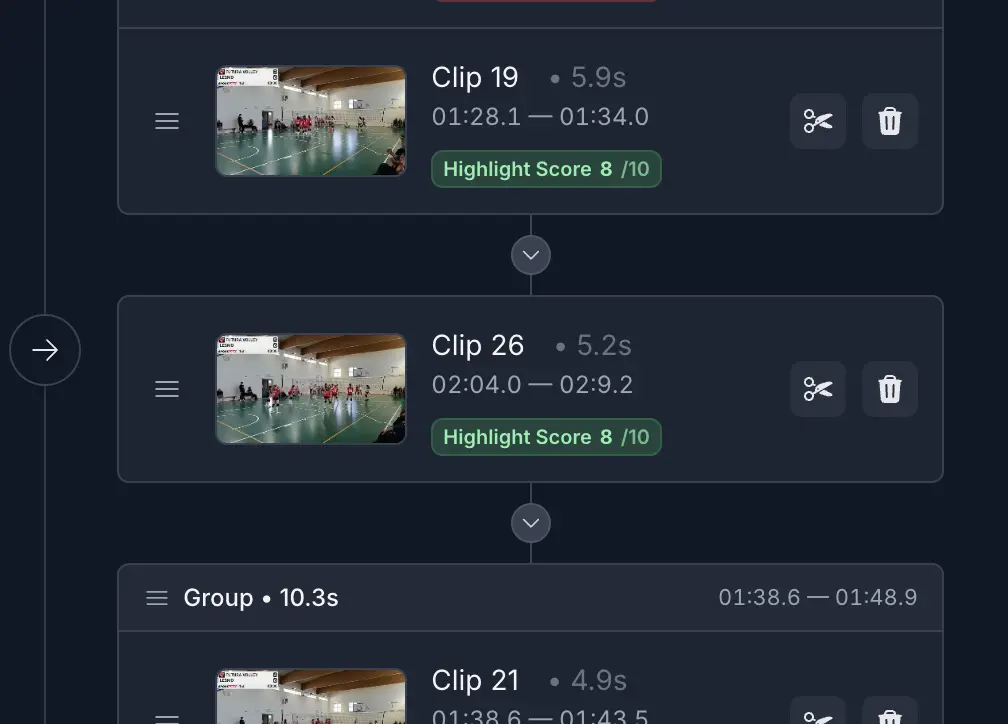
Summary
You can now reorder clips in VibeEdit by dragging and dropping them in your timeline. This makes it easier to fine-tune the flow of your edit, highlight key moments first, and create a more polished final video without starting over.
What's New
- Drag-and-drop clip reordering: Rearrange clips in your VibeEdit timeline by moving them to any position you want.
Improvements
- Fine-tune video flow: Adjust the order of clips on the fly to improve pacing and narrative.
- Highlight key moments: Move important clips to the start or end of your edit to emphasize them.
- Save editing time: Rearrange clips in the timeline instead of restarting your project from scratch.
Fixes
- No bug fixes in this release; the focus is on the new clip reordering feature and improving workflow.
Top related tools
4Ask our AI agent anything you want
This assistant can help you with guidance on what tools to use for your video editing needs.
Ask now