How to Enhance Low-Light Videos for TikTok Using AI Tools

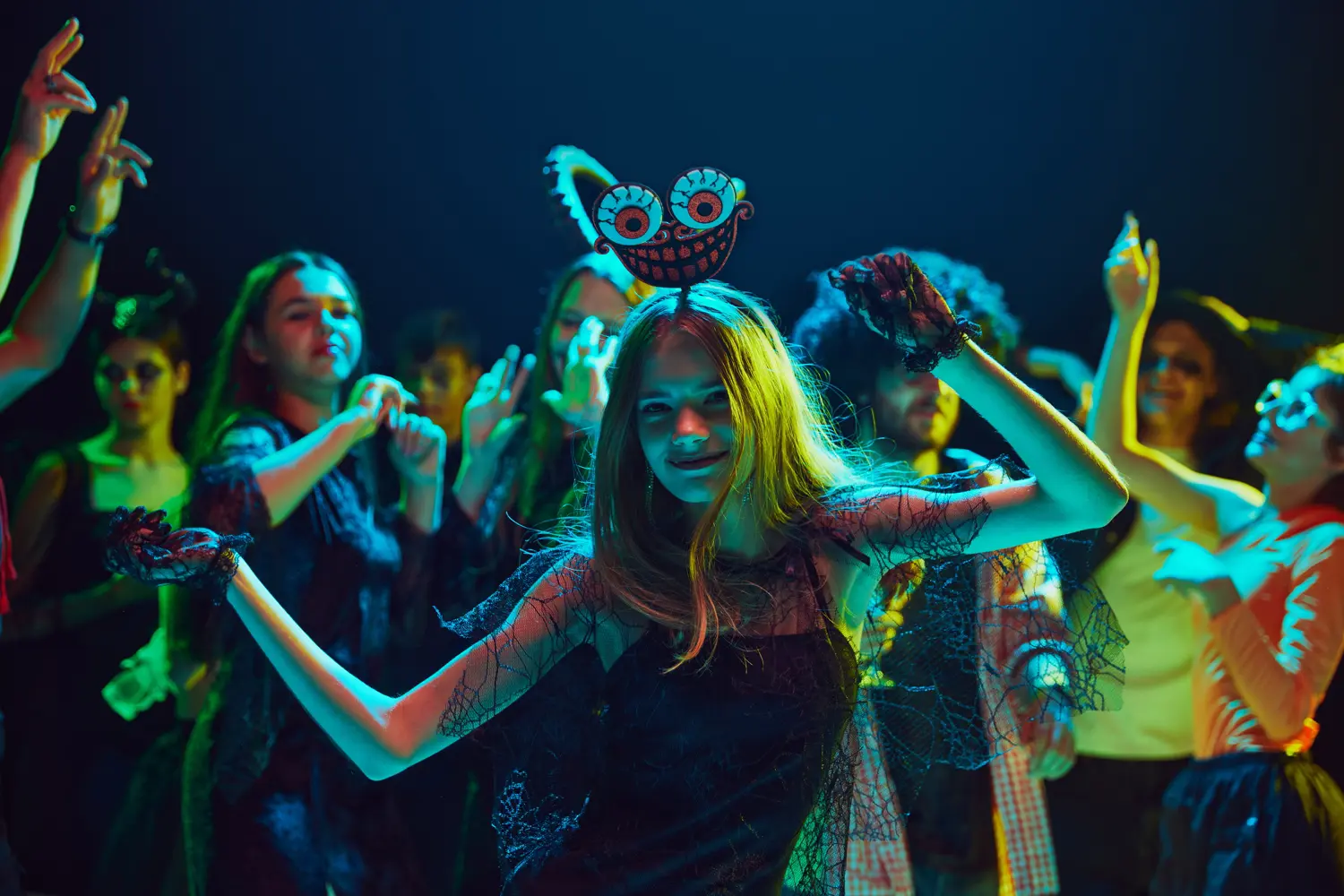
Ever tried to film that awesome dance trend or a late-night snack review, only to find your TikTok looks more like a shadowy mystery than shareable content? It’s a common frustration for creators on the platform, where visual appeal is paramount. Fortunately, you don't need a fancy studio setup to make your low-light videos shine. Artificial intelligence (AI)-powered tools are here to help, and they're easier to use than you might think. From filters that smooth your skin to tools that write your captions, AI is already a big part of the TikTok world. Now, it's stepping in to brighten up your videos too, offering increasingly accessible solutions to fix those dimly lit moments.
Capturing high-quality video in low-light conditions presents several inherent technical difficulties. When light is scarce, cameras often compensate by increasing their sensor's sensitivity, a setting known as ISO. While this makes the video brighter, it also introduces digital noise, which appears as graininess or speckling in the footage [1]. This noise can be distracting and detract from the overall viewing experience. Furthermore, insufficient light can lead to motion blur, especially in the fast-paced content that thrives on TikTok [1]. Even slight movements can appear smeared or indistinct. Keeping the camera steady through the use of a tripod or stabilizer becomes particularly important in these situations [1]. Beyond noise and blur, low light can also result in a significant loss of detail and color accuracy [2]. The subtle nuances that make a video visually interesting can disappear in the shadows, leaving the footage looking flat and uninspired.
The challenges of filming in low light are often compounded by the TikTok platform itself. Like many social media platforms, TikTok employs video compression during the upload process to reduce file sizes and ensure smooth streaming. While this is generally beneficial, it can unfortunately amplify existing issues in low-light videos, making noise and blur even more pronounced [4]. Additionally, TikTok has a data-saving feature that, when enabled, further reduces video quality to conserve mobile data. This can make already compromised low-light videos look significantly worse [4].
On a platform like TikTok, where users are constantly bombarded with visually engaging content, the expectation for high-quality videos is significant. Content that is dark, blurry, or noisy can struggle to capture and retain viewers' attention. In fact, internal data from TikTok indicates that high-quality content creators experience considerably more watch time and engagement compared to those with lower quality videos [13]. Poor video quality can also negatively impact a creator's perceived professionalism and overall brand image [10]. While TikTok audiences appreciate a "less-polished, authentic aesthetic" 13, this preference doesn't necessarily equate to accepting low-quality visuals. There is a clear distinction between a raw, unedited style and a video that suffers from technical flaws like poor lighting and lack of clarity. The platform's compression algorithms appear to be optimized for videos that are already well-lit, meaning that low-light recordings often experience a disproportionate reduction in quality during the upload process. This makes the use of AI enhancement tools even more critical for creators filming in challenging lighting conditions.
Artificial intelligence offers a suite of powerful techniques to address the specific challenges of enhancing low-light videos. These tools go beyond simple adjustments, intelligently analyzing and improving various aspects of the footage.
One of the primary ways AI transforms dark videos is through intelligent brightness and exposure adjustment [2]. AI algorithms can analyze each frame of the video, identifying areas that are underexposed and selectively increasing their brightness. This process is often more sophisticated than a simple global brightness increase, as AI can avoid overexposing already bright areas while bringing out details hidden in the shadows [2].
Noise reduction is another crucial capability of AI video enhancement [2]. AI algorithms, sometimes utilizing complex models like convolutional neural networks (CNNs) 21, can learn to identify and suppress unwanted grain and artifacts that are common in low-light footage. This results in a cleaner, smoother video with improved visual clarity.
Furthermore, AI can assist in detail recovery and sharpening [2]. By analyzing the patterns and structures within the video, AI can often enhance details that were obscured by darkness or noise, making objects and faces appear sharper and more defined. This can significantly improve the overall clarity and impact of the video.
Color correction is another area where AI excels in enhancing low-light videos [2]. Low light can often lead to color imbalances and muted tones. AI algorithms can analyze the color palette of the video and make adjustments to create more vibrant and natural-looking colors, breathing life back into the footage.
While not always necessary or recommended for TikTok due to potential file size limitations, some AI tools also offer video upscaling [2]. This process uses AI to increase the resolution of a video, potentially making it look better on larger screens.
For TikTok creators, these AI-powered transformations directly address the challenges of low-light filming. By reducing noise, enhancing brightness, recovering details, and correcting colors, AI tools can significantly improve the visual appeal and overall quality of their content, leading to potentially higher engagement and a more professional presentation. However, it's important to remember that while AI can achieve remarkable results, it cannot create information that was never captured in the first place. Severely underexposed or completely dark footage may not be fully recoverable, underscoring the importance of capturing as much information as possible during filming, even in challenging lighting conditions [37].
The good news for TikTok creators is that a variety of AI-powered tools are available to help enhance low-light videos, catering to different levels of technical expertise and budget.
One particularly user-friendly option specifically designed for brightening videos is the VIDIO Video Lightener, accessible at https://www.vidio.ai/tools/video-lightener. This tool utilizes AI to intelligently adjust the exposure levels throughout your video automatically, detecting and enhancing areas that need brightness improvement [20]. You don't need to be a tech expert to use VIDIO; the process is incredibly simple, requiring no installations or prior learning. You can brighten your videos in just a few clicks.
VIDIO leverages GPU infrastructure and cutting-edge web technology to deliver results efficiently, often lightening videos in approximately one minute [20]. Powered by state-of-the-art AI algorithms, the tool ensures a high-quality output. The process is straightforward and involves just three steps:
- Upload: Simply drag and drop your video file onto the VIDIO platform. The uploading progress will be clearly displayed [20].
- Lighten: Once uploaded, the AI algorithms will automatically analyze and brighten your video [20].
- Download: After the lightening process is complete, you can preview your enhanced video and download it by clicking the Export button [20].
VIDIO supports a wide range of popular video formats, including GIF, AVI, MP4, MOV, MPG, WEBM, and MPEG, ensuring compatibility with most video files you might have [20]. Importantly for budget-conscious creators, VIDIO offers a free option for users to utilize its service [20]. For those working with larger video files, VIDIO also supports major cloud storage services like Google Drive, Dropbox, and OneDrive, allowing you to process footage without needing to upload it directly to VIDIO's servers [20]. The simplicity and speed of tools like VIDIO make AI video enhancement accessible even to novice TikTok creators who might feel intimidated by more complex video editing software.
Beyond VIDIO, a diverse landscape of AI-powered video editing tools and apps can assist TikTok creators in enhancing their low-light videos. These options cater to various needs and preferences.
Mobile Apps:
- CapCut: This popular free mobile editing app, created by TikTok's parent company ByteDance, offers a range of AI-powered features, including noise reduction 39 and other enhancement tools [43]. Its seamless integration with TikTok makes it a convenient choice for many creators.
- YouCam Video: Available on iOS, YouCam Video provides AI-driven video enhancement capabilities, including features to fix blur, increase resolution, and restore facial details, which can be beneficial for low-light footage [29].
- LightCut: This AI-powered video editor offers various templates and effects that can help users quickly create stylish videos, potentially including features to improve lighting and clarity [48].
Online Platforms:
- Fotor: Fotor's online video enhancer allows users to instantly improve video quality with AI, offering features to enhance low-light videos, adjust sharpness and brightness, and correct colors [18]. It's a user-friendly option that doesn't require any software installation.
- VEED.IO: This online video editor offers a suite of AI-powered tools, including background noise removal, which is often a significant issue in low-light recordings. It also provides other editing features suitable for TikTok content [23].
- Vmake AI: Vmake AI provides an online video noise reducer and video quality enhancer, allowing users to automatically detect and remove background noise and improve overall video clarity [17].
- Media.io: This online platform offers a dedicated AI noise reducer that can help eliminate unwanted sounds from video, contributing to a cleaner and more professional final product [26].
Professional Software (for more advanced users):
- Topaz Video AI: This powerful software utilizes advanced machine learning algorithms to achieve remarkable results in video enhancement, including significant noise reduction, detail recovery, and upscaling capabilities. It is often favored by professionals for its high-quality output, even with severely compromised footage [31]. However, it typically comes with a higher price tag.
- Adobe Premiere Pro: While primarily a comprehensive video editing suite, Adobe Premiere Pro offers robust color correction tools within its Lumetri Color panel. It also includes AI-powered features like Enhance Speech and Auto Color that can assist in improving the quality of low-light recordings [53].
- DaVinci Resolve: Renowned for its exceptional color grading capabilities, DaVinci Resolve also features powerful noise reduction tools and AI-powered features like Relight, making it a strong contender for enhancing low-light videos. It offers both a free and a paid "Studio" version with more advanced features [53].
- Final Cut Pro: For Mac users, Final Cut Pro provides a sleek and powerful video editing solution with built-in color correction tools and noise reduction filters that can effectively improve the quality of low-light footage [53].
The diverse range of available AI video enhancement tools, from free mobile apps to professional software, ensures that TikTok creators with varying budgets and technical skills can find solutions to brighten their low-light videos.
While AI tools can significantly improve low-light footage, taking certain steps during the shooting process can maximize their effectiveness and lead to even better results.
One of the most crucial aspects is to maximize any available light [1]. If possible, film near windows to take advantage of natural light, though avoid direct sunlight, which can create harsh shadows [1]. Utilize practical lights such as lamps or overhead lighting to illuminate your subject [1]. Investing in affordable lighting equipment like ring lights or small LED panels can also make a significant difference in the quality of your low-light videos [1].
If your camera offers manual controls, optimizing the settings can also be beneficial. Increasing the ISO will make the sensor more sensitive to light, but be cautious, as higher ISO settings can introduce more noise [1]. Try to find a balance that provides enough brightness without excessive grain. If using a camera with adjustable aperture, using a lens with a wider aperture (a lower f-number) will allow more light to enter the sensor [1]. It's also advisable to shoot in the highest resolution possible, ideally at least 1080p, or even 4K if your device and storage allow [4]. This provides more detail for AI to work with during the enhancement process, even if TikTok ultimately downscales the video.
To combat motion blur in low light, stabilizing your camera is essential [1]. Use a tripod or a handheld stabilizer to keep the footage steady, especially during movement. Avoid over-zooming, as digital zoom can significantly degrade image quality, particularly when light is limited [4]. For users with cameras that support it, shooting in RAW format can provide greater flexibility during post-production, allowing for more precise adjustments to exposure and color [1]. By implementing these proactive shooting techniques, you can capture the best possible footage even in low-light conditions, providing AI tools with a strong foundation for achieving impressive enhancements.
After enhancing your low-light video using AI tools, it's crucial to optimize your TikTok upload settings to ensure that your efforts are not undermined during the final stage.
First and foremost, disable TikTok's data saver feature in your account settings. This will prevent the app from unnecessarily compressing your video and potentially reducing its quality [4]. When you're ready to post your video, look for an option like "Allow high-quality uploads" and make sure it is enabled [4].
If you edited your video using a separate app, ensure you export it with high-quality settings. Aim for a resolution of 1080p and a standard frame rate, such as 30 or 60 frames per second [4]. Avoid exporting and uploading in 4K, as TikTok will likely compress it down to 1080p anyway, potentially leading to further quality loss [7]. Remember to upload your video in TikTok's recommended 9:16 aspect ratio to ensure it fills the screen correctly [4]. Be mindful of TikTok's file size limits, which are around 72MB for Android devices and 287MB for iOS devices [6]. Exceeding these limits can result in more aggressive compression. Finally, always upload your videos using a stable Wi-Fi connection. A poor internet connection can sometimes cause quality degradation during the upload process [4]. By paying attention to these upload settings, you can ensure that the quality improvements you achieved through AI enhancement are preserved for your TikTok audience.
Low-light conditions no longer have to be a barrier to creating engaging and visually appealing content for TikTok. The increasing availability and ease of use of AI-powered tools offer a powerful solution for enhancing even the darkest videos. From the simple yet effective brightness adjustments offered by tools like VIDIO to the more comprehensive enhancement capabilities of mobile apps and professional software, TikTok creators have a wealth of options at their fingertips. By understanding the challenges of filming in low light, leveraging the transformative power of AI, and optimizing their shooting and upload settings, creators can significantly elevate the quality of their videos. Don't be afraid to experiment with different AI tools, including the user-friendly VIDIO Video Lightener, to discover what works best for your unique content and style. As AI continues to evolve, its role in democratizing high-quality content creation will only grow, further empowering creators on platforms like TikTok. So go ahead, embrace the power of AI, and let your creativity shine – even in the lowest light!
Top related tools
5Ask our AI agent anything you want
This assistant can help you with guidance on what tools to use for your video editing needs.
Ask now