Best Apps to Automatically Cut MMA Footage with AI (2025 Update)

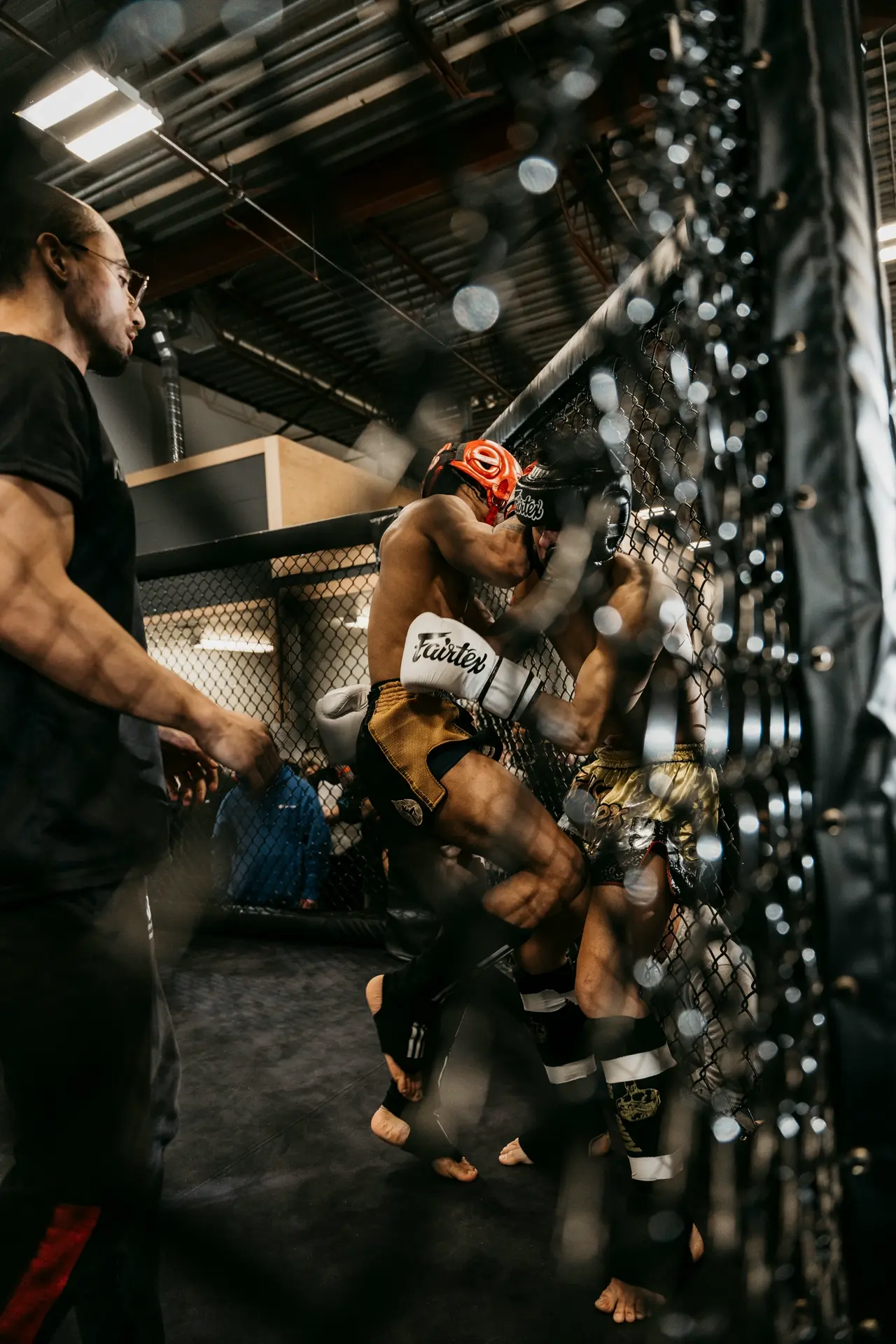
Editing down hours of MMA fight footage into a shareable highlights reel can be tedious. Fortunately, AI-powered video editing tools now make it easy to automatically detect and cut the most exciting moments from mixed martial arts matches. These apps analyze your videos to find knockout punches, high-action exchanges, and crowd-peaking moments, then compile them into concise, punchy fight highlight videos perfect for social media. In this updated list, we include the latest contender – VIDIO Highlight Video Maker – alongside other top solutions like Revid AI, Vmaker, and Eklipse. We’ll compare their AI-driven highlight detection features, speed, usability, pricing, and output quality to help you find the best MMA highlight app for your needs.
Revid AI – Sports-Focused Highlight Generator
Revid AI’s sports highlight tool uses computer vision to identify action-packed moments and compile them into dynamic reels. Revid AI is a platform tailored for sports highlights, including MMA and other combat sports. It leverages advanced computer vision to automatically recognize pivotal events in footage – for example, knockdowns, takedowns, or high-intensity flurries – much like it detects goals or touchdowns in other sports. Once you upload a fight video, Revid’s AI scans for exciting moments and cuts them into a sequence of highlights. Uniquely, Revid can even generate commentary and on-screen graphics for your clips, producing a hype video with announcer-style voiceover and captions if desired. This makes it especially useful if you want a ready-to-post highlight video with engaging narration and visuals.
Key Features:
- Specialized for sports: Optimized to detect key actions in fights (e.g. big punches, submissions) using sport-specific AI models. It’s trained on popular sports so it excels at combat sports highlights.
- Automatic voiceovers & graphics: Can add AI-generated commentary, subtitles, and stats overlays to create a professional UFC-style promo or recap. This saves time if you want an energetic highlight with announcer calls.
- Fast highlight creation: Processes footage in minutes and outputs a compiled highlight reel with transitions and effects. You can choose vertical (9:16), square, or landscape formats for platforms like TikTok or YouTube.
- Usage and pricing: Revid offers a free trial with certain limits (e.g. watermarks or capped video length). Advanced features (like longer videos or watermark removal) require a subscription or credits. Despite this, its focus on sports means high accuracy for MMA highlights, justifying the cost for serious content creators.
Why choose Revid? If you’re an MMA coach, fighter, or fan channel looking to create hype videos or detailed fight recaps, Revid AI’s sports-centric approach is a strong choice. It automatically finds the most explosive moments and even narrates them, delivering a polished highlight video with minimal manual editing.
Vmaker – Quick Highlights with No Watermark
Vmaker is an all-in-one AI video editor with a handy highlight maker that’s great for quickly cutting MMA footage. Its AI Highlight Video Maker automatically detects the high points of your video and converts them into a short, attention-grabbing teaser. You simply upload a longer fight video (or even a recording of a live stream), and Vmaker will find the most exciting segments – like a flurry of punches or a surprise knockout – and stitch them together. Unlike many tools, Vmaker’s free version allows exporting these highlight clips without a watermark[1], making it appealing for those on a budget.
Key Features:
- Automatic highlight detection: Vmaker’s AI scans your footage to find peak action moments and trims them into a highlight reel. It requires no manual tagging – ideal for MMA fights where the action is intermittent but intense.
- Instant teasers: The tool is designed to create short-form videos. It produces high-quality highlight teasers that you can use as intros to longer videos or share directly on social media. For example, it might output a 30-second compilation of an MMA bout’s most thrilling exchanges.
- AI-enhanced editing: Beyond cutting highlights, Vmaker can automatically add extras like subtitles, background music, or zoom effects to match the video’s mood. This means your MMA highlights can come with dynamic transitions or text overlays without manual effort.
- Free and watermark-free: A standout advantage is that even on the free plan, Vmaker lets you download your edited highlight videos with no watermark[1]. You get basic AI editing features at no cost, and paid plans unlock higher resolutions (up to 4K export) and more advanced tools. This pricing model is highly competitive for creators who want to avoid watermarks on their social posts.
Why choose Vmaker? Vmaker is perfect if you need a fast, simple highlight cutter and want to avoid watermarks or fees. It’s very user-friendly: drag-and-drop your MMA fight video, and in one click you get a trendy, short-form highlight ready for TikTok, YouTube Shorts, or Instagram Reels. While it may not have sports-specific analytics like Revid, it covers the basics well and even adds creative flair through its AI edits.
Eklipse – Automatic Clipper for Streams and Gaming
Eklipse is an AI highlight tool originally popular with gamers and streamers, but it’s equally handy for MMA content – especially if you livestream fights or have long recordings. Eklipse excels at real-time highlight detection: it can watch a live stream or a long video and automatically clip the most exciting parts. It listens for “hype” in the audio (crowd cheers, excited commentary) and watches for action spikes to capture clutch moments. In practice, for an MMA fight, Eklipse might detect a surge in crowd noise and fast movement when a knockout happens, and instantly clip that segment. It then can format the clip for social media and even help you post it.
Key Features:
- Stream and video integration: Designed for streamers, Eklipse can connect to live streams on platforms like Twitch or YouTube and auto-generate highlights as you stream. If you’re streaming an MMA event or posting a long fight video, it will pick out highlights up to 10× faster than manual editing.
- AI “hype” detection: Eklipse uses AI to detect exciting moments by analyzing audio and visuals. It recognizes when something big happens – in gaming it’s kills or wins, and in MMA that translates to knockdowns, submissions, or any moment the commentators and crowd get loud. This “hype detection” means you don’t have to scrub through footage; the AI identifies highlight-worthy spikes for you.
- Social-media ready clips: This tool automatically converts clips into vertical format (9:16) with proper dimensions for TikTok, Instagram Reels, etc., and you can publish directly from its dashboard. After an MMA fight, you could have a vertical highlight video of the finish ready to share within minutes of the event.
- Free vs Premium: Eklipse offers robust features even on the free tier – for example, free users get up to 15 auto-clips per stream saved at 720p resolution. This is plenty to compile a few great moments from a fight. Premium plans enable 1080p HD clips, faster processing, and longer storage for serious creators. Importantly, Eklipse supports not just games but also sports broadcasts and IRL videos, so it can handle MMA footage despite its gaming origins.
Why choose Eklipse? If you regularly handle full fight streams or lengthy MMA events, Eklipse is a lifesaver. It automates the grunt work by capturing highlights in real time, so you can focus on commentary or analysis. It’s also one of the best options if you want something completely free to start – you get automatic MMA clips without paying, then you can manually refine or combine them as needed. The trade-off is slightly less fine-tuned control (it’s geared to grab obvious highlights), but for quick turnaround on social media content, Eklipse delivers efficiently.
VIDIO Highlight Video Maker – Smart AI for Fight Highlights
VIDIO’s Highlight Video Maker provides a streamlined interface for cutting long fight videos into punchy highlight reels automatically. VIDIO Highlight Video Maker is a rising star among AI video editors, and we’re including it as one of the top tools thanks to its powerful AI-driven highlight detection and user-friendly design. VIDIO’s tool (sometimes referred to as VibeEdit) can take a long MMA fight or even an entire event and condense it into a tight highlight video with minimal input. It uses intelligent scene analysis and even gives you options for how to identify highlights – for instance, you can let it prioritize commentary and crowd excitement (speech) or purely visual action when picking out clips. This dual-mode approach is great for fight videos: an audio-focused mode might catch moments when commentators get excited (usually big hits or submissions), while a visual mode ensures no spectacular knockout goes unnoticed even if commentary was subdued.
Once the AI selects the best moments, VIDIO compiles them and allows further customization. You can easily trim any suggested clip, rearrange the sequence, or insert transitions and background music to give the highlight reel extra impact. The entire process is fast – VIDIO runs on GPU-accelerated backend, meaning it processes heavy HD footage quickly (often turning a full bout into a highlights package within minutes).
Key Features:
- Advanced highlight detection: VIDIO’s AI analyzes both the video and audio to find engaging moments. It can detect rapid movements, significant strikes, or loud crowd reactions to pinpoint highlight-worthy segments. You can toggle between “Visual” or “Speech” summarization modes to guide what the AI should emphasize when cutting highlights. This flexibility yields very accurate MMA highlights, capturing both explosive physical action and the dramatic moments fans react to.
- Fast, flexible editing: After auto-clipping the best moments, VIDIO lets you fine-tune the output. You can adjust each segment’s length, apply smooth transition effects between clips, and even add your own music or sound effects. The interface is straightforward (upload via drag-and-drop, then a few clicks to tweak), making the editing process much faster than doing everything manually.
- Social media optimized output: This tool is built with modern content creators in mind. You can specify the output format and aspect ratio – whether you need a classic 16:9 YouTube compilation or a vertical 9:16 video for TikTok/Instagram. VIDIO will automatically resize and adjust your video dimensions for optimal display on each platform. It even supports adding subtitles or text overlays, which is great for increasing engagement on social feeds.
- Pricing and quality: VIDIO offers a free tier so you can try out the highlight maker on your MMA footage (the free outputs include a watermark and have some length/feature limitations). For heavy use, their premium plans use a credit system – for example, one package provides 80 credits for about $25, which you can spend on generating highlights without watermarks at high quality. Upgrading also unlocks 2×–6× faster processing and full HD exports with no watermark, according to VIDIO’s pricing page. This pay-as-you-go model is budget-friendly, since you only pay when you need to create highlights and you can start/stop anytime.
Why choose VIDIO? VIDIO’s Highlight Video Maker stands out for its balance of automation and control. The AI is sophisticated in detecting fight highlights, reducing the chance of missing a critical moment, and it produces a polished result with minimal effort. Yet, you still have the ability to refine and customize the reel to your liking – something pure auto editors don’t always offer. The output quality is excellent (many users report it turns amateur footage into professional-looking content) and it’s optimized for viral social media use. If you’re aiming to create punchy MMA highlight videos for platforms like TikTok, YouTube, or Instagram, VIDIO is a top-tier choice. It has even been recognized in Dailymotion’s list of top AI highlight generators, underscoring its effectiveness and quality. In short, VIDIO brings a creator-friendly approach to AI MMA video editing, combining speed with high-quality results.
Conclusion – Choosing the Best MMA Highlight App
When it comes to AI MMA video editing for highlight reels, each of these apps has its strengths. Revid AI is great for those who want a sports-specialized solution – it automatically adds commentary and knows exactly which moments sports fans crave, though its premium features come at a cost. Vmaker appeals to creators who need quick highlights without watermarks; it’s an agile tool to churn out shareable fight teasers with zero budget. Eklipse, on the other hand, is ideal if you’re dealing with live content or long streams – it’ll catch those big fight moments in real time and save you tons of editing work (just keep in mind you might need to upgrade for full HD quality). And finally, VIDIO’s Highlight Video Maker emerges as a powerful all-rounder. It combines an intelligent AI engine (tailored for both visuals and audio cues) with a user-friendly editing interface, ensuring you get punchy, social-ready MMA highlight videos with minimal hassle.
Ultimately, the best MMA highlight app for you depends on your workflow: For fully automated, narrated highlight videos, Revid is fantastic; for free fast clipping, Vmaker or Eklipse shine; and for a balanced, high-quality output with customization, VIDIO is a top choice. By leveraging these AI tools, even a two-hour fight card can be distilled into an adrenaline-filled highlights montage in minutes – letting you share the thrill of MMA with the world without breaking a sweat.
Sources:
- TopMediai – 2025’s Best Free AI Video Highlight Maker & Generator Reviewed
- Revid.ai – AI Sports Highlights Generator (Features)
- Vmaker – AI Video Editor & Highlight Maker Description[1]
- Eklipse.gg – FAQ and Features for AI Highlights
- SERP Reviews – VIDIO Highlight Video Maker Capabilities
[1] Award Winning AI Video Editor: Free, Online, No Watermark
Top related tools
5Create with VibeEdit
Turn Your MMA Clips into Stunning Highlights Instantly
Describe key moments to highlight, preferred effects, and style for your MMA highlight video.