Automatically add B-roll to videos
Automatically add relevant B-roll to videos with AI. Turn talking-head footage, podcasts, tutorials and social clips into more engaging edits online.
Trusted by over 0.5 Million users worldwide
Adopted by influential creators and valued by users from global organisations










AI B-roll videos in minutes
Upload your footage and let VIDIO help create polished edits with AI B-roll videos—no timeline-heavy manual work required.



3 simple steps to add B-roll to your video
There's no need to install anything on your device. Upload your media, choose the result you want, and let VIDIO do the heavy lifting.
- 1. You upload
Drag and drop your video file. Upload progress will be shown until it's complete.
- 2. Describe your requirements
Tell the AI what you want in your edit using the prompt box, then submit it. Vidio will use your requirements to create the video.
- 3. You download
Download your video to your device by clicking the Export button.
Add relevant B-roll to strengthen your story
Use AI to insert supporting visuals into interviews, tutorials and talking-head clips so videos feel more dynamic.
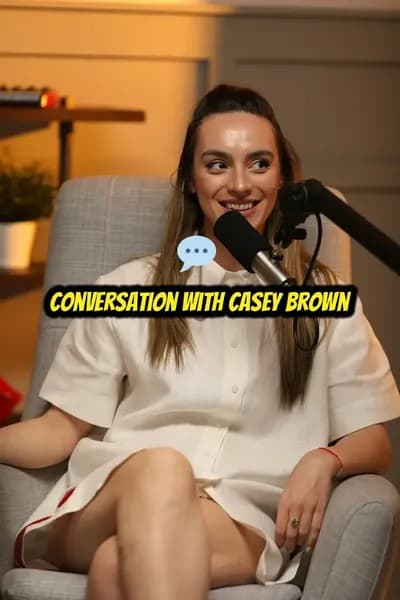




AI-powered editing
Add B-roll without manual searching
VIDIO helps you enrich plain footage with AI-assisted B-roll placement so your video feels more dynamic and easier to watch.
- Easy to use.
- No installs or complex timelines. Upload your footage and create AI B-roll videos in a few clicks.
- Fast.
- Use AI-assisted workflows to speed up repetitive editing tasks and get share-ready results faster.
- Accurate.
- VIDIO helps identify useful moments and apply smart edits so your final video feels polished.
Smart video workflow
Control the final details in your Automatically Add B-roll to Videos
After AI creates the edit, add or remove cuts, overlays, titles, and beats while matching transitions, captions, and music update automatically.
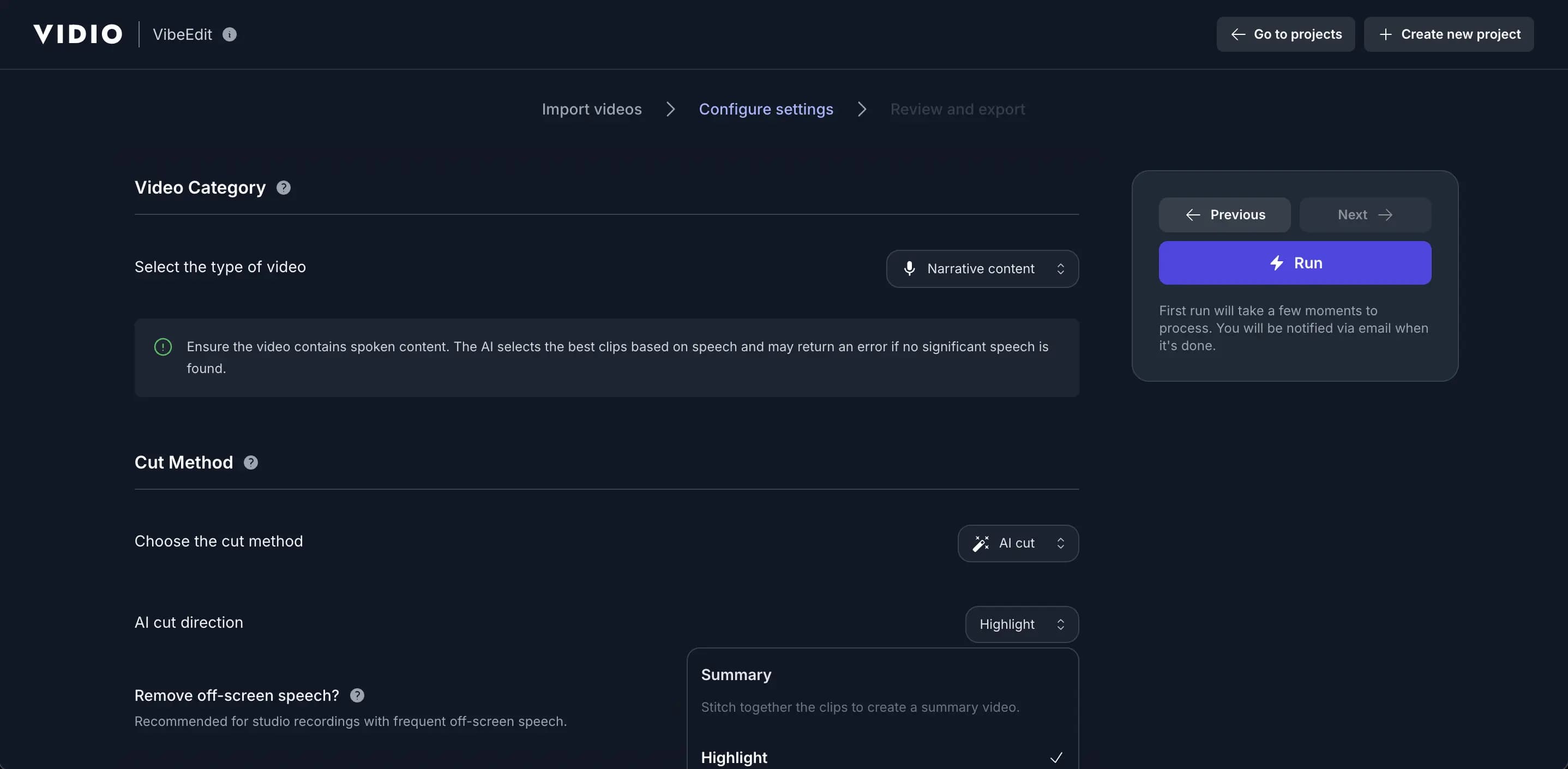
Adapt to Any Pace, Platform, or Style
- Custom music
- Enhance your highlights with customisable background music to set the perfect mood and tone for your video.
- Segment length
- Adjust segment lengths to create fast-paced excitement or slow-paced storytelling, tailored to your style.
- Video resizing
- Effortlessly resize your videos to perfectly fit any social media platform’s requirements.
- Output length
- Set the perfect output length to match your story, audience, or platform needs.
- Transition effects
- Seamlessly enhance your highlights with smooth and dynamic transition effects.
- Segment adjustments
- Get a complete list of segments with AI recommendations highlighted, allowing you to adjust and customise to your preference.
- Auto B-roll search and add
- Automatically find and insert relevant B-roll clips to enrich your story without manual searching.
- Auto caption overlays
- Add stylish text captions and emoji overlays that highlight key moments and keep viewers engaged.
- Beat sync
- Automatically align cuts, transitions, and visual moments to the rhythm of your soundtrack.
- Text animations
- Bring titles, callouts, and social cards to life with a variety of animated text styles.
Recommended by top media and bloggers.





Create AI B-roll videos for every channel
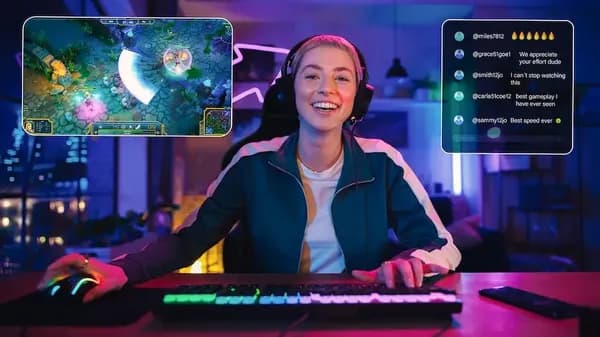
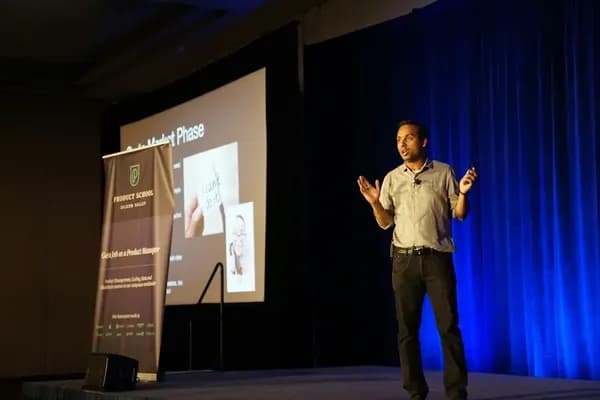
Use VIDIO to produce AI B-roll videos for social posts, ads, tutorials, podcasts, highlights, and more.







Frequently asked questions
- How does the automatic B-roll tool work?
Upload your video, choose your preferences, and VIDIO uses AI-assisted editing workflows to help create AI B-roll videos automatically.
- What types of videos can I use with this tool?
You can use a variety of video formats, including GIF, MP4, MOV, MPG, WEBM and MPEG. We support these formats to ensure compatibility with a wide range of video files.
- Is there a limit on the file size or duration of videos I can process?
Yes — there's a maximum file size limit of 3 GB for videos that can be processed. For more information, please see the pricing page.
- Can I use this tool for free?
We offer a free option that lets you use the service. For more information, please see the pricing page.
- Can I fine-tune the result?
The workflow starts with your preferences. After VIDIO creates an output, you can review the result and continue editing as needed.
- Does it work online?
Yes — VIDIO runs in your browser, so you can start an online workflow without installing desktop editing software.
Related Tools
Edit like a pro in a minute.
Still not sure? Just upload your video and experience professional editing can be fun.