AI Video Editing Agent
Tell an AI video editing agent what you want, then turn raw footage into a polished video with smart cuts, pacing, captions, music, and more.
Trusted by over 0.5 Million users worldwide
Adopted by influential creators and valued by users from global organisations










Hours of video editing in minutes with AI
Upload your footage, describe the edit you want, and let AI handle the time-consuming work while you stay in control.

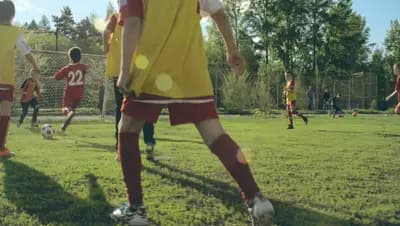
Edit video with an AI agent in 3 steps
Go from raw footage to a ready-to-share video by telling the agent what you need.
- 1. Upload Your Footage
Drag and drop your video footage and wait for the upload to complete.
- 2. Describe Your Edit
Tell the AI what the finished video should include, emphasize, or remove.
- 3. Review and Download
Review the polished result, make adjustments if needed, and download your video.
Turn your editing brief into a finished video
The agent understands your instructions, finds the right moments, and completes time-consuming editing tasks for you.
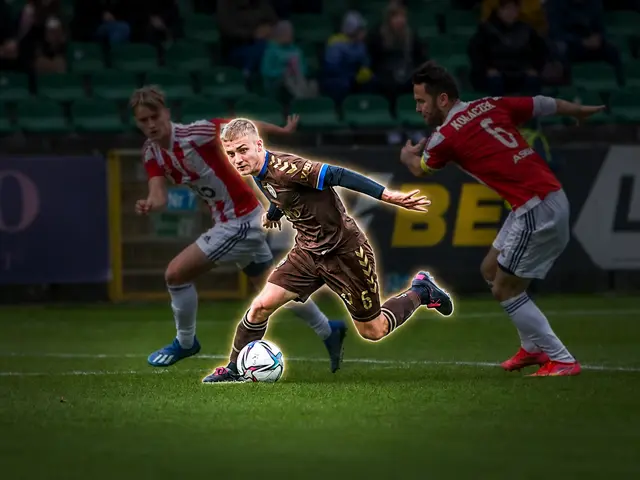

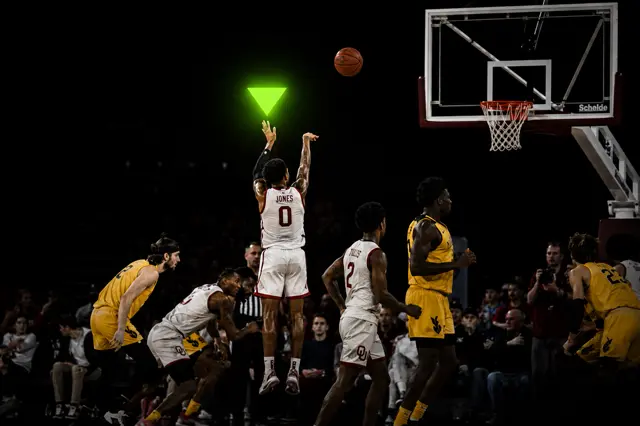
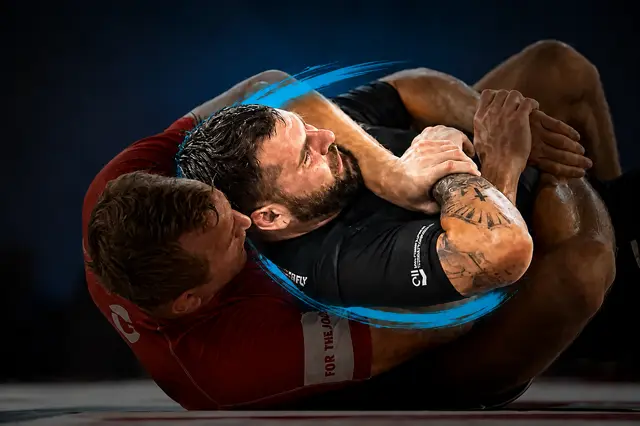
Streamlined Editing
Video Editing Through Conversation
Describe the result you want instead of manually completing every repetitive edit on a timeline.
- User-Friendly Interface
- No steep learning curves. Create highlight videos with just a few clicks, no installations required.
- Lightning-Fast Rendering
- Leveraging cutting-edge technology for speedy processing, so you can share your highlights in no time.
- Precision and Quality
- Powered by advanced AI, ensuring accuracy and delivering professional-quality highlight reels.
- Affordable Pricing
- Looking for a cost-effective solution? Our tool is designed to provide high-quality results at an affordable price.

Player-specific editing
Direct and refine your AI-generated edit
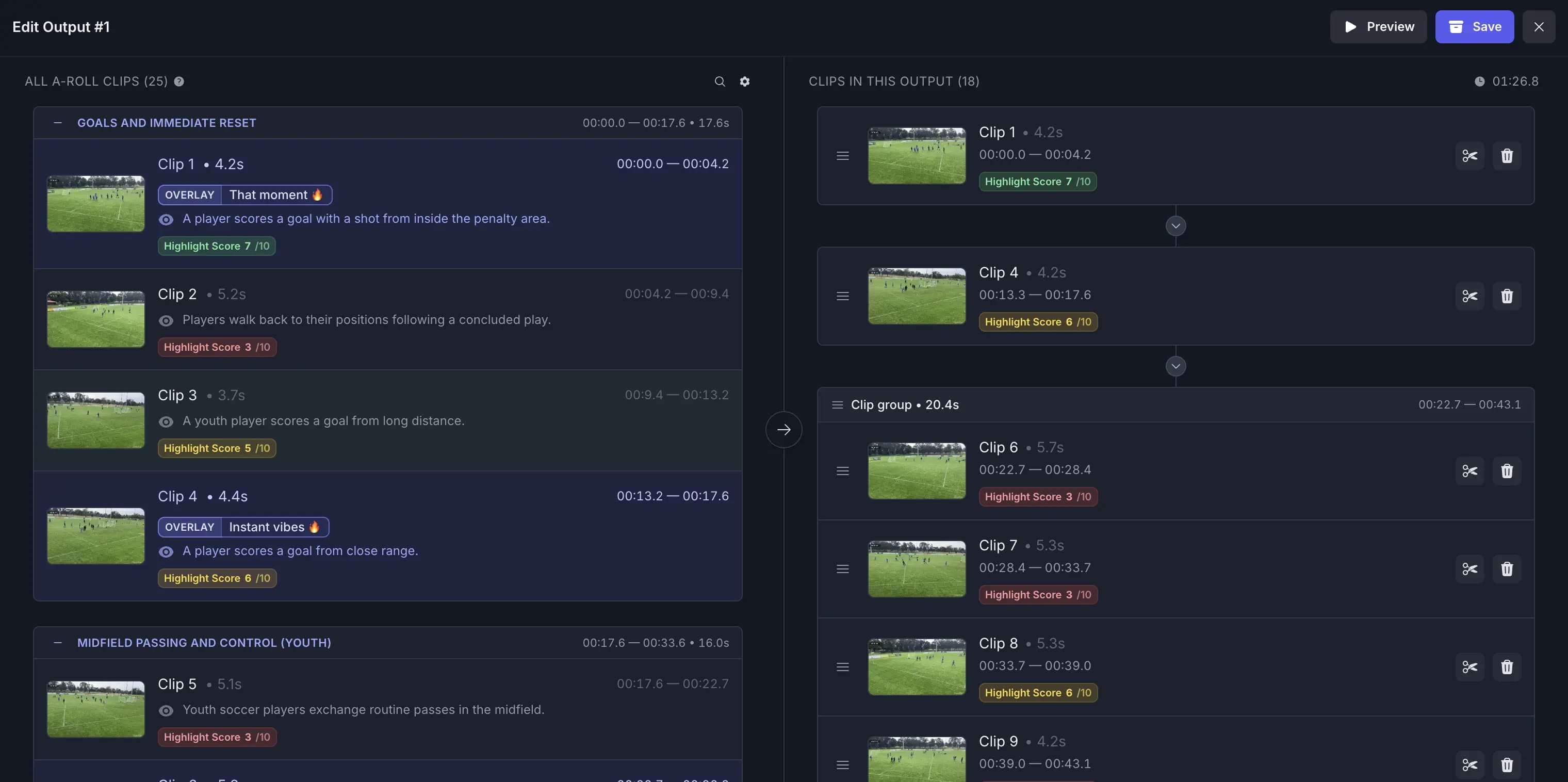
Review the first cut and give clear instructions to keep, remove, or extend scenes while the agent updates the edit.
Adapt to Any Pace, Platform, or Style
- Custom music
- Enhance your highlights with customisable background music to set the perfect mood and tone for your video.
- Segment length
- Adjust segment lengths to create fast-paced excitement or slow-paced storytelling, tailored to your style.
- Video resizing
- Effortlessly resize your videos to perfectly fit any social media platform’s requirements.
- Output length
- Set the perfect output length to match your story, audience, or platform needs.
- Transition effects
- Seamlessly enhance your highlights with smooth and dynamic transition effects.
- Segment adjustments
- Get a complete list of segments with AI recommendations highlighted, allowing you to adjust and customise to your preference.
- Auto B-roll search and add
- Automatically find and insert relevant B-roll clips to enrich your story without manual searching.
- Auto caption overlays
- Add stylish text captions and emoji overlays that highlight key moments and keep viewers engaged.
- Beat sync
- Automatically align cuts, transitions, and visual moments to the rhythm of your soundtrack.
- Text animations
- Bring titles, callouts, and social cards to life with a variety of animated text styles.
Recommended by top media and bloggers.





One agent for diverse video projects
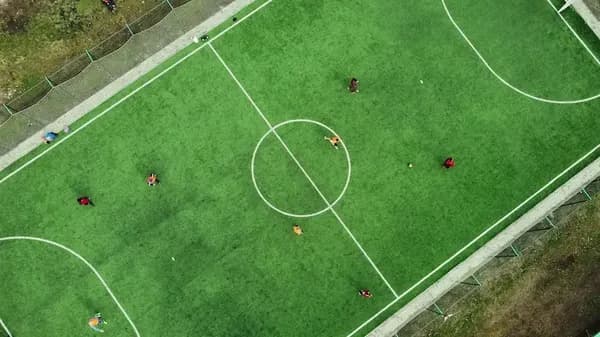
Edit interviews, podcasts, social clips, tutorials, product videos, sports footage, and more using natural-language instructions.








Questions? We Have Answers
- How does the AI Video Editing Agent work?
Upload your footage and describe the result you want. AI analyzes the video, identifies relevant moments, and assembles a polished first cut that you can review and refine.
- What video formats are supported?
Our tool supports various formats including GIF, MP4, MOV, MPG, WEBM, and MPEG for compatibility with different types of footage.
- Are there limitations on file size or video duration?
Yes, there is a maximum file size limit of 3GB for videos that can be processed. For more information, please visit the pricing page.
- Is there a free option?
Yes, we offer a free option with limited features. Premium pricing options provide access to more advanced features and longer videos.
- Can I adjust the AI-generated edit?
Yes. You can review the result and customize selections, timing, output length, and other editing details before downloading.
Related Tools
Edit like a pro in a minute.
Still not sure? Just upload your video and experience professional editing can be fun.