Auto overlay text onto video
Add perfectly timed text overlays to videos automatically with AI. Create callouts, reactions, labels, and visual emphasis online in minutes.
Trusted by over 1 million users worldwide
Adopted by influential creators and valued by users from global organisations










Simple 3-Step Process to Auto Overlay Text to Video
No manual keyframing or complex timeline work. Add polished text overlays with a simple AI workflow.
- Upload Your Video
Drag and drop your video file onto our platform. We will handle the editing workflow from there.
- 2. Describe your requirements
Tell the AI what you want in your edit using the prompt box, then submit it. Vidio will use your requirements to create the video.
- Download Your Edited Video
Review the result and export a polished video with text overlays ready to share.
Add text overlays that guide every scene
Use AI to place callouts, labels and on-screen text where they help explain, promote or emphasise the moment.
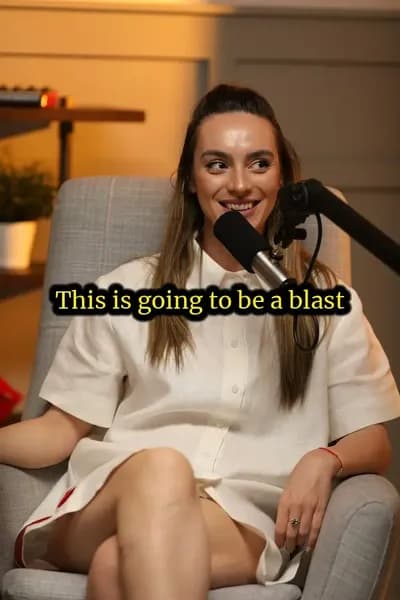

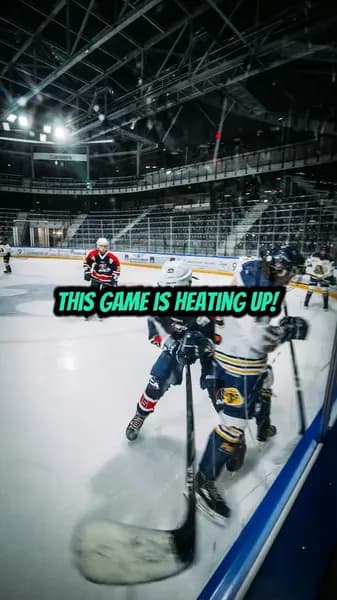
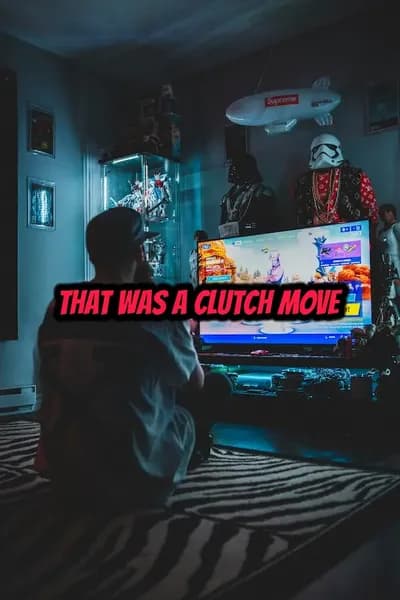

Effortless Text Overlays
Simplify Video Text Overlays with AI
Our AI-powered editor helps add text overlays that fit the content, timing and style of your video.
- Prompt-Based Overlay Creation
- Describe the text overlays you want and let AI apply them to the right moments in your video.
- Fast Visual Emphasis
- Highlight important moments with automatic text overlays instead of manually placing every graphic.
- Share-Ready Styling
- Generate clean, on-brand text overlays that support your video without distracting from the story.
AI-powered overlay editing
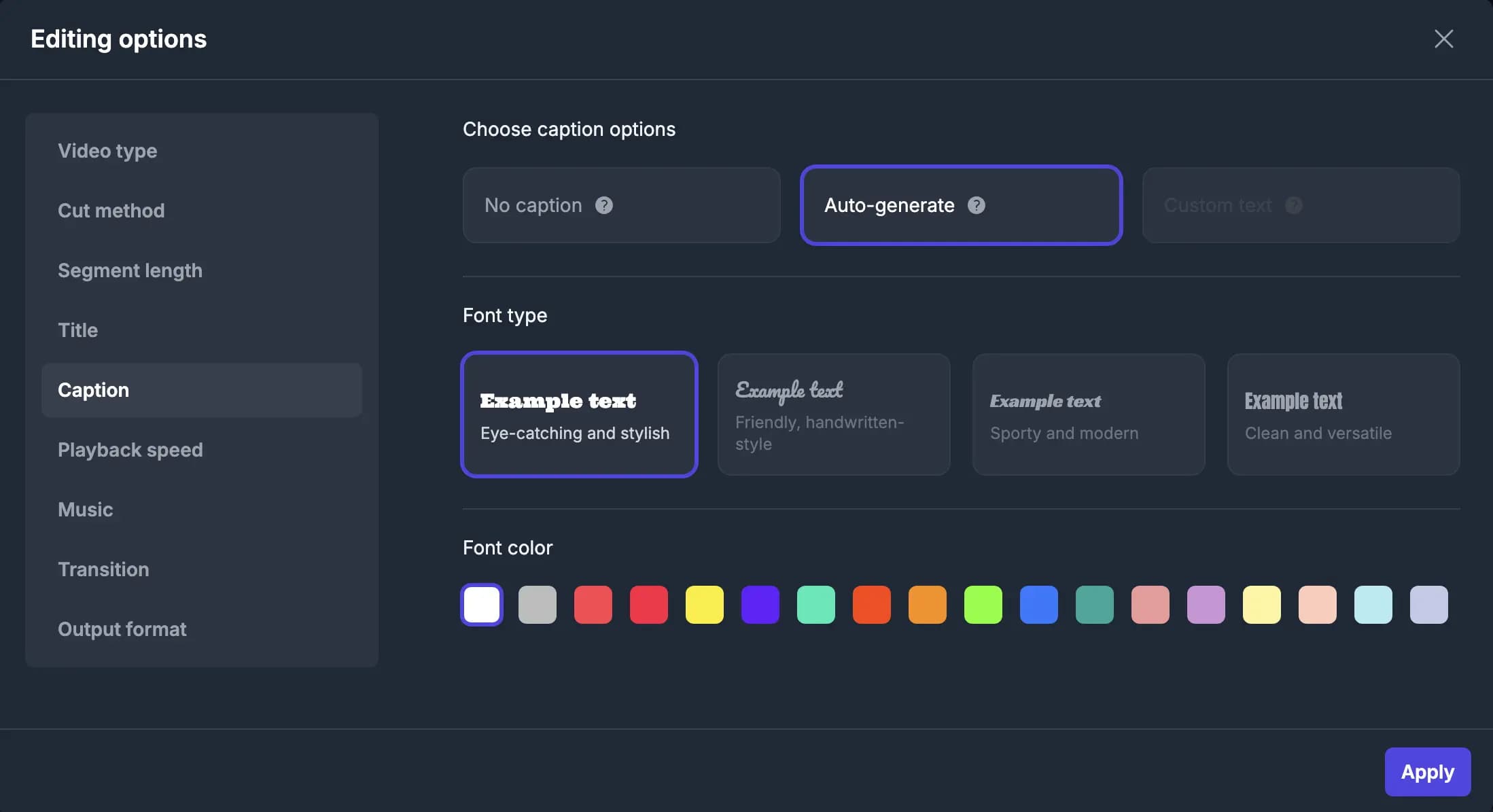
Control the final details of your Auto Overlay Text to Video
After the AI creates the edit, add or remove cuts, overlays, titles and beats; transitions, captions and music are updated automatically to match.
Game-Changing Auto Overlay Text Features
- Automatic Timing
- Place text overlays at the moments where they add the most context, emphasis, or entertainment value.
- Smart Placement
- Keep text overlays away from important faces, objects, and action so your video stays easy to watch.
- Style Customisation
- Adjust fonts, colours, scale, motion and visual treatment to match your brand or social format.
- Animated Overlays
- Add subtle motion and transitions so text overlays feel native to the edit.
- Social Video Ready
- Create punchy text overlays for shorts, reels, promos, highlights, tutorials and reaction videos.
- Prompt-Based Revisions
- Ask for changes in plain English and quickly refine the text overlay style, density and pacing.
Recommended by top media and bloggers.





Frequently Asked Questions
- What does auto overlay text to video mean?
It means using AI to add text elements directly on top of your video for emphasis, context, reactions or visual storytelling—not to create subtitles.
- Can I control where the text overlays appear?
Yes. You can describe placement, timing, style and density, then refine the text overlays with additional prompts.
- What video formats are supported?
Our tool supports common video formats including MP4, MOV and more.
- Is this different from adding subtitles?
Yes. This workflow is designed for creative text overlays such as callouts, labels, reactions, emphasis and decorative elements rather than transcript-based subtitles.
- Is there a free option?
We offer a free option with limited features. Premium options are available for advanced features and longer videos.
Related Tools
Edit like a pro in a minute.
Still not sure? Just upload your video and experience professional editing can be fun.