Best Alternatives to FlexClip (2025 Guide)

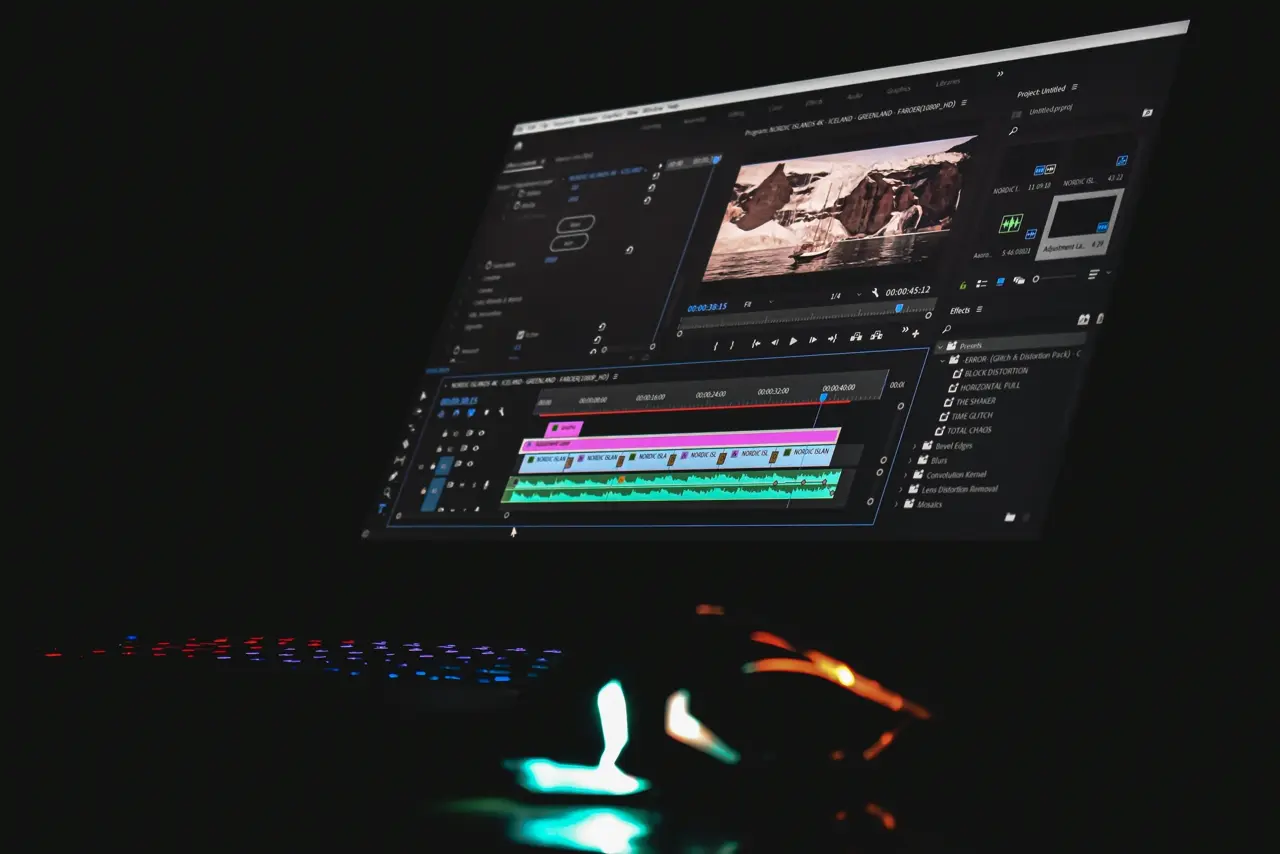
FlexClip is a browser-based video editor known for its drag-and-drop simplicity and rich template library. It’s designed for creating marketing videos, social media clips, presentations, and more[1]. With hundreds of ready-made templates and AI-powered tools (text-to-speech, auto-subtitles, etc.), FlexClip lets beginners produce polished clips quickly[2][1]. Its ease of use and cloud storage have won “the trust of millions worldwide,” earning a 4.4/5 Trustpilot rating[3].
Despite these strengths, some users seek alternatives. FlexClip’s free plan is very limited: it caps projects at 12, caps video length at 10 minutes, and always adds a watermark[4]. Even paid plans limit stock assets and AI usage, and many advanced editing features require a Business-tier subscription. Reviewers note that the free version “has a lot of limitations, watermarks videos, [and is] quite basic for advanced editing,” and editing large files can be slow[5]. For these reasons – along with the desire for more features, better performance, or different pricing – creators often compare FlexClip to other tools.
Featured: VIDIO’s AI Video Editor
One standout alternative is VIDIO’s AI Video Editor (recently rebranded as VibeEdit). VIDIO is a web-based AI editor that automatically analyzes footage and produces professional videos with minimal work. Users simply upload raw clips and set preferences; VIDIO’s AI then trims out “boring” parts, stitches scenes together, and enhances the output (e.g. auto-adjusting brightness)[6][7]. Key features include:
- AI-Powered Clipping: Automatically selects highlights from long footage (by speech or visual cues) and compiles a concise video[8].
- Background Removal & Lighting: Advanced AI tools remove unwanted backgrounds (via object masking) and improve lighting or color in ~1 minute per clip[9][7].
- Audio Enhancement: Extracts clean audio, removes noise, and allows adding custom music or voiceovers[10].
- Speed & Scale: VIDIO’s cloud GPUs process uploads up to 3GB quickly, enabling one-minute enhancements or near-instant stitching of multiple files[7][11].
Pros: A fully browser-based workflow with no install needed; very fast cloud rendering; AI handles tedious edits; outputs up to 4K (Business plan)[6][12]. Cons: Free/Premium plans limit video length and exports (and rebranding to VibeEdit may confuse new users).
Platforms: Web browser only (no desktop/mobile app).
Best for: Creators and marketers who want to automate editing. Ideal for quickly generating social media videos, highlight reels, or polished ads with AI assistance.
Other Top FlexClip Alternatives
VEED.io
- Key Features: VEED.io is a versatile online editor packed with AI tools[13]. It supports drag-and-drop video editing, automatic subtitles, background noise removal, and even AI translation/dubbing. Its “Magic Cut” tool can isolate subjects or remove silences, and it offers a large stock library and branding templates[13][14].
- Pros: Intuitive browser interface; rich AI features (auto captions, voice cloning, eye-contact correction)[13]; no software install required; team collaboration (shared projects). Exports up to 4K on paid plans.
- Cons: Free plan adds a watermark and limits export quality/storage[15]; some users report glitches with large files or complex edits[15].
- Platforms: Web only (browser-based).
- Best for: Social media content creators and small teams who need easy collaboration and built-in AI helpers (e.g. auto-subtitling). VEED is great for quick social video edits and marketing clips.
Canva Video Editor
- Key Features: Canva (Web, iOS, Android) has a built-in video editor with 250,000+ templates, a massive stock asset library, and easy drag-and-drop editing[16]. It now includes AI tools like Magic Write for scriptwriting and simple text-to-video features[17].
- Pros: Extremely user-friendly and collaborative; excellent for branding (upload logos, fonts, colors); free tier offers 5GB storage and thousands of free templates[16].
- Cons: Requires a continuous internet connection; even the paid version lacks deep timeline editing (only single-track editing, limited effects)[18].
- Platforms: Web, iPad, iPhone, Android.
- Best for: Casual creators, social media marketers, and teams who prioritize design and collaboration. Ideal for promo videos, ads, or educational content where pre-made graphics and simplicity matter[16].
InVideo
- Key Features: InVideo (Web) offers a robust multi-layer video editor with 7,000+ templates and an extensive stock media library. It also provides AI tools (e.g. text-to-speech, auto-resize) to assist editing[19].
- Pros: Supports advanced, multi-track editing on the web; many pro-level features like voiceovers, transitions, and keyframe animations; lots of ready-made marketing templates. Extensive stock footage and music included by default[20].
- Cons: Free plan cannot export videos (watermarked exports are locked behind paid plans)[21]; uploads and rendering can be slow on the free tier; team features are limited.
- Platforms: Web only.
- Best for: Small businesses and social marketers who need more editing control than basic apps provide. Good for creating explainer videos, ads, and content where layered editing is needed.
Kapwing
- Key Features: Kapwing (Web) is a simple online editor focused on social content. It excels at text overlays, auto-subtitles, and basic editing. AI-powered features include automatic meme generation and Magic Subtitles (autogenerating captions)[22], plus collaborative editing for teams.
- Pros: Extremely easy for beginners; great subtitle and transcription tools[23]; no download required and projects auto-save in the cloud; collaborative workspace for multiple users.
- Cons: Free exports include a Kapwing watermark[23]; advanced features (green screen, higher resolution export) require a Pro subscription; occasional performance glitches reported[24].
- Platforms: Web only (mobile browser friendly).
- Best for: Casual creators making quick social clips (TikTok, Reels, Memes). Its remarkable subtitling and meme tools make it ideal for short-form content on Instagram, YouTube, etc[24].
Clipchamp
- Key Features: Clipchamp (Web/Windows) is Microsoft’s online editor, known for its template library and hardware-accelerated performance. It provides a familiar timeline editor with stock media and simple AI features like Auto Compose (smart cuts for vertical videos)[25].
- Pros: Generous free plan (with 1080p exports); intuitive UI; lots of built-in transitions/effects[26]. Strong integration on Windows 11 and great for quick corporate videos.
- Cons: Rendering can be slow; lacks high-end controls (limited color grading/effects)[26]. The free plan still adds a watermark on exports unless upgraded.
- Platforms: Web app (runs in browser) and native Windows app.
- Best for: Business users and students needing straightforward edits. Especially suited for template-based social ads and presentations, since it prioritizes ease of use[26].
WeVideo
- Key Features: WeVideo (Web, iOS, Android) is a cloud-based editor built for collaboration. It offers a multi-track timeline, green screen, screen recording, and voiceover tools. It integrates with Google Drive and has an education-friendly interface[27][28].
- Pros: Cloud autosave with 4K exports on higher plans; real-time collaboration (multiple users can edit together)[27]; works on any device/OS via browser; a strong fit for classrooms and remote teams.
- Cons: Free plan outputs are watermarked and capped at 720p[29]; higher tiers are relatively expensive; some users report limitations in the preview mode[30].
- Platforms: Web, iOS, Android (apps).
- Best for: Educators and teams. WeVideo explicitly targets schools and agencies; users praise it for being “easy-to-use” and great for student projects[31]. Its collaboration features let teachers and students edit together, making it ideal for classroom videos or agency social media workflows.
Descript
- Key Features: Descript (Windows/macOS) is an AI-driven editor where you edit video by editing its transcript. It auto-transcribes uploads, lets you cut filler words by deleting text, and offers Overdub (AI voice cloning) for narration[32]. Other tools include studio sound (audio cleanup), and direct social sharing.
- Pros: Revolutionary text-based editing makes trimming and editing extremely fast; excellent for podcasters/vloggers; generates captions automatically. The free tier allows up to 3 hours of transcription.
- Cons: Geared more toward talking-head content; it’s not a full multi-track editor (you can’t easily do complex animations); heavy emphasis on audio means video flexibility is limited. No native browser version (needs install).
- Platforms: Desktop app (macOS/Windows).
- Best for: Content creators and educators who produce interview-style or presentation videos. If you shoot a lot of screencasts or talking-head clips, Descript’s “edit the text” approach is unbeatable for speed.
(Additional Mention) Professional Editors
For pro editors, traditional software still dominates. Adobe Premiere Pro (Windows/macOS), Apple Final Cut Pro (macOS), and DaVinci Resolve (cross-platform) offer full-featured editing far beyond FlexClip’s capabilities. These are desktop apps (no free web versions) with powerful color grading, multi-camera, and effects. They lack built-in templates but give unlimited creative control. Use these if you need Hollywood-level editing or work in professional video production.
Conclusion and Recommendations
Choosing the best alternative to FlexClip depends on your needs:
- Casual Creators: If you just want quick social videos, start with free tools like Canva, Kapwing, or Clipchamp. These have easy interfaces and templates, so beginners can make content fast. (Mac users may use iMovie for free desktop editing.)
- Businesses & Marketers: For polished ads and brand videos, consider VIDIO AI Editor or VEED.io for AI-powered speed, or Adobe Express (web) for branded templates. These tools focus on getting high-quality output quickly. If budget allows, pro suites like Premiere Pro or Final Cut deliver maximum control and 4K exports.
- Educators: Tools with collaboration shine here. WeVideo is built for classrooms – its collaborative editing and education discounts make it a favorite in schools[31]. Canva for Education (free for teachers) and Descript (for video lectures) are also excellent choices.
- Pro Editors: When FlexClip’s simplicity isn’t enough, use professional NLEs. DaVinci Resolve (free version available) offers studio-level editing and color. Premiere Pro and After Effects handle any project size. For team workflows, cloud-based Frame.io or Blackmagic Cloud can complement these tools.
Each alternative has trade-offs (free vs paid, ease vs features), so weigh your priorities. By exploring the tools above, you can find the best FlexClip alternative that suits your skill level, budget, and project goals.
Sources: Authoritative reviews and site docs were used to compare FlexClip and its competitors (citations indicate specific content used).
[1] FlexClip Software Reviews, Demo & Pricing - 2025
https://www.softwareadvice.com/video-making/flexclip-profile/
[2] FlexClip Review (2025): Is It The Best AI Video Editor?
https://trttech.ca/flexclip-review/
[3] FlexClip Alternatives & Comparisons - Find Your Ideal Online Video Editor
https://www.flexclip.com/compare/
[4] FlexClip Review: Is It The Best AI Video Editor? (2025)
https://thebusinessdive.com/flexclip-review
[5] FlexClip Reviews 2025. Verified Reviews, Pros & Cons | Capterra
https://www.capterra.com/p/234132/FlexClip/reviews/
[6] [7] [8] [9] [10] [11] [12] Vidio | SERP
https://serp.co/products/vidio.ai/reviews/
[13] [14] [15] VEED.io Overview (2025) – Features, Pros, Cons & Pricing
https://www.salesforge.ai/directory/sales-tools/veed-io
[16] [17] [18] [19] [20] [21] [22] [23] [24] [25] [26] [33] Edit Without Installing – Best Online Video Editors of 2025
https://filmora.wondershare.com/video-editor/free-online-video-editor.html
[27] [28] [29] [31] Free Online Video Editor | Edit Videos in Minutes | WeVideo
https://www.wevideo.com/video-creation/online-video-editor
[30] WeVideo Reviews, Pros and Cons - 2025 Software Advice
https://www.softwareadvice.com/video-editing/wevideo-profile/reviews/
[32] Descript – AI Video & Podcast Editor | Free, Online
Top related tools
4AskVIDIO
Ask our AI agent anything you want
This assistant can help you with guidance on what tools to use for your video editing needs.
Ask now