VIDIO vs Runway
Runway alternative for creators editing what they filmed
Runway is a generative AI platform for making new footage and VFX-style edits such as inpainting, green screen and upscaling, aimed at filmmakers and designers. VIDIO is aimed at the footage you already have: it cuts raw clips into finished videos and handles cleanup jobs like background and object removal.
 VIDIO
VIDIO


- Transparent
- Color
- Scene
Green screen remover in VIDIO
The short answer
Use Runway when you need footage that doesn't exist yet or a generative effect. Use VIDIO when you have hours of real footage and need it cut, captioned and set to music.
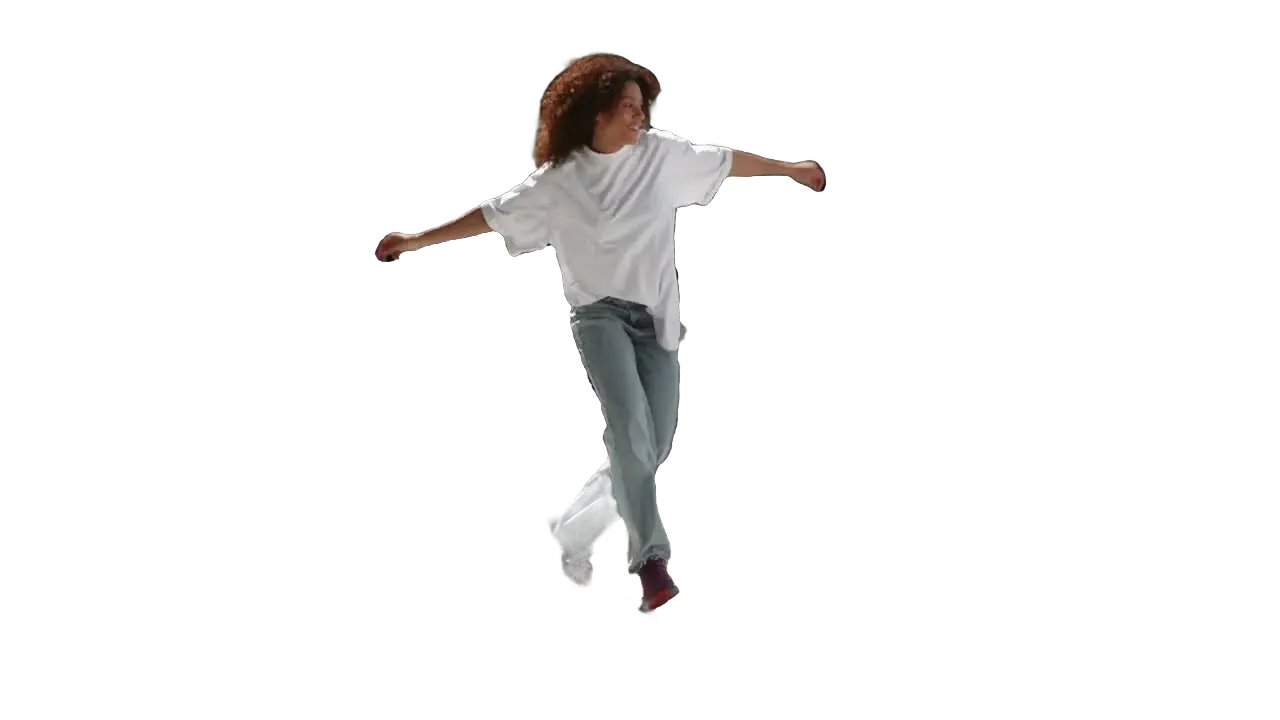
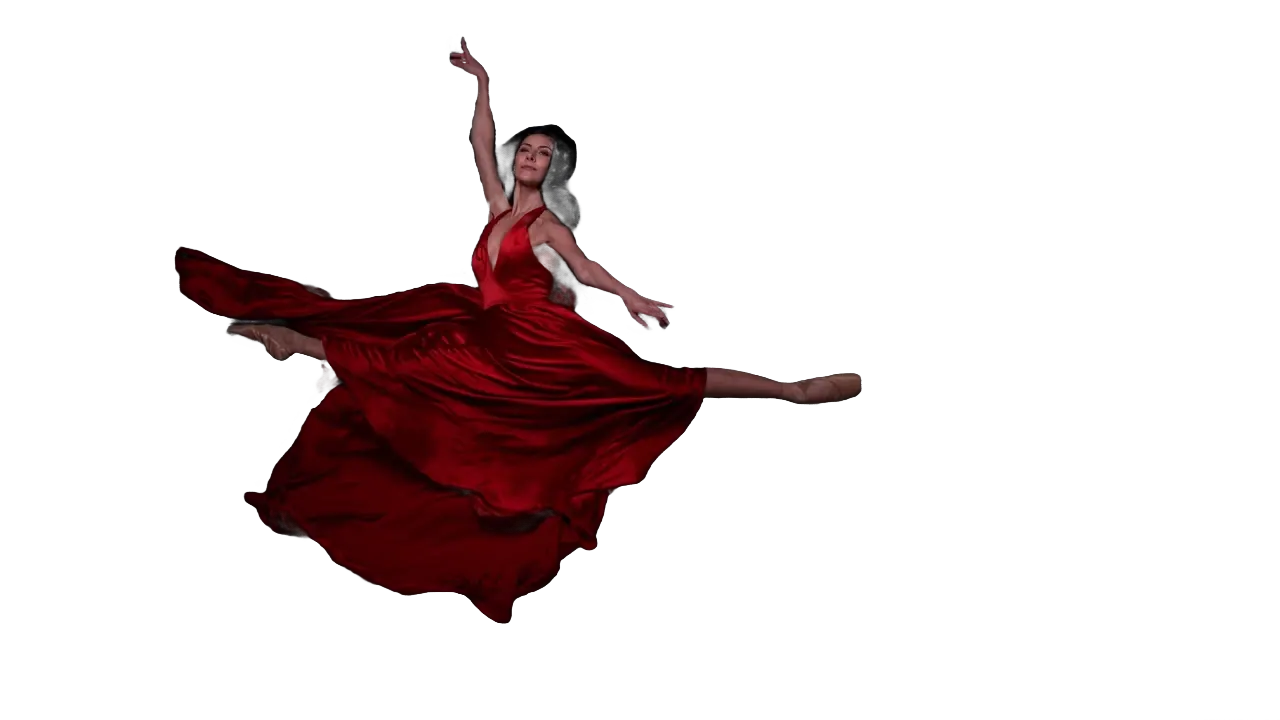
For VFX-style jobs VIDIO has green screen removal, online rotoscoping and object removal by prompt. Runway Standard is $15/mo ($12 billed yearly); VIDIO Pro starts at $10/mo.
VIDIO vs Runway at a glance
- Built for
Generating footage and VFX for filmmakers and designers
- Editing creators' own footage into finished videos
- Generative video
- No; VIDIO works on footage you upload
- Cutting raw footage
- VibeEdit picks moments and assembles the edit
- Rotoscoping and green screen
- Yes; subject exported on transparency (ProRes or GIF)
- Object removal
- Describe the object in a text prompt
- Pricing
- Pro $10/mo, Business $50/mo, Studio $200/mo (20% off yearly)
- Free plan
- Yes: 10 VibeEdit messages monthly, watermark on exports
Runway details from its own site, checked on October 30, 2026: Runway pricing, VIDIO pricing. Prices change; if something here is out of date, email support@vidio.ai and we'll fix it.
Where Runway is the better fit
- Generating new shots. Runway's Gen models create footage from prompts; VIDIO doesn't generate video.
- Video-to-video restyling. If you want to transform the look of a clip with generative AI, Runway is built for it.
- High-end output. Runway's Max plan lists ProRes and HDR output with 500 GB of storage.
- A VFX toolkit in one place. Inpainting, green screen, rotoscoping and upscaling sit side by side for filmmakers and designers.
Where VIDIO is the better fit
- Turning real footage into a video. VibeEdit cuts a game, trip or event into a finished edit with music, captions and transitions; start with the AI video editor.
- Prompt-based object removal. Describe what to remove and VIDIO follows it across frames, with no manual masks or keyframes.
- Click-based cutouts. Video inpainting and rotoscoping isolate a subject from a click and carry the mask across the clip.
- Cheaper to start. VIDIO Pro starts at $10/mo, or $8/mo billed yearly.
See it in VIDIO
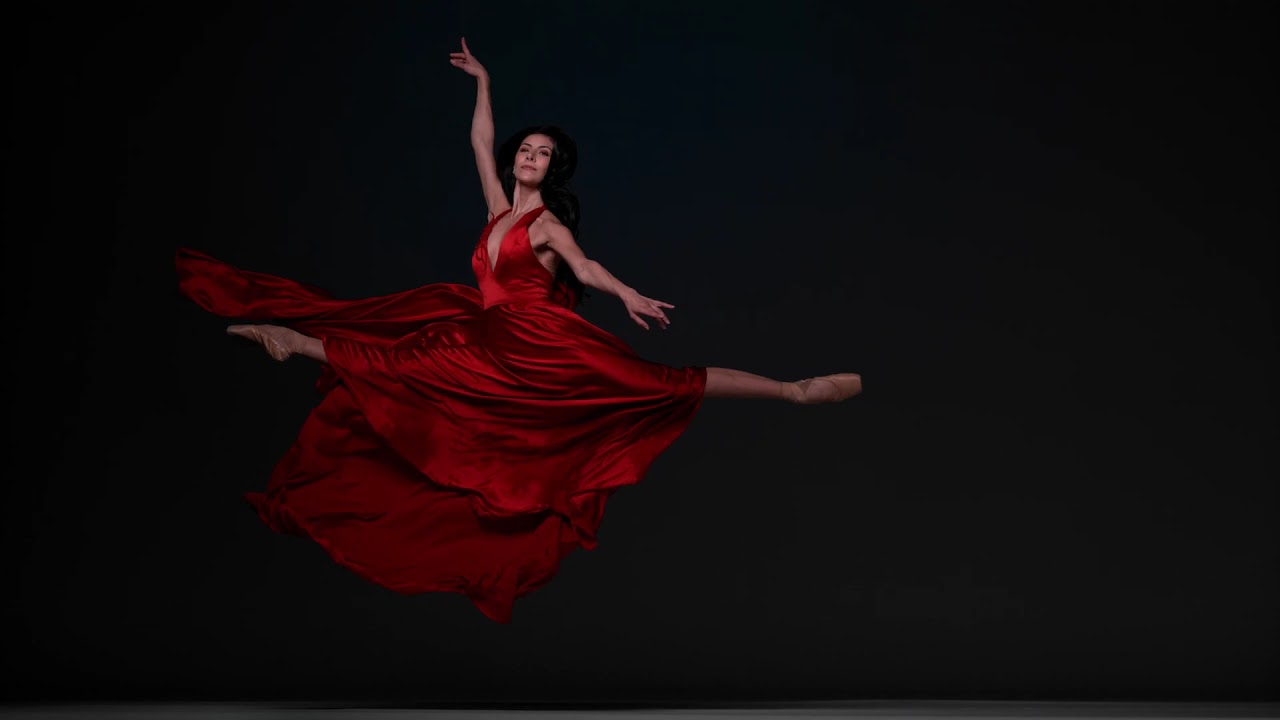
Live demos on real public footage, the same ones on each tool's page.






Using both
Generate a missing establishing shot in Runway, then upload it with your own clips to VIDIO and let VibeEdit cut the whole thing to music.
VIDIO tools for this
Questions
Is there a cheaper Runway alternative?
For editing and cleanup rather than generation, VIDIO Pro starts at $10/mo. Runway Standard is $15/mo, or $12/mo billed yearly.
Can VIDIO generate video from text like Runway?
No. VIDIO edits footage and photos you upload. For text-to-video generation, Runway is the right tool.
Does VIDIO do green screen removal?
Yes. It removes green screens and other backgrounds and can export the subject on a transparent background as ProRes or GIF.