How to Make an Ice Hockey Highlight Video with VibeEdit

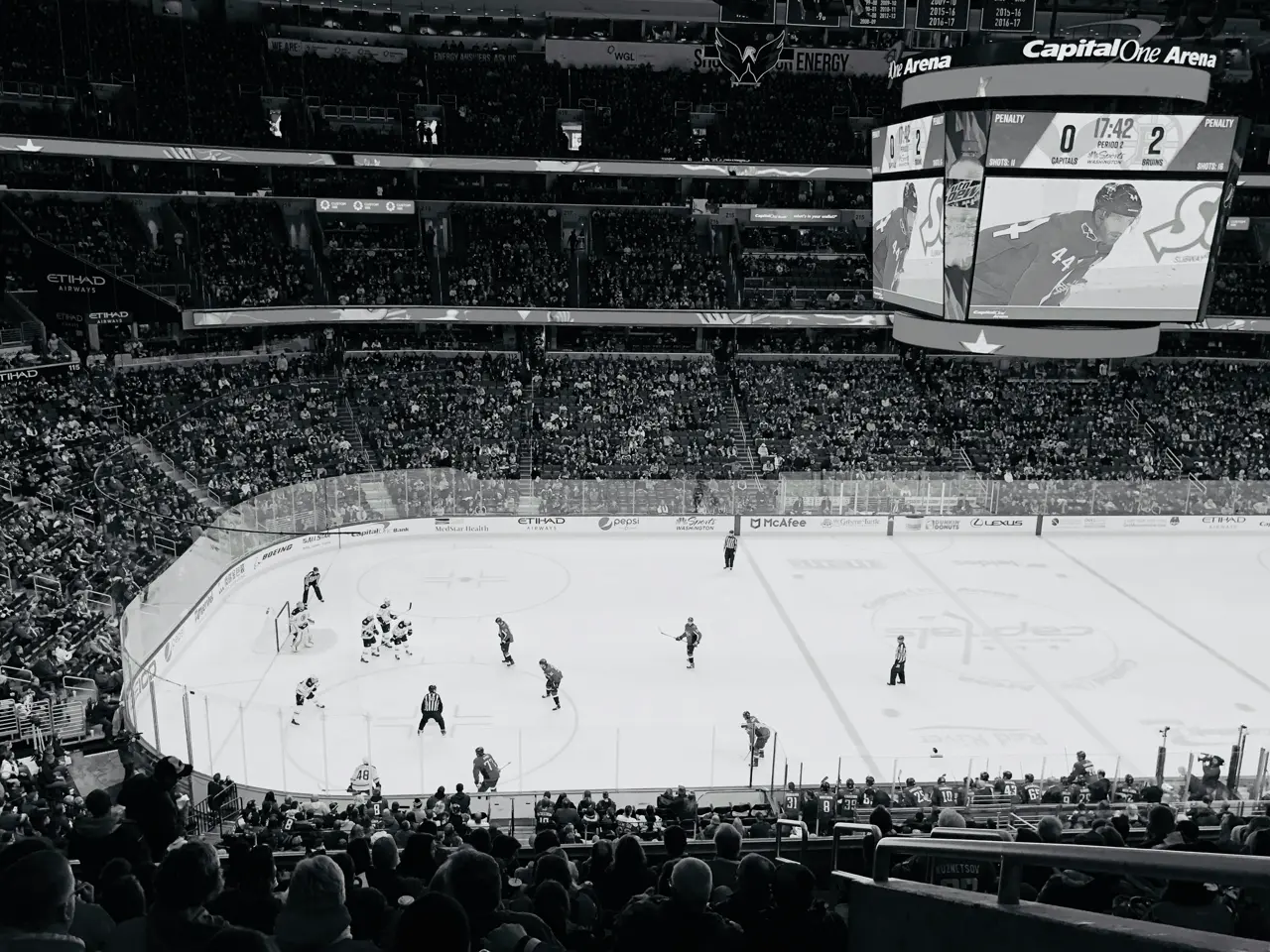
Coaches, players and sports content creators often want to share just the best plays from a full hockey game. Manually editing highlights can take hours. With AI-powered tools like VIDIO’s VibeEdit, you can automatically detect goals, saves, and other key moments so anyone can quickly make a highlight reel. In this guide we’ll show step-by-step how to use VibeEdit’s sports highlight video maker and share tips on polishing the final video.
Step-by-Step: Create a Hockey Highlight Reel with VibeEdit
- Upload your full game video. In VibeEdit, start by uploading the entire hockey game footage. The tool accepts common video formats and can handle full-length games without splitting them into parts [1]. This lets you work from the entire match without missing any moments.
- Let the AI find key moments. Click Start to have VibeEdit’s AI analyze the video. The advanced AI will automatically “identify exciting moments, goals, plays, and significant action sequences” in your footage [2]. This means the software will scan the game and cut out each big play. You won’t have to watch the whole game – the AI does it for you. In effect, you just “upload your footage and let AI pick the best moments for you” [3].
- Review and edit the auto-compiled reel. Once AI processing is done, VibeEdit will show you a rough highlight reel. Preview the clips and adjust if needed. By default, the tool adds dynamic transitions, on-screen graphics, and even automated commentary to the highlights [4]. You can fine-tune each clip’s start/end or reorder them. For example, trim away any delay before a goal so the video flows tight to the action.
- Add polish and export. Use VibeEdit’s editor to add titles, logos or music. For instance, overlay your team logo or a player’s name graphic to brand the video. (Adding such images is “a really common way to help tell a better story” in highlight videos [5].) Choose an exciting background track and adjust clip speeds if desired. When you’re happy, export the final highlight video in HD. Your polished hockey highlights are now ready to share on YouTube, social media or with scouts.
Why AI Highlight Makers Are Game-Changers
Using AI to make highlight reels saves a ton of time. Modern tools can automatically detect all the key plays so you don’t have to scrub through footage. For example, one AI editor explains that it will “detect key moments to extract the highlight automatically” and even suggest transitions or music [6]. In practice, this means you can find every goal, save or great play with a click instead of watching hours of video.
- Automatic highlight detection. AI analyses the full game to spot goals, assists, saves and big hits. One tool description notes that it “automatically detects highlights in your sports videos” so you only have to upload and let AI pick the best moments [3]. This ensures nothing exciting is missed.
- Huge time savings. Instead of manually searching for moments, AI can produce a first-cut reel in minutes. Some tools will automatically cut clips tightly (removing downtime) and can apply one-click fixes. As noted above, these editors “use AI to detect key moments” and even add “transitions or music with AI suggestions” [6]. All of this speeds up the process enormously.
- Pro-level polish. The AI can also handle the styling. VibeEdit, for instance, generates a reel with built-in smooth transitions, captions or even voice commentary [4]. This gives your highlight video a professional look without needing expert editing skills. You get dynamic camera zooms, text overlays or intro graphics automatically, which impressively enhances the final result.
Tips for Polishing Your Highlight Reel
- Trim extra footage. After the AI compiles clips, trim them so each one starts and ends right at the action. Good editors provide easy trimming tools. For example, one guide notes that basic editors let you “remove unwanted scenes” by dragging sliders to cut out downtime [7]. Cutting out delays and dead space keeps the video fast-paced.
- Add smooth transitions. Put simple transitions between clips so viewers clearly see when one play ends and the next begins. As one guide explains, transitions make it “obvious” where one clip stops and another starts [8]. VibeEdit may add default fades or slides; you can also change them in the editor. This small touch keeps the reel flowing nicely.
- Include logos and titles. Use overlays for team logos, scoreboard graphics or player photos. For instance, placing a team crest or player’s face on the video “helps tell a better story” and looks more professional [5]. You can also add text labels (e.g. “Goal!” or period number) or lower-third titles to identify key plays. Branding your reel with logos makes it instantly recognizable.
- Choose music and captions. Adding an upbeat, properly licensed soundtrack can heighten excitement. Align the clip edits to beat changes for dramatic effect. Many AI editors let you add or auto-generate subtitles and voice-overs as well. Even if it’s optional, a great music track or highlight voiceover will keep viewers engaged.
With these finishing touches, your VibeEdit highlight video will not only include all the best hockey moments, but also look polished and exciting for fans and scouts.
Try VibeEdit for Your Next Hockey Highlights
Ready to create your own highlight reel? VibeEdit by VIDIO is an easy-to-use AI sports video editor you can try online. Just go to VIDIO’s Sports Highlight Video Maker (VibeEdit), upload your hockey game, and follow the steps above. Within minutes, you’ll have an exciting highlight video of goals, saves and big plays – no editing experience needed. Give VibeEdit a test run with your next game footage and see how quickly you can turn raw video into a showpiece highlight reel!
Sources: Examples and tips from AI highlight editing tools[1][2][4][6][3][7][9][8][5].
[1] [2] [4] Sports Highlight Video AI Generator | Create Shorts in Minutes
https://www.revid.ai/tools/ai-sports-highlights-generator
[3] [6] 5 Best Sports Highlight Video Makers (Free & Paid)
https://www.vidnoz.com/ai-solutions/sports-highlight-video-maker.html
[5] [8] How to Make a Highlight Video on Your Phone for Free - Sports Parent Guide - Soccer Stripes
https://soccerstripes.com/how-to-make-a-highlight-video-on-your-phone-for-free-sports-parent-guide/
Top related tools
4Create with VibeEdit
Make Your Ice Hockey Highlight Video Now
Describe the key moments, effects, and music style you want in your highlight video