How to Create a Volleyball Highlight Video with VibeEdit

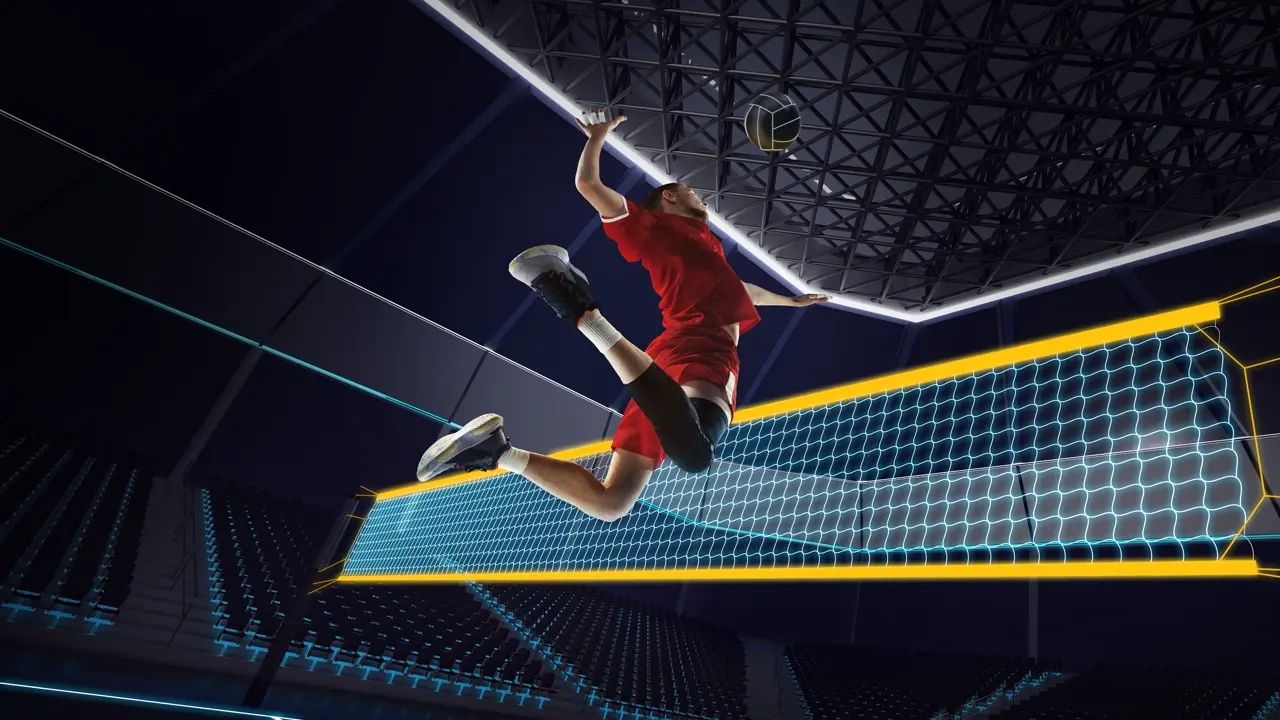
Volleyball players today often rely on highlight reels to showcase skills to coaches. College coaches have far fewer roster spots than athletes, so a well-crafted recruiting or highlight video is crucial [1]. In fact, an athlete’s recruiting video – also called a volleyball highlight video – should be the first thing sent to college coaches [2]. VibeEdit is an AI-powered sports highlight maker that simplifies this process: you upload your game footage, and it automatically finds the exciting plays, dramatically speeding up editing. Below is a step-by-step guide to planning, editing, and exporting a standout volleyball highlight video using VibeEdit.
Plan and Film Your Footage
Start by planning which plays and skills to capture. Front-load your best clips early – coaches typically form an impression within the first 10–25 seconds [3][4]. Use a steady, wide-angle shot from the baseline (tripod or fixed camera) so the full court and all player movements are visible [3][5]. Keep the raw footage concise – aim for a final highlight reel of 3–5 minutes [6][7]. Make sure to include a brief intro (and outro) slide with your name, position, team, jersey number, and contact info [8][9]. During filming, avoid shaky or zooming shots; a smooth, stable video helps coaches focus on your play, not distractions [3][5].
- Highlight your best plays first. Put top kills, blocks, aces or digs in the first 15–25 seconds to grab attention [3][4].
- Use a steady, full-court view. Mount the camera on the baseline with a tripod so it captures the entire court without moving [3][5]. Avoid hand-held or zoomed footage.
- Limit length to 3–5 minutes. Coaches prefer short videos; focus on multiple reps of each skill rather than filler or slow-motion replays [6][7].
- Add titles and overlays. Begin (and end) with a title card giving your name, year, position, and contact. Use an arrow or circle to highlight you in wide shots so coaches immediately know which player you are [8][9].
Upload Footage to VibeEdit
Next, go to the Vidio.ai website and open the VibeEdit Sports Highlight Video Maker tool. Create an account or log in, then upload your full game or practice video. VibeEdit runs in a browser (no download needed) and supports common formats (MP4, MOV, etc.). The platform is user-friendly, allowing even beginners to upload large files easily [10].
Once uploaded, VibeEdit uses AI to analyze your footage. In the next step, you can choose to focus on the whole game or even a specific player. The AI will automatically scan the video for exciting actions (like spike attempts, serves, or blocks) and assemble short clips. This AI highlight detection “cuts dead time and surfaces key moments,” similar to other sports video tools [11]. Within minutes, VibeEdit will present a draft timeline of highlights based on your selection. You can review these clips, and trim or reorder them if needed.
Customize Your Video
With the draft highlights ready, it’s time to polish the video. VibeEdit lets you choose a theme or template style, add background music, and insert captions or slow-motion effects. For example, many sports video editors allow you to "add your own footage, images, and music" and adjust text and layout for a personal touch [10]. Use VibeEdit’s built-in options to select a soundtrack (freely licensed sports music is ideal) and to insert your intro/outro slides (if you haven’t already). Add titles for each play or player name captions to clarify the action. Trim any extra frames at the start or end of clips for smooth transitions. The goal is a dynamic, coherent story of your game highlights, so keep the pace brisk and the edits clean.
- You might add slow-motion on a particularly impressive spike or pivot, but avoid overusing special effects.
- Use consistent fonts and colors for titles. Make sure any on-screen text (like your name or stats) is legible.
By letting the AI do the heavy lifting, you save hours of manual editing. You then simply refine the sequence: trim clips, change clip order, and fine-tune with music and graphics. When finished, VibeEdit will render the final video in seconds.
Export and Share
Finally, export the video. Choose your desired resolution (1080p HD is standard) and download the video file. Since it’s targeted at coaches, MP4 format is widely compatible. After exporting, upload your highlight reel to YouTube, Hudl, or a cloud link. Share it in emails or recruiting profiles. Update your video regularly (e.g. after each tournament) to keep coaches informed of your latest performance [12].
Tips for a Standout Recruitment Video
- Lead with impact. Coaches decide quickly – capture their attention with highlights and your top skills right away [3][4].
- Be concise. A clean 3–5 minute video is best [6][7]. Long videos can lose interest.
- Clean, stable footage. Show the whole court; avoid shaky cam or excessive zooms [3][5]. This keeps focus on your play.
- Professional info slides. Include a short intro/outro slide with your name, position, height, team, and contact details [8][9]. It looks polished and ensures coaches know who’s on screen.
- Keep edits simple. Skip flashy transitions or too much slow-mo – coaches value the gameplay itself [7]. The emphasis should be on skills and game awareness, not video effects.
- Trim dead time. Remove breaks (timeouts, substitutions, etc.) so the action flows. The AI can do this automatically [11][13]. This keeps the reel engaging and focused on continuous play.
Conclusion: Benefits of Using VibeEdit
By using VibeEdit’s AI-powered sports highlight maker, you turn hours of editing into minutes. The AI “identifies every player touch” and highlights key moments for you [11], so you don’t have to comb through footage manually. This means your volleyball highlight video is ready fast and features the most exciting plays. In practice, tools like VibeEdit make it easy even for beginners to create “compelling highlight reels” [14] that look professional. The result is a polished recruitment video that stands out to coaches without requiring you to master complex editing software. Ultimately, VibeEdit saves time and ensures your best volleyball moments shine through in the final highlight reel [11][14].
Sources: Advice and tips were compiled from volleyball recruiting guidelines and AI sports editing resources [1][4][7][3][15][11][14].
[1] [3] [6] [8] How To Make A Volleyball Highlight Video That Will Get You Noticed - Stack Athlete
https://stackathlete.com/how-to-make-a-volleyball-highlight-video-that-will-get-you-noticed/
[2] [4] [5] [7] [9] [12] [13] [15] How to Craft a Standout Volleyball Recruiting Video
https://www.ncsasports.org/womens-volleyball/recruiting-video-highlights
[10] [14] Sports Video Maker | Create a Sports Highlight Video Online
https://www.capcut.com/create/sports-video
[11] Power Your Team with AI Volleyball Stats for Performance • Hudl
Top related tools
4Create with VibeEdit
Make Your Volleyball Highlight Video Now
Specify key moments, style, music, and any text or effects you want