#1 Online AI Video Editor
AI License Plate Blurring Online
Protect driver privacy effortlessly with AI License Plate Blurring Online. Upload your video to automatically blur license plates in seconds—try it for free today!
Trusted by over 1 Million users worldwide
 Scanning



























Blur license plates in 3 easy steps
No software, no learning curve—just upload, select, and download.
Upload
Drag-and-drop or click to add your video.
2:00:32MP4 · 29.7 GB0%Choose plates
Our AI detects every license plate. Decide which to blur or keep clear.
 Plates found1 left visible
Download
Export your privacy-protected video in the resolution you need.
0%MP41080pMP4
Plates, frame by frame
Every plate found, every plate covered
VIDIO finds the license plates in your video, follows them as cars move, and covers them the way you choose.
Found and pixelated for you
Upload the video and VIDIO marks each plate, then covers it in every frame. No boxes to draw.
ScanningA whole street at once
Parked rows and busy traffic are no problem. Each plate is found and counted.
0 / 6Stays on as cars move
The cover follows the plate as the car drives closer, turns or passes.
Made for dashcam footage
Post road clips and incident videos with other drivers' plates hidden.
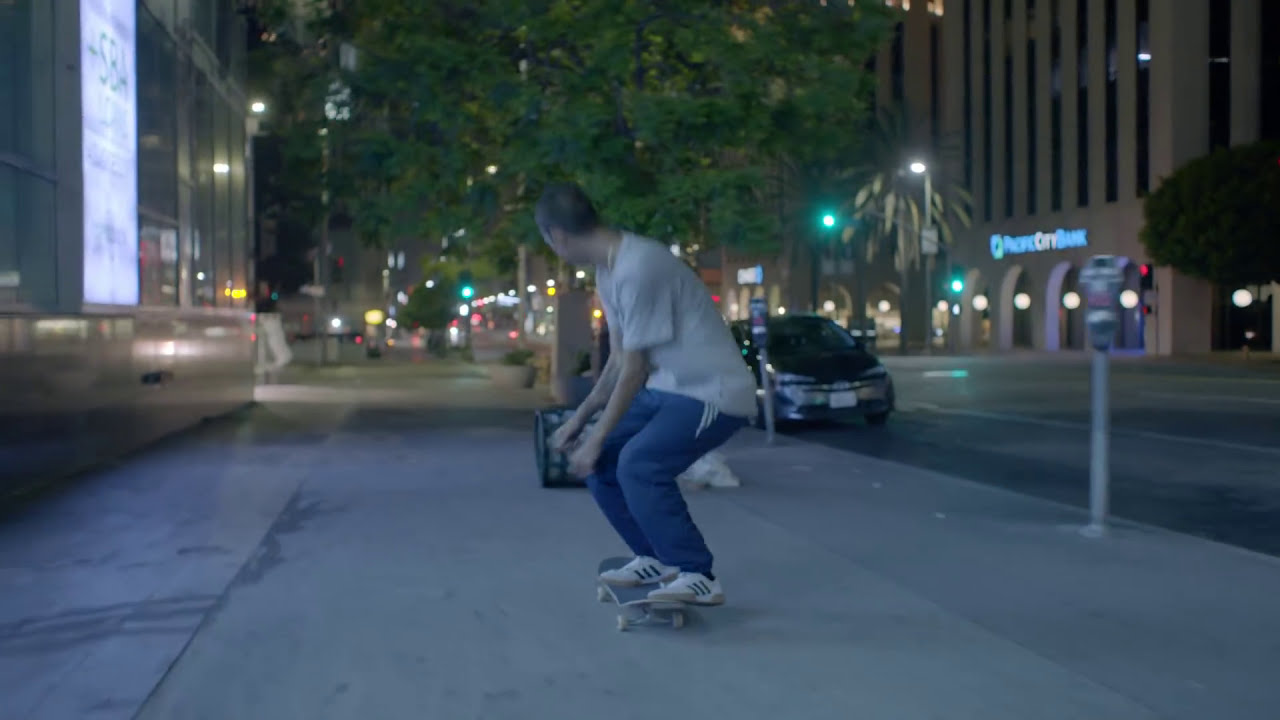
Pixelate, blur or a solid bar
Pick the look that fits your video and how strong it is.
Recommended by top media and bloggers.





Who it's for
Share the drive, not the drivers
Anyone who films on the road or the street can post without showing who owns which car.
0
Plates covered
Car vloggers
Car meets without other owners' plates
Film the lineup and cover every plate that isn't yours.
YouTube16:9 · 14:00
- 0%
Frames covered
Dashcam drivers
Road clips ready to post
Share a near miss or a scenic drive with the cars around you hidden.
YouTube16:9 · 2:30
- 12For sale12Plates hidden
Cars in the video
Dealers and rentals
Lot videos without plate numbers
Show the stock and keep customer and fleet plates private.
Facebook16:9 · 1:30
- The houseNeighbors' plates
What stays, what goes
Real estate agents
Street tours with the driveways blurred
Drive past the listing and hide the neighbors' cars.
Instagram9:16 · 0:50
0
Shots cleared
Filmmakers
Street scenes cleared for release
Cover plates in background traffic before the film goes out.
MP416:9 · 6:00
Discover More3
More ways to use VIDIO, grouped by what you're making.
AI Tools for Video Creators
Browse all tools- License Plate Blurring
- Hide Plates in Car Videos
- AI Plate Pixelation
Related Tools
5Related Articles
5Video editing guides and news
- 01Protecting Driver Privacy: Why and How to Blur Licence Plates
- 02Top 5 AI Licence Plate Blurring Tools for Privacy and Compliance
- 03How to Blur License Plates in Video Using VIDIO’s AI Tool
- 04Tools for Selective Face Blurring in Videos
- 05Best Practices for Blurring Faces in User-Generated Content to Maintain Privacy
Loved by content creators worldwide.
Review is translated.



Make your next upload your best one
Edit it, package it, schedule it and track it with VIDIO. Free to start.

$456,000 Squid Game In Real Life!
- Create


- PublishClick appeal 81
- Creator analyticsviews