#1 Online AI video editor
Video frame doubling
Transform your videos effortlessly with our AI-powered frame doubling tool! Try it online for free and elevate your footage to ultra-smooth motion in minutes.
Trusted by over 1 Million users worldwide





























Simple 3 Steps to Double Your Video Frames
No need for complex setups. Just a few clicks, and you're done.
You upload
Upload your video file. The progress will be displayed until complete.
3:20MP4 · 840 MB0%We double the frames
Our tool will interpolate frames in your video to increase the frame rate.
Original30 fpsDoubled120 fpsYou download
Download your video with increased frame rate. Enjoy smooth motion in your videos.
0%MP41080pMP4
Frame doubling
Twice the frames, same clip
VIDIO creates a new frame between every pair you shot. 30 fps becomes 60, and you can double again to 120.
A running dog, doubled
Each step of the golden retriever gets a new frame in between. Double once for 60 fps, twice for 120.
Choppy to smooth
See the same run with the original frames and with doubled ones.

Doubled frames, slower play
With twice the frames, the clip can play at half speed without repeats.
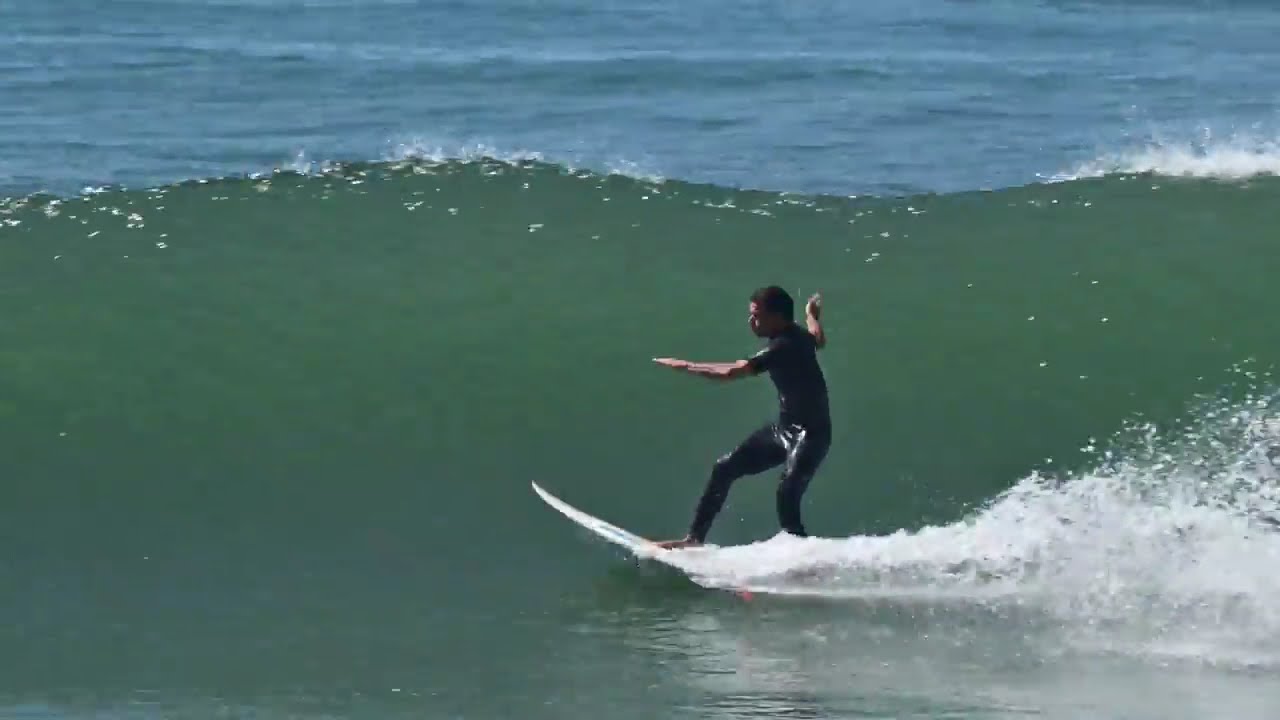
Double, then slow
Half speed needs double the frames. Quarter speed needs four times.
 0:040:08
Slow just the leap
Keep the run at full speed and slow the moment all four paws leave the ground.
Recommended by top media and bloggers.





Who it's for
When the clip needs more frames
For pet owners, creators and editors who want smoother motion or clean slow motion.
0×
Frames
Pet creators
Dog zoomies, doubled
Double the frames on your dog's run and slow it down for a clip people replay.
Reels9:16 · 0:15
0fps
From 30 to
Pet owners
Your dog's best run, smoother
Phone clips of a dog at full speed look jumpy. Double them and they flow.
Instagram4:5 · 0:30
- 0%
New frames
Editors
Clean half-speed shots
Double the frames and play the shot at half speed with no repeated frames.
MP416:9 · 1:00
0fps
Frames per second
Athletes
Sprints and jumps in detail
Double, then double again, to see every stride.
MP416:9 · 0:20
0fps
Doubled to
Streamers
30 fps clips at 60
Double your recorded clips to 60 fps before you post them.
YouTube16:9 · 2:00
Discover More6
More ways to use VIDIO, grouped by what you're making.
AI Tools for Video Creators
Browse all toolsRelated Tools
6Related Articles
5Video editing guides and news
Loved by content creators worldwide.
Review is translated.



Make your next upload your best one
Edit it, package it, schedule it and track it with VIDIO. Free to start.

$456,000 Squid Game In Real Life!
- Create


- PublishClick appeal 81
- Creator analyticsviews