#1 Online AI video editor
Video resolution enhancer
Enhance your video resolution effortlessly with our AI tool! Try it online for free and elevate your visuals in minutes—no installations required!
Trusted by over 1 Million users worldwide





























Simple 3 steps to enhance your video resolution
No need to install anything on your device. Nothing to learn to use our tool. We need just a few clicks from you. We simply do the job in easiest way.
You upload
Drag and drop your video file. Uploading progress will be displayed until it is complete.
3:36MP4 · 907 MB0%We enhance
We automatically apply state-of-the-art AI algorithms to enhance your video resolution in a minute.
480p4KYou download
You download your video output on your device by simply clicking the Export button.
0%MP41080pMP4
More pixels, more detail
Low resolution in, 4K out
VIDIO raises the resolution of your video and fills in real detail. Upload the file, pick a size and download it.
Choose 1080p or 4K
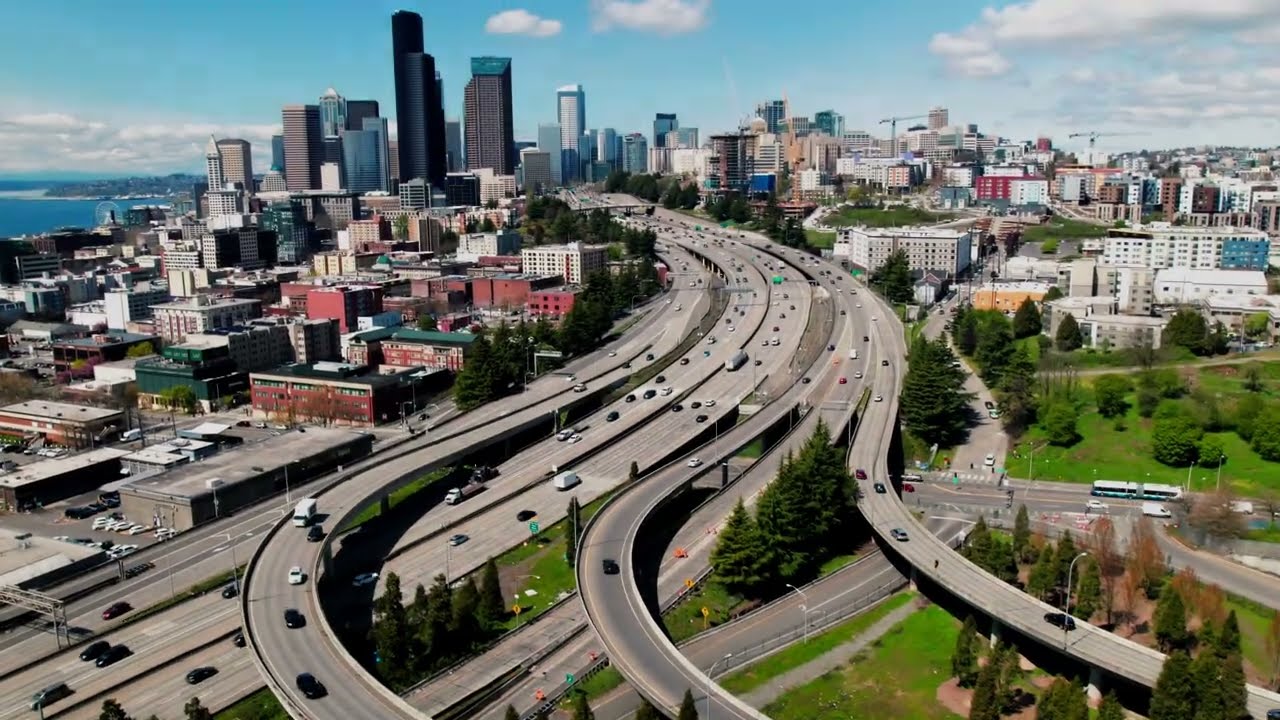
Upload a low resolution clip, like this aerial of a city and its highways. Pick the size and get every car and window back.
Low resolution to 4K
A 480p drone shot of city towers comes back sharp at 4K.


Detail you can zoom into
Windows, roofs and roads stay clear when you zoom in.


Hazy shots made clear
Flat, hazy footage gets its color and contrast back.

Clearer faces
Faces in soft or compressed video get their detail back.


Recommended by top media and bloggers.





Who it's for
The right resolution for every screen
For anyone whose footage is too small for the screen it will play on.
- 720Before2160After
Lines of resolution
Drone pilots
Older drone footage in 4K
Bring 720p aerials from an older drone up to 4K for client edits.
MP416:9 · 3:00
- 0%
Frames enhanced
YouTubers
Upload in 4K
Enhance 1080p footage to 4K so YouTube streams it at higher quality.
YouTube16:9 · 10:00
0
Listings enhanced
Real estate agents
Sharp tours on a big TV
Make listing videos crisp enough for a lobby screen or a 4K monitor.
MP416:9 · 2:00
- Readable detailBlocky pixels
What changes
Teachers
Old lessons on new projectors
Enhance low resolution lecture clips so text and diagrams are readable.
YouTube16:9 · 15:00
- 4K
Clips in one edit
Marketers
B-roll that holds up
Enhance stock and archive clips so they cut cleanly with new 4K shots.
LinkedIn16:9 · 1:00
Discover More6
More ways to use VIDIO, grouped by what you're making.
AI Tools for Video Creators
Browse all tools- Video super resolution
- Video enhancer
- Video upscaler
- Video resolution enhancer
- Video quality improver
- Animation upscaler
Related Tools
5Related Articles
5Video editing guides and news
- 01Top Web-Based AI Video Enhancement Tools Like Topaz Labs
- 02Top 5 Video Frame Interpolation Tools for Smoother 60+ FPS Video
- 03Tools for Selective Face Blurring in Videos
- 04Video Resolution Trends in 2025: A Data-Driven Analysis from VIDIO
- 05How to Fix the Quality of a Video: Smart Tools and Techniques for Clearer Footage
Loved by content creators worldwide.
Review is translated.


I tried your compositing software and I think it is terrific! It works really well in the preview that I did. Blown away, actually.





Such and amazing and fast way to get your video stabilized without the need of having a beefed up PC.


Finally, I can edit like a professional without spending crazy amount of money on software I don't know how to use. Highly recommended for those who are wanting a quick and easy way to remove backgrounds from video.




Make your next upload your best one
Edit it, package it, schedule it and track it with VIDIO. Free to start.

$456,000 Squid Game In Real Life!
- Create


- PublishClick appeal 81
- Creator analyticsviews