#1 AI face masking
Mask faces in videos with AI
Easily mask faces in videos with our AI tool to protect identities. Try it online for free—no installations, just a few clicks for high-quality results!
Trusted by over 1 Million users worldwide
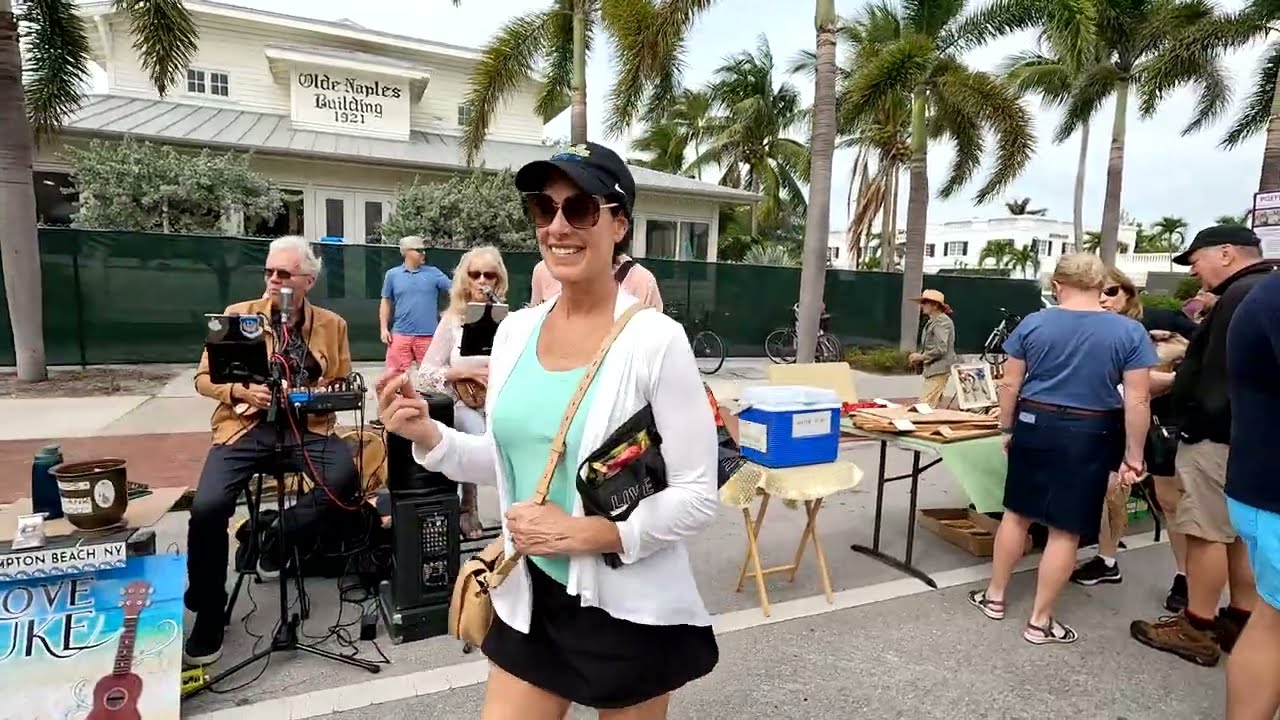




























Just 3 steps to mask faces in video
No installation required. No learning curve. Just a few clicks from you and we make the job easy.
You upload.
No installations, nothing to learn—mask faces with a few clicks.
20:23MP4 · 5.0 GB0%Select faces to mask.
Our AI masks faces automatically in minutes. Choose any faces you want to remain unchanged.
Scanning marketYou download.
Download your masked videos with a single click.
0%MP41080pMP4
AI face masking
Mask the faces in public places
Markets, stations and streets are full of strangers. VIDIO masks every face you did not ask to film.
Pick the mask for each face
The same market shoppers, masked with blur, pixels or an emoji.
Shoppers found at once
VIDIO marks every face at the market stalls, then masks them.
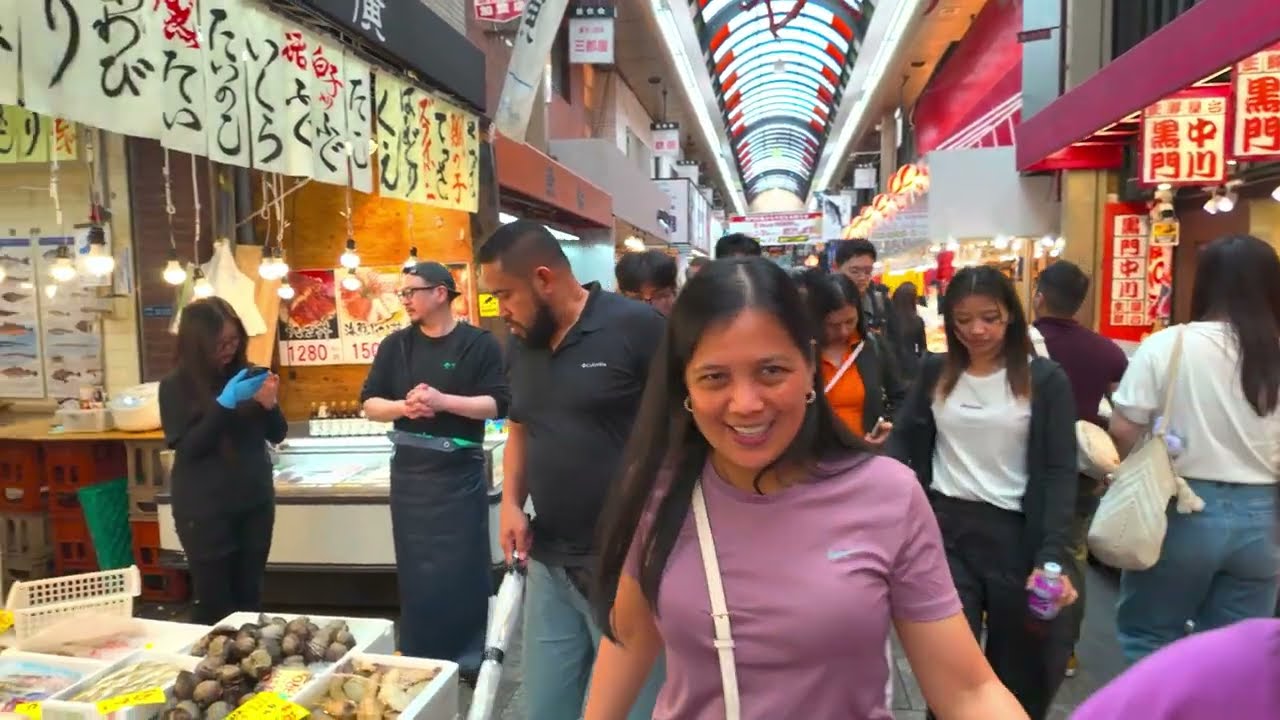 Scanning market
Masks that move with people
Shoppers walk through a busy market alley. Each mask stays on its face.
Leave one face unmasked
Keep the vendor or your guide visible and mask the rest.
Masked from start to end
Every frame gets its masks, even when people pass for a second.
Recommended by top media and bloggers.





Who it's for
Hide identities, keep the story
Mask the people who should not be recognized and share the rest of the video as it is.
0
Faces masked
YouTubers
Fun masks on friends who stay anonymous
Put an emoji over friends who want to stay off camera.
YouTube16:9 · 15:00
- HostGuest
Who stays, who is masked
Video podcasters
Anonymous guests on video
Mask a guest who wants to speak without being seen.
YouTube16:9 · 55:00
- 4Kept18Masked
Faces found
Event organizers
Event recaps with masked attendees
Mask attendees who opted out of photos before you post the recap.
Instagram4:5 · 1:00
- 0%
Frames covered
Trainers
Training videos with masked staff
Mask the employees in real work footage used for training.
MP416:9 · 8:00
0
Clips ready
Marketers
Crowd shots ready for ads
Mask the crowd so only your talent is recognizable.
Facebook1:1 · 0:30
Discover More20
More ways to use VIDIO, grouped by what you're making.
AI Tools for Video Creators
Browse all tools- Video privacy mask
- Video identity protector
- Interview privacy blur tool
- Facial privacy filter
- Face obfuscation software
- Crowd face anonymizer
- Child face blurring
- Bodycam face redaction
- AI face blurring
- AI face masking in videos
- AI face anonymizer
- AI face mosaic
- AI face pixelation
- Blur moving face
- Auto face blur
- Cover face in videos
- Censor face in videos
- Hide face in videos
- Blur face in videos online
- Auto face redaction in videos
Related Tools
7Related Articles
5Video editing guides and news
- 01Top 5 AI Video Masking Tools for Seamless Object Isolation and Effects
- 02How to Blur Faces in Videos Using VIDIO’s AI Tool
- 03AI Face Blurring for Video: Streamlining Compliance in Market Research
- 04Tools for Selective Face Blurring in Videos
- 05Blurring Faces and Backgrounds in Public Footage: Privacy & Tools Guide
Loved by content creators worldwide.
Review is translated.



Make your next upload your best one
Edit it, package it, schedule it and track it with VIDIO. Free to start.

$456,000 Squid Game In Real Life!
- Create


- PublishClick appeal 81
- Creator analyticsviews