#1 Online AI Video Editor
AI Short-Form Video Editor
Create scroll-stopping TikToks, Reels, and Shorts with an AI short-form video editor that finds standout moments and delivers polished social clips in minutes.
Trusted by over 1 Million users worldwide






























Auto edit
Edit hours of footage in minutes
Drop in your raw recording. VIDIO finds the best moments, cuts the dead air and adds music and transitions, ready to post.





Create short-form video in 3 steps
Turn raw footage into an attention-grabbing social clip without complicated editing tools.
Upload Your Footage
Drag and drop your video footage and wait for the upload to complete.
 25:42MP4 · 6.3 GB0%
Describe Your Edit
Tell the AI what the finished video should include, emphasize, or remove.
Review and Download
Review the polished result, make adjustments if needed, and download your video.
0%MP41080pMP4
Made for the feed
Shorts with a hook, a beat and the right frame
Upload a long video or a pile of clips. VIDIO builds the short around your brief, paces it for the scroll and exports it vertical for every app.
Start on the hook
Tell VIDIO how the short should open and how long it should run, and it rebuilds the edit around that brief.


Every clip it found
See each moment VIDIO pulled from your footage with its picks marked. Switch an outtake in or a slow intro out.
 Hook0:42
 Reaction0:18
 Outtake0:26
 Payoff0:35
Paced for the scroll
Choose quick cuts or longer takes, then land the short at 30 seconds, one minute or three.


Cuts on the beat
Pick a royalty-free track and every cut is timed to its beat, so the short feels edited, not trimmed.
- Upbeat pop
- Hype trap
- Lo-fi chill


One edit, every app
Post the same short at 9:16 for TikTok, Reels and Shorts, square for Instagram or 16:9 for YouTube.

Cuts that keep moving
Crossfades, wipes and zooms go in between clips automatically, so the short never stalls on a hard cut.
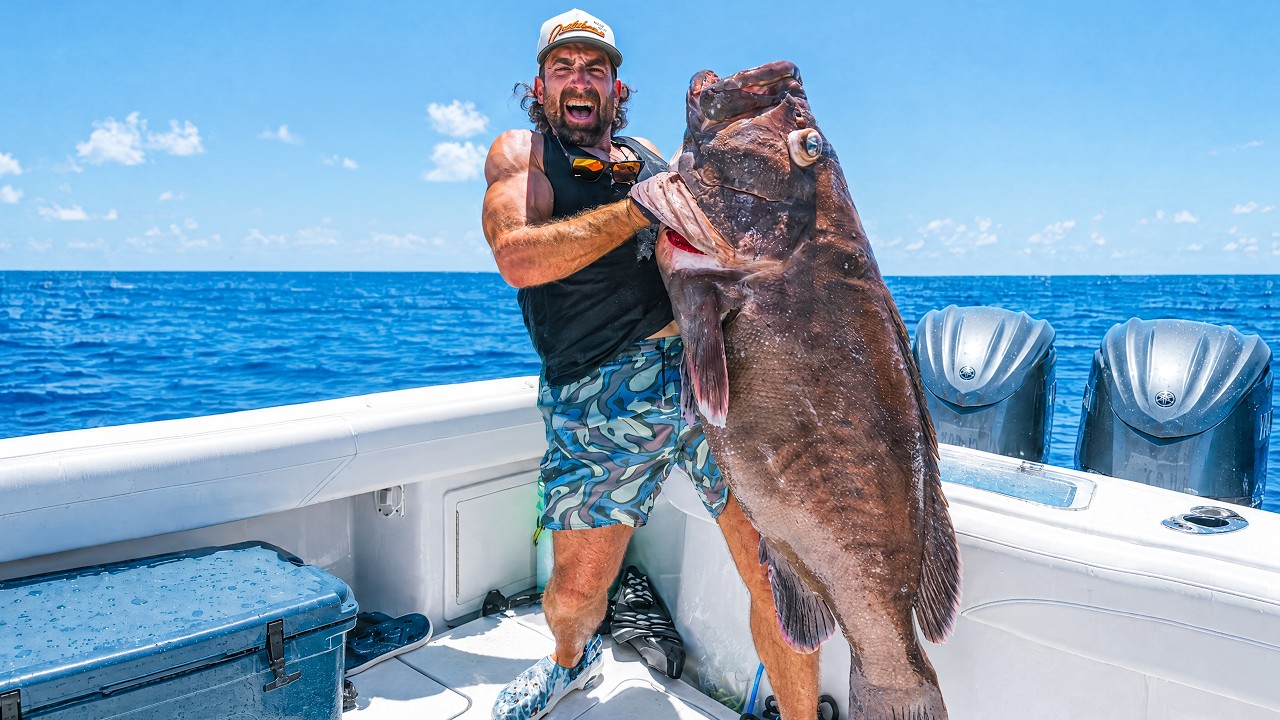
Text that stops the scroll
Animated titles, callouts and emoji stickers pop in on the moments that carry the clip.
 WAIT FOR IT
Refine by hand
Tweak the cut and your short stays in sync
Adjust hooks, cuts, pacing, captions, music, and transitions after AI assembles your first short-form edit.
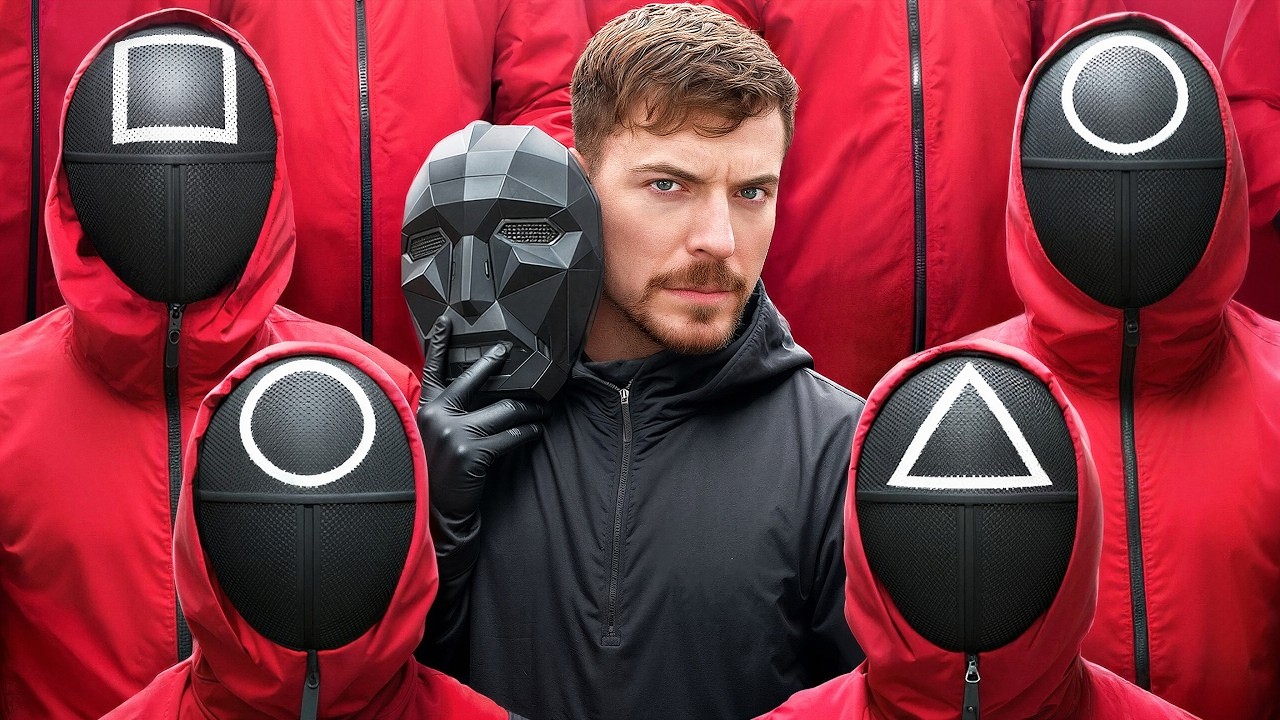
Hook
0:00 / 8:12Adjusts automatically
- Transitions3
- Captions4
- Music8:12


Recommended by top media and bloggers.





Who it's for
Long videos in, shorts for every kind of channel
Podcasters, YouTubers, brands and coaches all need short clips from long recordings. VIDIO cuts each one around a hook and sizes it for the feed.
1:02:00 episode
0:45Long footage → short cut
Podcasters
Clips that send listeners to the full episode
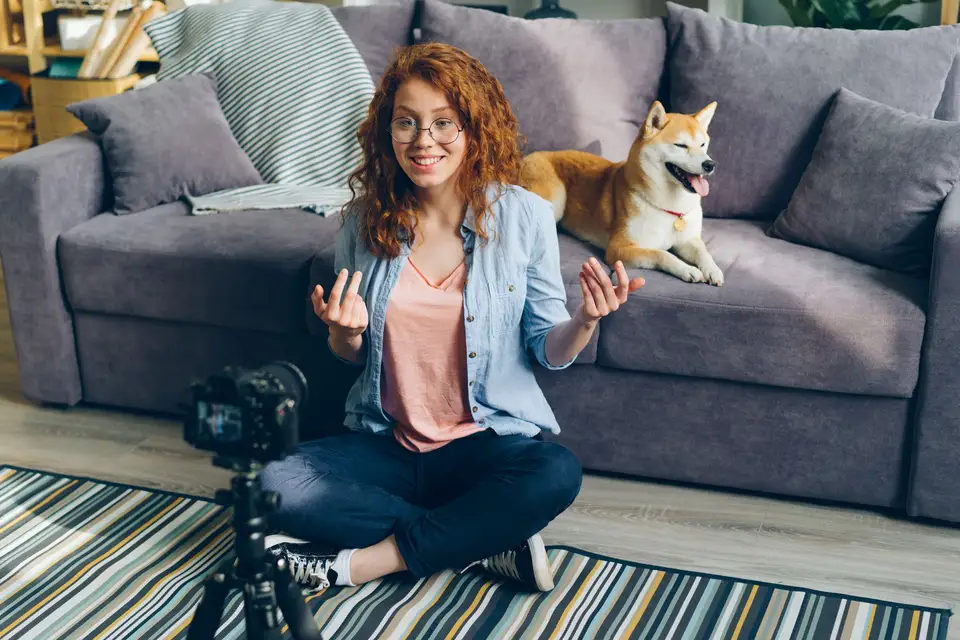
Pull the sharpest answer from an hour-long conversation, open on the line that lands and caption it for people watching on mute.
TikTok9:16 · 0:45
More for Podcasters0:30
9:16
Vertical, ready to post
YouTubers
Shorts that promote the main upload
Turn this week's long video into a teaser that sends viewers back to the full thing.
Shorts9:16 · 0:30
More for YouTubers0
Clips cut
Brands and marketers
Product clips for paid and organic
Cut a launch film or demo into short ads that show the product in the first second.
Reels9:16 · 0:20
More for Marketers- The tipSetupTangents
What you keep
Coaches and consultants
One tip per clip, from a full webinar
Split an hour of teaching into short, square lessons your network can save and share.
LinkedIn1:1 · 1:00
More for Sports - 0%
Dead time cut
Streamers
The clutch play, posted the same night
Find the peak in hours of stream VOD and share it while chat is still talking about it.
X16:9 · 0:40
More for Streamers

Discover More190
More ways to use VIDIO, grouped by what you're making.
AI Tools for Video Creators
Browse all tools- Commercial video maker
- Social media video maker
- Ecommerce video maker
- Facebook video maker
- Facebook video ad creator
- Facebook story ad maker
- Instagram video maker
- YouTube video maker
- LinkedIn video ad maker
- Fashion marketing video maker
- Fitness marketing video maker
- Restaurant marketing video maker
- Digital menu board maker
- Travel video ad maker
- Beauty marketing video maker
- Amazon video ad maker
- AI motion graphics maker
- AD video maker
- Video intro maker
- SaaS promo video maker
- Product launch video maker
- Product demo video maker
- SaaS product demo video maker
- Software demo video maker
- Website promo video maker
- Auto video flyer maker
- Motion graphics generator
- Text animation maker
- Kinetic typography maker
- Motion graphics software
- Free motion graphics app
- Promo video generator
- Online animation maker
- Animated video maker
- AI teaser video maker
- Explainer video maker
- Text to video maker
- LinkedIn video maker
- Video resume maker
- Video invitation maker
- Training video maker
- Title card maker
- Starting soon screen maker
- Blog to video
- URL to video
- Sports highlight video maker
- Sports action detector
- Sports summary video maker
- Pickleball Highlight Video Maker
- Tennis Highlight Video Maker
- Baseball Highlight Video Maker
- Softball Highlight Video Maker
- Lacrosse Highlight Video Maker
- Wrestling Highlight Video Maker
- Golf Highlight Video Maker
- Cricket Highlight Video Maker
- Rugby Highlight Video Maker
- MMA Highlight Video Maker
- American Football Highlight Video Maker
- Futsal Highlight Video Maker
- Football highlight maker
- Soccer highlight video maker
- Basketball highlight video maker
- Volleyball Highlight Video Maker
- Sports Mixtape Maker
- Ice Hockey Highlight Video Maker
- Sports Recruiting Video Maker
- Soccer Recruiting Video Maker
- Volleyball Recruiting Video Maker
- Baseball Recruiting Video Maker
- Football Recruiting Video Maker
- Wedding Footage Cleaner
- Wedding photos to video maker
- Podcast highlight maker
- Audiogram maker
- Wedding highlight maker
- Event highlight maker
- Real estate highlight maker
- Drone video highlight maker
- Travel highlight maker
- Action video editor
- Scriptless video editor
- Silent video editor
- Anniversary Highlight Video Maker
- Baby First Year Video Maker
- Baby Shower Video Maker
- Birthday Highlight Video Maker
- Bridal Shower Video Maker
- Graduation Highlight Video Maker
- Dance Recital Video Maker
- Pet Tribute and Memorial Video Maker
- School Year Recap Video Maker
- Sports Season Highlight Video Maker
- Vacation Recap Video Maker
- Audio to video converter
Related Tools
2Related Articles
5Video editing guides and news
- 01AI Video Editors That Automatically Remove Boring Parts of Videos
- 02Top 5 AI Raw Footage Editing Tools for Fast, Smart Video Assembly
- 03Top 5 Best AI Video Cutting Tools for Smart, Fast Editing
- 04Best Tools for Editing TikTok, Instagram Reels, and YouTube Shorts
- 05VIDIO VibeEdit: Fast & Flawless Same-Day Wedding Video Edits with AI
Loved by content creators worldwide.
Review is translated.

Make your next upload your best one
Edit it, package it, schedule it and track it with VIDIO. Free to start.

Escape 100 Cops, Win $500,000
- Create


- PublishClick appeal 79
- Creator analyticsviews