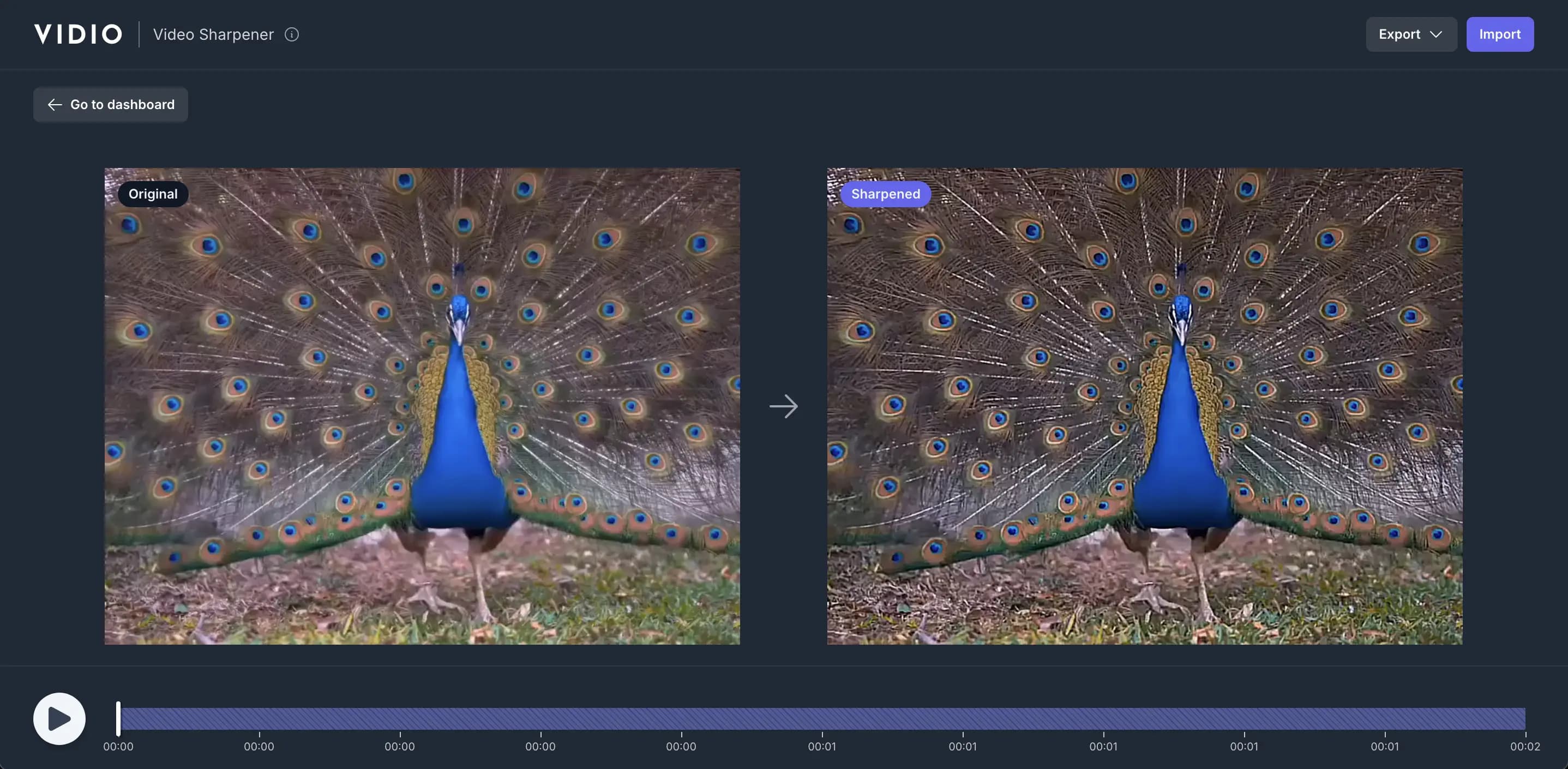
Video Sharpening
Our AI-powered tool sharpens your video instantly. Do it online now.
Trusted by over 0.5 Million users worldwide






Simple 3 steps to sharpen your video
You don't need to install anything on your device. Nothing to learn to use our tool. We just need a few clicks from you. We simply do the job in the easiest way.
- 1. You upload
Drag and drop your video file. The upload progress will be displayed until it's complete.
- 2. We sharpen
We automatically apply advanced AI algorithms to sharpen your video within a minute.
- 3. You download
You download your sharpened video on your device by simply clicking the Export button.
Click and Sharpen
Video Sharpening made easy for you.
Video sharpening doesn't need a hundred features. Only three things are needed to get what you want.
- Easy to use.
- No installations, nothing to learn to use our tool. Videos are sharpened with just a few clicks.
- Fast.
- We leverage GPU infrastructure and the most advanced web technology to deliver results in the most efficient ways.
- Accurate.
- Powered by advanced AI algorithms, we deliver the quality output you can’t get anywhere else.
Frequently Asked Questions
- How does the online video sharpener automatically improve video quality?
The online video sharpener uses advanced AI algorithms to analyze and sharpen videos automatically. It identifies areas that need sharpening, such as brightness and sharpness, and applies sharpening to optimize video quality.
- What types of videos can I use with this tool?
You can use a variety of video formats, including GIF, MP4, MOV, MPG, WEBM, and MPEG. We support these formats to ensure compatibility with a wide range of video files.
- Is there a limit on the file size or length of videos that I can process?
Yes, there is a maximum file size of 3GB for videos that can be processed. For more information, visit the pricing page.
- Can I use this tool for free, or is there a pricing structure?
We offer a free option that allows you to use the service. For more information, visit the pricing page.
- Can users adjust the sharpening settings, or is it fully automated after uploading the video?
The video sharpening process is fully automated after the video is uploaded. Our AI technology analyzes and sharpens the video automatically, making it easy for users to achieve better video quality without manual adjustments.
Related Tools
Loved by content creators worldwide.
The review has been translated.
I am thrilled to share my positive experience with Vidio, the incredible rotoscoping website that has truly revolutionised my workflow. With over 410,000 subscribers on YouTube, I am constantly striving to create high-quality content that engages and entertains. Vidio has become an indispensable tool in my creative arsenal, making the once tedious process of rotoscoping a breeze.
JJohn MacKayContent CreatorI have had a great experience using Vidio for my video blurring needs. User friendly and easy to navigate, great user interface.
AAnnie BlumDigital Content CoordinatorI tried your compositing software and I think it is terrific! It works really well in the preview that I did. Blown away, actually.
EElizabeth LittlejohnIndependent ArtistThis video editing tool is by far the most intuitive in-browser editor I have used by far out of the many that I've tested. Especially for it's blur background ability and nearly perfect mask creation abilities. This tool is a timesaver all around.
JJohn HildebrandtSocial Media Manager at Talus Network
I had a full day's shooting that was done by a member that had no set the exposure correctly. Colour correcting manually proved no help whatsoever, the VIDIO tool saved the footage and allowed me to create some great content for the client!
LLuke JohnAV technician at Tramshed TechThe algorithm VIDIO uses is far superior to any others that I've used for background removal. It's quick, and more importantly, effective. I highly recommend using VIDIO's services; it's well worth the cost.
AAnthony NewettProducer/EngineerYour service is great! I like it so much. Thanks for optimizing my videos ❤️.
RRoman StarinskyContent CreatorSuch and amazing and fast way to get your video stabilized without the need of having a beefed up PC.
NNez OrionVideo Creatorvidio.ai made it really easy for making content fast and easy for my social media and the quality always turns out perfect!
SSaul PadronSocial Media Manager
Finally, I can edit like a professional without spending crazy amount of money on software I don't know how to use. Highly recommended for those who are wanting a quick and easy way to remove backgrounds from video.
EElisabeth HalleContent CreatorI recently used the VIDIO Video Upscaler, and I am beyond impressed! It transformed my low-resolution videos into stunning, high-quality content. The details and clarity it brought out were incredible, making my videos look professionally shot. I highly recommend the this for anyone looking to elevate their video quality effortlessly!
KKatz KFreelance DesignerI shot some b-roll video with my cell phone because I was without my equipment. Let's just say that my hands are not stable. Vidio fixed my footage and now it's in my video course!
DDale MeredithTrainer at My Mentored LearningI have always wanted to have a career in video editing, and to put it simply, this application has taken away so much of my stress, and made the design and editing process seamless and actually enjoyable. In other words, VIDIO made my career a hobby.
JJonathan PruettTwitch Streamer
Edit like a pro in a minute.
Still not sure? Just upload your video and experience professional editing can be fun.