#1 Online AI video editor
Increase Video FPS
Enhance your video quality effortlessly with our AI-powered FPS Increase tool! Try it online for free and enjoy smoother playback in just a few clicks!
Trusted by over 1 Million users worldwide





























Simple 3 Steps to Increase Video FPS
No need for complex setups. Just a few clicks, and you're done.
You upload
Upload your video file. The progress will be displayed until complete.
1:12MP4 · 302 MB0%We increase FPS
Our tool will interpolate frames in your video to increase the FPS.
New frames made by AI30 fpsYou download
Download your video with increased FPS. It's that simple!
0%MP41080pMP4
Higher frame rate
Raise the fps of any video
VIDIO adds new frames between the ones you shot. A 30 fps clip becomes 60 or 120 fps and fast motion stops looking jumpy.
A kickflip at 120 fps
At 30 fps the board jumps between positions. At 120 fps you see every turn.
30, 60 or 120 fps
Pick the frame rate you need. The new frames are made by AI from the real ones.
Smooth enough to slow down
High-fps footage can play slower without stutter.

Slow the trick, keep the rest
Play the run-up at normal speed and slow the moment the board flips.

Down to a tenth of the speed
With four times the frames, even 0.1× stays watchable.
0:040:08Recommended by top media and bloggers.





Who it's for
Footage that moves smoothly
For anyone whose fast shots look jumpy at the frame rate they were filmed at.
0fps
Frame rate
Skaters
Tricks without the stutter
Raise your phone clips to 120 fps so every flip reads clearly.
Instagram9:16 · 0:20
0fps
From 30 to
Gamers and streamers
Gameplay clips at 60 fps
Recorded at 30 fps? Raise it to 60 before you post the highlight.
YouTube16:9 · 3:00
- 0%
New frames
Creators
Smoother action for Shorts
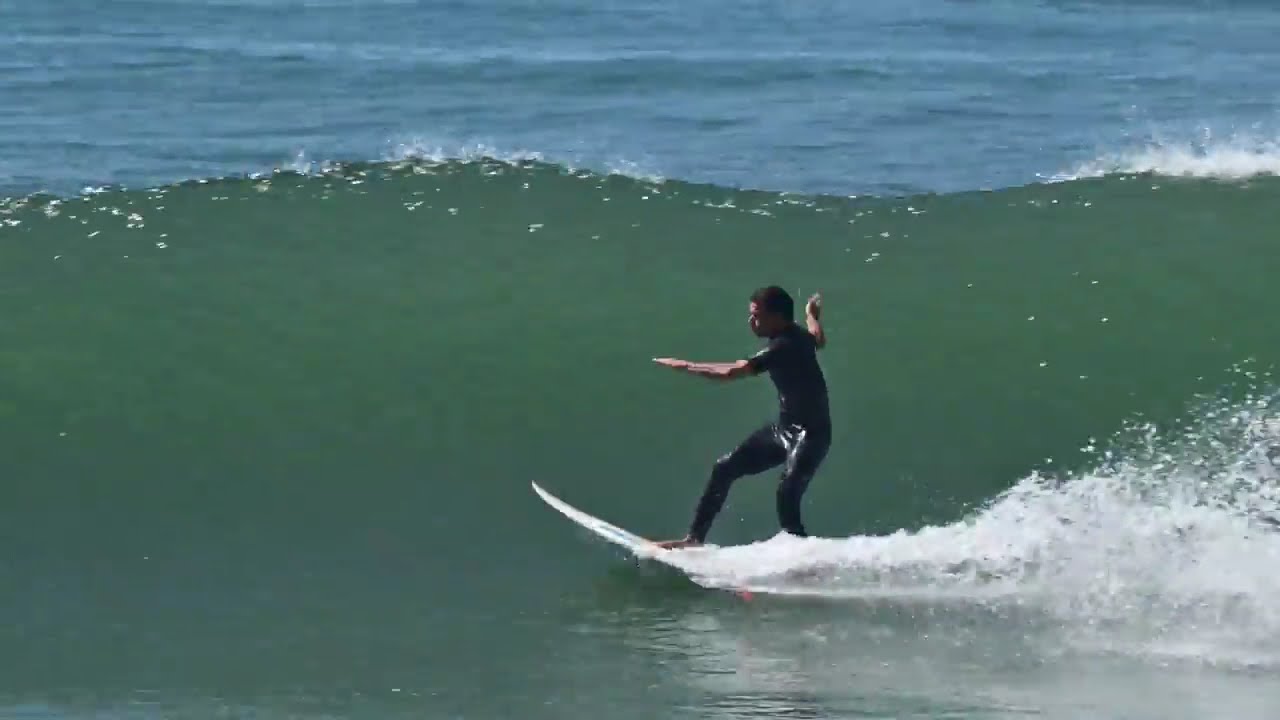
Surf, bikes and jumps look cleaner at a higher frame rate.
Shorts9:16 · 0:30
- 60 fps
Clips matched
Filmmakers
Match frame rates in one edit
Bring 24 and 30 fps clips up to the rate of the rest of your footage.
MP416:9 · 5:00
0fps
Frames per second
Coaches
Clearer replays for review
More frames per second means each moment of the move is visible.
MP416:9 · 0:30
Discover More6
More ways to use VIDIO, grouped by what you're making.
AI Tools for Video Creators
Browse all toolsRelated Tools
6Related Articles
5Video editing guides and news
- 01Top 5 Video Frame Interpolation Tools for Smoother 60+ FPS Video
- 02Ways to Improve Audio Quality in Social Media Videos
- 03What Is Frame Interpolation and How to Use It to Create Smoother Videos
- 04Best Tools to Speed Up Sports Highlight Video Editing
- 05Ways to Cut Down Your Video Editing Time without Sacrificing Quality
Loved by content creators worldwide.
Review is translated.


I tried your compositing software and I think it is terrific! It works really well in the preview that I did. Blown away, actually.





Such and amazing and fast way to get your video stabilized without the need of having a beefed up PC.


Finally, I can edit like a professional without spending crazy amount of money on software I don't know how to use. Highly recommended for those who are wanting a quick and easy way to remove backgrounds from video.




Make your next upload your best one
Edit it, package it, schedule it and track it with VIDIO. Free to start.

$456,000 Squid Game In Real Life!
- Create


- PublishClick appeal 81
- Creator analyticsviews