#1 Online Video Editor
Promo Video Generator
Quickly create eye-catching promotional videos using text prompts. Perfect for ads, campaigns, and product launches — all in just a few clicks. Try it free online! No footage? On any plan, VibeEdit makes the whole promo from animated graphics, your photos and your logo (no watermark on Pro and up).
Trusted by over 1 Million users worldwide

Templates
Pick a promo, fill in the facts
Each one is a film VibeEdit makes, shown with sample words. Choose one, type your business facts, and VibeEdit generates the promo with music. Every plan can make one and download it with a watermark; Pro and up downloads it without (0.5 credits a second).
It makes promos for any business from animated graphics and your photos: services and prices, offers, opening hours, a map, reviews, events and a QR code of your link.
It can't make: actors or AI avatars · cartoon characters or 3D · footage it hasn't been given · prices, dates or reviews you didn't give it
Local business ad
What you do, opening hours, a map pin and real reviews.
Product promo from photos
Your product with its price, three selling points and a shop button.
Event promo
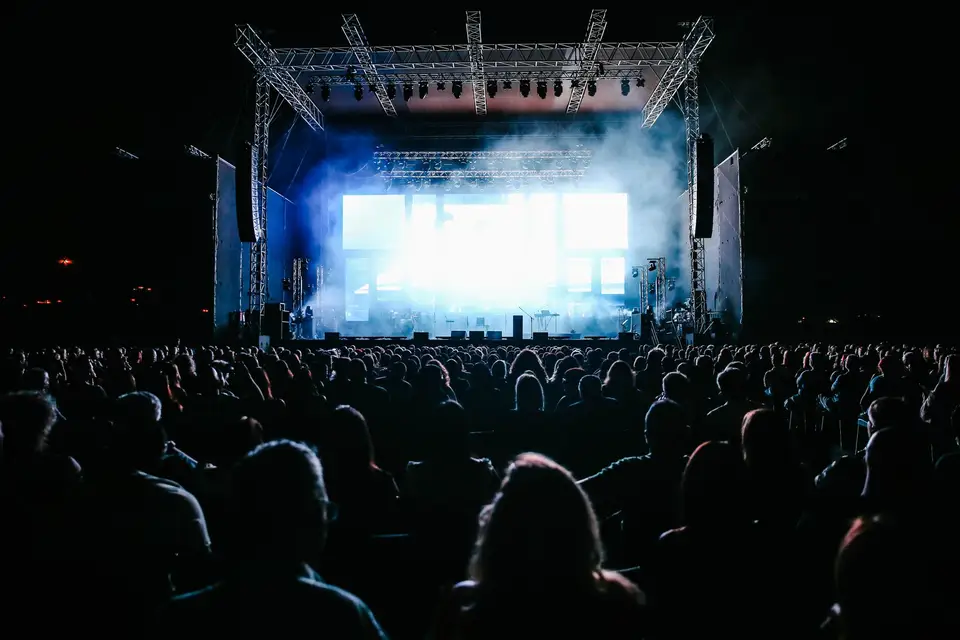
The date, time, place and lineup, ending on tickets.
Holiday sale
A seasonal offer with a code and a countdown, Christmas style.
Salon price list
Your services with prices and a QR code to book.
Course or coaching promo
What people learn, the price and how to join.





























How to make a promo video
Creating promo videos is fast and simple. Follow these 3 steps to get started.
Enter your promo idea
Write something like '50% off this weekend only' or 'New product launch teaser'.
Promo9:1615 secLet AI create it
Your idea is transformed into a sleek, animated promotional video.
 Intro · 5 sec
Download & publish
Save your promo and share it on Instagram, YouTube, or any marketing channel.
0%MP41080pMP4
Promos from a prompt
Describe the offer, get the promo
Tell VIDIO what you are selling and the deal. You get a promo with the price, the offer and a button over your product shot.
Price and deal on your product
The card slides in beside the product with the price and the offer.
Launch titles
Name the product and VIDIO animates it over your product shot.

Open with your brand
Start every promo with your name for a few seconds.
Intro · 5 secFind the right look
Try bold, neon or minimal on the same clip.
One sentence, one promo
Write the product, the deal and the size. VIDIO builds the promo from it.
A promo film with no footage
Describe the business and the offer. On any plan you get a whole film from graphics (no watermark on Pro and up): your logo, menu, deal, hours, a drawn map and reviews, in one of 31 looks.
Sales, codes and deadlines
The discount stamps in, the old price is struck through and the code types out. Every number comes from your words.
Recommended by top media and bloggers.





Who it's for
Promos without an agency
Shops and brands that run sales, launches and campaigns all year.
0
Promos this month
Online shops
A promo for each sale
Put the price and the deal on a clip of the product.
Instagram4:5 · 0:15
More for Small businesses- 19:1614:5116:9
Sizes
Marketers
Launch week in every size
Make one promo for feeds, stories and YouTube.
TikTok9:16 · 0:15
More for Marketers 0
Versions
Agencies
Promo drafts for clients
Show a client three versions of the same promo.
MP416:9 · 0:30
More for Marketers0
Sponsor spots
Creators
Sponsor spots that look planned
Show the sponsor's product with a code and a button.
YouTube16:9 · 0:20
More for YouTubers0
Promos
Event organizers
Ticket promos
Add the date, the price and a link to buy.
Facebook1:1 · 0:15
More for Events and weddings

Related Articles
5Video editing guides and news
- 01Best Template-Driven Video Editors for Small Business Promotional Videos
- 02Ways to Quickly Create Promo Videos with Minimal Editing Skills
- 03Best Tools to Quickly Create Promotional Videos for Small Businesses
- 04Best Tools for Creating Promotional Videos for Small Businesses
- 05Creating Short Motion Graphics Videos for Social Media and Advertisements
Loved by content creators worldwide.
Review is translated.



I tried your compositing software and I think it is terrific! It works really well in the preview that I did. Blown away, actually.




Such and amazing and fast way to get your video stabilized without the need of having a beefed up PC.

Finally, I can edit like a professional without spending crazy amount of money on software I don't know how to use. Highly recommended for those who are wanting a quick and easy way to remove backgrounds from video.



Make your next upload your best one
Edit it, package it, schedule it and track it with VIDIO. Free to start.

Escape 100 Cops, Win $500,000
- Create


- PublishClick appeal 79
- Creator analyticsviews