Video denoising
Our AI-powered tool denoises your video instantly. Do it now online.
Trusted by over 0.5 million users worldwide





Adopted by influential creators and valued by users from global organisations










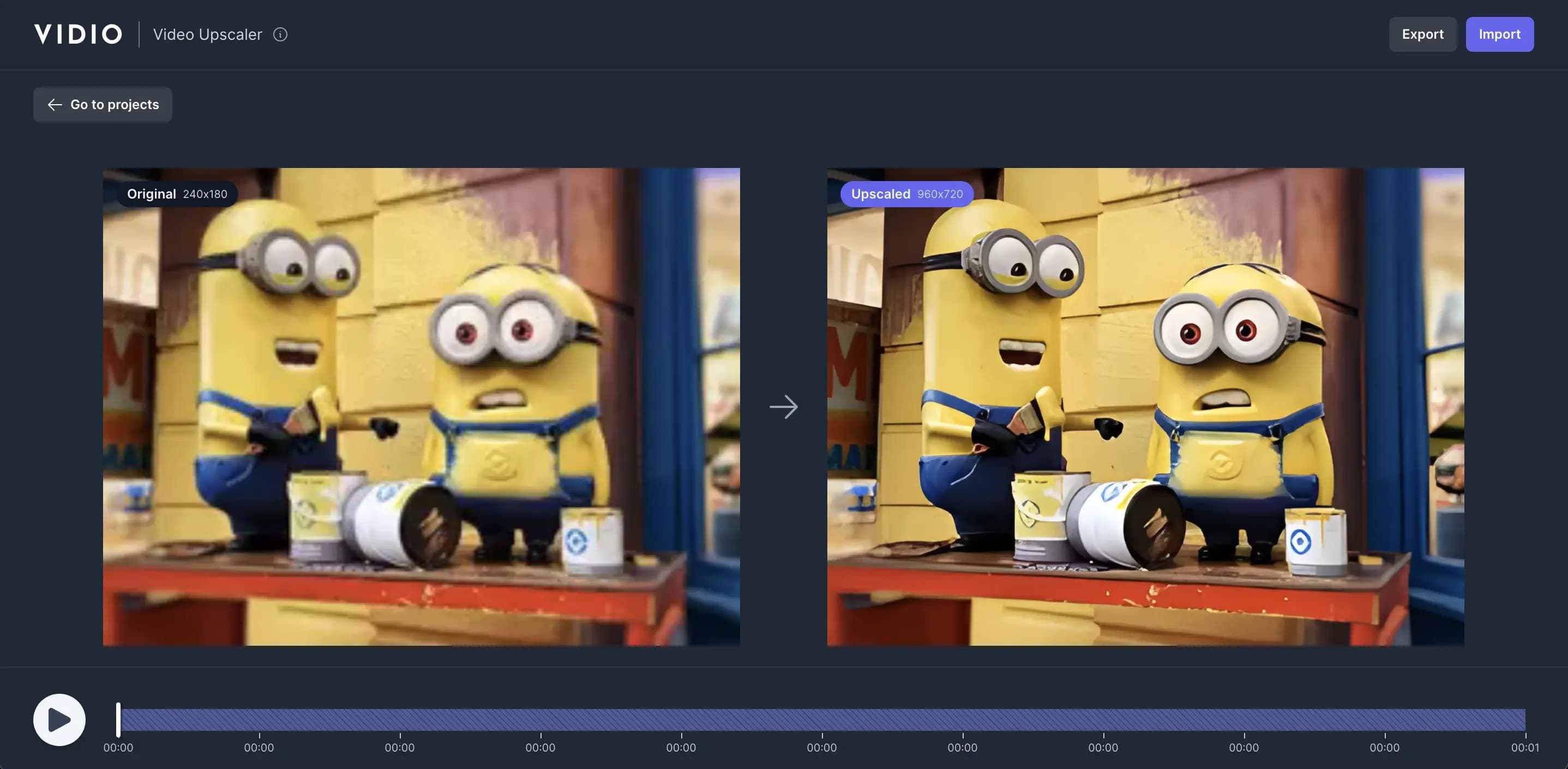
Simple 3 steps to denoise your video
No need to install anything on your device. Nothing to learn to use our tool. We need just a few clicks from you. We simply do the job in the easiest way.
- 1. You upload
Drag and drop your video file. Uploading progress will be displayed until it is complete.
- 2. We denoise
We automatically apply state-of-the-art AI algorithms to denoise your video in a minute.
- 3. You download
You download your denoised video on your device by simply clicking the Export button.
Click and denoise
Video denoising made simple for you.
Video denoiser doesn't need a hundred features. It just needs three things to get what you want.
- Easy to use.
- No installations, nothing to learn to use our tool. Videos are denoised with just a few clicks.
- Fast.
- We leverage GPU infrastructure and the cutting-edge web tech to deliver the outcome in the most efficient ways.
- Accurate.
- Powered by state-of-the-art AI algorithms, we deliver the quality output that you won't get elsewhere.
Recommended by top media and bloggers.





Frequently asked questions
- How does the online video denoiser automatically denoise videos?
The online video denoiser uses advanced AI algorithms to analyse and denoise videos automatically. It identifies areas that need improvement and enhances the video quality by reducing noise and artefacts.
- What types of videos can I use with this tool?
You can use a variety of video formats, including GIF, MP4, MOV, MPG, WEBM, and MPEG. We support these formats to ensure compatibility with a wide range of video files.
- Is there a limit on the file size or duration of videos I can process?
Yes, there is a maximum file size limit of 3GB for videos that can be processed. For more information, please visit the pricing page.
- Can I use this tool for free, or is there a pricing structure?
We offer a free option that allows you to use the service. For more information, please visit the pricing page.
- Can users adjust the settings for video denoising manually?
The video denoiser automatically adjusts the settings based on the video file you upload. There is no need to adjust the settings manually.
Related Tools
Loved by content creators worldwide.
The review has been translated.
Edit like a pro in a minute.
Still not sure? Just upload your video and experience professional editing can be fun.