AI Face Blurring
Protect identities in any scenario with one upload and a single click.
Trusted by over 0.5 Million users worldwide

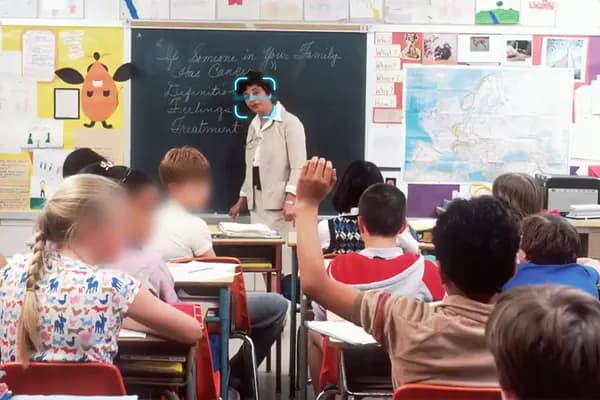



Adopted by influential creators and valued by users from global organisations










Hours of masking done in minutes
Spend your time creating—not tracking faces. Our AI does the heavy lifting.
Blur faces in 3 easy steps
No software, no learning curve—just upload, select, and download.
- 1. Upload
Drag‑and‑drop or click to add your video.
- 2. Choose faces
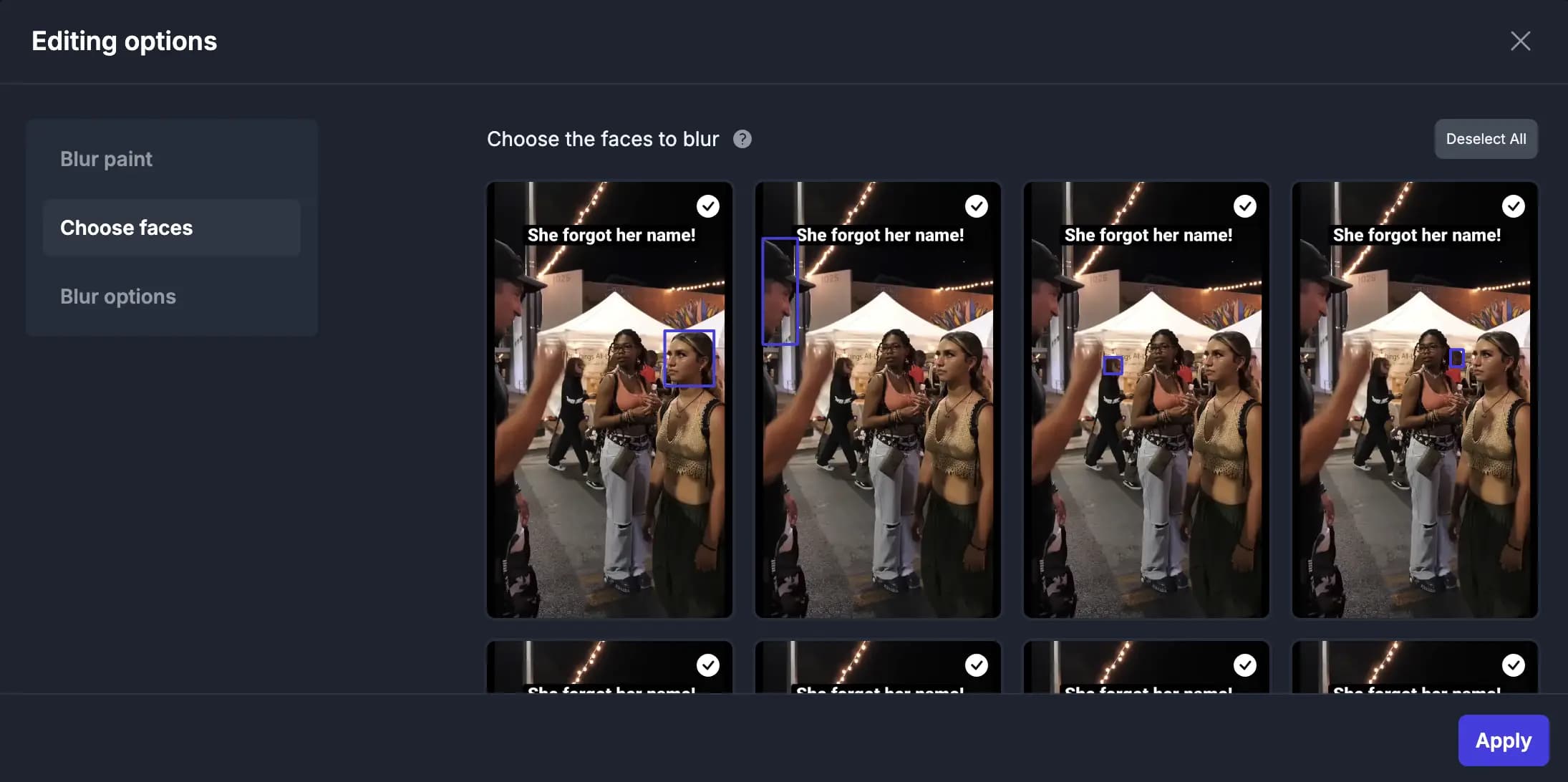
Our AI detects every face. Decide which to blur or keep clear.
- 3. Download
Export your privacy‑protected video in the resolution you need.
Click & Blur
Face-blurred video in three clicks.
Simplicity, speed, accuracy—that’s all you need to protect privacy.
- Instant Setup
- Open a browser, drag in your video, and start blurring—no installs or plugins.
- Cloud‑Powered Speed
- GPU servers process your footage fast, so you’re not stuck waiting.
- Pixel‑Perfect Masks
- Advanced AI keeps edges crisp while fully concealing identities.
AI Face Detection
Pick Which Faces Stay Visible
Automatic detection highlights every face; you decide which ones to blur or reveal.
Smart Features of Our AI Face Blurring Tool
- Natural Blur Boundary
- Applies a smooth gradient to the edges of the blur, blending seamlessly with surrounding pixels.
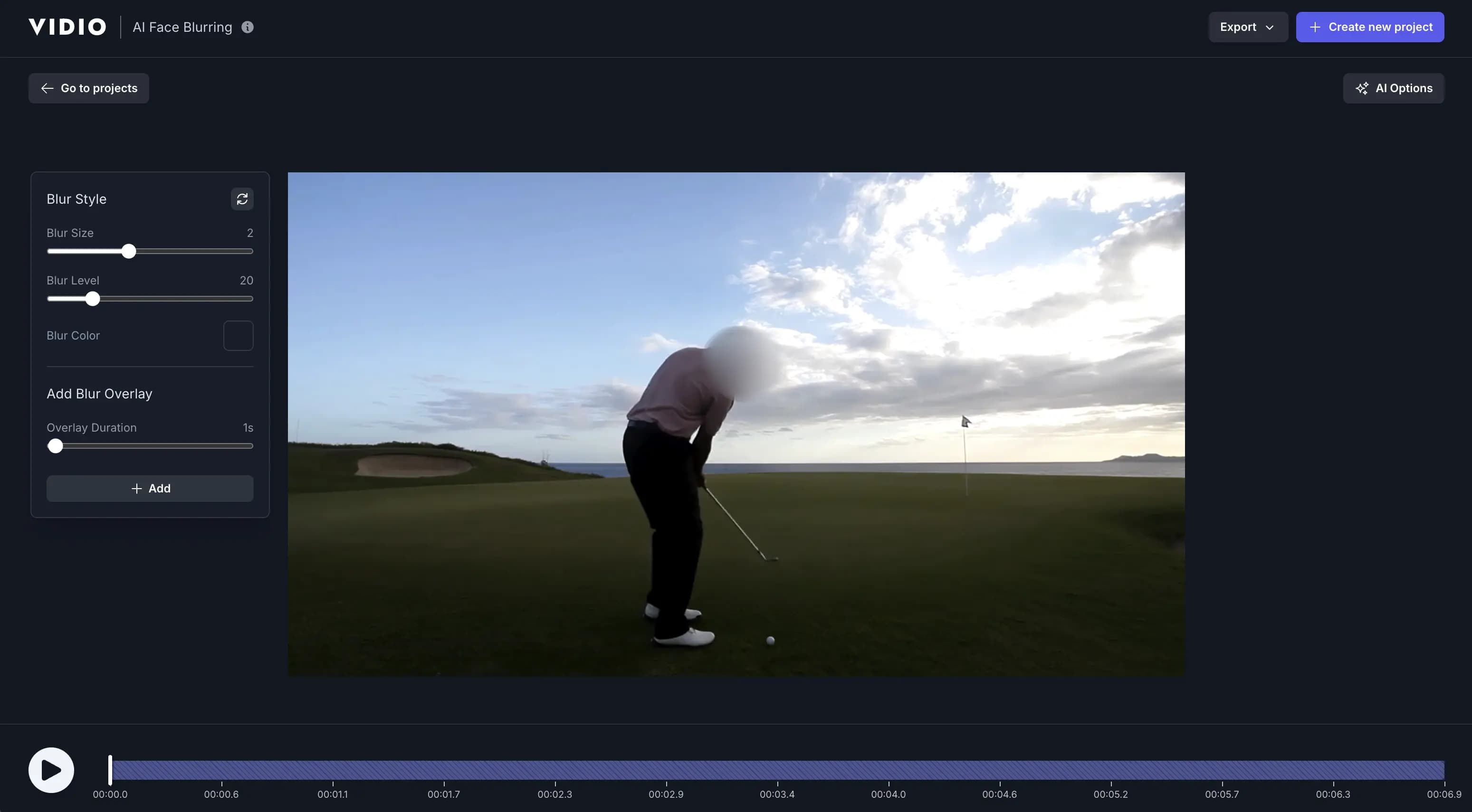
- Adjustable Blur Size
- Resize the blurred area to fit any face, from close‑ups to crowd shots.
- Adjustable Blur Level
- Dial in the perfect intensity—strong for full privacy or light for a subtle effect.
- 4K Export
- Keep every detail sharp everywhere except the faces you’ve protected.
- Email Notification
- Get an alert the moment your blurred video is ready to download.
- Multi‑Face Detection
- Automatically finds and blurs every face in the frame—no manual tagging.
- Background Blur Option
- Need deeper privacy? Blur entire scenes with our Video Background Changer.
- Advanced Angle Detection
- Our AI tracks faces even when they turn away or tilt down, ensuring total coverage.
Smart Blur Touch-Up
Take Control with Precision Blur
When AI misses a spot, you step in. Instantly blur any remaining faces or areas with easy-to-use tools—perfect your edit down to the last frame.
Recommended by top media and bloggers.





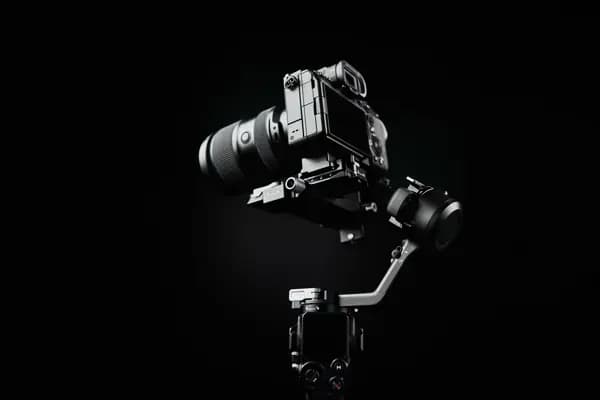
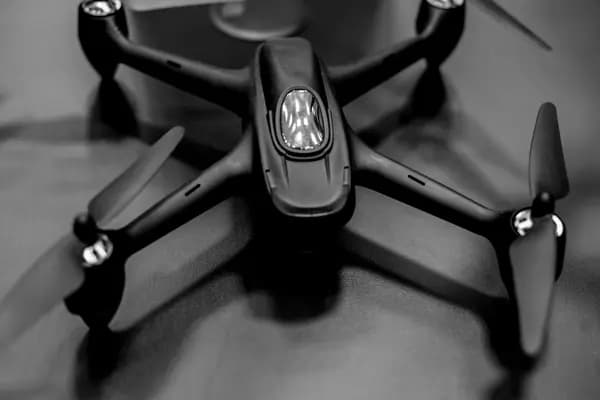
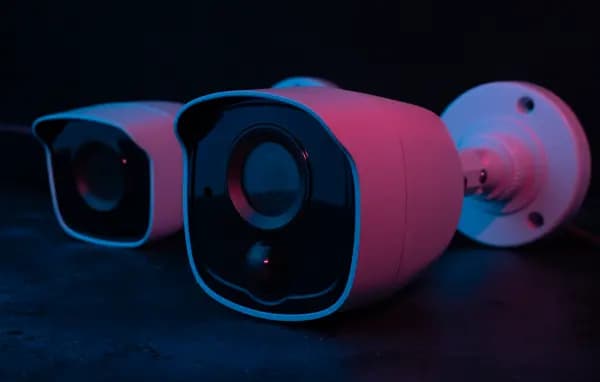
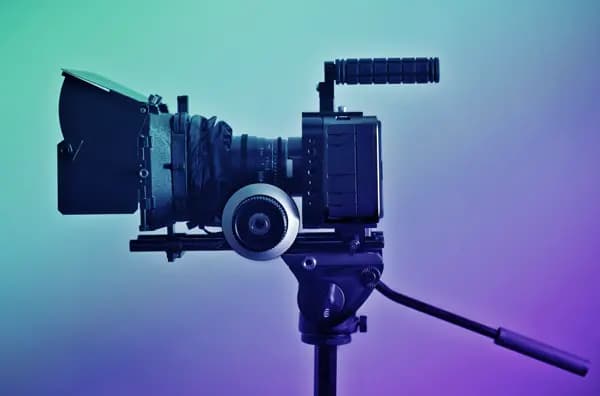
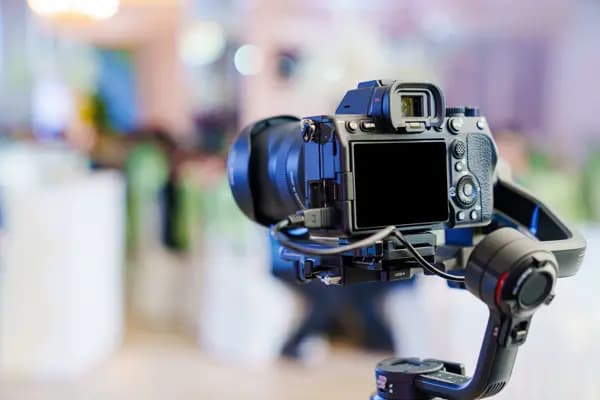
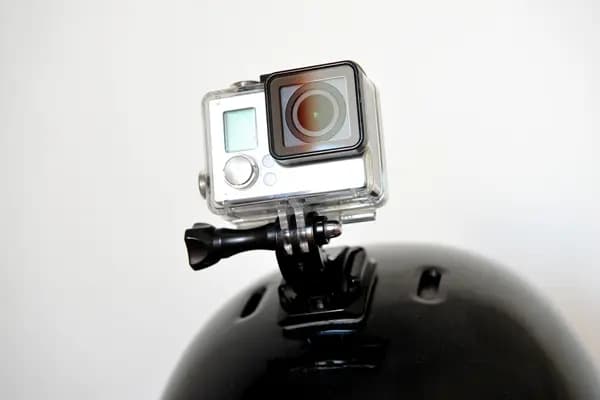
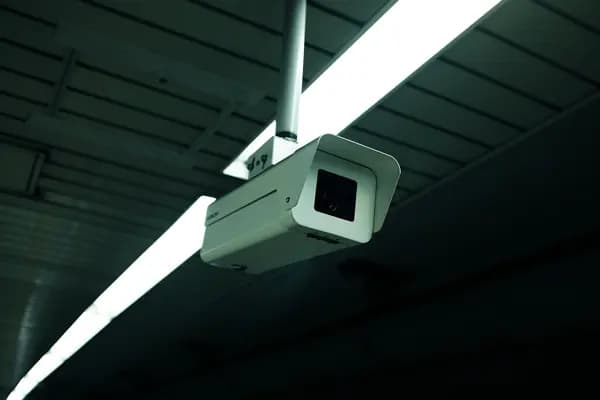
Compatible with Any Camera Footage
From body‑cam to drone video, AI Face Blurring keeps privacy intact across all sources.
Frequently asked questions
- Does the tool blur faces automatically?
Yes. Upload a clip and the AI will detect and blur faces instantly. You can adjust or remove any mask.
- Can it blur everyone in a crowded scene?
Absolutely. Multi‑face detection ensures every face is covered, even in busy environments.
- Can I blur objects that aren’t faces?
For non‑face objects, try our Video Background Changer with object‑level masking.
- Does it work on mobile?
Yes. The interface is fully responsive—blur faces straight from your phone.
- Is everything online?
All processing happens in the cloud. No software downloads, ever.
- Is it free?
There’s a free tier for short clips. Longer videos and 4K exports are available on paid plans.
- Can you hide faces with AI?
Yes, our AI can automatically detect and blur faces in your videos, hiding their identities.
Discover More
Related Tools
Edit like a pro in a minute.
Still not sure? Just upload your video and experience professional editing can be fun.