AI Plate Pixelation
Protect vehicle identities in any scenario with one upload and a single click using AI plate pixelation.
Trusted by over 1 Million users worldwide


Adopted by influential creators and valued by users from global organizations










Pixelate license plates in 3 easy steps
No software, no learning curve—just upload, select, and download.
- 1. Upload
Drag-and-drop or click to add your video.
- 2. Choose plates
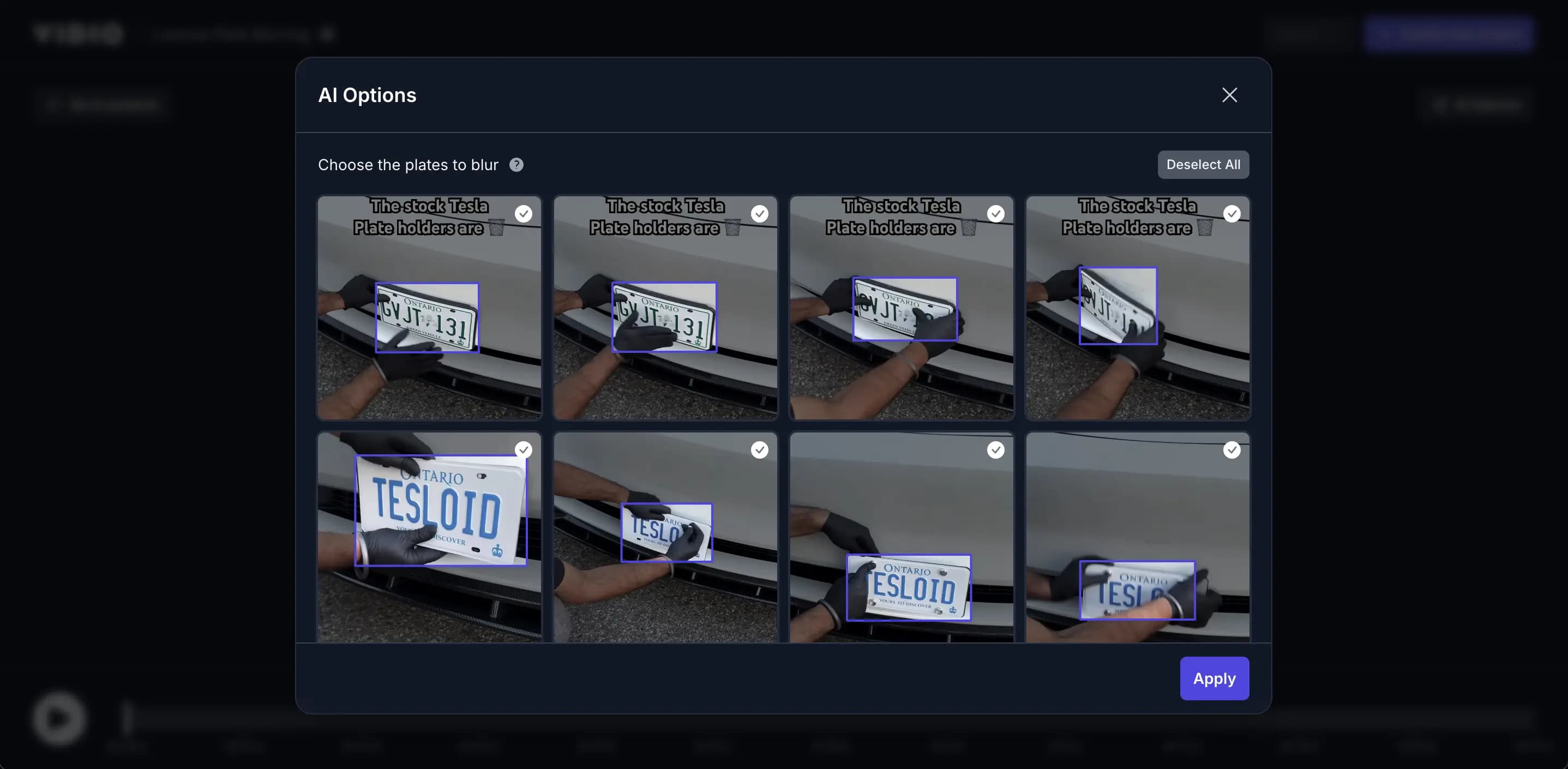
Our AI detects every license plate. Decide which to pixelate or keep clear.
- 3. Download
Export your AI plate pixelated video in the resolution you need.
Click & Pixelate
License-plate-pixelated video in three clicks.
Simplicity, speed, accuracy—that’s all you need to protect privacy with AI Plate Pixelation.
- Instant Setup
- Open a browser, drag in your video, and start pixelating—no installs or plugins.
- Cloud-Powered Speed
- GPU servers process your footage fast, so you’re not stuck waiting.
- Pixel-Perfect Masks
- Advanced AI keeps edges crisp while fully pixelating plate numbers.
AI Plate Detection
Pick Which Plates Stay Visible
Automatic detection highlights every license plate; you decide which ones to pixelate or reveal.
Smart Features of Our AI Plate Pixelation Tool
- Natural Pixelation Boundary
- Applies a smooth gradient to the edges of pixelation, blending seamlessly with surrounding pixels for clean results on every plate.
- Adjustable Pixelation Size
- Resize the pixelated area to perfectly cover any license plate—from close-ups to wide traffic shots.
- Adjustable Pixelation Level
- Dial in the perfect intensity—strong for full privacy or light for a subtle pixelated effect.
- 4K Export
- Keep every road detail sharp everywhere except the plates you’ve pixelated.
- Email Notification
- Get an alert the moment your pixelated video is ready to download.
- Multi-Plate Detection
- Automatically finds and pixelates every license plate in the frame—no manual tagging.
- Background Pixelation Option
- Need deeper privacy? Pixelate entire scenes with our Video Background Changer.
- Advanced Angle Detection
- Our AI tracks plates even at angles or motion, ensuring complete pixelation coverage.





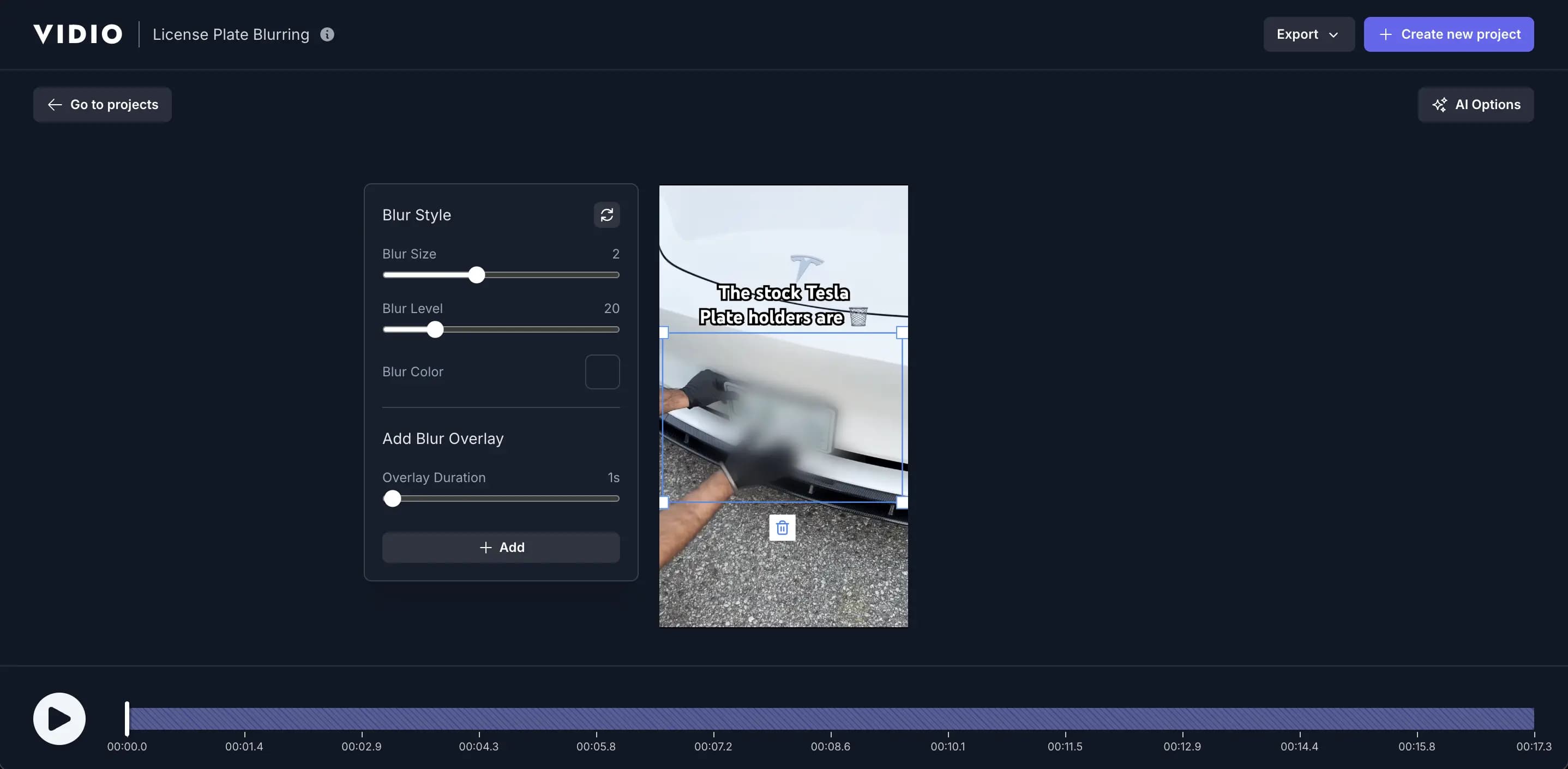
Smart Pixelation Touch-Up
Take Control with Precision Pixelation
When AI misses a spot, you step in. Instantly pixelate any remaining plates or areas with easy-to-use tools—perfect your edit down to the last frame.
Recommended by top media and bloggers.





Compatible with Any Camera Footage
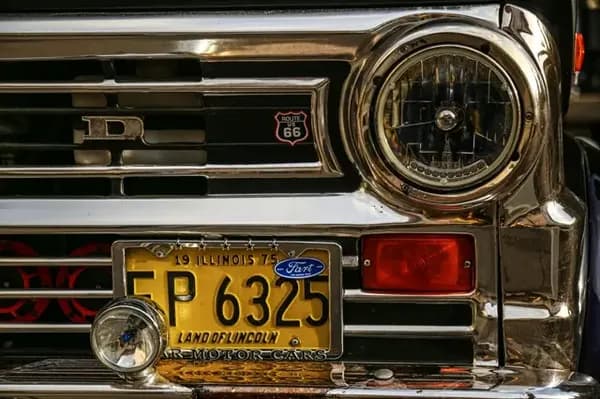
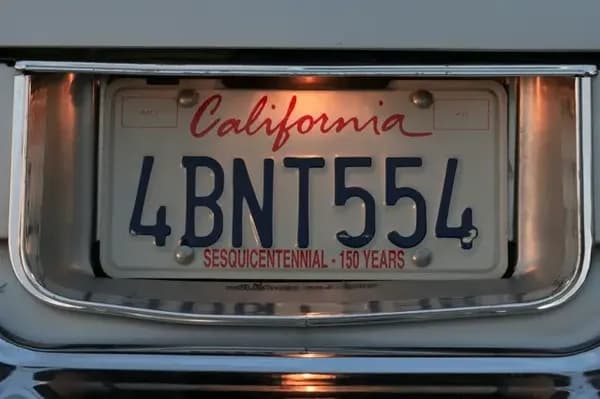
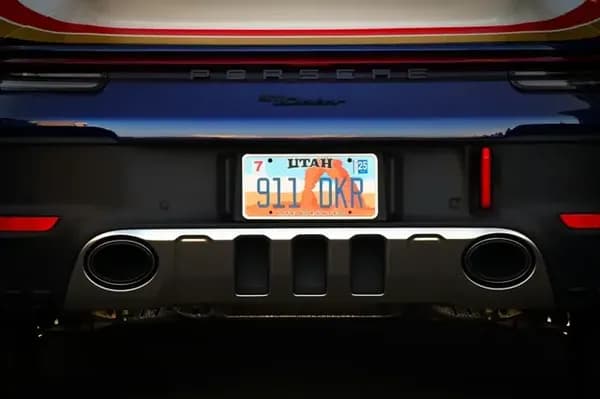
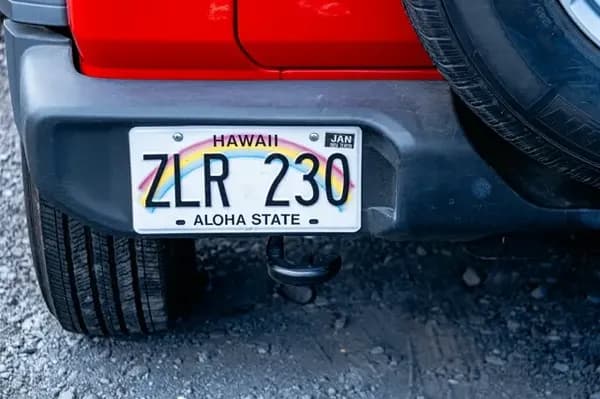
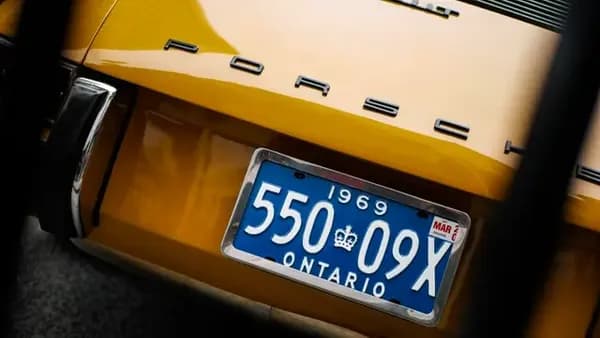
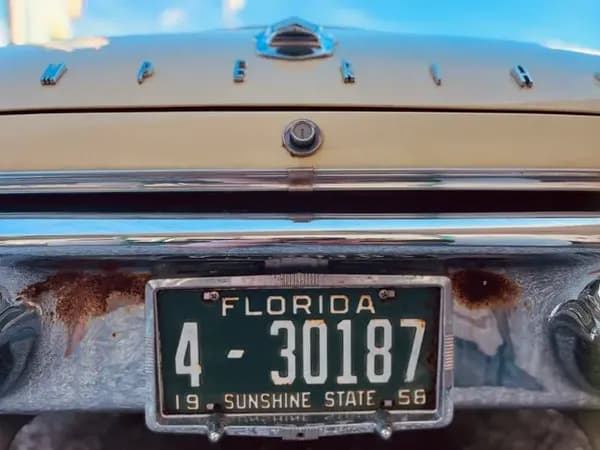
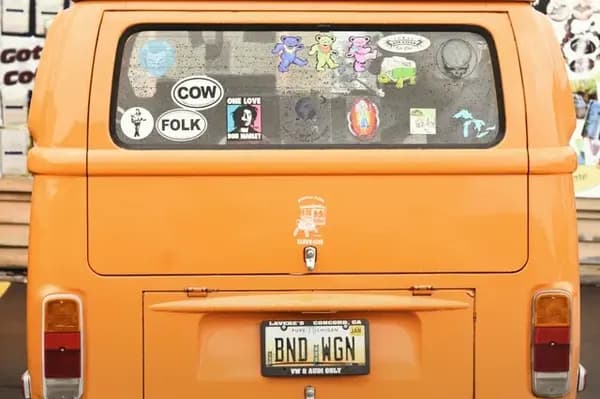
From dash-cam to drone video, our AI Plate Pixelation keeps vehicle identities safe across all sources.

Frequently asked questions
- Does the tool pixelate license plates automatically?
Yes. Upload a clip and the AI will detect and pixelate license plates instantly. You can adjust or remove any mask.
- Can it pixelate every vehicle plate in traffic scenes?
Absolutely. Multi-plate detection ensures every visible plate is pixelated, even in busy highways or parking lots.
- Can I pixelate other objects besides plates?
For non-plate objects, try our Video Background Changer with object-level masking.
- Does it work on mobile?
Yes. The interface is fully responsive—pixelate plates straight from your phone.
- Is everything online?
All processing happens in the cloud. No software downloads, ever.
- Is it free?
There’s a free tier for short clips. Longer videos and 4K exports are available on paid plans.
- Can you pixelate license plates with AI?
Yes, our AI can automatically detect and pixelate license plates in your videos, fully protecting vehicle identities.
Discover More
Related Tools
Edit like a pro in a minute.
Still not sure? Just upload your video and experience professional editing can be fun.