#1 Verkkopohjainen AI-video yhteenvetäjä
YouTube-yhteenvetäjä
Muuta YouTube-kokemustasi ilmaisella yhteenvetotyökalullamme! Saat tiiviitä videonäkemyksiä vain muutamalla napsautuksella - ei asennuksia tarvita! Kokeile nyt!
Luotettu yli 1 miljoona käyttäjää ympäri maailmaa
 4:07
Transcript
- Hey, welcome back to the channel.
- Today I'm showing my interview setup.
- The key light goes here, at an angle.
- The second camera gets the side view.
- Here's a mistake I made for years.
- Let me know your setup in the comments.
- Hey, welcome back to the channel.
- Today I'm showing my interview setup.
- The key light goes here, at an angle.
- The second camera gets the side view.
- Here's a mistake I made for years.
- Let me know your setup in the comments.
Video summary
- 0:15Where to put your key light
- 1:34Two cameras, one interview
- 3:03Mistakes to avoid on set


























Yksinkertaiset 3 vaihetta YouTube-videoiden tiivistämiseen
Ei tarvitse asentaa mitään laitteeseesi. Ei mitään opittavaa työkalumme käyttämiseen. Tarvitsemme vain muutaman napsautuksen sinulta. Teemme työn yksinkertaisimmalla tavalla.
Lataa
Vedä ja pudota YouTube-videotiedostosi. Latauksen eteneminen näytetään, kunnes se on valmis.
4:07MP4 · 1.0 GB0%Analysoimme
Analysoimme YouTube-videosi minuutissa, jotta voit pyytää yhteenvetoa.
Which camera doesKirjoita mitä haluat
Kirjoita, miten haluat YouTube-videosi tiivistettävän. AI:mme tiivistää YouTube-videosi minuutissa.
0%MP41080pMP4
Watch less, learn more
Any YouTube video, in a few lines
Paste a YouTube link or upload a video. VIDIO gives you the main points and lets you jump to the moment.
The video in key points
Get the main points of the video, each linked to the moment it is said.
4:07Transcript
- Hey, welcome back to the channel.
- Today I'm showing my interview setup.
- The key light goes here, at an angle.
- The second camera gets the side view.
- Here's a mistake I made for years.
- Let me know your setup in the comments.
- Hey, welcome back to the channel.
- Today I'm showing my interview setup.
- The key light goes here, at an angle.
- The second camera gets the side view.
- Here's a mistake I made for years.
- Let me know your setup in the comments.
Video summary
- 0:15Where to put your key light
- 1:34Two cameras, one interview
- 3:03Mistakes to avoid on set
Ask the video anything
Type a question. The answer shows where in the video it comes from.
Chapters for long videos
The video is split into named parts, so you can skip to the one you need.

0:00Intro
Find what was said
Search a word and see every moment it comes up.
 3:09The key light goes here.
 10:36Soft light looks better on skin.
 18:29Turn off the room light first.
Summaries in your language
Read the summary of an English video in your own language.
 11:57
English
How to light and film a two-camera interview at home.
Suositeltu huippumedioiden ja bloggaajien toimesta.





Who it's for
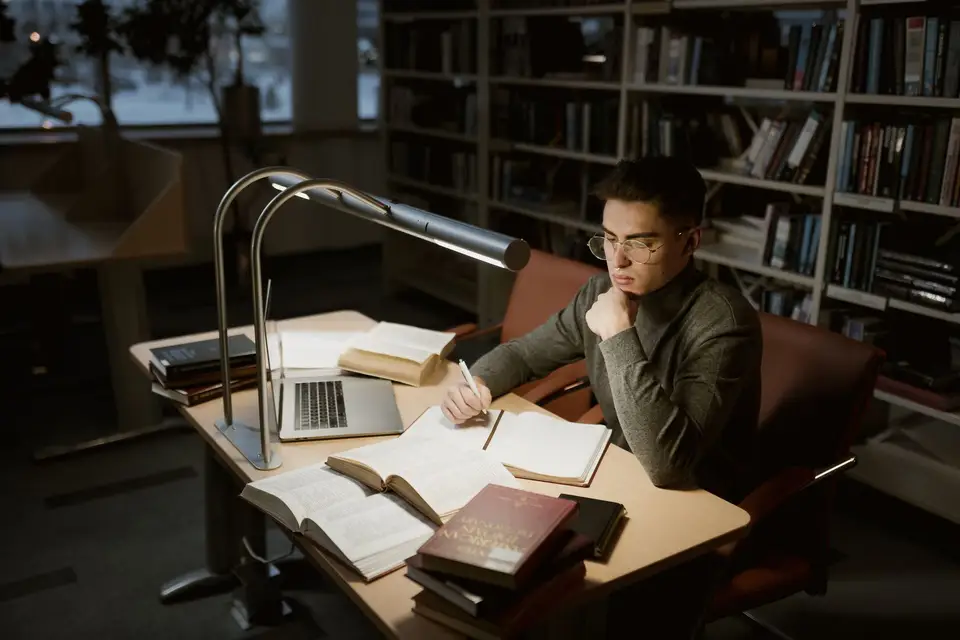
For anyone who learns on YouTube
Students, creators and researchers get the point of a video before they press play.
0
Steps found
Learners
Tutorials without the waiting
Get the steps from a 20-minute tutorial and jump to the one you need.
YouTube16:9 · 20:00
- 5Videos18Key points
From five videos
Creators
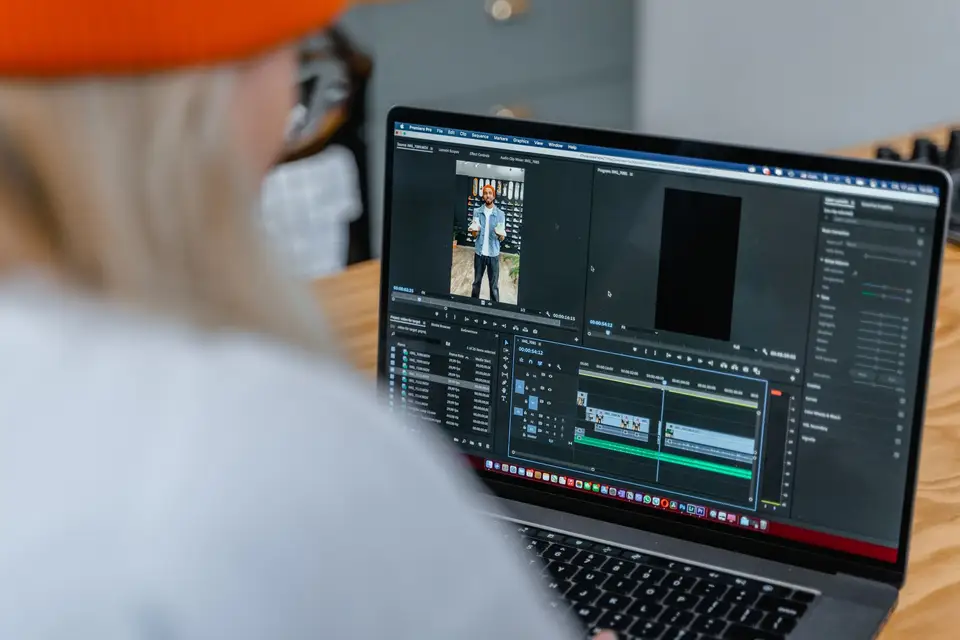
Research the topic fast
Summarize the top videos on your topic before you film your own.
YouTube16:9 · 15:00
0
Chapters
Creators
Chapters for your uploads
Get named chapters with timestamps to paste into your description.
YouTube16:9 · 24:00
- 0%
Time saved
Teachers
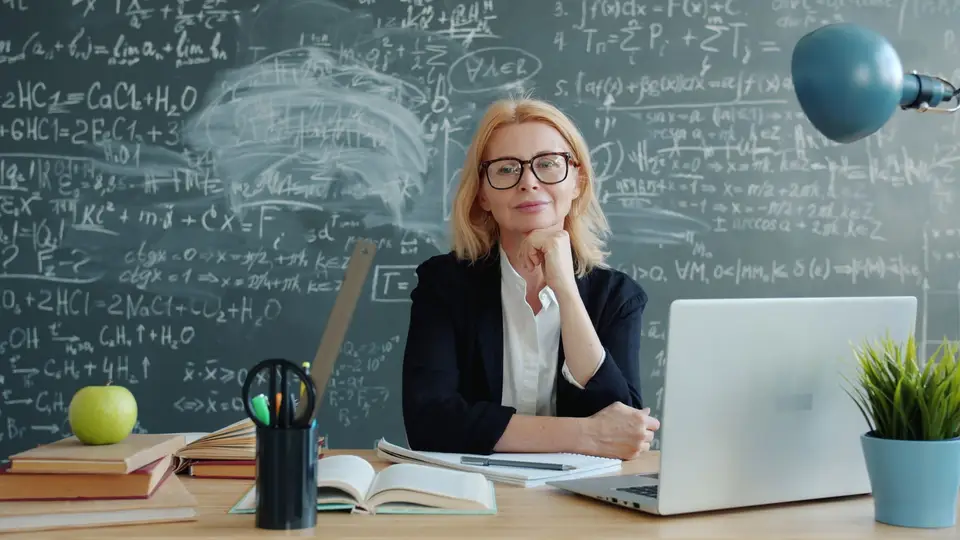
Check a video before class
Know what a video covers before you show it to students.
YouTube16:9 · 18:00
0
Matches found
Marketers
Know what competitors said
Summarize product videos and find every mention of a feature.
YouTube16:9 · 32:00


Löydä lisää9
Lisää tapoja käyttää VIDIOta, ryhmiteltynä sen mukaan, mitä teet.
Tekoälytyökalut videontekijöille
Selaa kaikkia työkalujaLiittyvät työkalut
2Liittyvät artikkelit
5Videoiden editointioppaat ja uutiset
- 01Kuinka yritysryhmät voivat hyödyntää automatisoitua videosummarointia ja leikkausta nopeamman sisällöntuotannon saavuttamiseksi
- 02Mitä on videon tiivistäminen? Opas urheilun kohokohtien muokkaamiseen
- 03Viiden parhaan korostevideon teko-ohjelmiston lista kiehtovien leikkeiden ja koosteiden luomiseen
- 04Clean-Screen Shortsin Trendi: Kuinka SaaS-markkinoijat Voi Muuttaa Tuotedemot YouTube-selityksiksi
- 05Parhaat Työkalut Automaattisiin Videotekstityksiin Ja Alateksteihin
Suosittu kaikkialla maailmassa.
Arvostelu on käännetty.


Kokeilin koostamisohjelmaanne ja mielestäni se on mahtava! Se toimii todella hyvin teinissäni esikatselussa. Oikeasti hämmästynyt.




Niin hämmästyttävä ja nopea tapa stabiloida videosi ilman tarvetta tehokkaalle tietokoneelle.


Vihdoinkin voin muokata kuin ammattilainen ilman että minun tarvitsee käyttää hullua määrää rahaa ohjelmistoon, jota en osaa käyttää. Suosittelen erittäin lämpimästi niille, jotka haluavat nopean ja helpon tavan poistaa taustat videoista.


Tee seuraavasta latauksestasi paras
Muokkaa, pakkaa, aikatauluta ja seuraa VIDIOlla. Aloita ilmaiseksi.

Escape 100 Cops, Win $500,000
- Luo


- JulkaiseKlikkausvetovoima 79
- Sisällöntuottajan analytiikkakatselukertaa