#1 온라인 영상 편집 도구
AI 영상 누끼따기
AI 영상 누끼따기 도구를 통해 간편하게 객체를 추출하고 멋진 영상을 만들 수 있습니다. 지금 온라인에서 무료로 시도해보세요!
전 세계 100만+ 사용자가 신뢰합니다


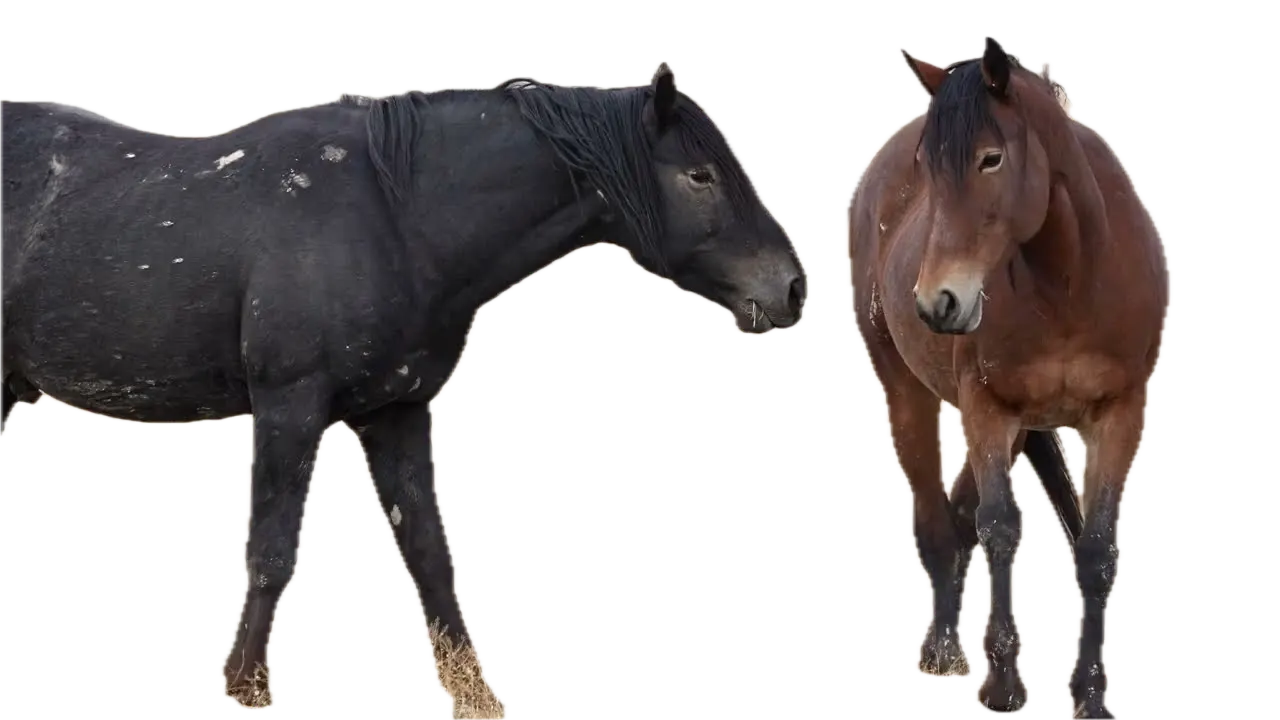
- Foreground only
- On a color
- New scene


































영상 누끼따기를 위한 세 가지 간단한 단계
설치나 복잡한 학습이 필요하지 않습니다. 여러분의 몇 번의 클릭만으로 우리가 영상 누끼따기를 가장 간단한 방법으로 처리해 드립니다.
업로드
영상 파일을 끌어다 놓으세요. 업로드 진행 상황이 완료될 때까지 표시됩니다.
56:11MP4 · 13.8 GB0%누끼따기할 부분 선택
영상에서 누끼따기할 부분을 클릭하면, 고급 AI 알고리즘이 그것들을 명확하게 분리합니다.
Click the horsesBackground off누끼따기 전파
전파 버튼을 클릭하여, 누끼따기한 부분이 영상의 모든 프레임에 적용되어 배경이 투명하게 만들어집니다.
0%MP41080pMP4
Keep what's in front
Pull the foreground out of a video
VIDIO separates what is in front, like these two horses, from the field behind. You keep the foreground as its own clip.
Foreground pulled out
VIDIO finds the two horses and drops the field behind them.
- Foreground only
- On a color
- New scene
Save it with no background
Download the foreground on a transparent background, ready to layer.
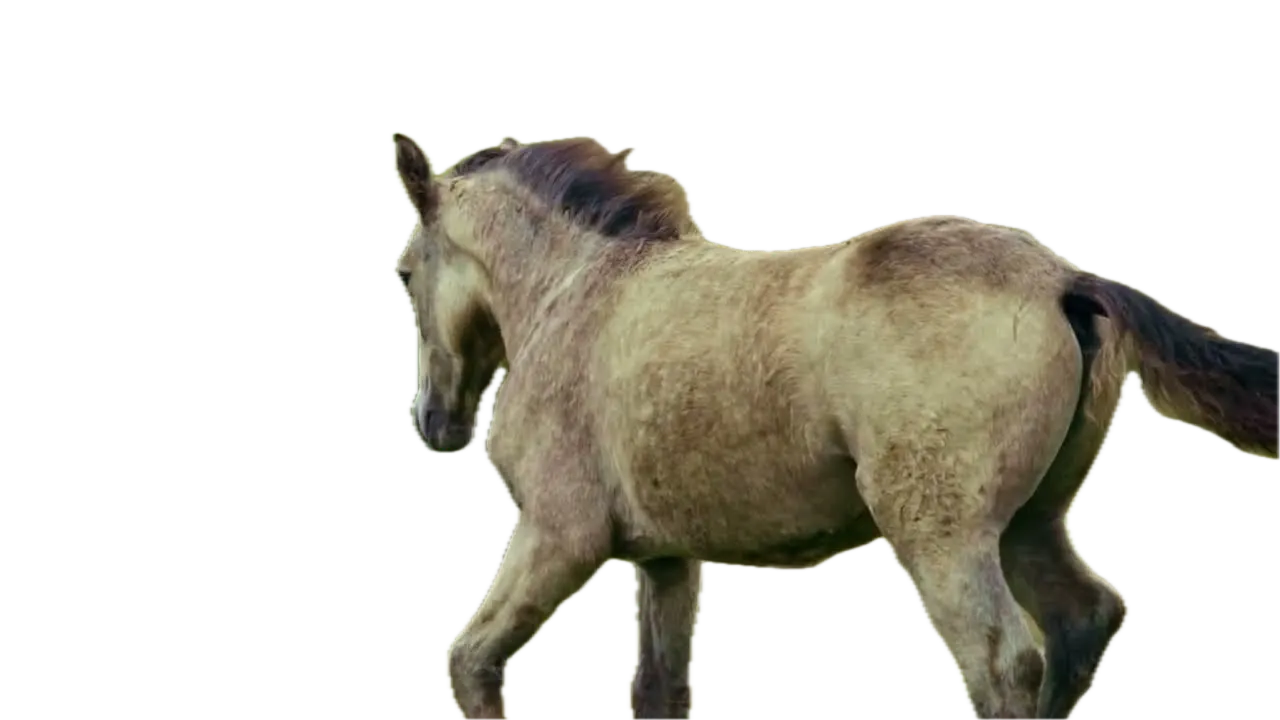
The whole clip, not one frame
The foreground is extracted in every frame, horses and dogs included.

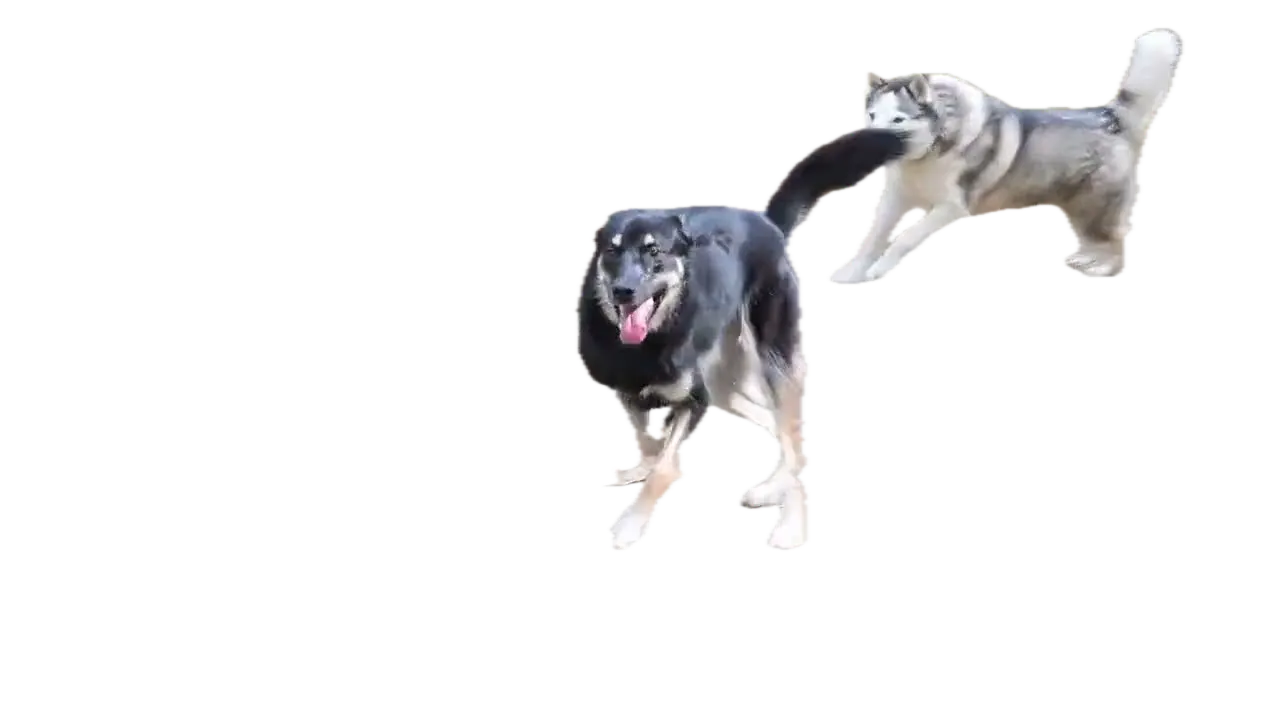

Put it on something new
Set the foreground on a new scene, a color or a blurred copy.
Keep the field, but soft
Not ready to remove it? Blur the background and keep the horses sharp.
탑 미디어 및 블로거들 사이에서 추천받고 있습니다.





Who it's for
One clip, many uses
Extract the foreground once and reuse it wherever you need it.
- ActorLocation
What stays, what goes
Editors
Composite without a green screen
Extract the actor and place them into a different shot.
MP416:9 · 0:30
- 0%
Frames extracted
Teachers
Appear next to your lesson
Extract yourself from a webcam recording and lay it over your slides.
YouTube16:9 · 15:00
0
Campaign versions
Marketers
One shoot, many ads
Extract the spokesperson and drop them into each campaign design.
Facebook1:1 · 0:20
- 2WebM1PNG
Exports
Streamers
Yourself, without the room
Turn a recorded clip into a transparent overlay for your stream scenes.
MP416:9 · 0:10
0:30
9:16
Ready for Reels
Short-form creators
Step into any scene
Extract yourself and put yourself in front of a new background.
Reels9:16 · 0:30
관련 도구
7전 세계 유명 콘텐츠 크리에이터들이 이용하고 있습니다.
리뷰는 번역본입니다.


당신의 합성 소프트웨어를 시도했고 정말 대단하다고 생각합니다! 제가 한 미리보기에서 정말 잘 작동합니다. 사실 놀랐어요.





드디어, 사용법을 모르는 소프트웨어에 미친 듯이 많은 돈을 쓰지 않고 전문가처럼 편집할 수 있습니다. 영상에서 배경을 쉽게 제거하고 싶은 사람들에게 강력 추천합니다.




$456,000 Squid Game In Real Life!
- 만들기


- 게시클릭 매력 81
- 크리에이터 분석회 조회