For families
Your family's moments, made into videos
Turn a camera roll of phone clips and photos into birthday films, year-in-review videos and tributes set to music, and blur other children's faces before you share.
Trusted by over 1 Million users worldwide
Make your next family video in 3 steps
Nothing to install and nothing to learn: upload, describe the edit, then download.
Upload your clips
Drag and drop clips and photos from your phone, or import them from Google Drive or Dropbox.
 8:31MP4 · 2.1 GB0%
Describe the video
Tell the AI what you want, for example a 3-minute birthday film in date order with warm music, and send it.
Download and share
Export the MP4 for the family chat, the TV or YouTube.
0%MP41080pMP4
Skip the scrolling
A camera roll in, a film to keep out
Upload the clips and photos from a party, a holiday or a whole year. VIDIO keeps the moments worth watching, drops the blurry ones and cuts them to music.
The moments you'll want to rewatch
Candles blown out, first steps, big hugs and group photos, found across all your clips.

 Candles1:12
 First steps3:14
 Big hug5:17
 Group photo7:19
Every moment, listed
See each moment the AI found with its picks marked, and switch on one it left out.
 Morning0:42
 Presents0:18
 Dinner0:26
 Fireworks0:35
Photos and clips together
Old prints and phone photos sit next to your videos, each held a few seconds with a slow pan and zoom.




Music that fits the memory
A track chosen to fit, or your family's favorite song, with the original sound balanced under it.
- Warm acoustic
- Soft piano
- Upbeat pop


Only your child stays visible
AI Face Blurring, a separate tool, lists the faces in a clip so you can blur the other children and keep yours clear.
Refine by hand
Keep the moment it missed, drop the one you don't want
VIDIO assembles the first cut. Keep, remove or extend any moment, and captions, transitions and music adjust around every change.
Morning
0:00 / 8:12Adjusts automatically
- Transitions3
- Captions4
- Music8:12

Recommended by top media and bloggers.





Who it's for
Built for every family moment
Birthdays, recitals, holidays and tributes: VIDIO turns the clips you already have into videos the whole family watches.
5:00:00 footage
4:00Long footage → short cut
Families
The family's year in one film
Birthdays, holidays and first steps from twelve months of clips and photos, set to music and ready for New Year's Eve.
MP416:9 · 4:00
2:10:00 footage
2:00Party → recap
Parents
Your kid's party, minus the waiting
Turn an afternoon of clips into the two minutes you will watch every year.
MP416:9 · 2:00
- 4:00
Sources combined
Grown-up kids
From childhood photos to today, in one tribute
Old prints, home videos and a message from each of you, set to their favorite song and ready to play on the day.
MP416:9 · 4:00
2:10:00 show
3:00Show → one dance
Parents
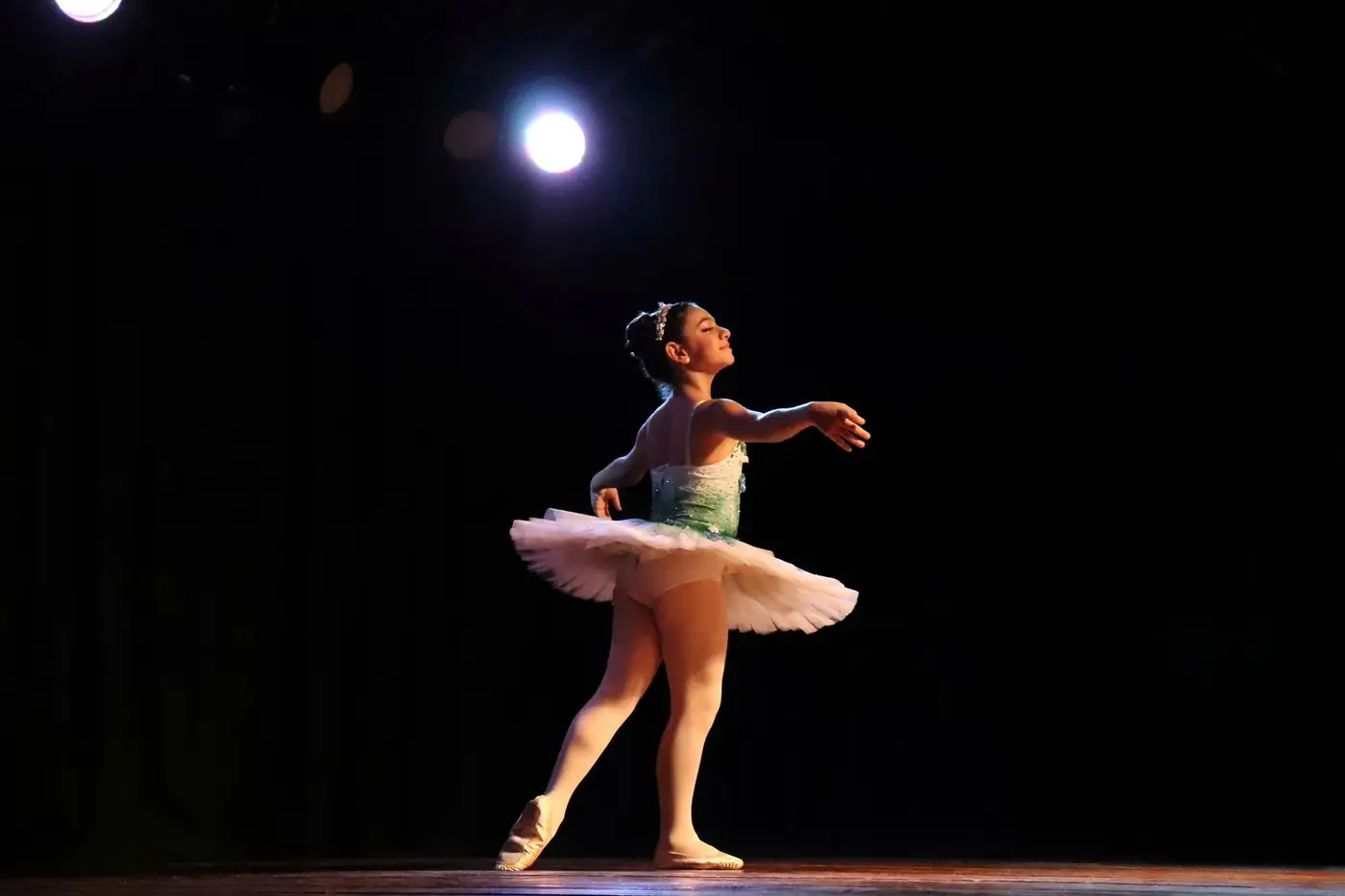
Your child's dance, without the two hours around it
Keep the number they practiced all year, zoomed in so you can see them from the back row.
MP416:9 · 3:00
- 1Kept11Blurred
Faces found
Parents
Only your kid stays visible
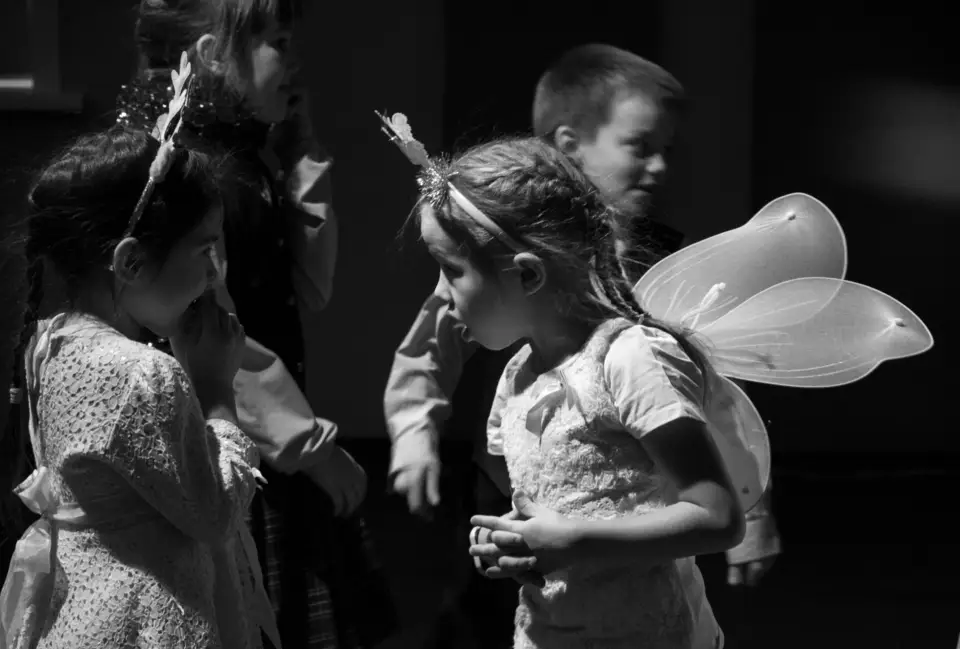
Share the school play and blur the other children.
Instagram4:5 · 1:00



Tools for families
Go straight to the tool for the job
Each one works on its own, and all of them share one VIDIO account.
- Year in review makerThe family's year in one film.
- Birthday video makerThe party in a few minutes, set to music.
- Tribute video makerPhotos, clips and messages for Mother's or Father's Day.
- Holiday video makerChristmas morning and the holidays in one video.
- Video upscalerSharpen old home videos for today's TV.
- Video stabilizerSteady shaky phone clips of the kids.
- Child face blurringBlur other children before you share.
Every way to use it
62 ways to use VIDIO
Each card is a tool page made with this use in mind. Open one to see it work on a real video.
- FamiliesBirthday and holiday videos with your songThe song from the day under the best moments, faded out gently at the end.Add Music to Video
- FamiliesA surprise for your parents' 40thCollect clips from every relative and play one video at the party.Anniversary Highlight Video Maker
- FamiliesThe year in one montageBirthdays, holidays and everyday moments from a year of phone videos, set to a song for the whole family.Auto Highlight Montage Maker
- ParentsThe recital, minus the waitingKeep the performance and drop the minutes of setup and shuffling before it.Auto video trimming
- ParentsThe first year, minus the scrollingTurn hundreds of clips into the video you play at the first birthday.Baby's First Year Video Maker
- Parents-to-beYour shower, in two minutesTurn an afternoon of clips into a keepsake for the baby book.Baby Shower Video Maker
Loved by content creators worldwide.

Make your next upload your best one
Edit it, package it, schedule it and track it with VIDIO. Free to start.

Escape 100 Cops, Win $500,000
- Create


- PublishClick appeal 79
- Creator analyticsviews