For real estate
Listings that sell on video
Turn walkthrough footage into listing tours and Just Listed Reels with music and a voice-over, steady and brighten phone footage, and blur plates and house numbers.
Trusted by over 1 Million users worldwide
Make your next listing video in 3 steps
Nothing to install and nothing to learn: upload, describe the edit, then download.
Upload the walkthrough
Drag and drop the clips from your phone, camera or drone, or import them from Google Drive or Dropbox.
 21:21MP4 · 5.3 GB0%
Describe the tour
Tell the AI what you want, for example a 2-minute tour from the curb to the backyard with the price on screen, and send it.
Download and post
Export 16:9 for the listing page and YouTube, or 9:16 for Reels and TikTok.
0%MP41080pMP4
Make tours faster
One walkthrough, a tour and a Reel
Upload the footage from a showing. VIDIO keeps the best angle of each room, cuts the dead time and puts it in order from the curb to the backyard.
The best angle of every room
VIDIO finds the strongest shots of each room and the view, and lines them up in tour order.

 Curb view2:59
 Kitchen8:07
 Main bedroom13:14
 Backyard18:22
Every room, listed
See each room the AI found with its picks marked, and switch on one it left out.
 Exterior0:42
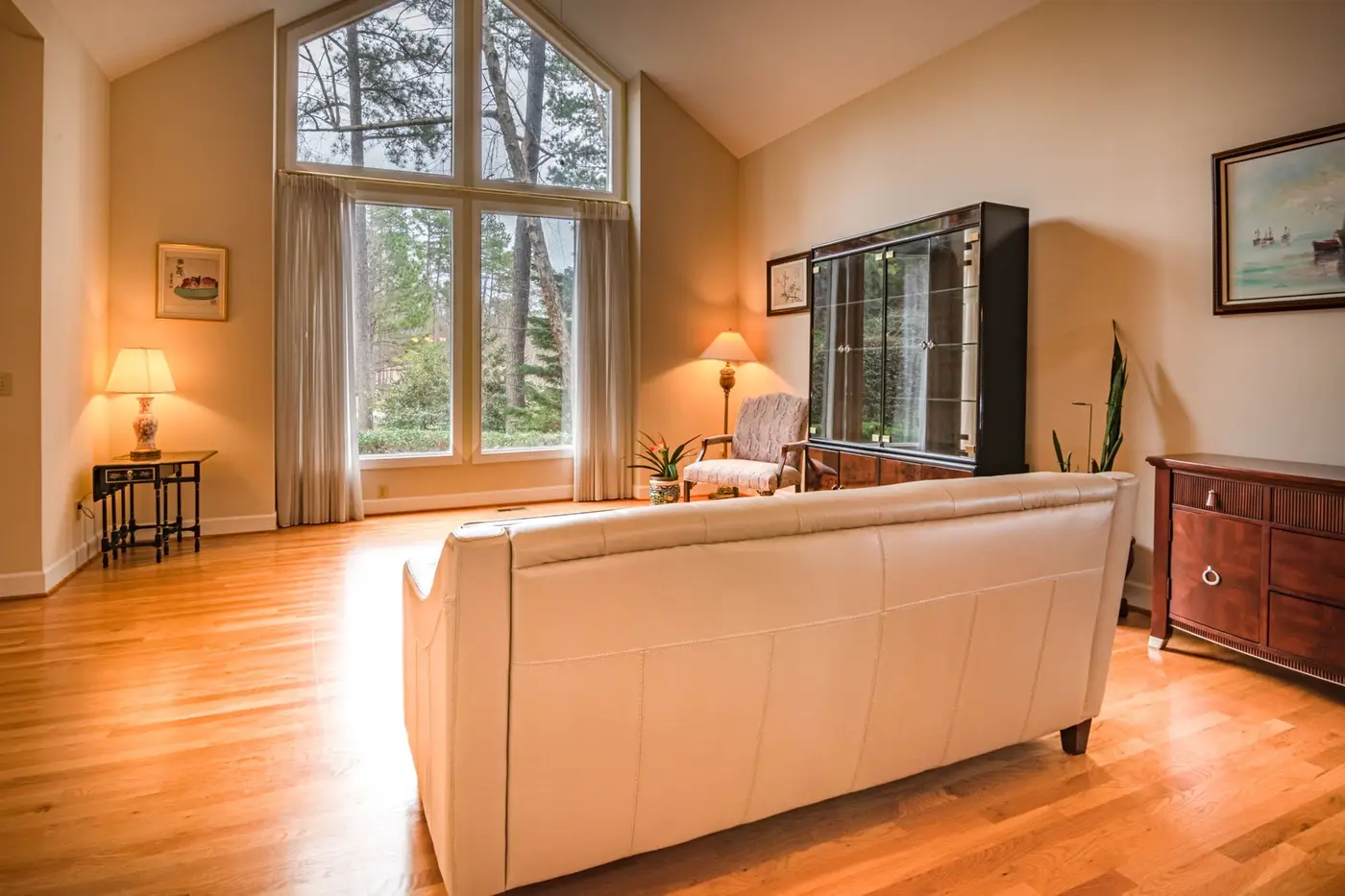
 Living room0:18
 Kitchen0:26
 Garden0:35
Phone tours, held steady
Video Stabilizer, a separate tool, takes the shake out of handheld walkthroughs, up to 5 minutes per run.

Dark rooms, lit up
Video Lightener brightens underexposed rooms and evening shots, with a free 5-second preview.

Neighbors' plates hidden
License plate blurring finds the plates in street and drive-by footage and blurs the ones you pick.
 Scanning
Refine by hand
Keep the room it missed, drop the one you don't want
VIDIO assembles the first cut. Keep, remove or extend any moment, and captions, transitions and music adjust around every change.
Exterior
0:00 / 8:12Adjusts automatically
- Transitions3
- Captions4
- Music8:12


Recommended by top media and bloggers.





Who it's for
Built for every listing
From a starter condo to a hillside estate, VIDIO turns the footage you shot at the showing into videos buyers watch.
18:00 footage
2:00Long footage → short cut
Listing agents
A property tour for the listing page
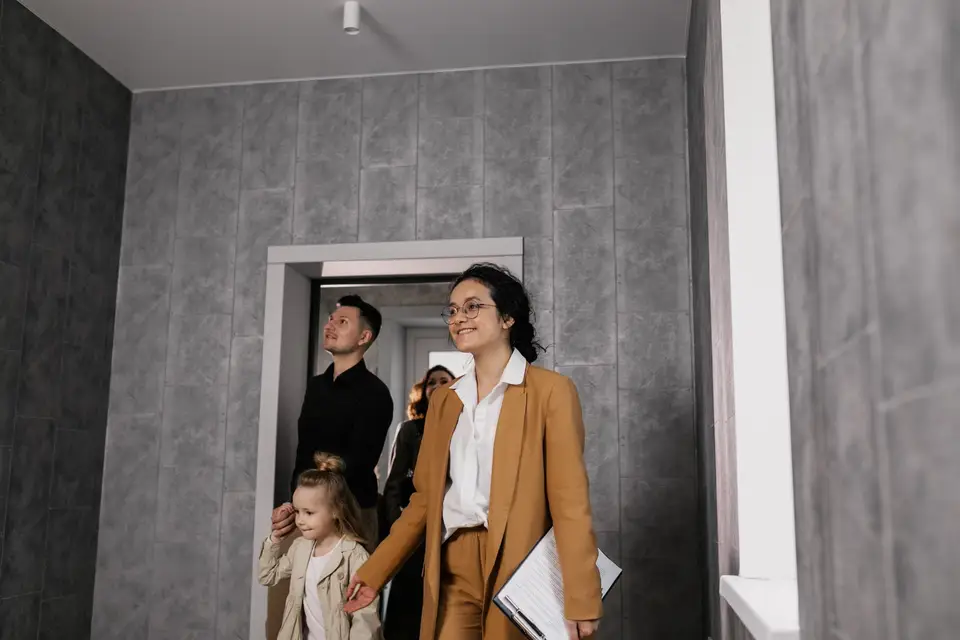
Upload the walkthrough and get a paced tour from the curb to the backyard, ready for the listing and your YouTube channel.
YouTube16:9 · 2:00
0:30
9:16
Vertical, ready to post
Agents on social
A Just Listed Reel
The best rooms and the view, vertical and captioned, posted the day the listing goes live.
Reels9:16 · 0:30
- 1:00
Clips in, one tour out
Real estate agents
Listing videos that walk through every room
A calm voice names each room as it appears, with soft music under it.
YouTube16:9 · 1:00
0:45
9:16
Vertical, ready to post
Real estate agents
Property flyovers for listing posts
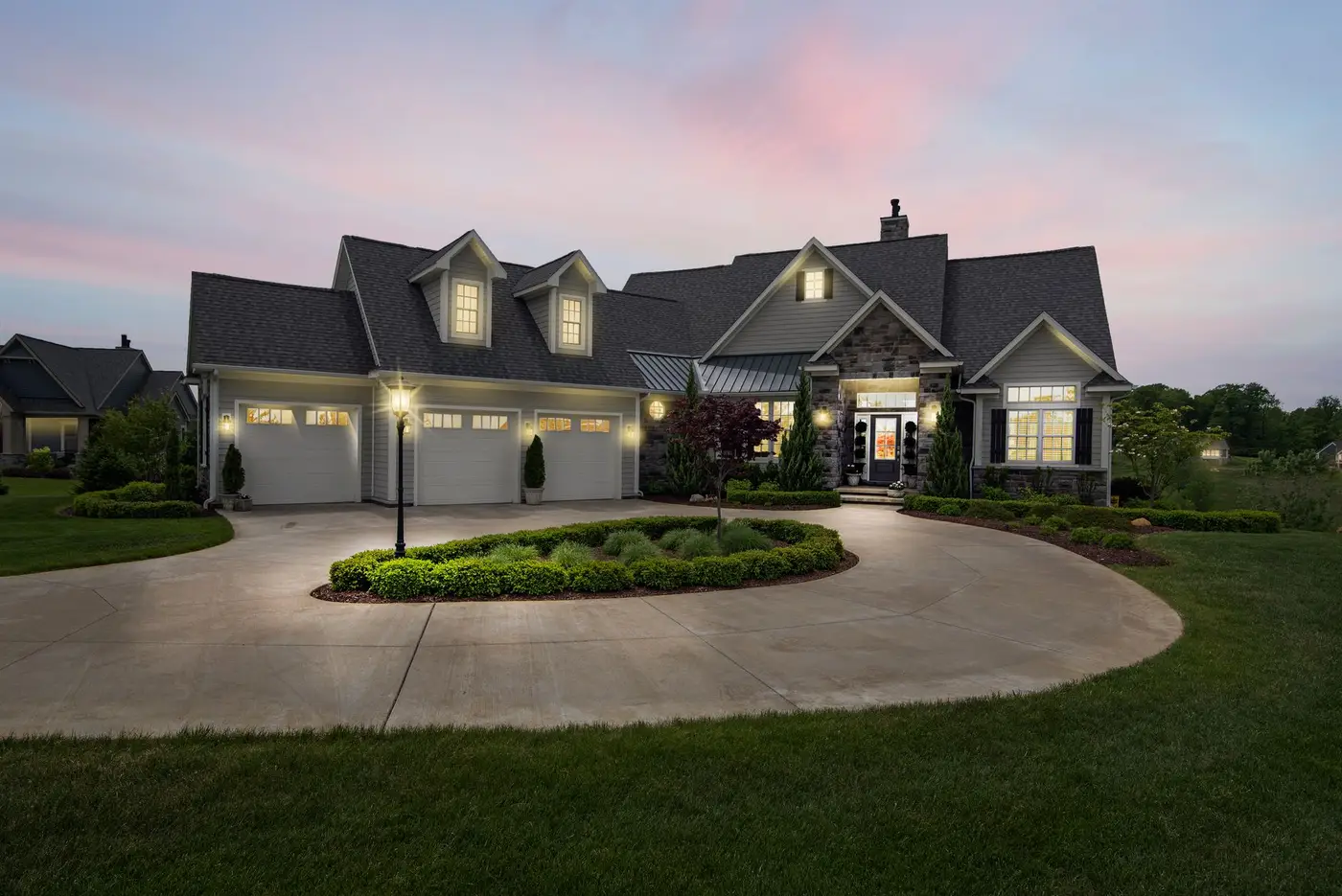
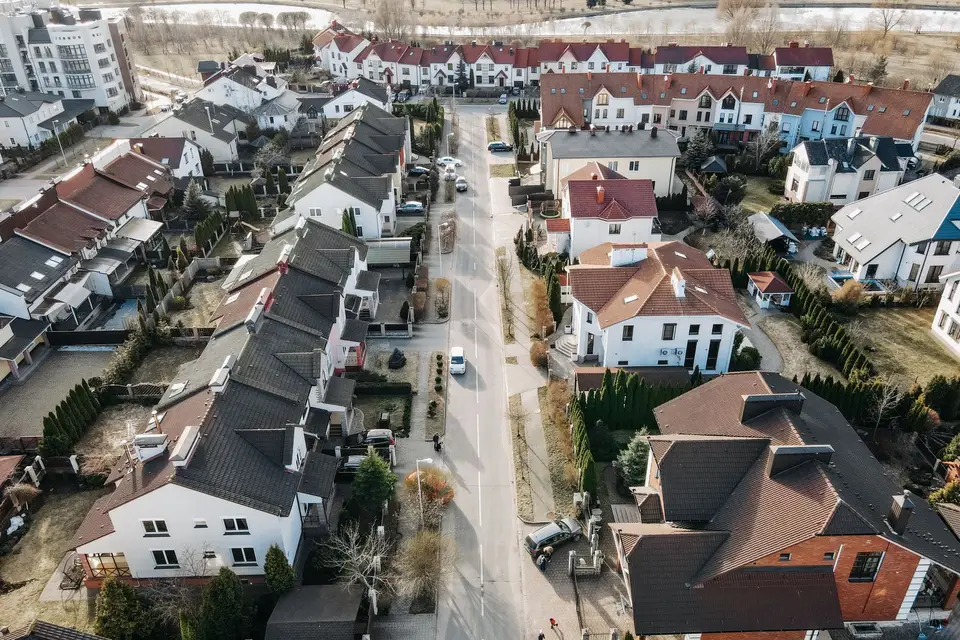
The approach, the roofline and the neighborhood in a short aerial tour buyers watch before booking a viewing.
Reels9:16 · 0:45
- Steady pansHandheld shake
What changes
Real estate and small business
Walkthroughs that look professional
Shoot a tour on your phone and get a calm, steady video for the listing.
Facebook16:9 · 1:30

Tools for real estate
Go straight to the tool for the job
Each one works on its own, and all of them share one VIDIO account.
- Real estate video makerTurn a walkthrough into a paced listing tour.
- Drone video makerCut aerial footage into a short flyover of the property.
- AI voiceoverA voice that names each room, written for you or read from your script.
- Video stabilizerTake the shake out of handheld walkthroughs.
- Video lightenerBrighten dark rooms and evening shots.
- License plate blurringHide neighbors' plates in street footage.
- Blur house numbersHide the address until the listing goes public.
Every way to use it
19 ways to use VIDIO
Each card is a tool page made with this use in mind. Open one to see it work on a real video.
- Real estate agentsListing videos that walk through every roomA calm voice names each room as it appears, with soft music under it.AI Voiceover for Video
- Real estate agentsWalkthroughs that keep movingLong phone tours trimmed to the rooms buyers want to see.Auto video trimming
- Real estate agentsProperty flyovers for listing postsThe approach, the roofline and the neighborhood in a short aerial tour buyers watch before booking a viewing.Drone highlight video maker
- Real estate agentsA walk-through without the wobbleShaky pans and dark corners cut from a property tour, leaving a steady listing video.Raw footage cleaner
- Listing agentsA property tour for the listing pageUpload the walkthrough and get a paced tour from the curb to the backyard, ready for the listing and your YouTube channel.Real-estate highlight video maker
- Real estate agentsProperty tours without narrationRoom-by-room footage trimmed to the best angles, with the address and price on screen.Silent video editor
Loved by content creators worldwide.

Make your next upload your best one
Edit it, package it, schedule it and track it with VIDIO. Free to start.

Escape 100 Cops, Win $500,000
- Create


- PublishClick appeal 79
- Creator analyticsviews