


































3个步骤实现自动对象追踪
无需下载或手动配置。仅在三个简单步骤中自动追踪对象。
上传您的视频
上传您的视频,让 AI 自动分析对象和运动。
1:42:03MP4 · 25.1 GB0%确认对象
选择或确认您要追踪的对象——AI 会处理剩下的。
 Car 1Car 2Car 3Car 4
导出视频
下载带有自动对象追踪效果的视频。
0%MP41080pMP4
Automatic tracking for any clip
Select once, tracked in every frame
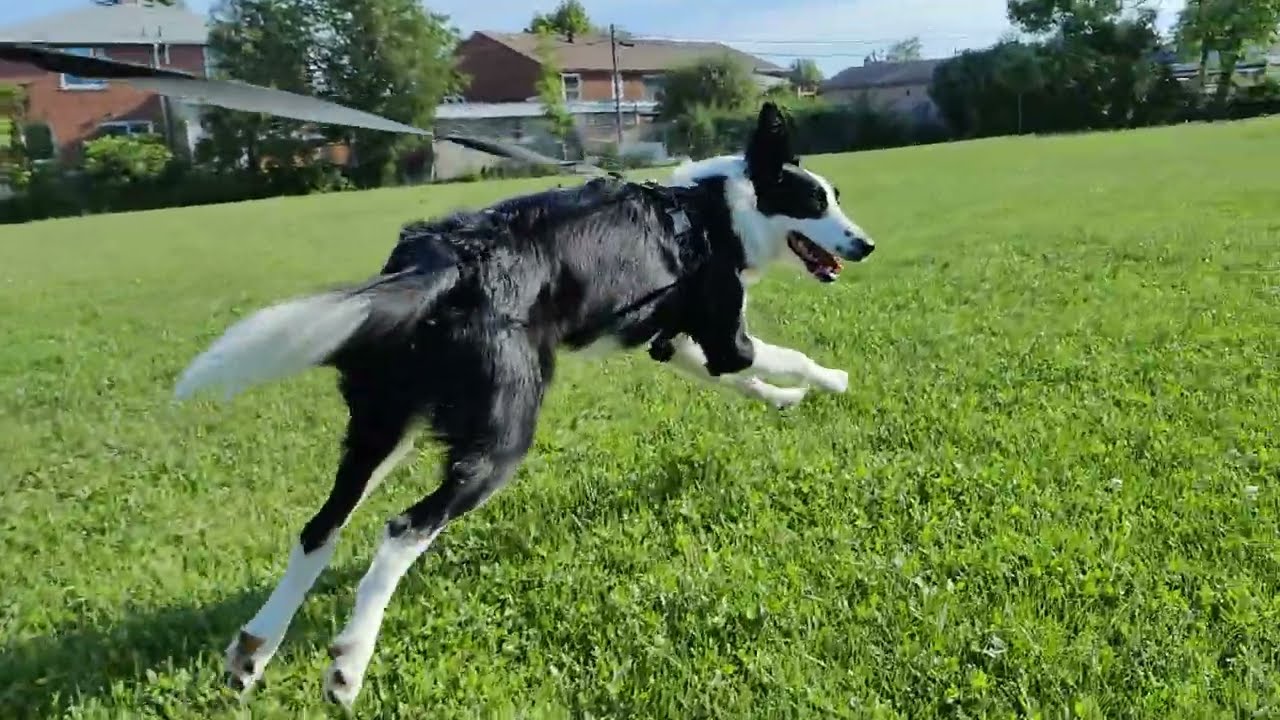
Pick a surfer, a car or a dog. VIDIO tracks it on its own, so effects stay on the subject.
Click the surfer once
Pick the surfer on the wave. VIDIO follows him through the whole ride.
Spotlight the subject
Dim the water around the surfer so the ride stands out.
Labels that move with it
Add a name, an arrow or an emoji. It stays on the subject.
SurferDraw the path
Show the path a car took through the frame.
PathVertical crops that follow
Crop the wide wave shot to 9:16 with the surfer centered.
9:16受到顶级媒体和博主的推荐。





Who it's for
For any footage with a moving subject
Surf, traffic, pets or sports. Track once and add effects that stay on target.
0:30
9:16
Reframed for TikTok
Surf creators
Rides that stay in frame
Reframe wide drone shots into vertical clips that follow the surfer.
TikTok9:16 · 0:30
- 0%
Frames tracked
Photographers
Spot the client in the lineup
Spotlight one surfer in a session video for the client.
MP416:9 · 2:00
0
Labels placed
Videographers
Effects without keyframes
Attach text and arrows to moving subjects automatically.
YouTube16:9 · 5:00
- 0%
Frames tracked
Travelers
Trip clips that follow you
Keep yourself centered in wide travel footage.
Reels9:16 · 0:40
0
Paths drawn
Teachers
Track motion for lessons
Draw paths of moving objects to explain motion.
MP416:9 · 3:00
相关工具
5受全球内容创作者喜爱。
评论已翻译。


