 Scanning



























簡單的 3 步驟模糊訪談中的面孔
無需在您的設備上安裝任何東西。使用我們的工具無需學習。我們只需要您幾次點擊。我們以最簡單的方式完成工作。
您上傳。
無需安裝,使用我們的工具無需學習。移動物體只需幾次點擊即可模糊處理。
3:26MP4 · 865 MB0%選擇要模糊的面孔。
我們自動應用最先進的 AI 算法,在一分鐘內模糊面孔。您可以在此過程中選擇要保持清晰的面孔。
4 faces found1 kept visible您下載。
只需點擊匯出按鈕,您即可在設備上下載您的面部模糊視頻。
0%MP41080pMP4
Interviews, kept anonymous
Blur the guest, keep the host
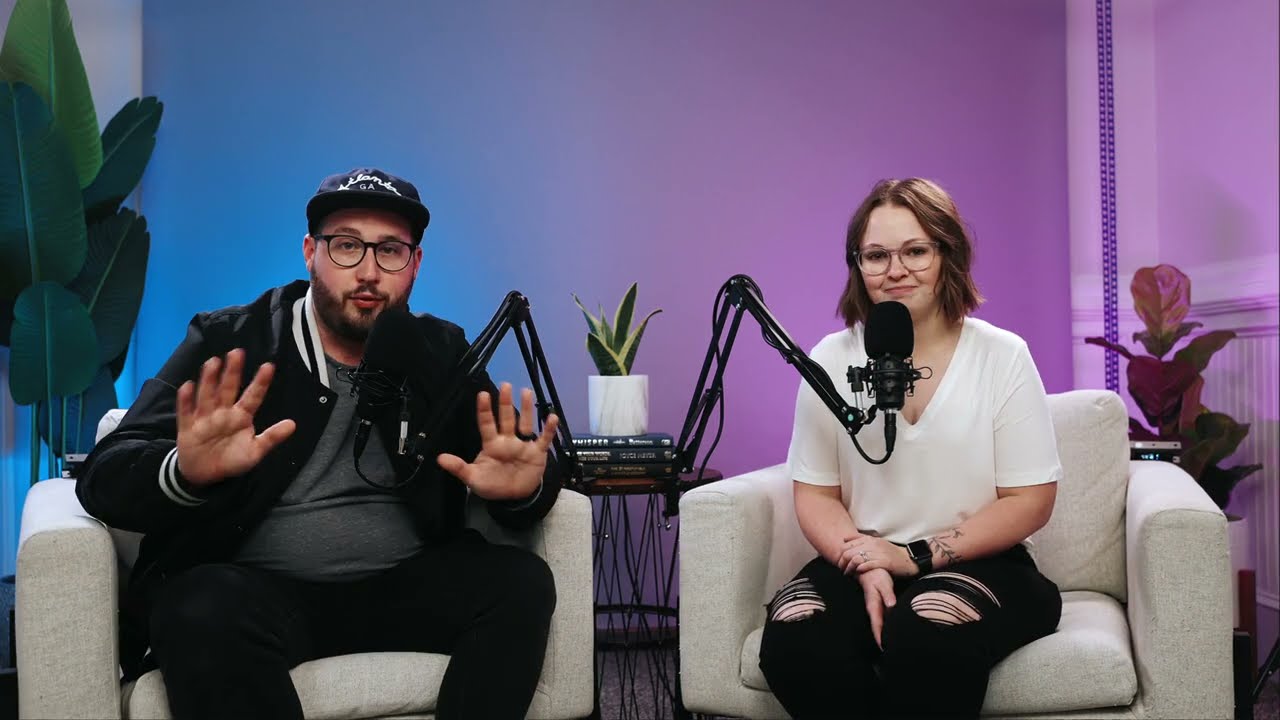
VIDIO finds both faces in your interview. Turn the blur off for the host and the guest stays hidden from start to end.
Both faces found in the studio
Upload the interview and VIDIO finds the host and the guest in their chairs. No masks to draw.
ScanningKeep the host on camera
Switch off the blur for the interviewer. Only the guest is hidden.
Stays on when the guest moves
The blur follows the guest as they lean in, turn or talk with their hands.

Soft blur or heavy pixels
Use a soft blur, a mosaic or an emoji, and set how strong it is.
Hidden for the whole episode
Every frame is checked, so the guest never shows for a moment.
受到頂級媒體和部落客的推薦。





Who it's for
Interviews people can speak freely in
Journalists, researchers and creators can protect the people they interview and still publish the conversation.
- HostSource
Who stays, who is blurred
Documentary creators
Anonymous sources on camera
Blur a source who spoke on the condition that they would not be shown.
YouTube16:9 · 22:00
- 0%
Frames blurred
Video podcasters
Guests who want to stay private
Publish the full video episode with your guest's face blurred.
YouTube16:9 · 58:00
0
Interviews blurred
Researchers
Research interviews, de-identified
Blur participants before you share interview recordings with your team.
MP416:9 · 35:00
0
Speakers blurred
HR teams
Employee stories without names or faces
Share honest feedback videos with each speaker blurred.
LinkedIn16:9 · 3:00
0
Bystanders blurred
Street interviewers
Vox pops with bystanders hidden
Keep the person you ask and blur the people walking behind them.
TikTok9:16 · 0:50
相關工具
7全球內容創作者喜愛的。
評論已翻譯。





