#1 Online-KI-Rotoscoping-Tool
AI Rotoscoping Online
Erleben Sie das revolutionäre AI Rotoscoping online. Müheloses, blitzschnelles Rotoscoping ohne Installation. Probieren Sie es jetzt kostenlos aus!
Vertraut von über 1 Million Nutzern weltweit

























Rotoscopieren Sie Ihre Videos in 3 einfachen Schritten
Keine Downloads, keine Lernkurve – nur drei Klicks zu perfektem digitalem Rotoscoping.
Hochladen
Ziehen Sie Ihr Video per Drag-and-Drop; der Fortschritt wird in Echtzeit angezeigt.
0:23MP4 · 97 MB0%Klicken Sie auf das Vordergrundobjekt
Klicken Sie das Motiv an, das Sie beibehalten möchten – unsere KI-Rotoscoping-Engine isoliert es sofort.
Click the dancerMatte readyPropagieren und exportieren
Klicken Sie auf Propagieren, um das automatische Rotoscoping auf alle Frames anzuwenden, und exportieren Sie dann oder fügen Sie Effekte hinzu.
0%MP41080pMP4
Rotoscoping without the frame-by-frame work
Rotoscope a dancer in your browser
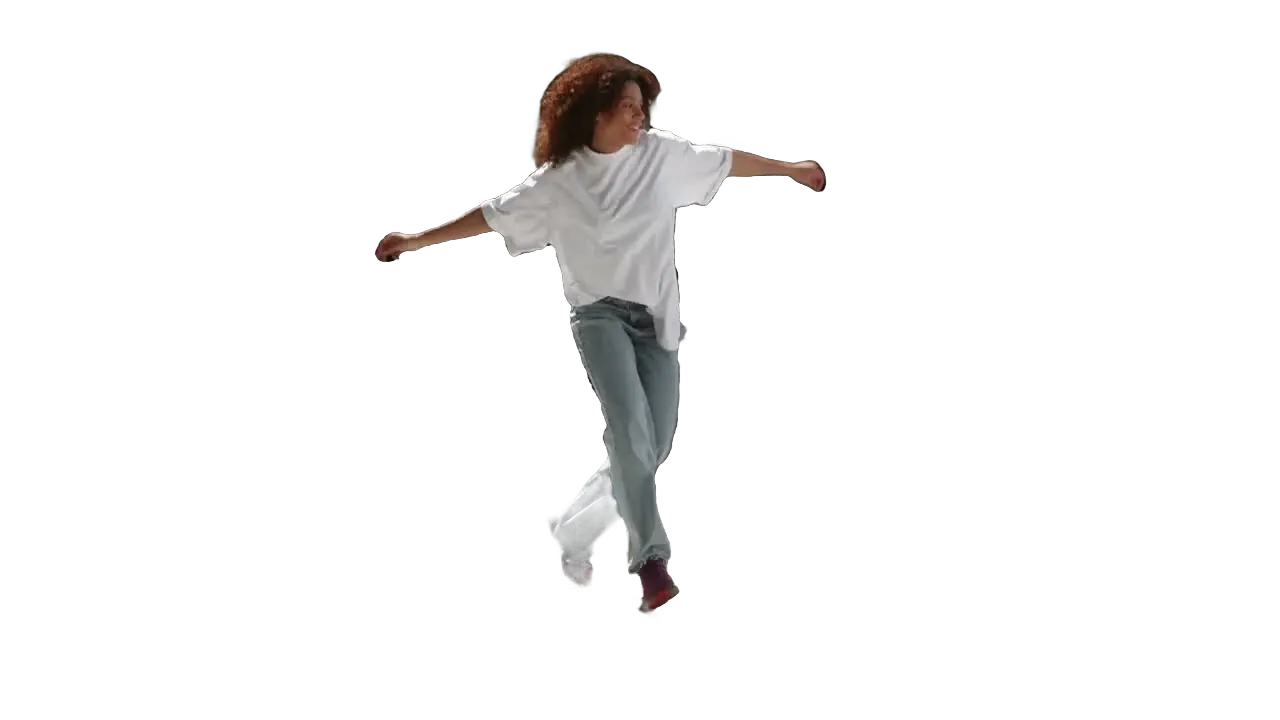
Click the dancer or athlete once. VIDIO traces them on every frame, even mid-spin.
Every frame, traced for you
Kicks, spins and flying hair: the matte follows the mover through the whole clip.
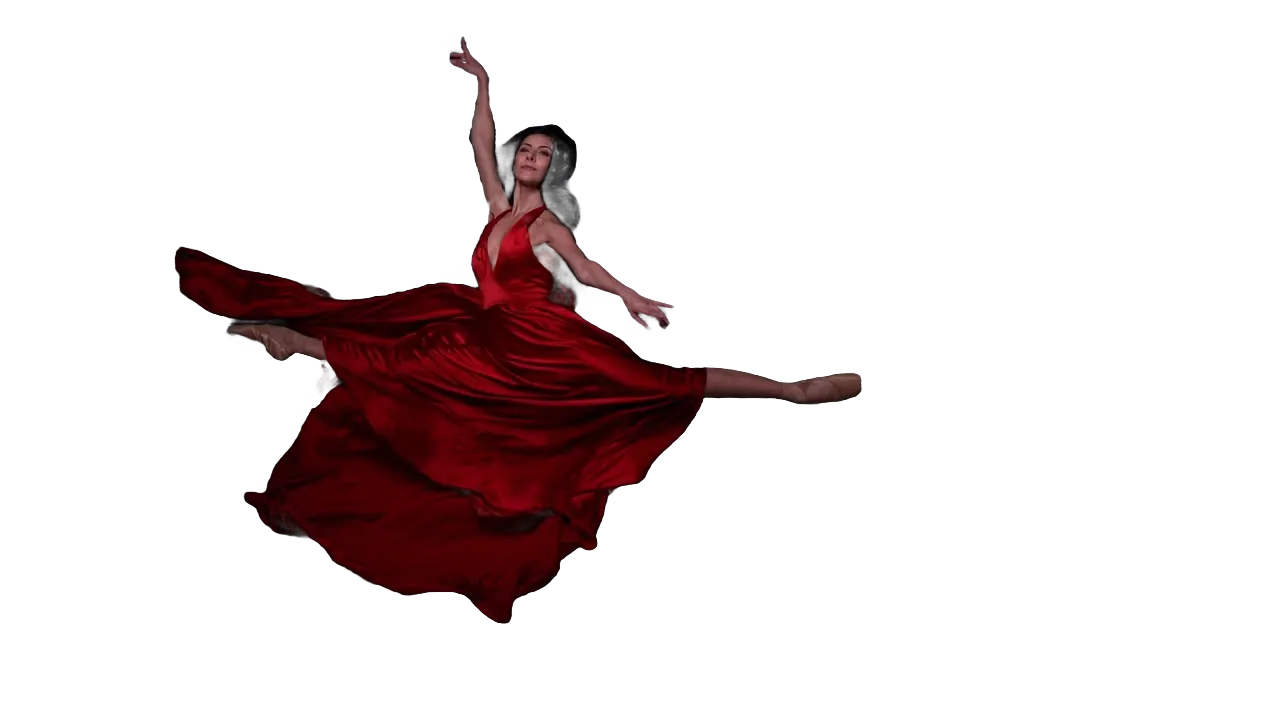
A clean matte on a flowing dress
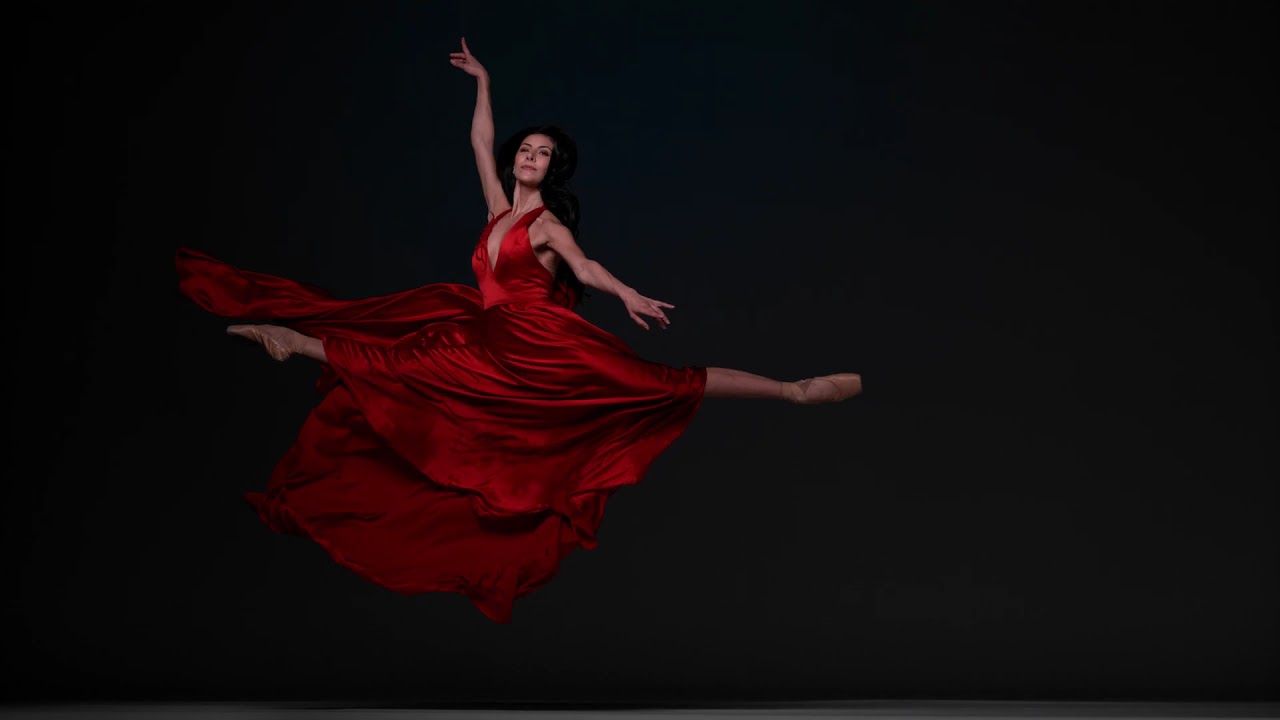
The skirt and arms stay whole mid-leap. No green screen.

Click the dancer to start
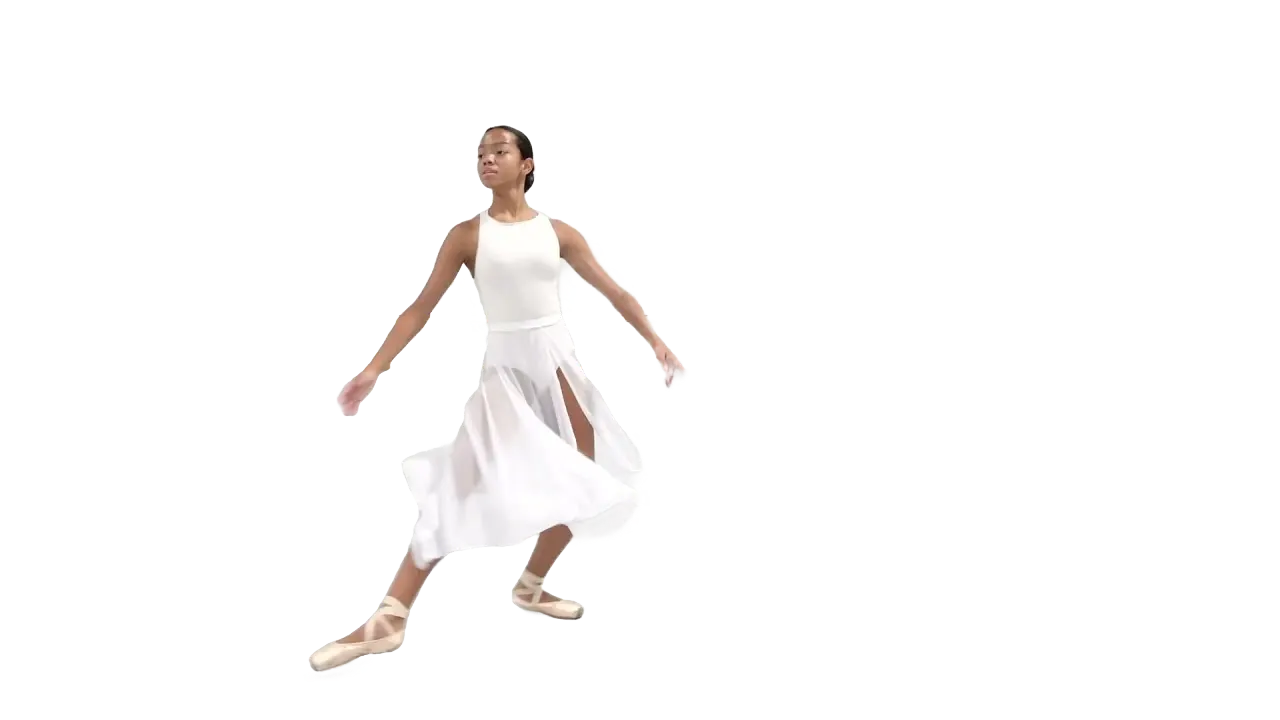
Pick the ballet dancer in one frame and the studio drops away.
Use the matte for effects
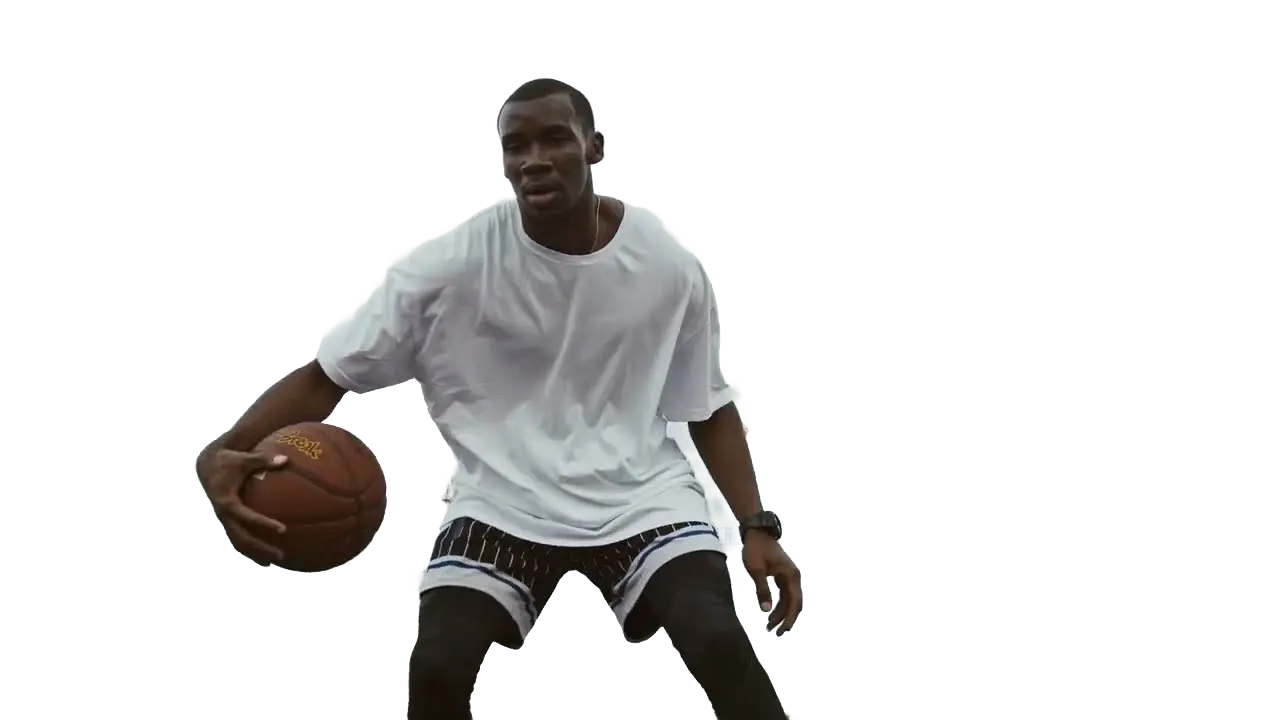
Blur the court behind the player while he dribbles.
Export with alpha
Save the dancer with a clear background for your composite.
Von Top-Medien und Bloggern empfohlen.




Who it's for
Rotoscoping for every kind of edit
Get the matte in minutes and spend your time on the creative part.
- 0%
Frames rotoscoped
Editors and VFX artists
Skip the tracing pass
Get a first matte for the whole shot and refine only where you need to.
MP416:9 · 0:30
Mehr für Eventfilmer - ArtistSet
Matte
Music video creators
Stylized looks around the artist
Rotoscope the performer and add effects behind them.
YouTube16:9 · 3:30
Mehr für YouTuber 0:20
9:16
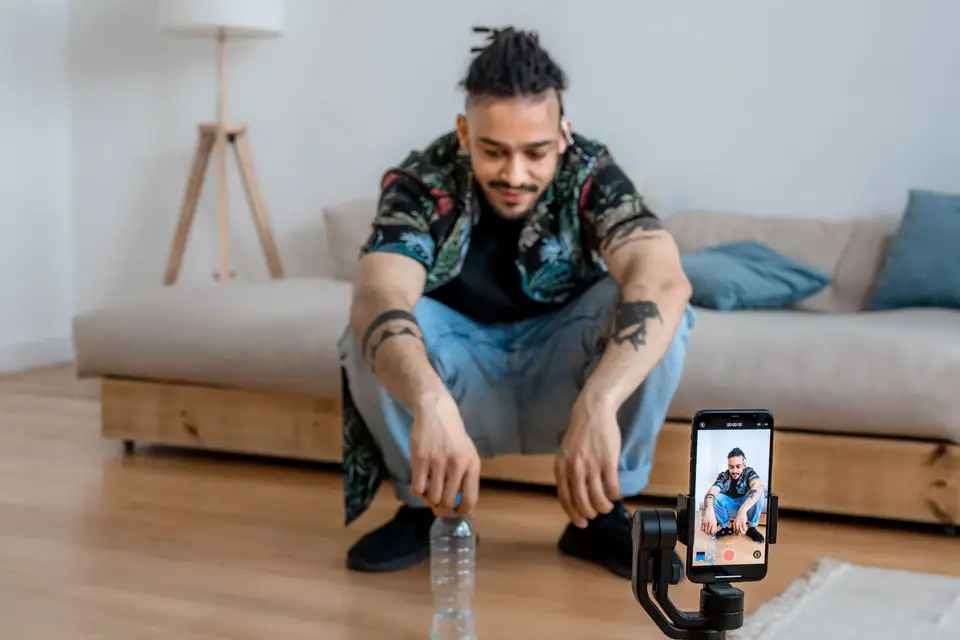
Ready for TikTok
Short-form creators
Transitions that wrap around you
Use the matte to put text and effects behind yourself.
TikTok9:16 · 0:20
Mehr für YouTuber0
Comps made
Agencies
Fast comps for pitches
Rotoscope talent from stock or test footage and drop them into concepts.
MP416:9 · 0:15
Mehr für Marketer- 1ProRes3PNG
Exports
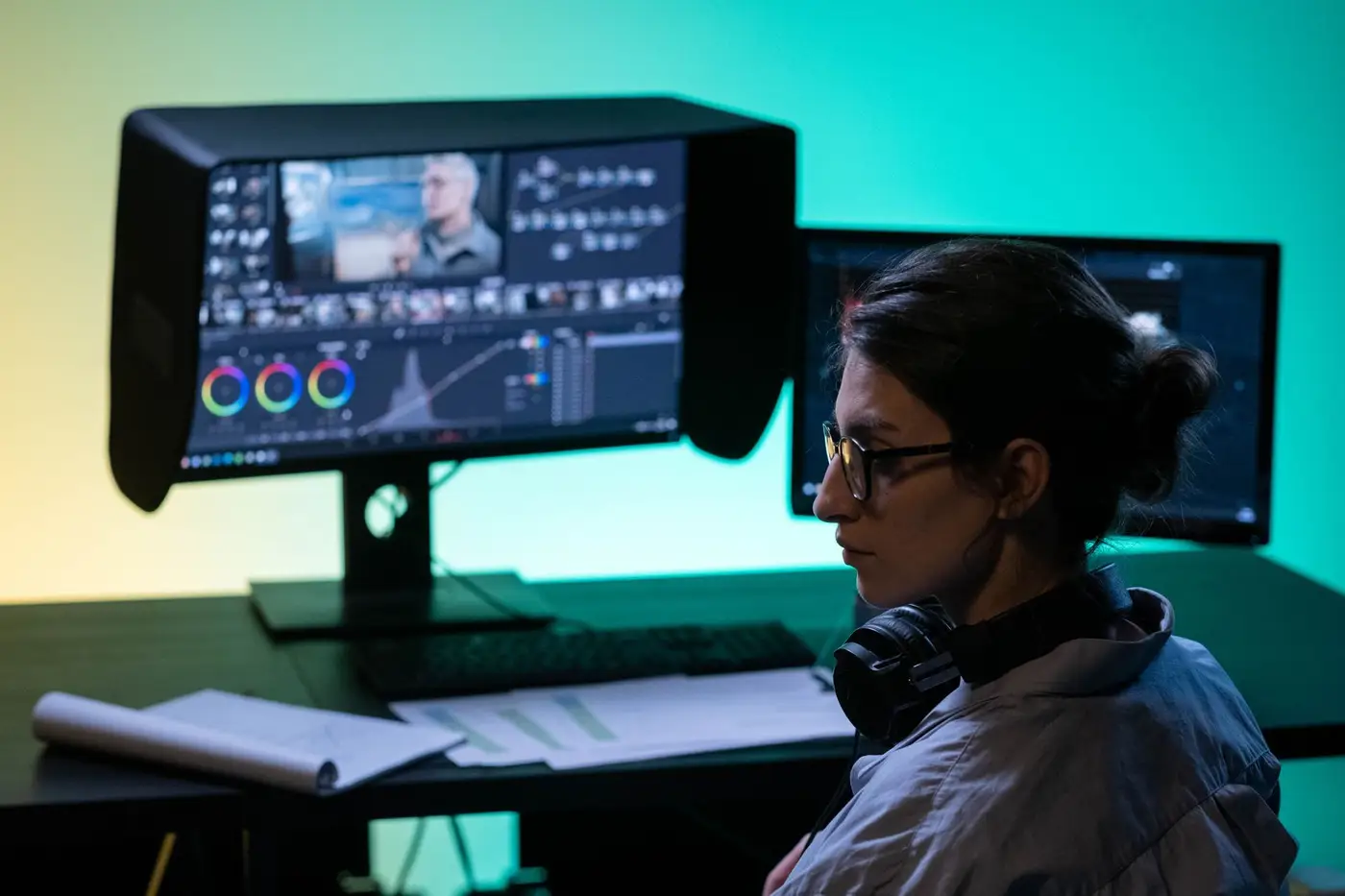
Film teachers
Show students how mattes work
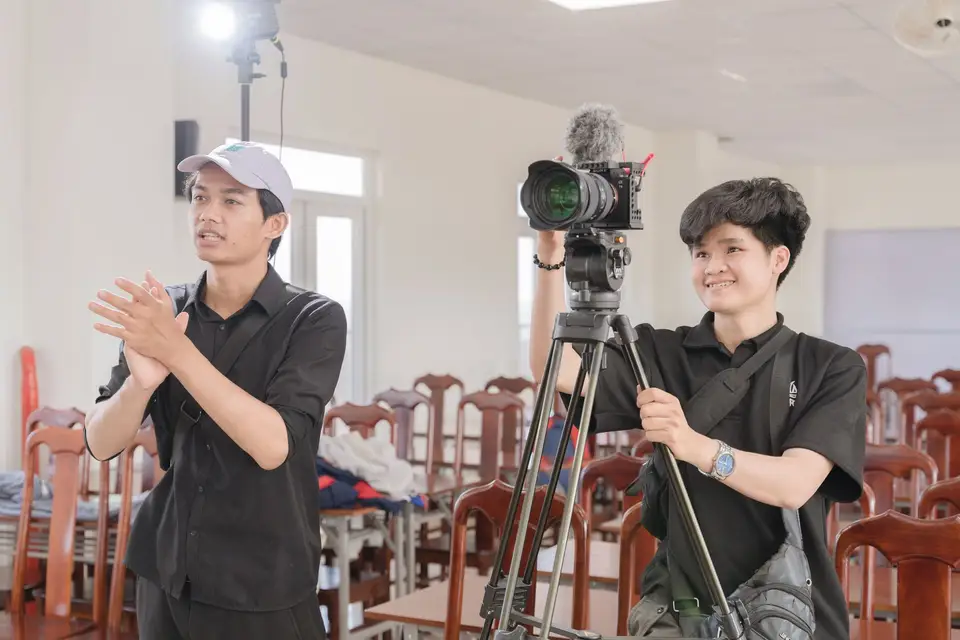
Rotoscope a clip in class and compare the matte with the original.
MP416:9 · 1:00
Mehr für Lehrende


Entdecken Sie mehr21
Weitere Möglichkeiten mit VIDIO, sortiert nach dem, was du erstellst.
KI-Tools für Video-Creator
Alle Tools ansehen- Objektextraktion aus Video
- Transparenter GIF-Maker
- Transparenter Video-Maker
- Vordergrund-Hintergrundtrennung
- Automatische Hintergrundunschärfe
- AI-Footage-Ausschnitt
- Videohintergrundentferner
- Videohintergrundwechsler
- Green-Screen-Entferner
- Video-Masking
- Videohintergrund verwischen
- Online-Rotoskopie
- GIF-Hintergrundentferner
- Bewegliches Objekt hervorheben
- Bewegende Person hervorheben
- Bewegliches Objekt verwischen
- Teil eines Videos verwischen
- Videohintergrund durch KI ersetzen
- KI-Video-Vordergrundextraktion
- Videohintergrund ausschneiden
- Hintergrund entfernen
Verwandte Werkzeuge
7Verwandte Artikel
5Video-Editing-Tipps und News
- 01Top 5 KI-Rotoscoping-Tools für schnelles und genaues Video-Masking
- 02Rotoscoping mit dem KI-Tool von VIDIO – So geht’s
- 03Was ist Rotoscoping? Definition, Geschichte und moderne Werkzeuge erklärt
- 04Hervorheben von bewegten Objekten im Video: Einfache Online-Tools für Anfänger
- 05Beste browserbasierte Motion Graphics Tools für Anfänger
Geliebt von Content-Erstellern weltweit.
Die Bewertung ist übersetzt.


Ich habe Ihre Compositing-Software ausprobiert und ich finde sie großartig! Sie funktioniert wirklich gut in der Vorschau, die ich gemacht habe. Tatsächlich weggeblasen.


Endlich kann ich wie ein Profi bearbeiten, ohne Unmengen von Geld für Software auszugeben, die ich nicht weiß, wie ich sie verwenden soll. Sehr zu empfehlen für diejenigen, die einen schnellen und einfachen Weg suchen, um Hintergründe aus Videos zu entfernen.


Mach deinen nächsten Upload zu deinem besten
Bearbeite, paketieren, plane und verfolge mit VIDIO. Kostenlos starten.

Escape 100 Cops, Win $500,000
- Erstellen


- VeröffentlichenKlickattraktivität 79
- Creator-AnalysenAufrufe