#1 Online AI Video Editor
Cricket Highlight Video Maker
Create stunning cricket highlight reels with our AI-powered Video Maker! Try it online for free and instantly turn your match footage into professional-quality highlights.
Trusted by over 1 Million users worldwide




























Easy 3-Step Process
Create a polished cricket highlight reel in minutes—no editing skills required.
Upload Your Match Footage
Drag and drop your cricket video. Our uploader supports long recordings, innings breaks, and large file sizes.
 11:47MP4 · 2.9 GB0%
Describe your requirements
Tell the AI what you want in your edit using the prompt box, then send it. Vidio will use your requirements to create the video.
Download Your Highlights
Get a clean, AI-generated cricket highlight reel ready for social media, coaching, or tournament reviews.
0%MP41080pMP4
Built for cricket footage
Wickets, sixes and catches, found and cut into one reel
Upload a full innings, a club match or nets footage. VIDIO watches all of it, keeps the deliveries that matter and shapes the reel for wherever it's going.
Finds every big delivery
The AI scans the whole match for wickets, sixes, fours and sharp catches, so you never scrub through hours of play.

 Wicket1:39
 Six4:29
 Four7:18
 Catch10:08
Every delivery, listed
See each moment VIDIO found with its picks marked. Add a close run-out or drop a dot ball.
 Opening wicket0:42
 Cover drive0:18
 Run-out0:26
 Winning six0:35
Set the tempo and the length
Quick-fire boundaries for socials or longer passages of play for the club, at 30 seconds or three minutes.


Boundaries on the beat
Add a royalty-free track and each cut hits the beat.
- Stadium anthem
- Bhangra beat
- Cinematic score


Wide or vertical
Export 16:9 for YouTube, 9:16 for Shorts, Reels and TikTok, or square for the Instagram feed.
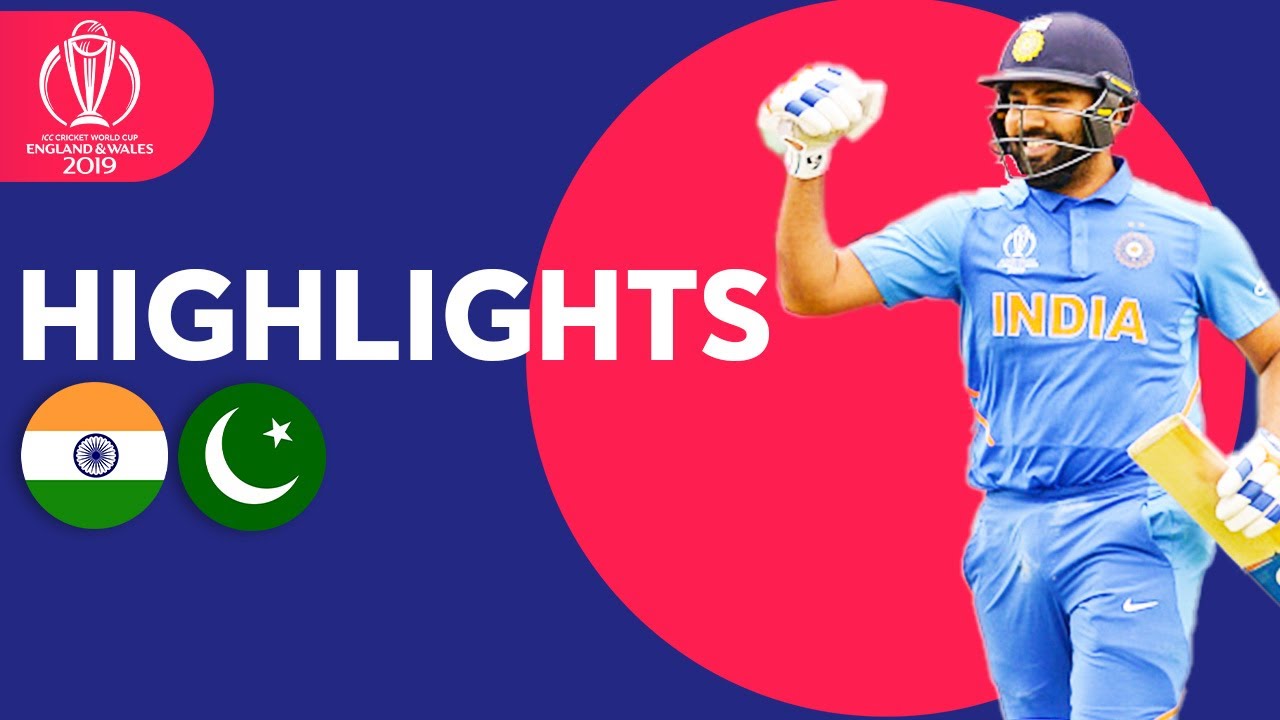
From ball to ball
Crossfades, wipes and zooms join each delivery automatically, so the reel plays like a TV package.

Callouts on the big shots
Animated titles, wicket callouts and emoji appear right on the moment.
 MATCH DAY
Who it's for
One match, a highlight for everyone who played or watched
Batters, bowlers, coaches and clubs each want a different cut of the same day's cricket. VIDIO finds the deliveries that matter and makes each one.
6:30:00 match
3:00Long footage → short cut
Players
A season's best shots, cut for selectors
Your boundaries, wickets and catches from every match, trimmed to a reel a selector or academy coach will watch to the end.
YouTube16:9 · 3:00
0
Boundaries found
Parents
Their first fifty, ready to share
The boundaries from your child's innings, pulled from the phone recording and posted the same evening.
Reels9:16 · 0:45
- WicketsBetween oversDead balls
What you keep
Coaches
Every dismissal, ready for review
Each wicket and play-and-miss in order, so the next nets session starts with the evidence.
MP416:9 · 10:00
- 7Sixes18Fours6Wickets
Plays by type
Clubs
A matchday recap for the club's socials
The sixes and wickets of the day with the score on screen, posted before the players leave the ground.
TikTok9:16 · 0:50
- 6:00
Sources combined
Tournament organizers
The best of the tournament in one film
Top wickets and biggest hits from every fixture, joined into one video for the closing night.
YouTube16:9 · 6:00
Discover More144
More ways to use VIDIO, grouped by what you're making.
AI Tools for Video Creators
Browse all tools- Sports highlight video maker
- Sports action detector
- Sports summary video maker
- Pickleball Highlight Video Maker
- Tennis Highlight Video Maker
- Baseball Highlight Video Maker
- Lacrosse Highlight Video Maker
- Wrestling Highlight Video Maker
- Golf Highlight Video Maker
- Cricket Highlight Video Maker
- Rugby Highlight Video Maker
- MMA Highlight Video Maker
- American Football Highlight Video Maker
- Futsal Highlight Video Maker
- Football highlight maker
- Soccer highlight video maker
- Basketball highlight video maker
- Ice Hockey Highlight Video Maker
- Sports Recruiting Video Maker
- Commercial video maker
- Social media video maker
- Ecommerce video maker
- Facebook video maker
- Facebook video ad creator
- Facebook story ad maker
- Instagram video maker
- YouTube video maker
- LinkedIn video ad maker
- Fashion marketing video maker
- Fitness marketing video maker
- Restaurant marketing video maker
- Travel video ad maker
- Beauty marketing video maker
- Amazon video ad maker
- AI motion graphics maker
- AD video maker
- Video intro maker
- SaaS promo video maker
- Website promo video maker
- Auto video flyer maker
- Motion graphics generator
- Text animation maker
- Motion graphics software
- Free motion graphics app
- Promo video generator
- Online animation maker
- Animated video maker
- AI teaser video maker
- Wedding Footage Cleaner
- Wedding photos to video maker
- Podcast highlight maker
- Wedding highlight maker
- Event highlight maker
- Real estate highlight maker
- Drone video highlight maker
- Travel highlight maker
- Action video editor
- Scriptless video editor
- Silent video editor
- Anniversary Highlight Video Maker
- Baby First Year Video Maker
- Baby Shower Video Maker
- Birthday Highlight Video Maker
- Bridal Shower Video Maker
- Graduation Highlight Video Maker
- Pet Tribute and Memorial Video Maker
- School Year Recap Video Maker
- Sports Season Highlight Video Maker
- Vacation Recap Video Maker
Related Tools
2Related Articles
5Video editing guides and news
- 01Sports Highlight Video Maker: Create a Player Highlight Reel with VibeEdit by VIDIO
- 02Top Tools to Effortlessly Create Sports Highlight Videos
- 03Best Free Video Editors for Sports Highlight Reels
- 04Top 5 Highlight Video Maker Tools for Captivating Clips and Recaps
- 05Best Tools for Quickly Creating Sports Highlight Videos
Loved by content creators worldwide.
Review is translated.
Make your next upload your best one
Edit it, package it, schedule it and track it with VIDIO. Free to start.

$456,000 Squid Game In Real Life!
- Create


- PublishClick appeal 81
- Creator analyticsviews