#1 Online AI video editor
Highlight Clip Generator
Effortlessly create stunning highlight clips with our AI-powered generator. Try it online for free and transform your video editing experience today!
Trusted by over 1 Million users worldwide




























Auto edit
Edit hours of footage in minutes
Drop in your raw recording. VIDIO finds the best moments, cuts the dead air and adds music and transitions, ready to post.


Simple 3-Step Process
No installation needed. Just a few clicks and we handle the rest.
Upload Your Video
Drag and drop your video file. We'll handle the rest.
 8:06MP4 · 2.0 GB0%
Describe your requirements
Tell the AI what you want in your edit using the prompt box, then send it. Vidio will use your requirements to create the video.
Download Your Video
Export your video with a single click.
0%MP41080pMP4
More than one clip
Turn one long video into clips for every channel
VIDIO splits a long video at its natural breaks, lets you pick the parts worth posting and shapes each clip for the platform it is going to.
Split cleanly by scene
VIDIO detects where scenes change, so each clip starts and ends on a natural break instead of mid-shot.



Intro


Main event

Reaction


Outro
Every part, listed
See each part VIDIO found with its picks marked. Switch on the side story you want as its own clip.
Opening hook0:42Big reaction0:18 Side story0:26
 Final reveal0:35
Clip length on your terms
Choose how long each part runs and whether the clip lands at 30 seconds, one minute or three.
A beat under every clip
Add a royalty-free track or your own, and the cuts snap to the beat.
- Upbeat pop
- Hype trap
- Lo-fi chill


Formatted per platform
Export each clip 9:16 for Shorts, TikTok and Reels, 16:9 for YouTube or 1:1 for Instagram.

Smooth inside each clip
Crossfades, wipes and zooms are added between cuts automatically.

Hooks and emoji on screen
Put a hook title, a part number and an emoji on each clip so it stops the scroll.
 WATCH THIS
Refine by hand
Keep the AI's clips, or swap in your own
Let AI assemble the first highlight edit, then keep, remove, or extend plays and scenes with transitions, captions, and music adjusting around every cut.
Opening hook
0:00 / 8:12Adjusts automatically
- Transitions3
- Captions4
- Music8:12


Recommended by top media and bloggers.





Who it's for
One long video, clips for every account that needs them
Creators, streamers, brands and clubs all have long footage with a few minutes worth posting. VIDIO finds those moments and cuts each one as its own clip.
0
Clips from one upload
YouTubers
A week of Shorts from one upload
Split a long video at its strongest moments into separate vertical clips, each one captioned and ready to schedule.
Shorts9:16 · 0:45
0:30
9:16
Ready for TikTok
Streamers
Stream moments for TikTok
The clutch plays and funniest reactions from last night's stream, each one its own clip.
TikTok9:16 · 0:30
1:45:00
1:00Full recording → short cut
Brands and agencies
Event soundbites for the feed
Keynote quotes and product reveals cut from the full livestream for LinkedIn.
LinkedIn1:1 · 1:00
0
Clips from one upload
Sports clubs
Play-of-the-game clips
The goal, the save and the celebration as separate clips the club can post through the week.
Reels9:16 · 0:20
- 0%
Footage kept
Educators
Bite-size lesson clips
Key explanations from a long class pulled out as short clips students can come back to.
YouTube16:9 · 3:00
Discover More144
More ways to use VIDIO, grouped by what you're making.
AI Tools for Video Creators
Browse all tools- Commercial video maker
- Social media video maker
- Ecommerce video maker
- Facebook video maker
- Facebook video ad creator
- Facebook story ad maker
- Instagram video maker
- YouTube video maker
- LinkedIn video ad maker
- Fashion marketing video maker
- Fitness marketing video maker
- Restaurant marketing video maker
- Travel video ad maker
- Beauty marketing video maker
- Amazon video ad maker
- AI motion graphics maker
- AD video maker
- Video intro maker
- SaaS promo video maker
- Website promo video maker
- Auto video flyer maker
- Motion graphics generator
- Text animation maker
- Motion graphics software
- Free motion graphics app
- Promo video generator
- Online animation maker
- Animated video maker
- AI teaser video maker
- Sports highlight video maker
- Sports action detector
- Sports summary video maker
- Pickleball Highlight Video Maker
- Tennis Highlight Video Maker
- Baseball Highlight Video Maker
- Lacrosse Highlight Video Maker
- Wrestling Highlight Video Maker
- Golf Highlight Video Maker
- Cricket Highlight Video Maker
- Rugby Highlight Video Maker
- MMA Highlight Video Maker
- American Football Highlight Video Maker
- Futsal Highlight Video Maker
- Football highlight maker
- Soccer highlight video maker
- Basketball highlight video maker
- Ice Hockey Highlight Video Maker
- Sports Recruiting Video Maker
- Wedding Footage Cleaner
- Wedding photos to video maker
- Podcast highlight maker
- Wedding highlight maker
- Event highlight maker
- Real estate highlight maker
- Drone video highlight maker
- Travel highlight maker
- Action video editor
- Scriptless video editor
- Silent video editor
- Anniversary Highlight Video Maker
- Baby First Year Video Maker
- Baby Shower Video Maker
- Birthday Highlight Video Maker
- Bridal Shower Video Maker
- Graduation Highlight Video Maker
- Pet Tribute and Memorial Video Maker
- School Year Recap Video Maker
- Sports Season Highlight Video Maker
- Vacation Recap Video Maker
Related Tools
2Related Articles
5Video editing guides and news
Loved by content creators worldwide.
Review is translated.
Make your next upload your best one
Edit it, package it, schedule it and track it with VIDIO. Free to start.

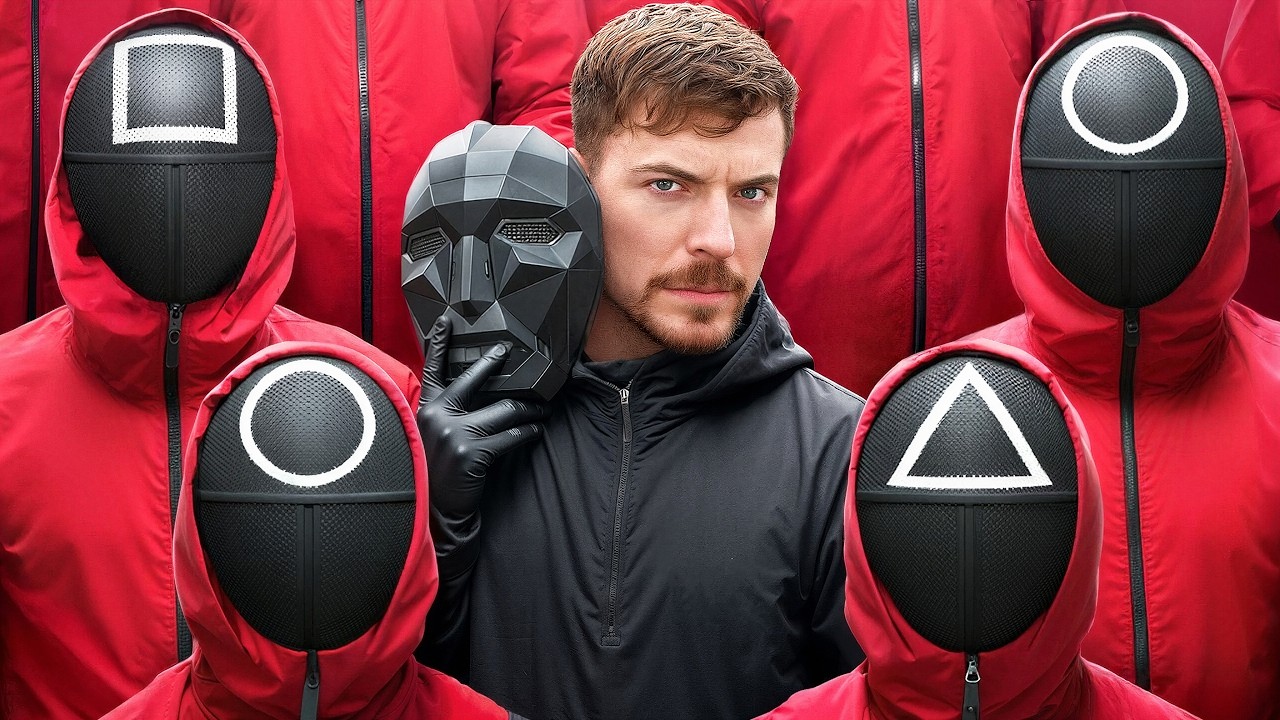
$456,000 Squid Game In Real Life!
- Create
- PublishClick appeal 81
- Creator analyticsviews