#1 Online Rotoscoping Tool
AI footage cutout
Effortlessly transform your videos with our AI Footage Cutout tool! Try it online for free and achieve stunning results in just a few clicks!
Trusted by over 1 Million users worldwide


- Cut out
- New color
- New scene




























Three Simple Steps
No installations. No greenscreen. Just a few clicks.
Upload
Drag and drop your video file. We handle the rest.
8:14MP4 · 2.0 GB0%Click to Mask
Click inside objects to mask in your video.
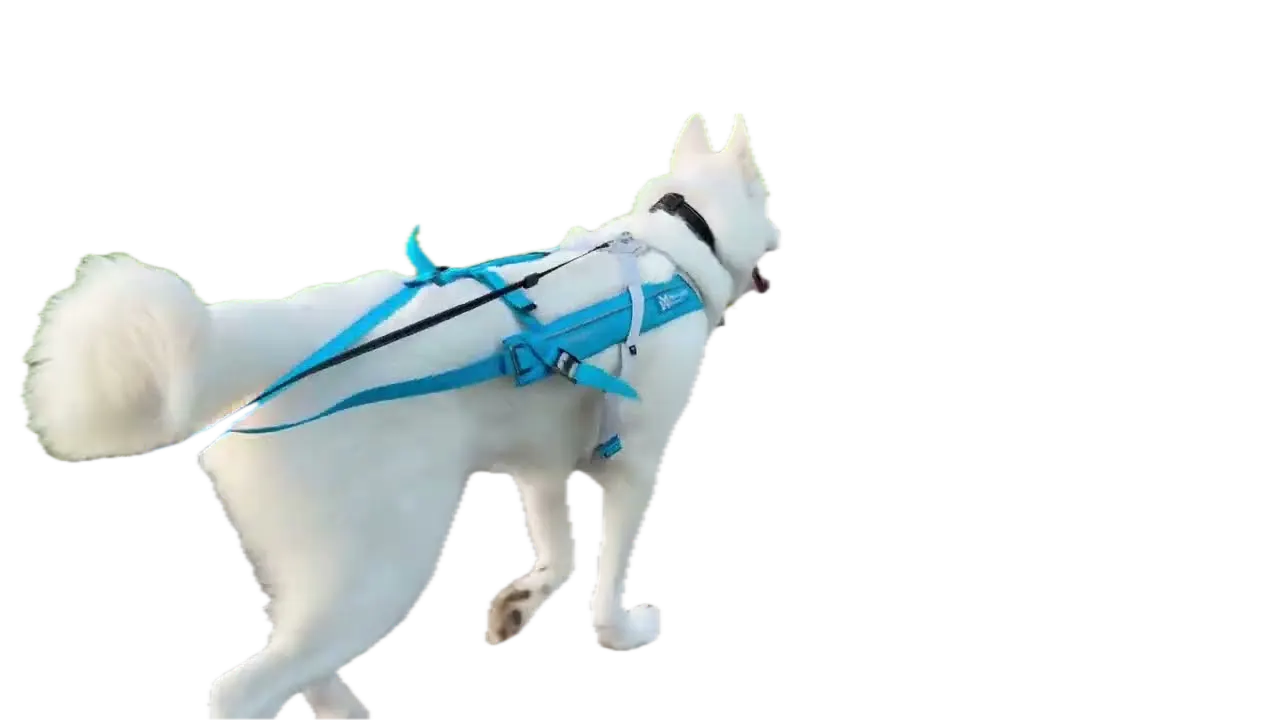
Click the huskyCut outPropagate
Click the Propagate button for transparent backdrops.
0%MP41080pMP4
Rotoscoping without the keyframes
Cut anything out of your footage
People, pets, products. Click the subject and VIDIO traces it in every frame. No masks to draw.
A clean cutout, done for you
Click the husky and the path behind it is cut away.
- Cut out
- New color
- New scene
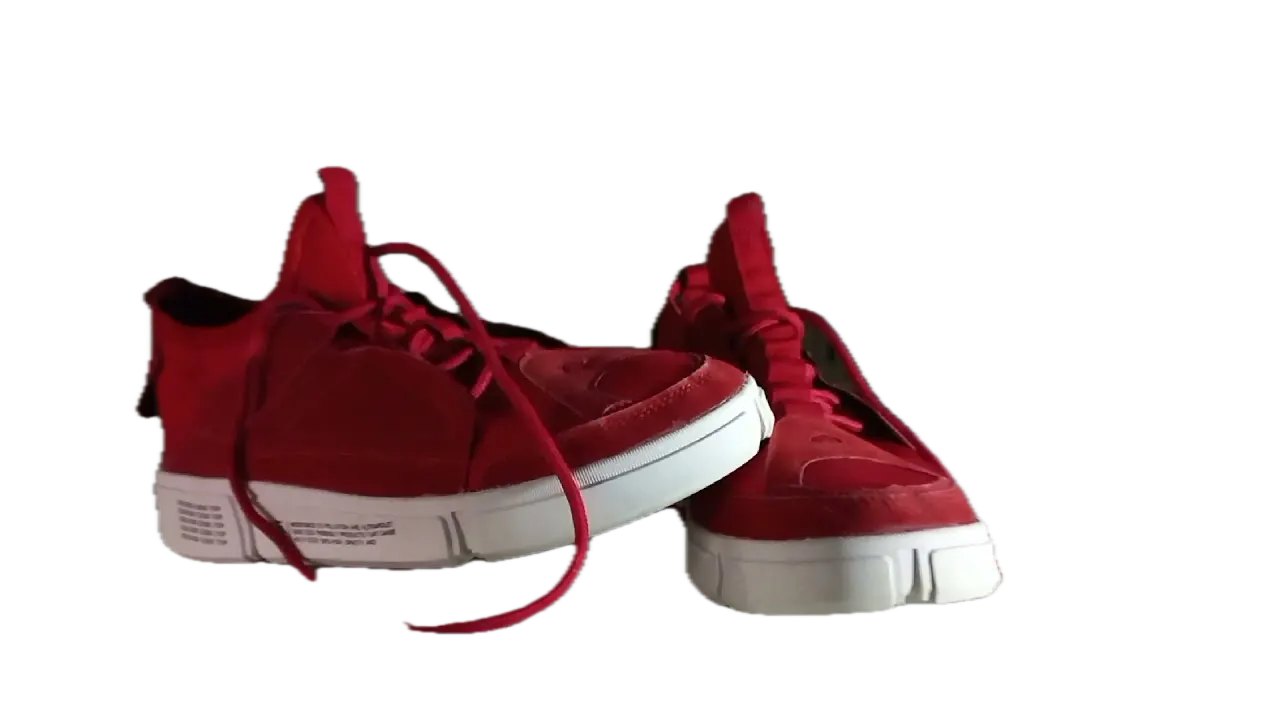
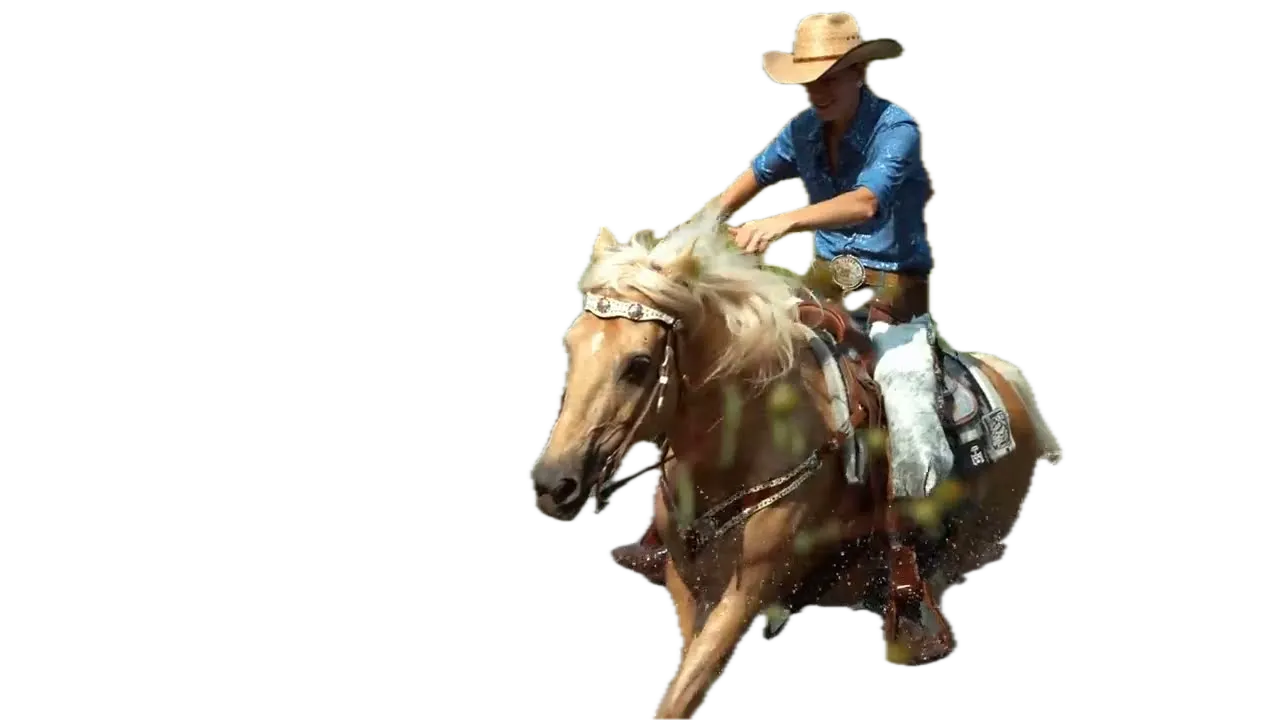
Pets, products, riders
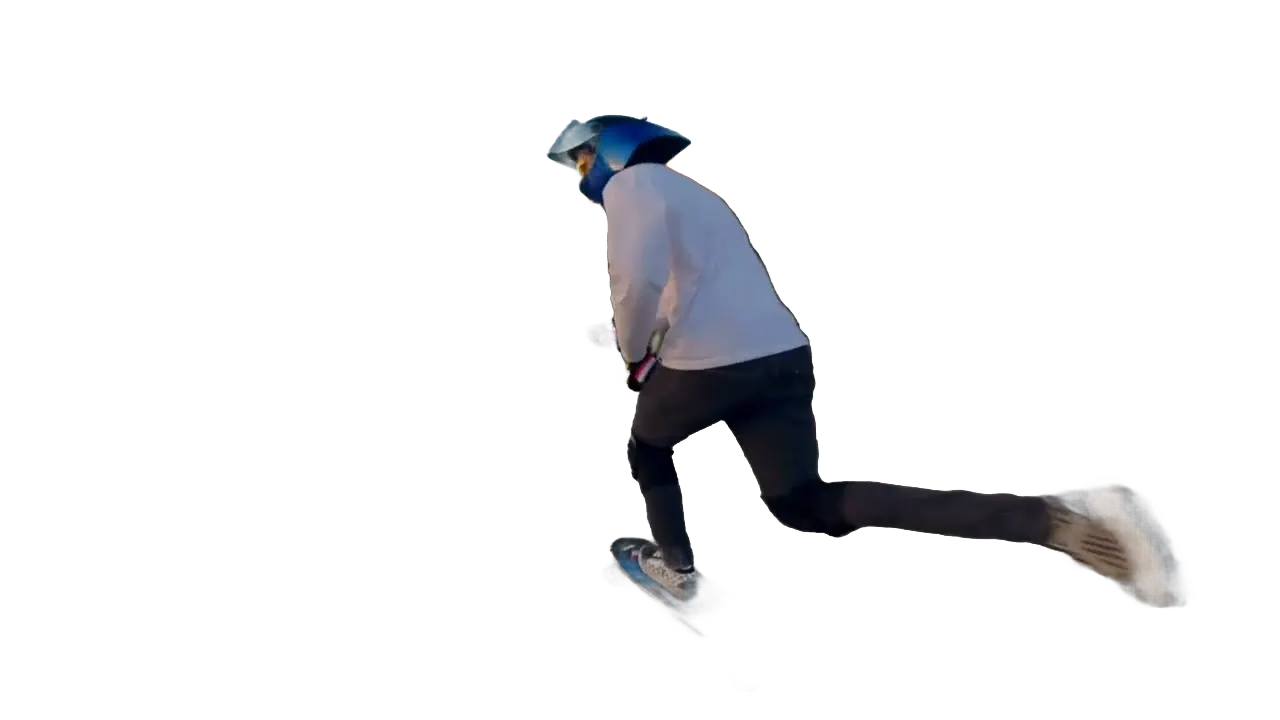
The same click works on a dog, a pair of sneakers or a horse and rider.


Take the cutout anywhere
Export with a transparent background and layer it in your editor.
Drop in a new backdrop
Place the cutout on a photo, a video or a solid color.
One click to select
Click the subject. VIDIO finds its edges, fur and all.
Recommended by top media and bloggers.





Who it's for
Cutouts for every kind of edit
Skip hours of manual rotoscoping and get straight to the creative part.
0
Masks drawn by hand
Video editors
Rotoscope a shot in minutes
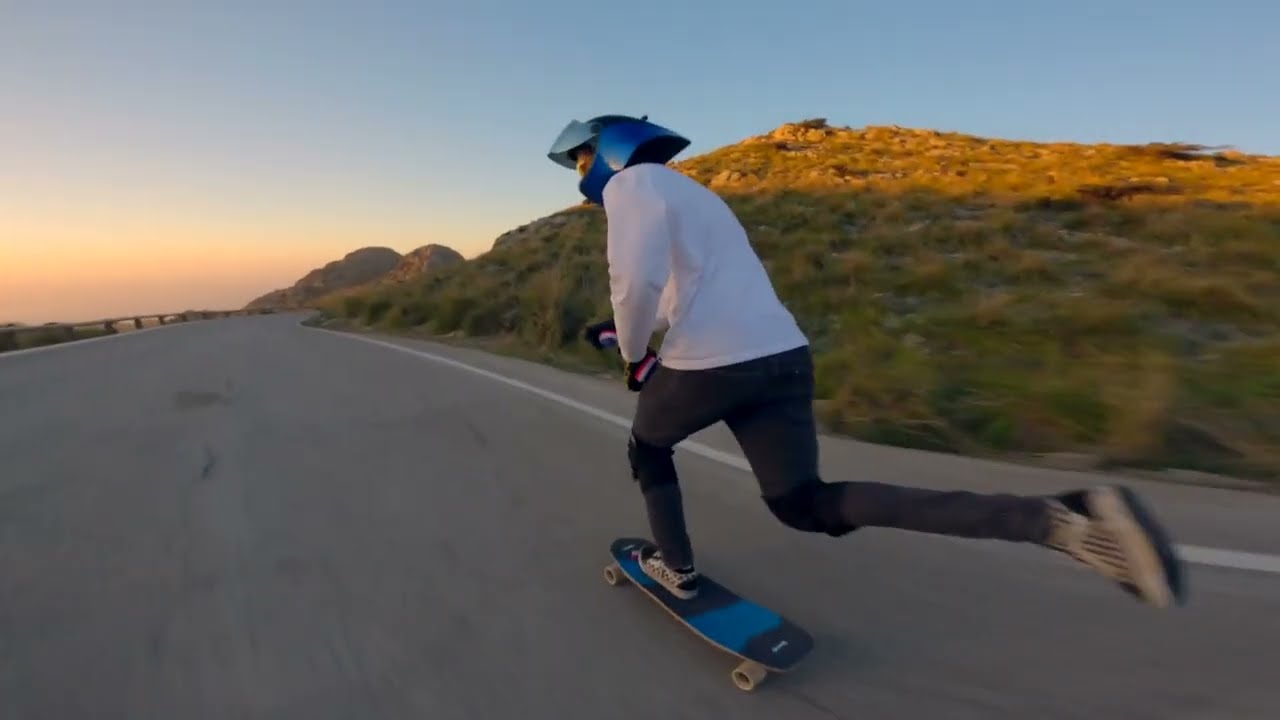
Cut a person out of a handheld shot without drawing a single mask.
MP416:9 · 0:20
- YouTitle textOld background
Layers
YouTubers
Text behind you, not over you
Cut yourself out so titles can sit between you and the background.
YouTube16:9 · 8:00
0
Ad versions from one take
Marketers
Product shots on any backdrop
Cut out the presenter and reuse one take across several ad designs.
Instagram4:5 · 0:30
- 3ProRes2PNG frames
Files delivered
Agencies
Cutouts for client spots
Hand your motion designers clean transparent clips instead of raw footage.
MP416:9 · 0:15
0:30
9:16
Ready for TikTok
Short-form creators
Pop out of the frame
Cut yourself out and place yourself over the clip you're reacting to.
TikTok9:16 · 0:30
Discover More21
More ways to use VIDIO, grouped by what you're making.
AI Tools for Video Creators
Browse all tools- Object extraction from video
- Transparent gif maker
- Transparent video maker
- Foreground background separation
- Auto background defocus
- AI footage cutout
- Video background remover
- Video background changer
- Green screen remover
- Video masking
- Blur video background
- Online rotoscoping
- GIF background remover
- Highlight moving object
- Highlight moving person
- Blur moving object
- Blur a part of video
- Replace video background by AI
- AI video foreground extraction
- Video Background Cutout
- Unscreen
Related Tools
7Related Articles
5Video editing guides and news
- 01How to Auto-Cut Multi-Take Footage with AI: Using VibeEdit by VIDIO
- 02From 2-Hour Event Footage to 3-Minute Recap: Auto Cutting for Event Videos
- 03AI Video Editors That Automatically Remove Boring Parts of Videos
- 04Top 5 AI Raw Footage Editing Tools for Fast, Smart Video Assembly
- 05Best Apps to Automatically Cut MMA Footage with AI (2025 Update)
Loved by content creators worldwide.
Review is translated.
Make your next upload your best one
Edit it, package it, schedule it and track it with VIDIO. Free to start.

$456,000 Squid Game In Real Life!
- Create


- PublishClick appeal 81
- Creator analyticsviews