#1 Online rotoscoping tool
Mask videos with ease
Effortlessly mask videos with our AI-powered tool—no installation needed! Try it online for free and elevate your content with professional-quality results!
Trusted by over 1 Million users worldwide



































Simple 3 steps to mask your videos
No need to install anything on your device. Nothing to learn to use our tool. We need just a few clicks from you. We simply do the job in easiest way.
Upload
Drag and drop your video file. Uploading progress will be displayed until it is complete.
0:13MP4 · 55 MB0%Click the foreground object to mask
You click inside objects to mask in your video and we apply state-of-the-art AI algorithms to clearly isolate the object.
 Original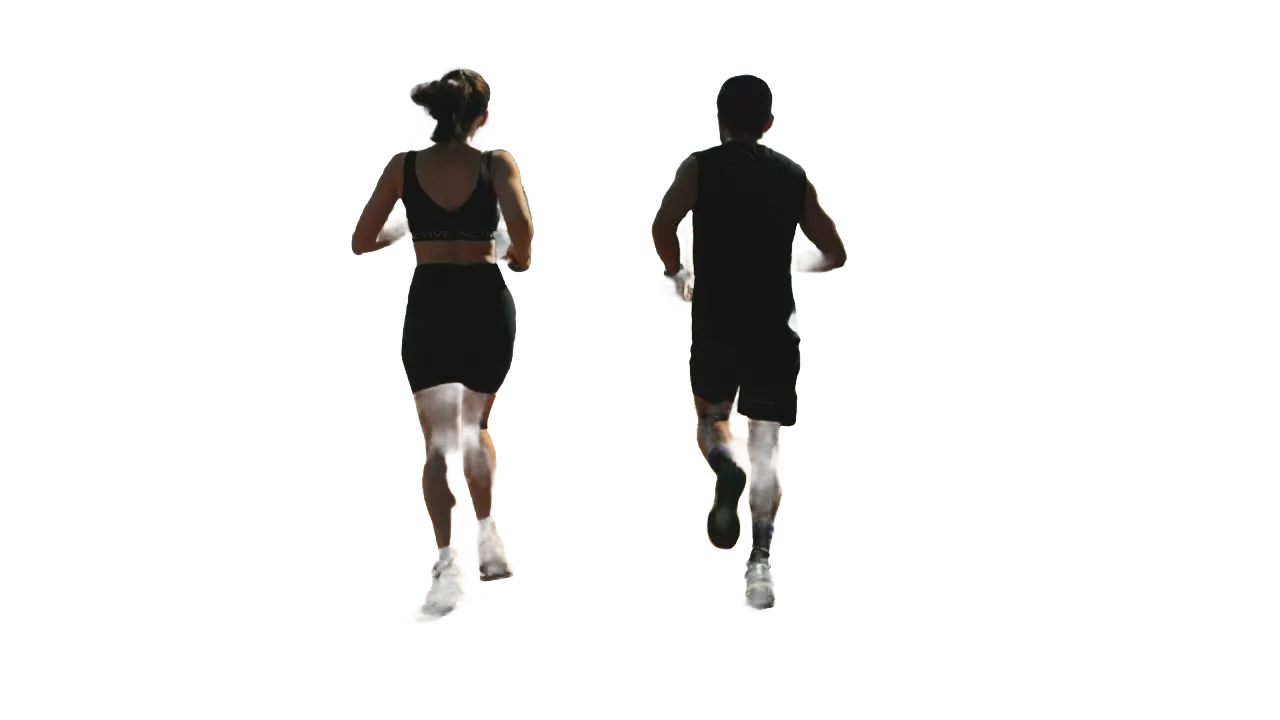
Click the Propagate button
By clicking the Propagate button, the resulting mask will be applied across all frames in your video, making the entire video masked.
0%MP41080pMP4
Masks without drawing them
Mask people or objects in your video
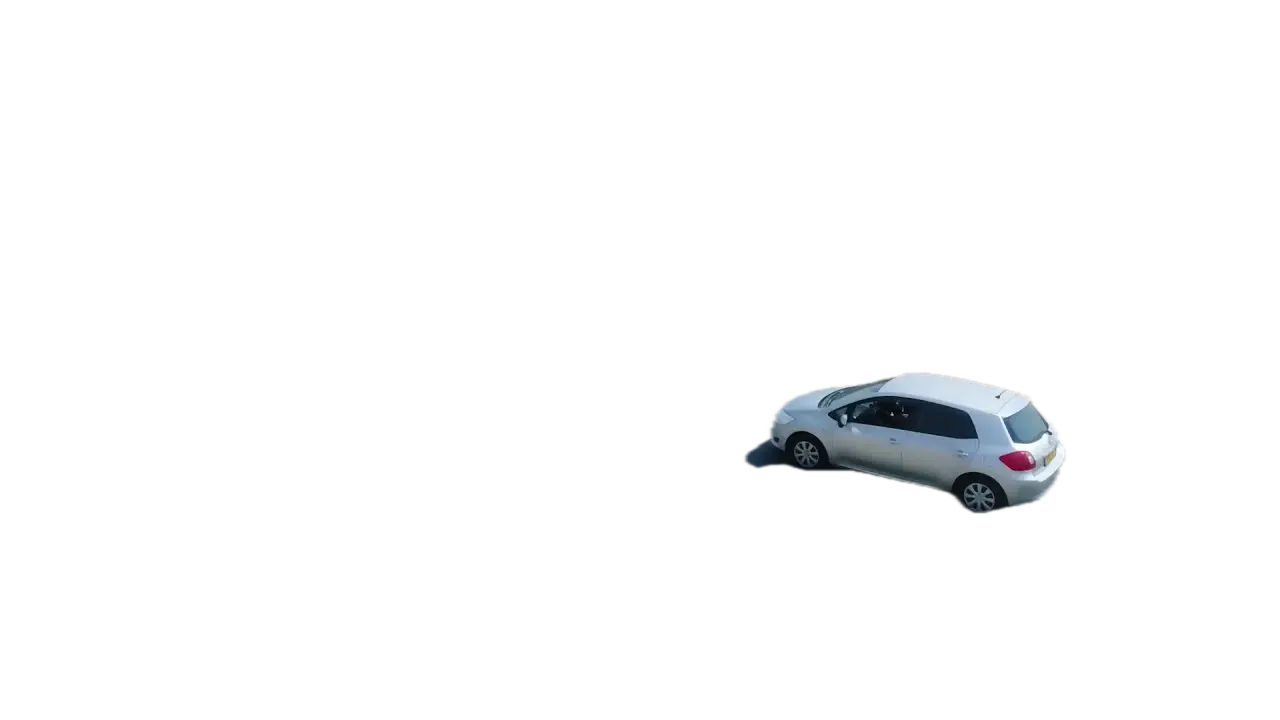
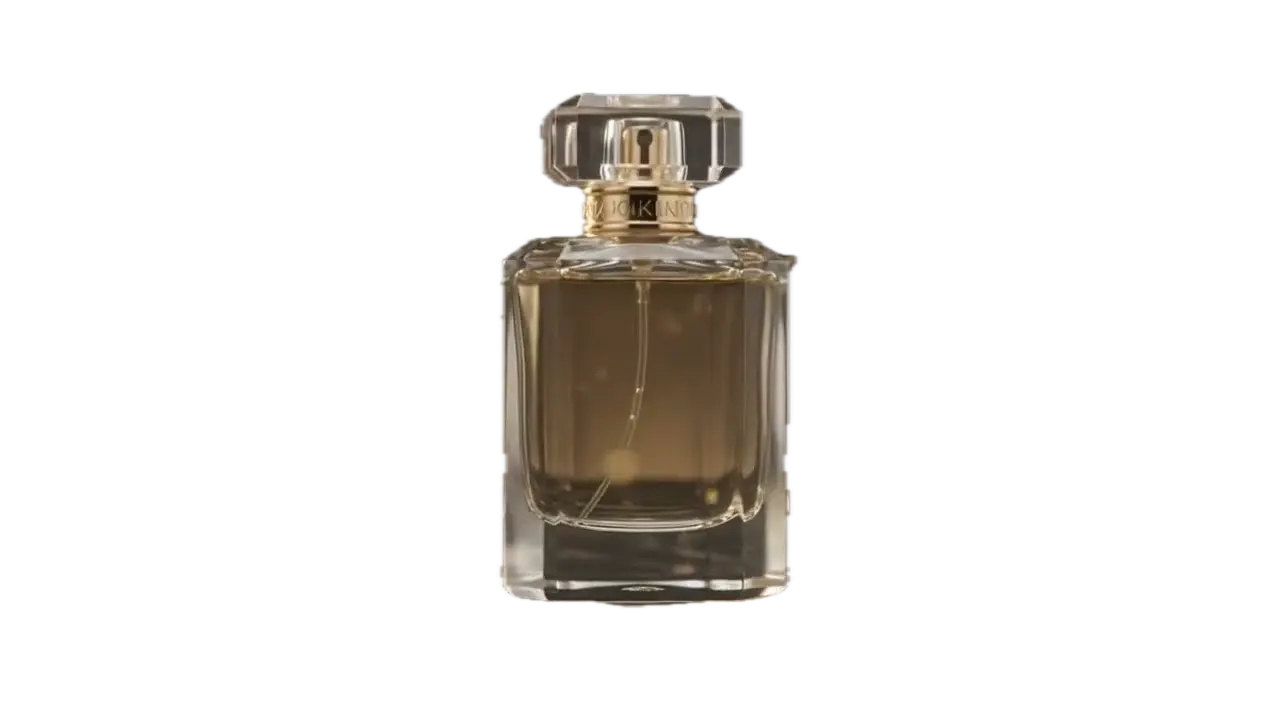
Click the runners, a car or a product. VIDIO draws the mask and keeps it on them.
One click masks both runners
Click the runners once. The mask stays on them as they go.
Effects outside the mask
Mask the car, then blur the road and fields around it.

Fill the rest with anything
Mask the bottle and put a new scene, color or blur behind it.

The mask moves with it
The car drives on and the mask follows to the last frame.
Export the masked clip
Save the bottle with everything outside the mask cleared.
Recommended by top media and bloggers.





Who it's for
Masking for everyday edits
Get a clean mask fast and spend your time on the look.
- 0%
Frames masked
Video editors
Skip hand-drawn masks
Get a moving mask for the whole shot in one click.
MP416:9 · 0:45
0:20
9:16
Ready for TikTok
Short-form creators
Text behind you
Mask yourself and put titles between you and the background.
TikTok9:16 · 0:20
- You, untouchedBackground, styled
Inside, outside
YouTubers
Color effects on the background only
Grade or blur the background while your face stays natural.
YouTube16:9 · 8:00
0
Versions made
Marketers
Product videos that stand out
Mask the presenter and swap the scene for each campaign.
Instagram4:5 · 0:15
- 3Scenes2Colors
Options shown
Agencies
Quick comps for client review
Mask talent from test footage and show options before the final edit.
MP416:9 · 0:30
Discover More21
More ways to use VIDIO, grouped by what you're making.
AI Tools for Video Creators
Browse all tools- Object extraction from video
- Transparent gif maker
- Transparent video maker
- Foreground background separation
- Auto background defocus
- AI footage cutout
- Video background remover
- Video background changer
- Green screen remover
- Video masking
- Blur video background
- Online rotoscoping
- GIF background remover
- Highlight moving object
- Highlight moving person
- Blur moving object
- Blur a part of video
- Replace video background by AI
- AI video foreground extraction
- Video Background Cutout
- Unscreen
Related Tools
7Related Articles
5Video editing guides and news
Loved by content creators worldwide.
Review is translated.


I tried your compositing software and I think it is terrific! It works really well in the preview that I did. Blown away, actually.





Finally, I can edit like a professional without spending crazy amount of money on software I don't know how to use. Highly recommended for those who are wanting a quick and easy way to remove backgrounds from video.



Make your next upload your best one
Edit it, package it, schedule it and track it with VIDIO. Free to start.

$456,000 Squid Game In Real Life!
- Create


- PublishClick appeal 81
- Creator analyticsviews