For educators
Teach with video, skip the editing
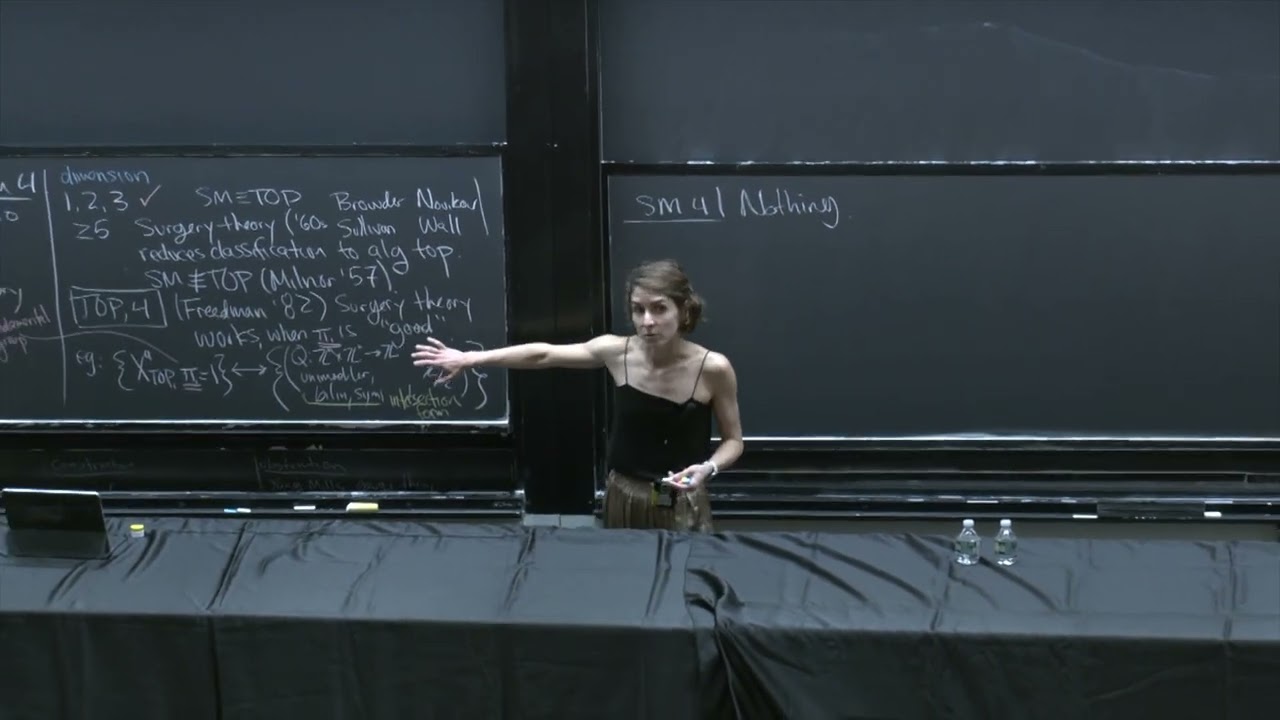
Cut long lectures into short lessons, remove the pauses and restarts, add captions students can follow and blur student faces before you share a class.
Trusted by over 1 Million users worldwide
Make your next lesson video in 3 steps
Nothing to install and nothing to learn: upload, describe the edit, then download.
Upload your recording
Drag and drop a lecture, a screen recording or a PDF of your slides, or import it from Google Drive or Dropbox.
 1:49:28MP4 · 26.9 GB0%
Describe the edit
Tell the AI what you want, for example short lessons by topic with the pauses cut and captions on, and send it.
Download and share
Export the lessons as MP4 files for your course platform, class page or YouTube channel.
0%MP41080pMP4
Edit lessons faster
One lecture, a set of short lessons
Upload a class recording or a screen tutorial. VIDIO finds where each topic starts, cuts the dead time and gives you lessons students actually finish.
Lessons split by topic
Each main point of a long class becomes its own short video students can rewatch before an exam.

 Definition15:20
 Worked example41:36
 Common mistake1:07:52
 Summary1:34:08
Every section, listed
See each section the AI found with its picks marked, and switch on one it left out.
 Intro0:42
 Key idea0:18
 Example0:26
 Recap0:35
Pauses and restarts, gone
Silences, setup time and fumbled starts are trimmed so the lesson keeps moving.
Captions students can follow
Captions are generated from your speech, so lessons work with the sound off.
 CC
Students blurred, teacher clear
AI Face Blurring, a separate tool, finds the faces in a class clip and covers the ones you pick, up to 10 minutes per run.
 Scanning
Refine by hand
Keep the example it missed, drop the tangent
VIDIO assembles the first cut. Keep, remove or extend any moment, and captions, transitions and music adjust around every change.
Intro
0:00 / 8:12Adjusts automatically
- Transitions3
- Captions4
- Music8:12


Recommended by top media and bloggers.





Who it's for
Built for every kind of classroom
From a lecture hall to a desk at home, VIDIO takes over the repetitive part of making lesson videos.
0
Lessons from one class
Teachers
A lecture split into short lessons
One long class recording cut into focused lessons students can watch between sessions.
YouTube16:9 · 8:00
- Your talkUmsLong pauses
What stays, what goes
Teachers and tutors
Recorded lessons students finish
Trim the silences from a lecture recording and download a shorter version for the class.
MP416:9 · 12:00
- TeacherStudents
Who stays, who is hidden
Teachers
Classroom clips with students hidden
Show the activity and mosaic the students.
YouTube16:9 · 5:00
- Raw-22 dBClean−0 dB
Echo level
Online teachers
Lessons that sound finished
Remove room echo from lessons recorded at a desk.
YouTube16:9 · 18:00
0
Emails blurred
Tutorial makers
Software tutorials without your inbox
Record the walkthrough and blur every email and name that shows up.
YouTube16:9 · 18:00




Tools for educators
Go straight to the tool for the job
Each one works on its own, and all of them share one VIDIO account.
- Dead air removerCut pauses and silences out of recorded lessons.
- AI video captioningAdd word-by-word captions in one step.
- PDF to videoTurn a slide deck into a video, one page at a time.
- AI audio cleanupRemove echo, hum and room noise from lessons.
- AI face blurringBlur the students and keep the teacher clear.
- Blur text on screenHide emails and names in screen tutorials.
- AI audio descriptionNarrate slides and demos for blind and low-vision learners.
Every way to use it
111 ways to use VIDIO
Each card is a tool page made with this use in mind. Open one to see it work on a real video.
- Webinar hostsAn on-demand replay worth sendingThe live session minus the setup minutes and tech hiccups, ready to email to everyone who registered.AI Long-Form Video Editor
- EducatorsLectures without the dead timePauses, setup and off-topic stretches removed from a class recording, leaving the explanation students need.AI post-production software
- Course creatorsLessons without the fumbled sentencesTurn a recording session full of do-overs into a tidy lesson file for your course platform.AI Take Selection
- TeachersOne topic per lecture clipSplit a recorded class into short lessons students can find and rewatch before an exam.AI video cutter
- EducatorsLessons without the pauses and slip-upsTrim recorded lectures down to the teaching and add captions students can follow.AI video editor
- Course creatorsLessons trimmed to the teachingThe setup, the tangents and the dead air cut, so each module runs only as long as it needs.AI video trimming
Loved by content creators worldwide.

Make your next upload your best one
Edit it, package it, schedule it and track it with VIDIO. Free to start.

Escape 100 Cops, Win $500,000
- Create


- PublishClick appeal 79
- Creator analyticsviews