For small businesses
Video for your business, in minutes
Turn the clips and photos on your phone into product Reels, promos and ads with music and text, make a promo from photos alone, and blur customers' faces before you post.
Trusted by over 1 Million users worldwide
Make your next promo in 3 steps
Nothing to install and nothing to learn: upload, describe the edit, then download.
Upload your clips
Drag and drop the clips and photos from your phone, or import them from Google Drive or Dropbox.
 0:23MP4 · 97 MB0%
Describe the video
Tell the AI what you want, for example a 20-second Reel with music and the price on screen, and send it.
Download and post
Export in 9:16 for Reels and TikTok, 1:1 for the feed or 16:9 for your website.
0%MP41080pMP4
Make it faster
Phone clips in, a post-ready promo out
Upload a few clips or photos of your products, dishes or space. VIDIO picks the best shots, cuts them to music and adds the text you give it.
The best shots, picked for you
VIDIO watches every clip and keeps the close-ups, the product in use and the moments that sell.
 Close-up0:03
 In use0:09
 Happy customer0:14
 Price0:20
Every shot, listed
See each shot the AI found with its picks marked, and switch on one it left out.
 Storefront0:42
 Product0:18
 Customer0:26Offer0:35
Your words on screen
Product names, prices and offers appear exactly as you type them.
 NEW IN
No footage? A promo from your menu
On Pro and up, describe the business and add photos, and VIDIO makes a promo from animated graphics. It never makes up prices or reviews.
Customers' faces covered
AI Face Blurring, a separate tool, finds the faces in store footage and covers the ones you pick before you post.
 Scanning
Refine by hand
Keep the shot it missed, drop the one you don't want
VIDIO assembles the first cut. Keep, remove or extend any moment, and captions, transitions and music adjust around every change.
Storefront
0:00 / 8:12Adjusts automatically
- Transitions3
- Captions4
- Music8:12


Recommended by top media and bloggers.





Who it's for
Built for every kind of business
Shops, cafés, salons and startups use VIDIO to post more often without hiring an editor.
- 0:20
Sources combined
Small businesses
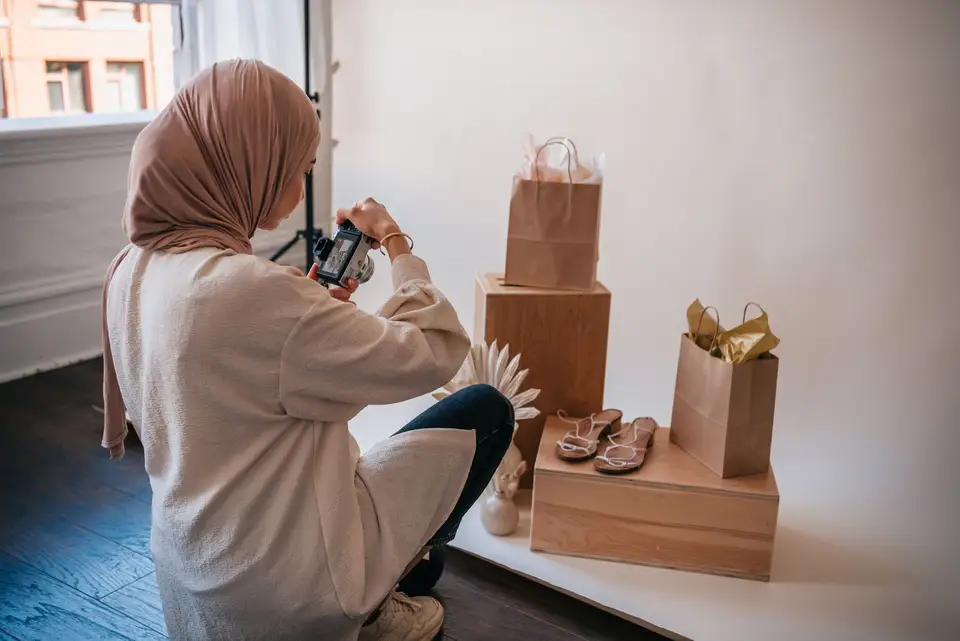
Product Reels from a few phone clips
A handful of product shots turned into a short Reel with music and text on screen.
Reels9:16 · 0:20
0
Specials posted
Restaurants
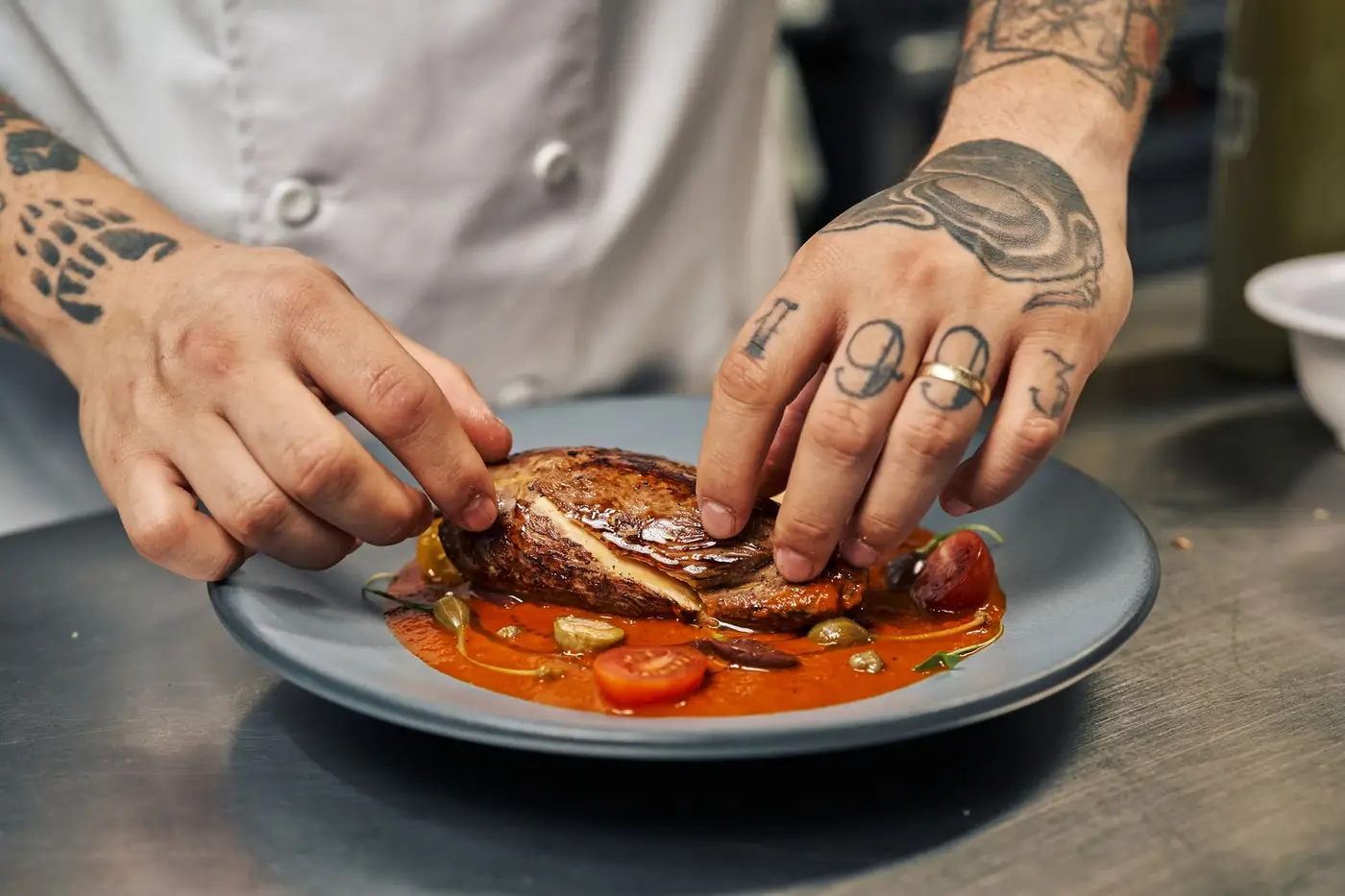
Post this week's special
Add the dish, the price and an order button to a short clip.
Instagram4:5 · 0:15
0
Dishes
Restaurants
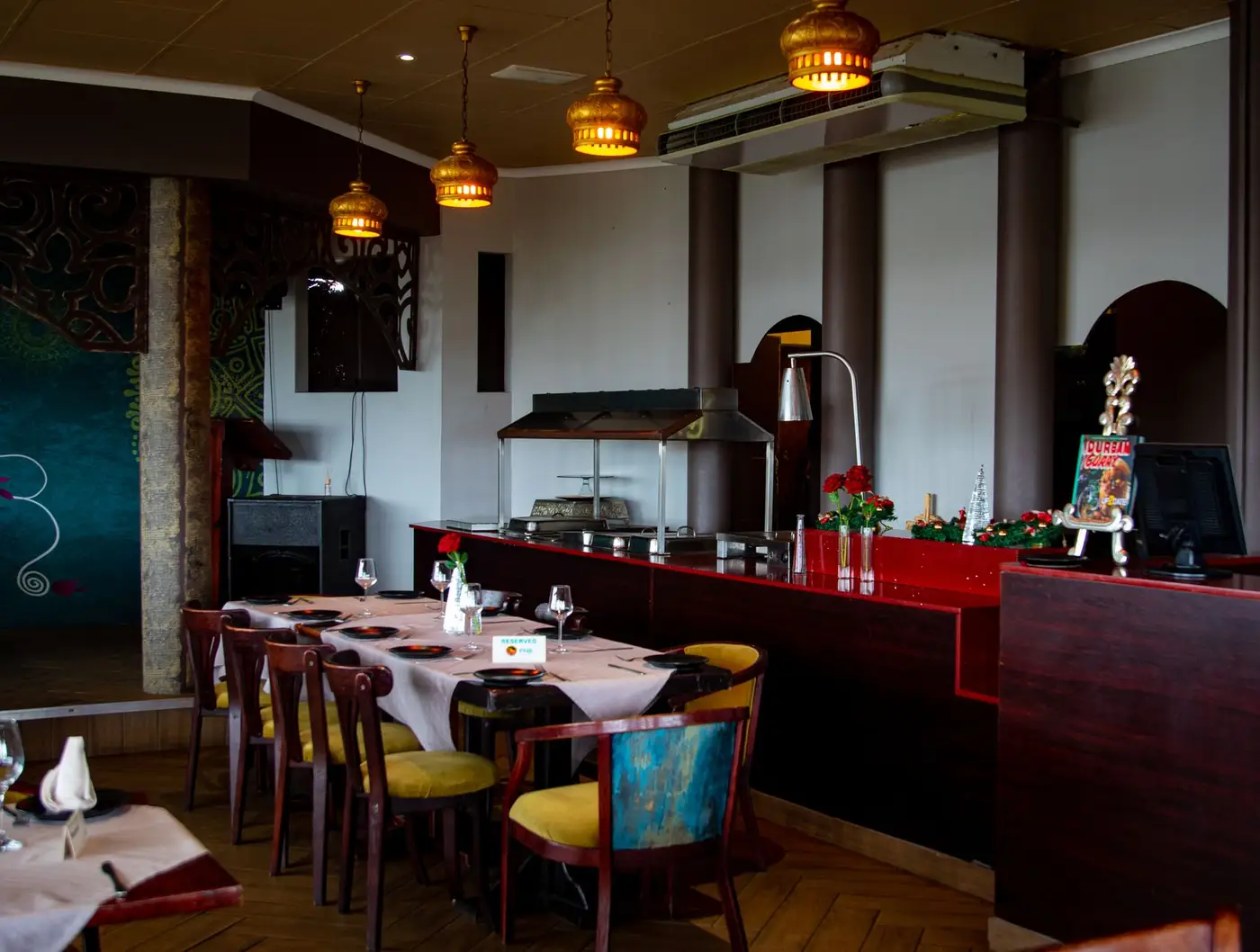
A menu board for the dining room
Your dishes, prices and today's special on the TV above the counter.
MP416:9 · 0:30
- 0:08
One photo, one clip
Online sellers
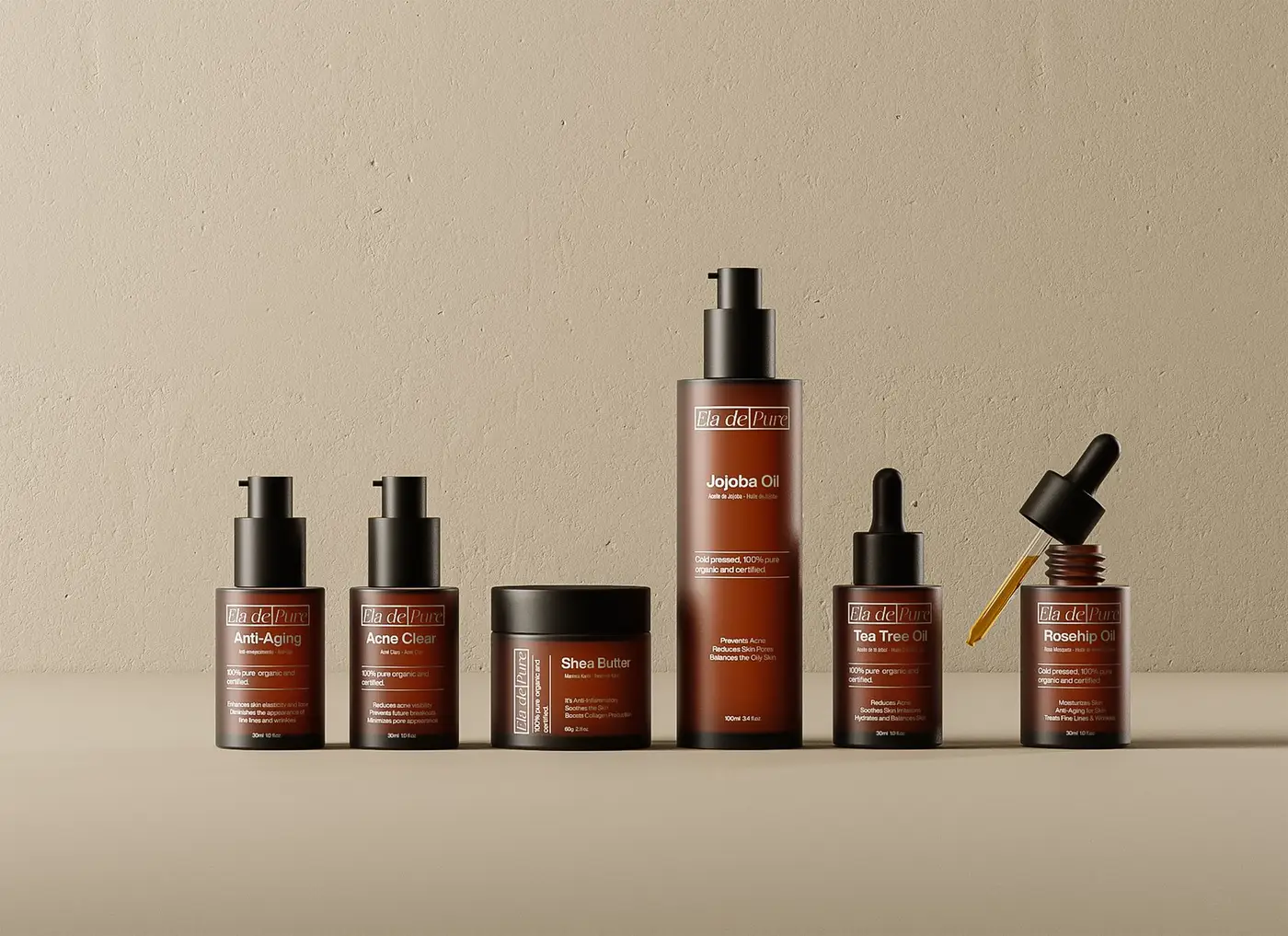
Product photos that move
Turn a packshot into an 8-second clip that orbits the product, for a product page, a Reel or an ad.
Reels9:16 · 0:08
0
Features
Solo founders
A demo for your landing page
From sign-up to the first result, in under a minute.
MP416:9 · 0:45

Tools for small businesses
Go straight to the tool for the job
Each one works on its own, and all of them share one VIDIO account.
- Instagram Reel makerTurn a few phone clips into a Reel with music and text.
- Ads video makerShort ads for this week's deal or a new product.
- Restaurant marketing videosPost the week's special with the dish and price on screen.
- Digital menu board makerYour dishes and prices as a video for the TV.
- AI photo animationTurn a product photo into a short moving clip.
- Product demo video makerShow how your app or product works in under a minute.
- Cover faces in videosHide customers' faces in store footage.
Every way to use it
98 ways to use VIDIO
Each card is a tool page made with this use in mind. Open one to see it work on a real video.
- Tour and adventure guidesA trip video guests take homeEvery guest's best moments from the day joined into one file to hand over or sell.Action video editor
- Small businessesProduct videos with a track that fitsA calm or upbeat track picked for the product, cut to the beat, ready for ads and posts.Add Music to Video
- Small businessesPhotos and clips turned into a promoCombine product photos and short clips into a video with music for your page.AI video editor
- Small businessesProduct videos that explain themselvesSay what to highlight and VIDIO writes and reads a short pitch over your product shots.AI Voiceover for Video
- Founders and consultantsA polished take for LinkedInA short point filmed at your desk, with visuals over the cuts so it looks produced.Automatically Add B-Roll to Videos
- Party decoratorsShow off the balloon wallA short video of your setup and the guests enjoying it, for your next client.Baby Shower Video Maker
Loved by content creators worldwide.

Make your next upload your best one
Edit it, package it, schedule it and track it with VIDIO. Free to start.

Escape 100 Cops, Win $500,000
- Create


- PublishClick appeal 79
- Creator analyticsviews