Pro, Business and Studio plans
AI photo animation
Turn one photo into a short video clip with sound. Describe the motion you want, like a slow push-in, a car pulling away or a dog turning its head, and VIDIO animates your photo into a 720p clip up to 10 seconds long. 7 credits per second of clip.
Trusted by over 1 Million users worldwide
 Photo































Animate a photo in 3 steps
One photo and one sentence. Nothing to install.
Upload a photo
Pick a JPG, PNG or WEBP. A wide photo makes a 16:9 clip and a tall one 9:16, or choose the shape yourself.
Drop a photoJPG · PNG · WEBP
Describe the motion
Say what moves, how the camera moves and what it should sound like, in plain words.
 CameraMotionSound
Get your clip
Watch the 720p clip with sound, download the MP4, or try another version of the request.
With sound720p·8 s·56 creditsDownloadNew clip
What it does
From a still photo to a clip that moves
Every example here is a real photo and the clip VIDIO made from it, with the request that was used.
Your photo, brought to life
Write what should happen and the photo becomes the first frame of an 8-second clip, with camera movement and sound.
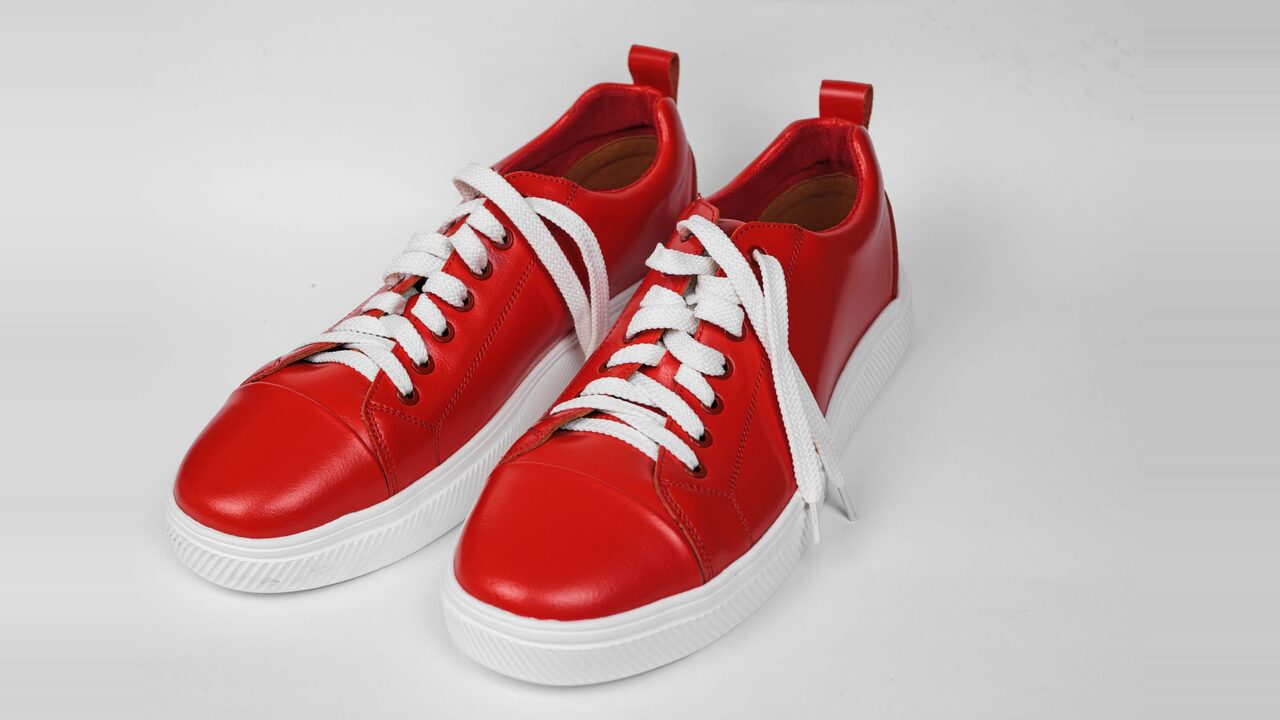
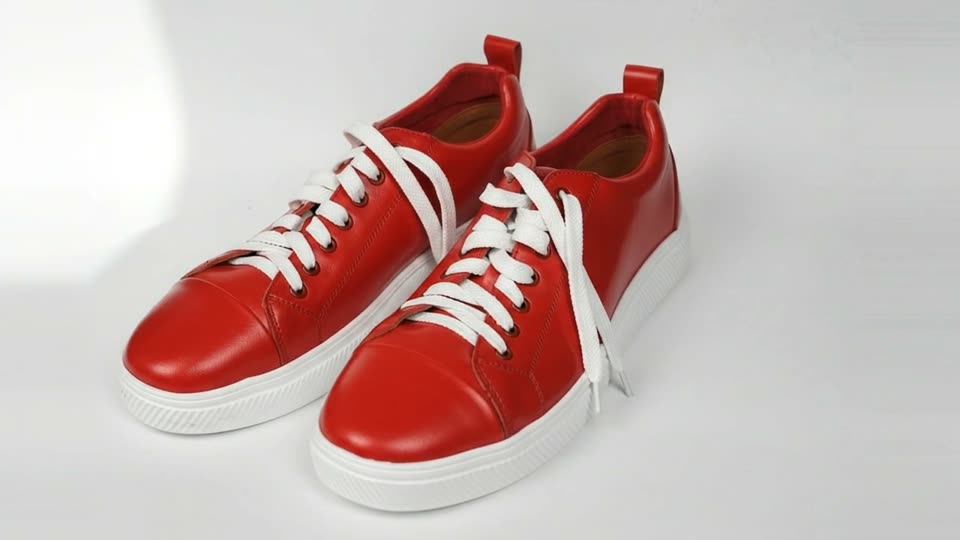
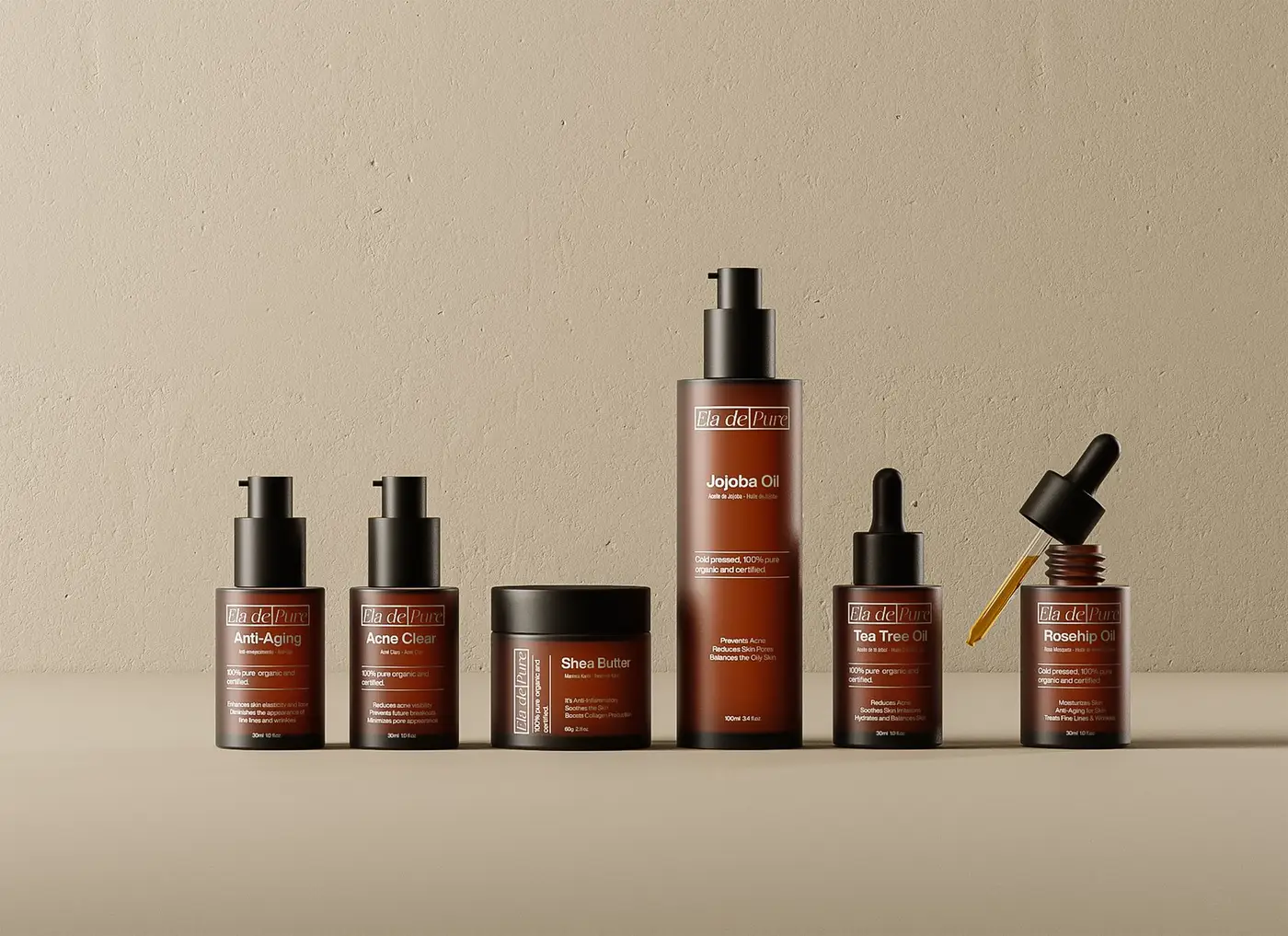
PhotoProducts that turn and shine
An orbit around the product and light sweeping across it, from one packshot.
 Photo
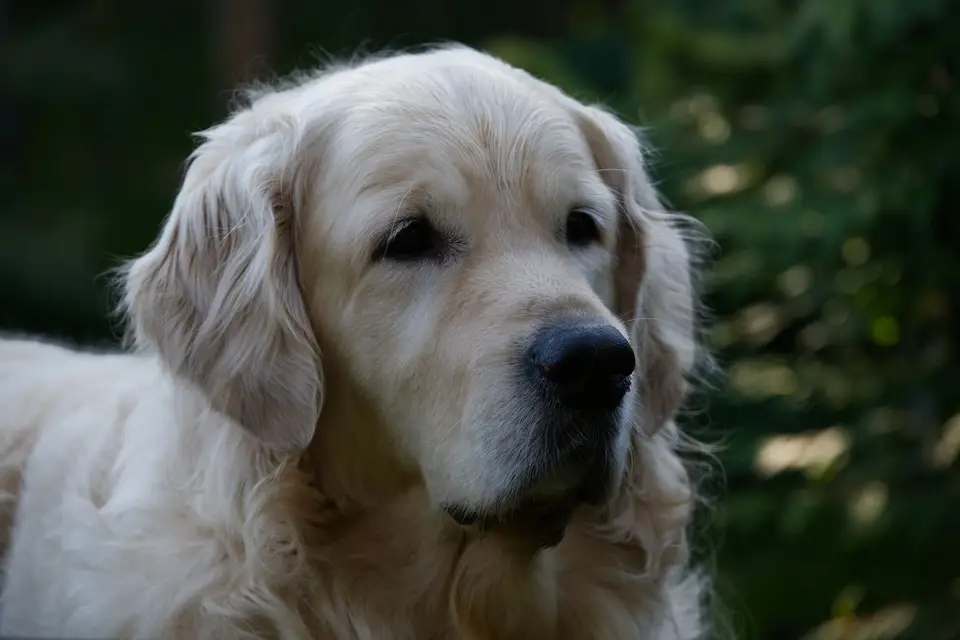
Pets that look back
A head tilt, a sniff, fur in the breeze. Small, natural motion works best.
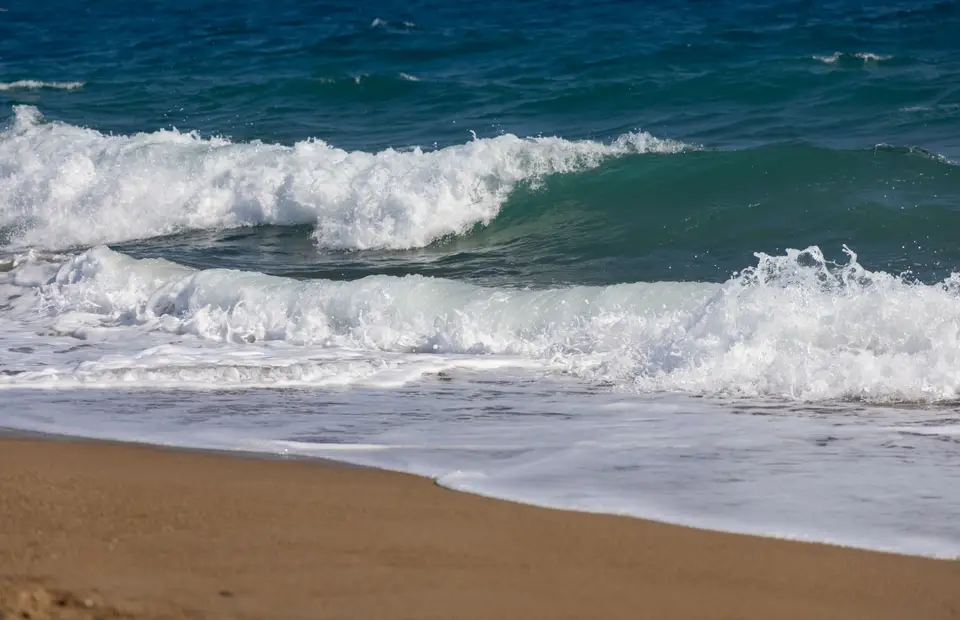
PhotoPlaces that change with the light
Clouds drift, lights come on, the camera pushes in. A travel photo becomes a moment.
 Photo
Pay for the seconds you get
7 credits per second of clip, up to 10 seconds. A refused request costs nothing.
28credits
4 × 7
Names become descriptions
Characters and people are described by how they look, so a request with a name still works.
You write
Make Captain Nova wave at the camera, then fly up out of frame.
The AI animates
The hero in the silver suit and red cape waves at the camera, then flies up out of frame.
Use it in a VibeEdit project
Add the finished clip to VibeEdit and cut it in with your other footage.

Recommended by top media and bloggers.





Who it's for
For anyone with a photo that should move
Short clips with sound for feeds, ads and edits.
- 0:08
One photo, one clip
Online sellers
Product photos that move
Turn a packshot into an 8-second clip that orbits the product, for a product page, a Reel or an ad.
Reels9:16 · 0:08
More for Small businesses 0:08
9:16
Clip
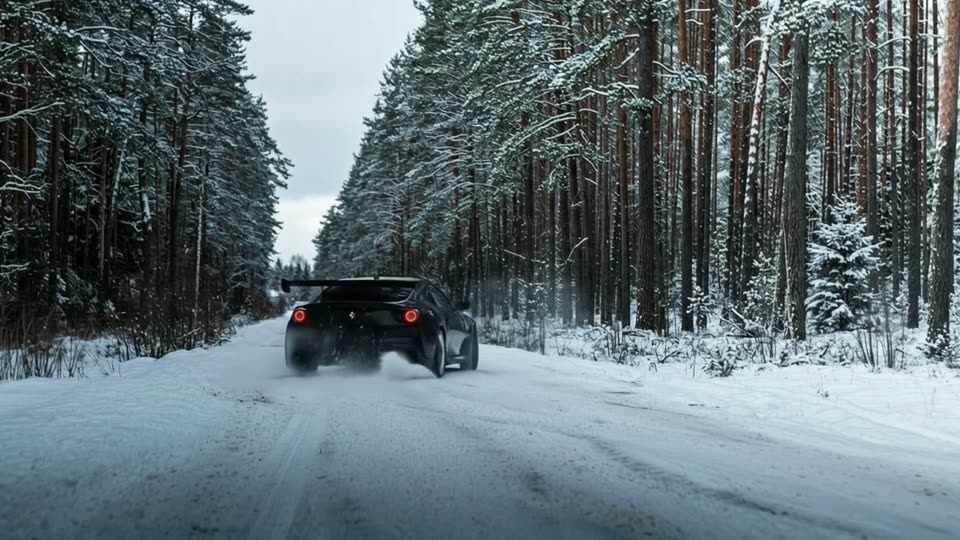
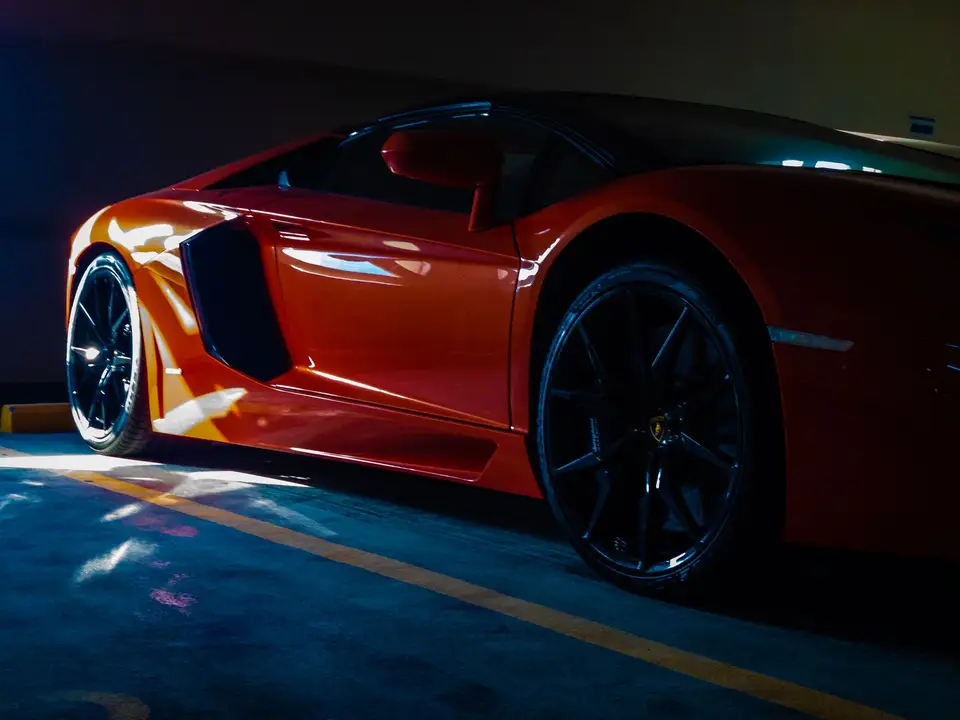
Car creators
A car shot that drives off
One photo from the meet becomes a tracking shot with the engine sound.
TikTok9:16 · 0:08
More for YouTubers0cr
6 s × 7
Credits
Pet accounts
Your pet, looking back at you
A head tilt and a breeze in the fur, from the photo you already took.
Instagram9:16 · 0:06
More for Families0s
720p
Longest clip
Travel creators
A trip photo that comes alive
Waves roll in, clouds drift, the camera pans: a still from your trip becomes a moving shot.
YouTube16:9 · 0:10
More for Travelers- Slow zoomFalling snowA name
Your request
Illustrators and artists
Artwork in motion
Animate a painting or an illustration: hair in the wind, a slow zoom, falling snow.
MP416:9 · 0:08
More for Videographers

Discover More3
More ways to use VIDIO, grouped by what you're making.
AI Tools for Video Creators
Browse all tools- AI photo animation
- Photo to video
- Animate photo
Related Tools
4Loved by content creators worldwide.



I tried your compositing software and I think it is terrific! It works really well in the preview that I did. Blown away, actually.





Such and amazing and fast way to get your video stabilized without the need of having a beefed up PC.


Finally, I can edit like a professional without spending crazy amount of money on software I don't know how to use. Highly recommended for those who are wanting a quick and easy way to remove backgrounds from video.



Make your next upload your best one
Edit it, package it, schedule it and track it with VIDIO. Free to start.

Escape 100 Cops, Win $500,000
- Create


- PublishClick appeal 79
- Creator analyticsviews