#1 เครื่องมือ Rotoscoping ออนไลน์
การตัดฉากด้วย AI
แปลงวิดีโอของคุณได้อย่างง่ายดายด้วยเครื่องมือการตัดฉาก AI ของเรา! ทดลองใช้ทางออนไลน์ฟรีและสร้างผลลัพธ์ที่น่าทึ่งในเพียงไม่กี่คลิก!
เชื่อถือโดยมากกว่า 1 ล้าน ผู้ใช้ทั่วโลก


- Cut out
- New color
- New scene




























สามขั้นตอนง่ายๆ
ไม่มีการติดตั้ง ไม่มีผ้าเขียว เพียงไม่กี่คลิก.
อัปโหลด
ลากและวางไฟล์วิดีโอของคุณ เราจัดการที่เหลือ.
8:14MP4 · 2.0 GB0%คลิกเพื่อมาสก์
คลิกในวัตถุเพื่อมาสก์ในวิดีโอของคุณ.
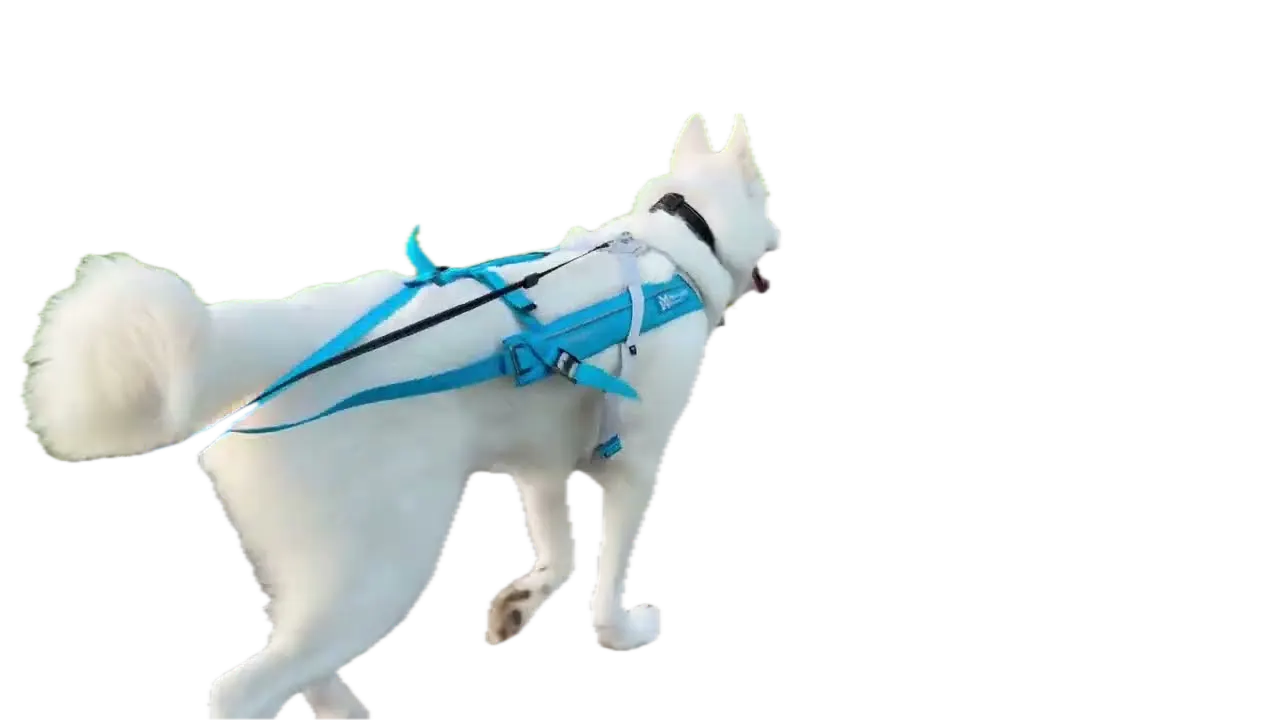
Click the huskyCut outแพร่กระจาย
คลิกที่ปุ่มแพร่กระจายสำหรับพื้นหลังโปร่งใส.
0%MP41080pMP4
Rotoscoping without the keyframes
Cut anything out of your footage
People, pets, products. Click the subject and VIDIO traces it in every frame. No masks to draw.
A clean cutout, done for you
Click the husky and the path behind it is cut away.
- Cut out
- New color
- New scene
Pets, products, riders
The same click works on a dog, a pair of sneakers or a horse and rider.

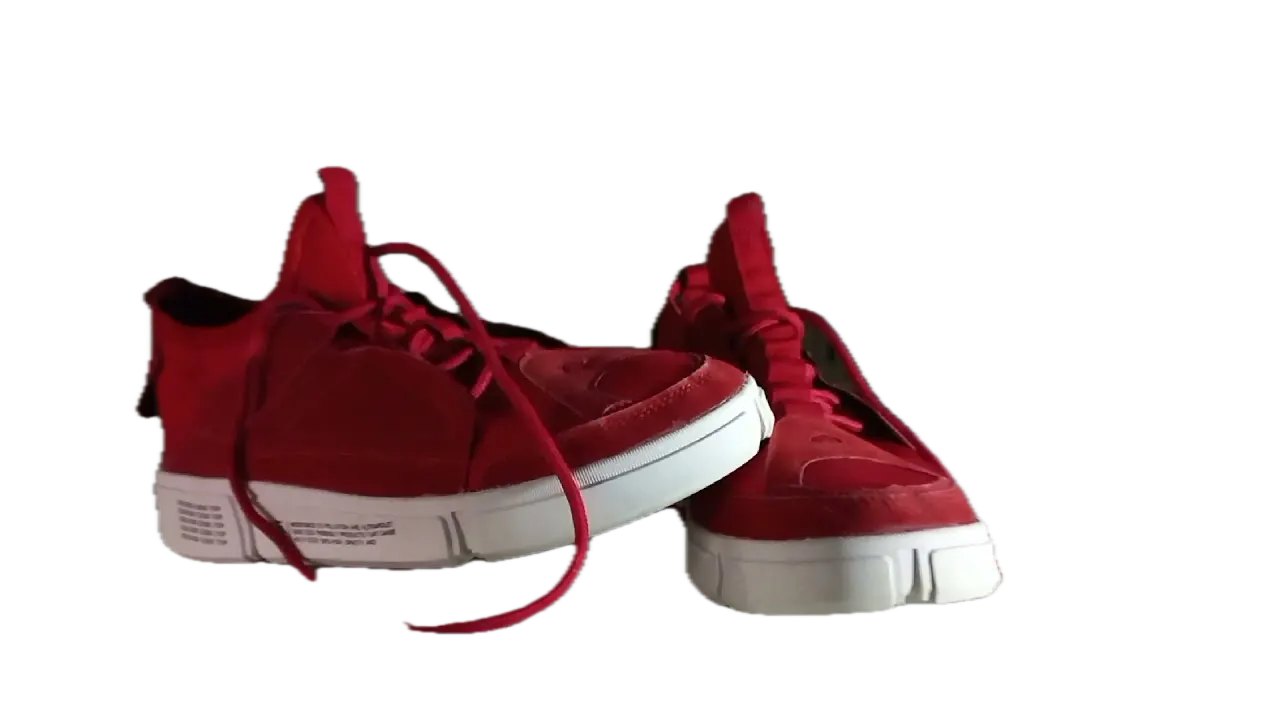

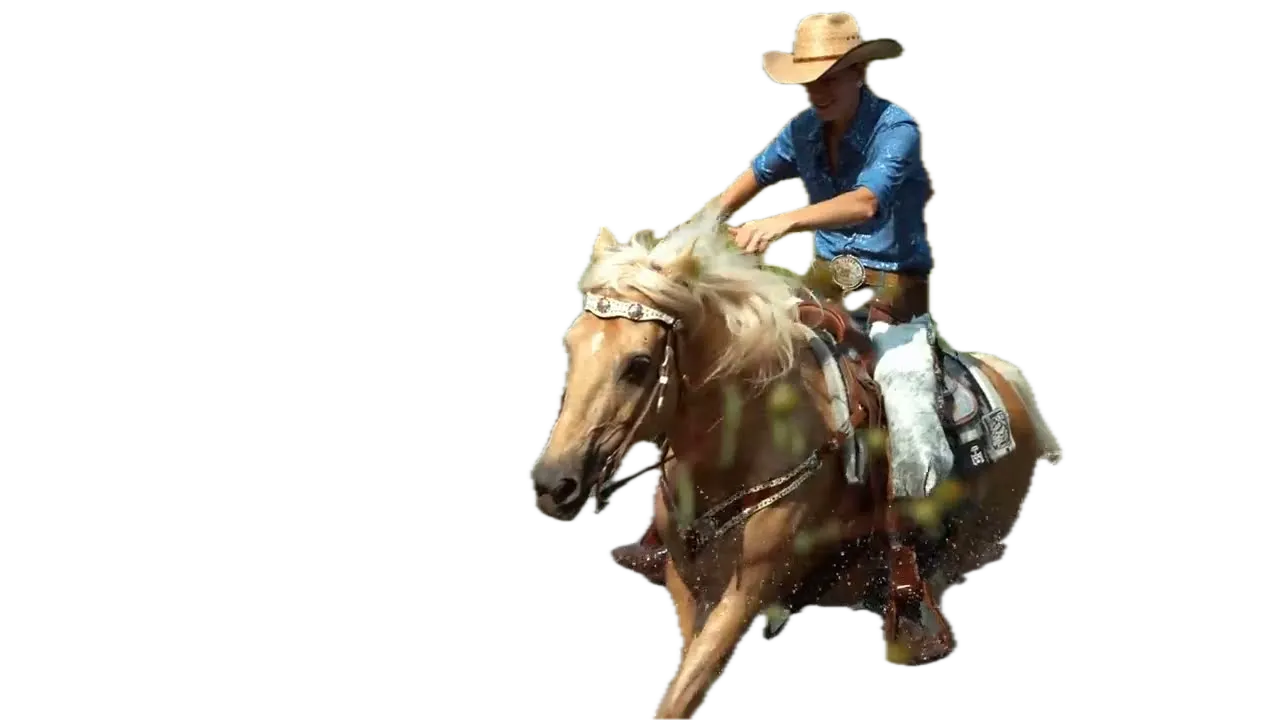
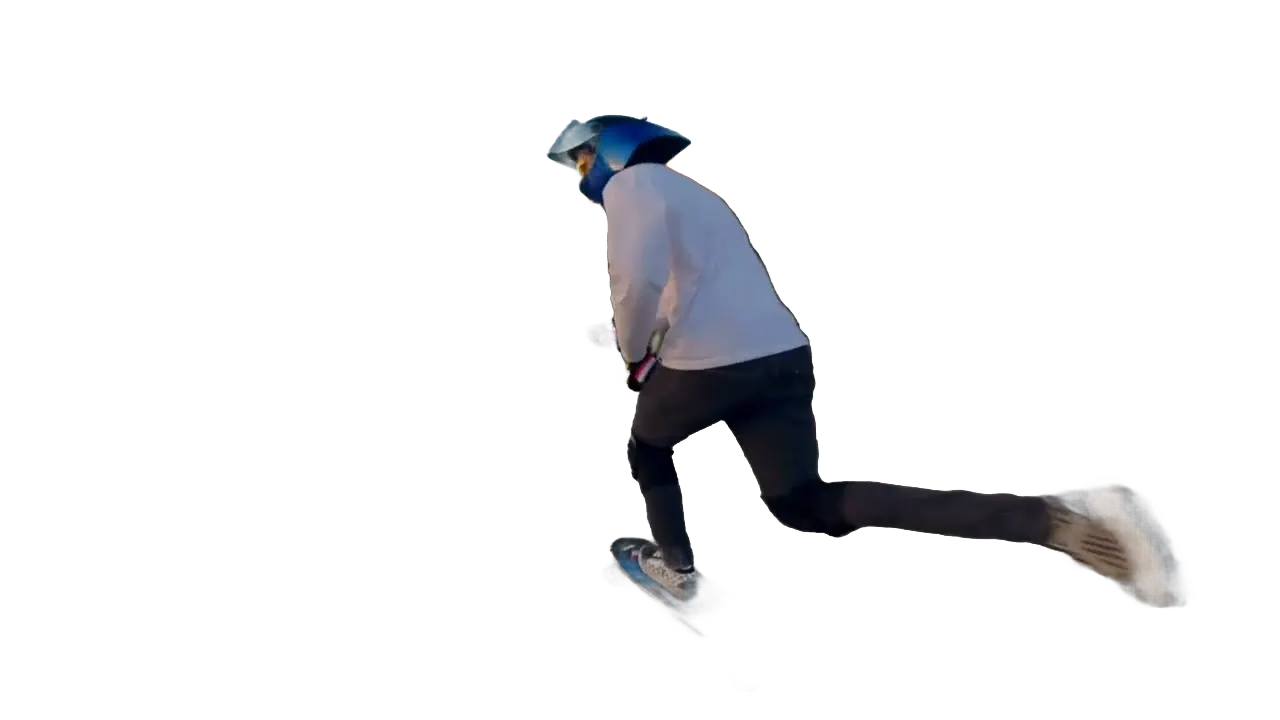
Take the cutout anywhere
Export with a transparent background and layer it in your editor.
Drop in a new backdrop
Place the cutout on a photo, a video or a solid color.
One click to select
Click the subject. VIDIO finds its edges, fur and all.
แนะนำโดยสื่อชั้นนำและบล็อกเกอร์





Who it's for
Cutouts for every kind of edit
Skip hours of manual rotoscoping and get straight to the creative part.
0
Masks drawn by hand
Video editors
Rotoscope a shot in minutes
Cut a person out of a handheld shot without drawing a single mask.
MP416:9 · 0:20
- YouTitle textOld background
Layers
YouTubers
Text behind you, not over you
Cut yourself out so titles can sit between you and the background.
YouTube16:9 · 8:00
0
Ad versions from one take
Marketers
Product shots on any backdrop
Cut out the presenter and reuse one take across several ad designs.
Instagram4:5 · 0:30
- 3ProRes2PNG frames
Files delivered
Agencies
Cutouts for client spots
Hand your motion designers clean transparent clips instead of raw footage.
MP416:9 · 0:15
0:30
9:16
Ready for TikTok
Short-form creators
Pop out of the frame
Cut yourself out and place yourself over the clip you're reacting to.
TikTok9:16 · 0:30
ค้นพบเพิ่มเติม21
วิธีใช้ VIDIO เพิ่มเติม จัดกลุ่มตามสิ่งที่คุณกำลังสร้าง
เครื่องมือ AI สำหรับครีเอเตอร์วิดีโอ
ดูเครื่องมือทั้งหมด- การดึงวัตถุจากวิดีโอ
- โปรแกรมสร้าง GIF โปร่งใส
- เครื่องสร้างวิดีโอโปร่งใส
- แยกพื้นหลังส่วนหน้า
- การเบลอพื้นหลังอัตโนมัติ
- การตัดภาพ AI
- เครื่องลบพื้นหลังวิดีโอ
- การเปลี่ยนพื้นหลังวีดีโอ
- เครื่องลบพื้นหลังสีเขียว
- การปิดบังวิดีโอ
- เบลอพื้นหลังวิดีโอ
- การทำโรโทสโคปออนไลน์
- ตัวลบพื้นหลัง GIF
- เน้นวัตถุที่เคลื่อนที่
- เน้นคนที่เคลื่อนไหว
- เบลอวัตถุที่เคลื่อนไหว
- เบลอส่วนหนึ่งของวิดีโอ
- เปลี่ยนพื้นหลังวิดีโอโดย AI
- การดึงข้อมูลพื้นหลังวิดีโอ AI
- ตัดภาพพื้นหลังวิดีโอ
- ไม่กรอง
เครื่องมือที่เกี่ยวข้อง
7บทความที่เกี่ยวข้อง
5คู่มือแก้ไขวิดีโอและข่าวสาร
- 01วิธีสร้างวิดีโอหลายเทคด้วย AI: การใช้ VibeEdit โดย VIDIO
- 02จากฟุตเทจเหตุการณ์ 2 ชั่วโมง สู่การสรุป 3 นาที: การตัดอัตโนมัติสำหรับวิดีโอเหตุการณ์
- 03ตัวตัดต่อวิดีโอ AI ที่ลบส่วนที่น่าเบื่อออกจากวิดีโอโดยอัตโนมัติ
- 045 เครื่องมือแก้ไขฟุตเทจดิบด้วย AI ที่ดีที่สุดเพื่อการประกอบวิดีโออย่างรวดเร็วและชาญฉลาด
- 05แอปที่ดีที่สุดในการตัดฟุตเทจ MMA อัตโนมัติด้วย AI (อัปเดต 2025)
ได้รับความรักจากผู้สร้างเนื้อหาทั่วโลก.
การตรวจสอบถูกแปลแล้ว.
ทำให้การอัปโหลดครั้งต่อไปของคุณดีที่สุด
แก้ไข แพ็กเกจ ตั้งเวลา และติดตามด้วย VIDIO เริ่มใช้ฟรี

$456,000 Squid Game In Real Life!
- สร้าง


- เผยแพร่ความน่าสนใจในการคลิก 81
- วิเคราะห์ผู้สร้างยอดชม