#1 เครื่องมือ Rotoscoping ออนไลน์
เปลี่ยนพื้นหลังวิดีโอได้อย่างราบรื่นด้วย AI
เปลี่ยนพื้นหลังวิดีโอได้อย่างราบรื่นด้วยเครื่องมือ AI ของเรา! ทดลองใช้งานออนไลน์ฟรีวันนี้และทำการแก้ไขที่น่าทึ่งได้ในเพียงไม่กี่คลิก—ไม่ต้องติดตั้ง!
เชื่อถือโดยมากกว่า 1 ล้าน ผู้ใช้ทั่วโลก


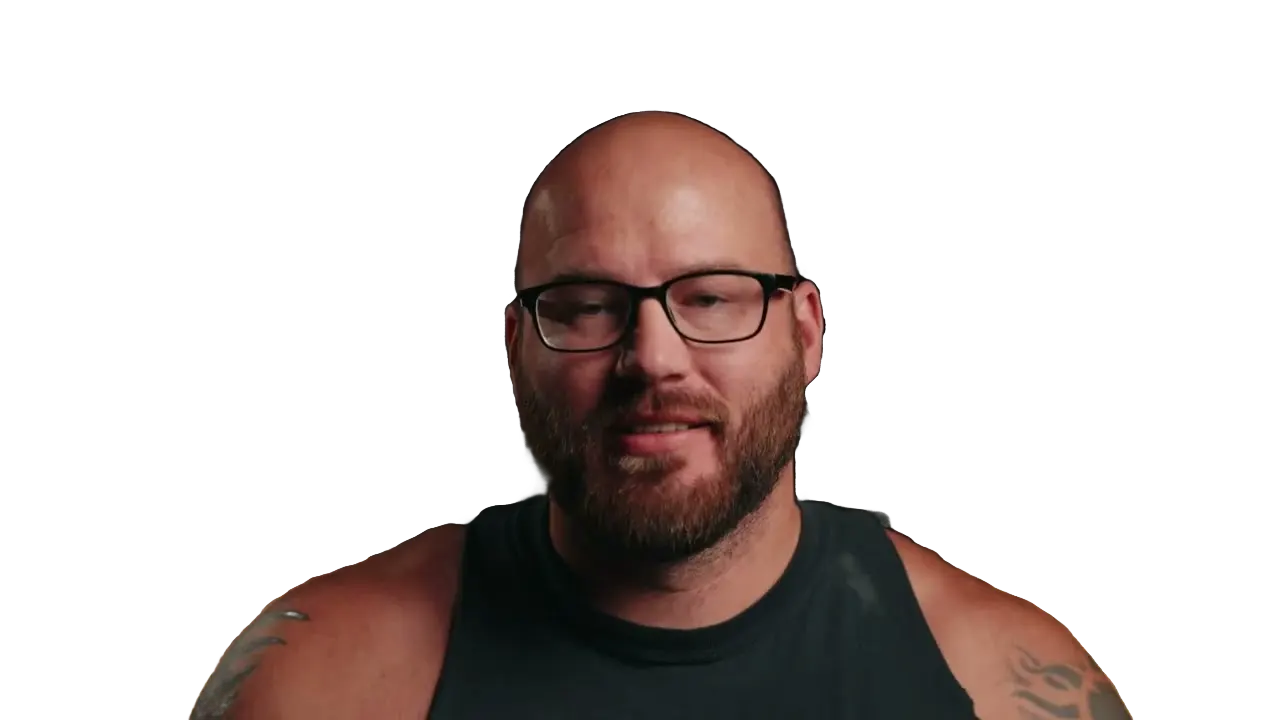


































สามขั้นตอนง่ายๆ
ไม่ต้องติดตั้ง ไม่มีการเรียนรู้ เพียงแค่คลิกไม่กี่ครั้ง.
อัปโหลด
ลากและวางไฟล์วิดีโอของคุณ เราจัดการที่เหลือ.
1:59MP4 · 500 MB0%คลิกเพื่อลบหน้ากาก
คลิกในวัตถุเพื่อทำหน้ากากในวิดีโอของคุณ.
Click the presenterBackground offแพร่กระจาย
คลิกที่ปุ่มแพร่กระจายสำหรับพื้นหลังโปร่งใส.
0%MP41080pMP4
Same presenter, new setting
Let AI replace the room behind you
Record at home or in the office. AI keeps the presenter and swaps everything behind them.
Swap his room for a new scene
AI keeps the presenter and replaces the lamp-lit room. Pick a scene, a color or a blur.
The old room comes out first
VIDIO finds the presenter and removes the shelves and plants behind her.

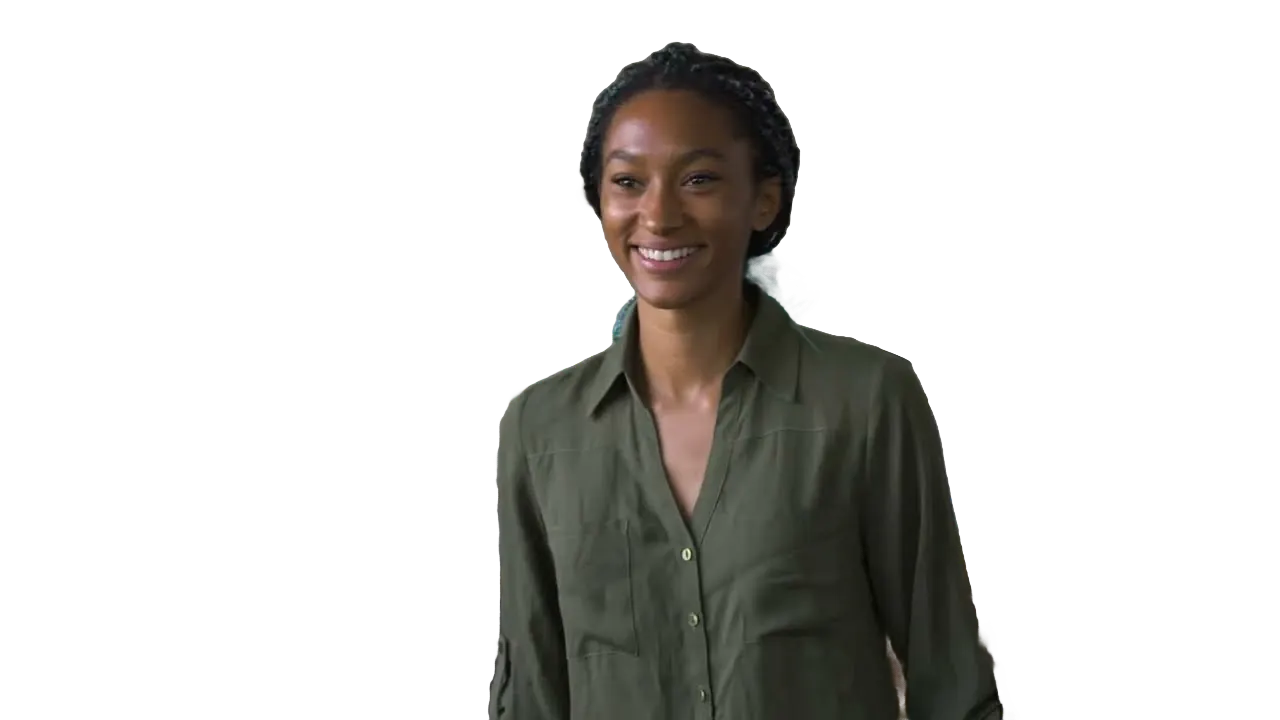
Click the speaker once
One click on the speaker and his studio drops away.

Blur her home instead
Keep the room, just softer, so the focus stays on her.

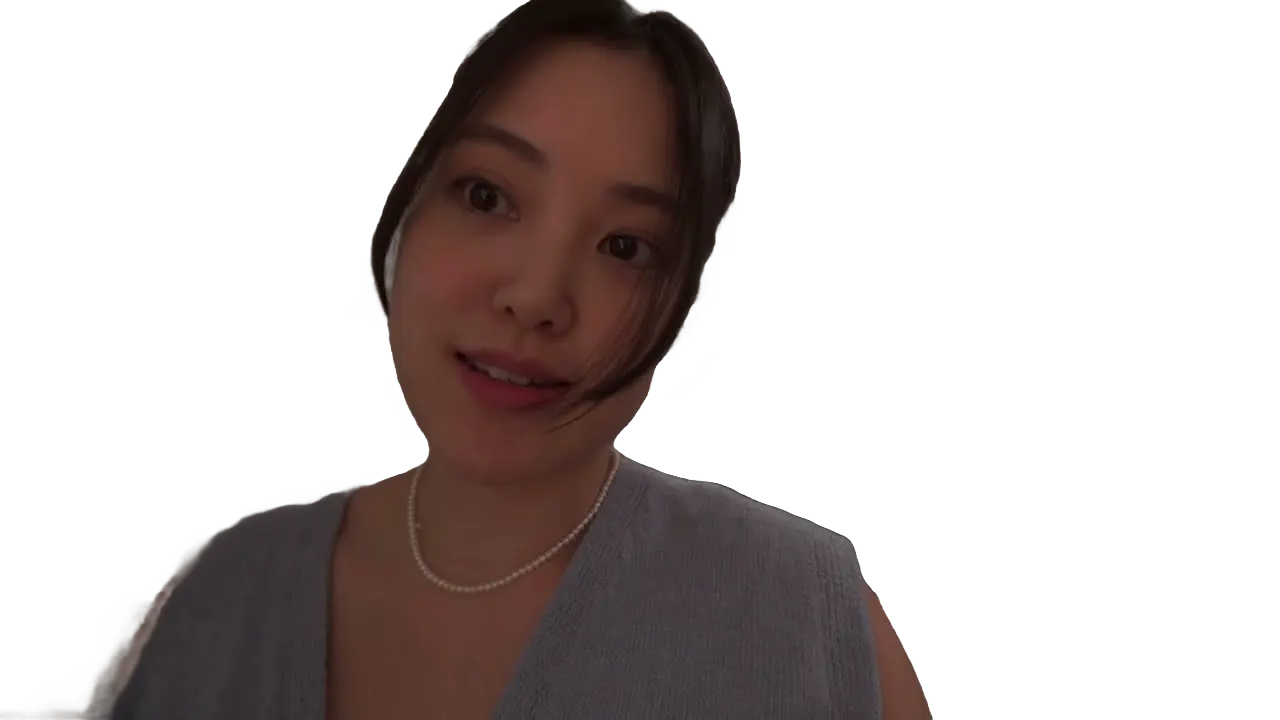
Replaced on every frame
Hands move and heads turn; the new background stays behind them.
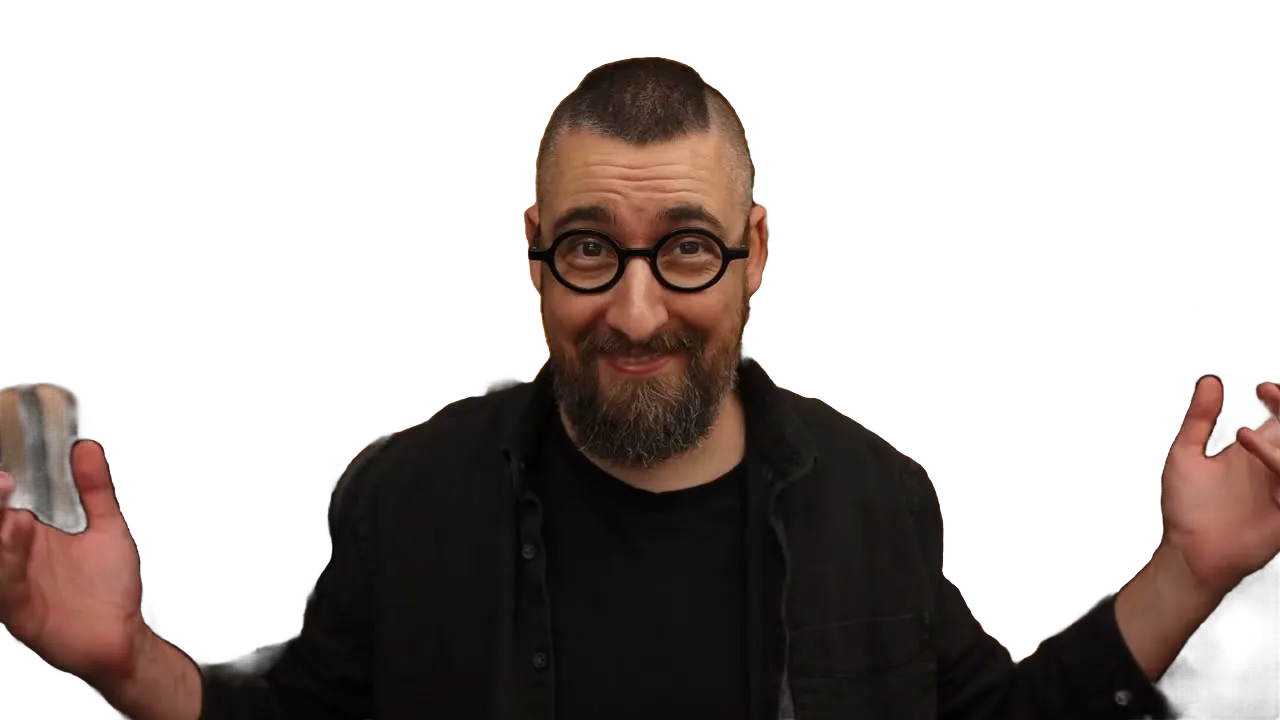
แนะนำโดยสื่อชั้นนำและบล็อกเกอร์





Who it's for
A better backdrop for every video
Film where you can. Pick the background afterward.
- YouMessy wall
What stays, what goes
YouTubers
Swap the bedroom for a studio
Replace a messy wall with a clean set that matches your channel.
YouTube16:9 · 12:00
0
Videos updated
Small businesses
Product talks on your brand color
Put the speaker on your brand color for site and social videos.
LinkedIn16:9 · 1:00
- 0%
Frames replaced
Speakers
A stage look from home
Record your talk at a desk and place yourself in front of an event backdrop.
YouTube16:9 · 20:00
0:40
9:16
Ready for TikTok
Short-form creators
Talk in front of anything
Put the clip you're reacting to right behind you.
TikTok9:16 · 0:40
- 2Summer3Holiday
Versions
Marketers
Seasonal versions of one ad
Swap the background for each campaign without reshooting.
Instagram4:5 · 0:20
ค้นพบเพิ่มเติม21
วิธีใช้ VIDIO เพิ่มเติม จัดกลุ่มตามสิ่งที่คุณกำลังสร้าง
เครื่องมือ AI สำหรับครีเอเตอร์วิดีโอ
ดูเครื่องมือทั้งหมด- การดึงวัตถุจากวิดีโอ
- โปรแกรมสร้าง GIF โปร่งใส
- เครื่องสร้างวิดีโอโปร่งใส
- แยกพื้นหลังส่วนหน้า
- การเบลอพื้นหลังอัตโนมัติ
- การตัดภาพ AI
- เครื่องลบพื้นหลังวิดีโอ
- การเปลี่ยนพื้นหลังวีดีโอ
- เครื่องลบพื้นหลังสีเขียว
- การปิดบังวิดีโอ
- เบลอพื้นหลังวิดีโอ
- การทำโรโทสโคปออนไลน์
- ตัวลบพื้นหลัง GIF
- เน้นวัตถุที่เคลื่อนที่
- เน้นคนที่เคลื่อนไหว
- เบลอวัตถุที่เคลื่อนไหว
- เบลอส่วนหนึ่งของวิดีโอ
- เปลี่ยนพื้นหลังวิดีโอโดย AI
- การดึงข้อมูลพื้นหลังวิดีโอ AI
- ตัดภาพพื้นหลังวิดีโอ
- ไม่กรอง
เครื่องมือที่เกี่ยวข้อง
7บทความที่เกี่ยวข้อง
5คู่มือแก้ไขวิดีโอและข่าวสาร
ได้รับความรักจากผู้สร้างเนื้อหาทั่วโลก.
การตรวจสอบถูกแปลแล้ว.


ฉันได้ลองใช้ซอฟต์แวร์การรวมภาพของคุณและฉันคิดว่ามันยอดเยี่ยม! มันทำงานได้ดีจริงๆ ในการแสดงตัวอย่างที่ฉันทำ มันทำให้ฉันประหลาดใจจริงๆ.





ในที่สุด ฉันสามารถแก้ไขได้เหมือนมืออาชีพโดยไม่ต้องใช้เงินจำนวนมากสำหรับซอฟต์แวร์ที่ฉันไม่รู้ว่าจะใช้ยังไง แนะนำอย่างยิ่งสำหรับผู้ที่ต้องการวิธีที่รวดเร็วและง่ายในการลบพื้นหลังจากวีดีโอ.



ทำให้การอัปโหลดครั้งต่อไปของคุณดีที่สุด
แก้ไข แพ็กเกจ ตั้งเวลา และติดตามด้วย VIDIO เริ่มใช้ฟรี

$456,000 Squid Game In Real Life!
- สร้าง


- เผยแพร่ความน่าสนใจในการคลิก 81
- วิเคราะห์ผู้สร้างยอดชม