#1 Online AI video editor
Wedding video maker
For wedding videographers delivering a highlight film, and couples sorting through their own and their guests' clips. Ask for the vows, the first kiss, the toasts and the first dance, and VibeEdit cuts them into a highlight film.
Trusted by over 1 Million users worldwide
Templates
Pick a wedding film, add your clips
Each template writes the request for you. Fill in the couple and the day, add your clips on the next page, and VibeEdit edits the film. Running it and watching the preview are free; you pay once when you export, by the length of the footage you upload.
It edits your own wedding footage: picks the moments, keeps the vows and speeches you can hear, adds a title card with your names and date, soft music, crossfades and warm colour. 16:9, 9:16 or 1:1.
It can't: show moments nobody filmed · fix footage that is out of focus or too dark to see · remove guests from a shot
- Getting ready
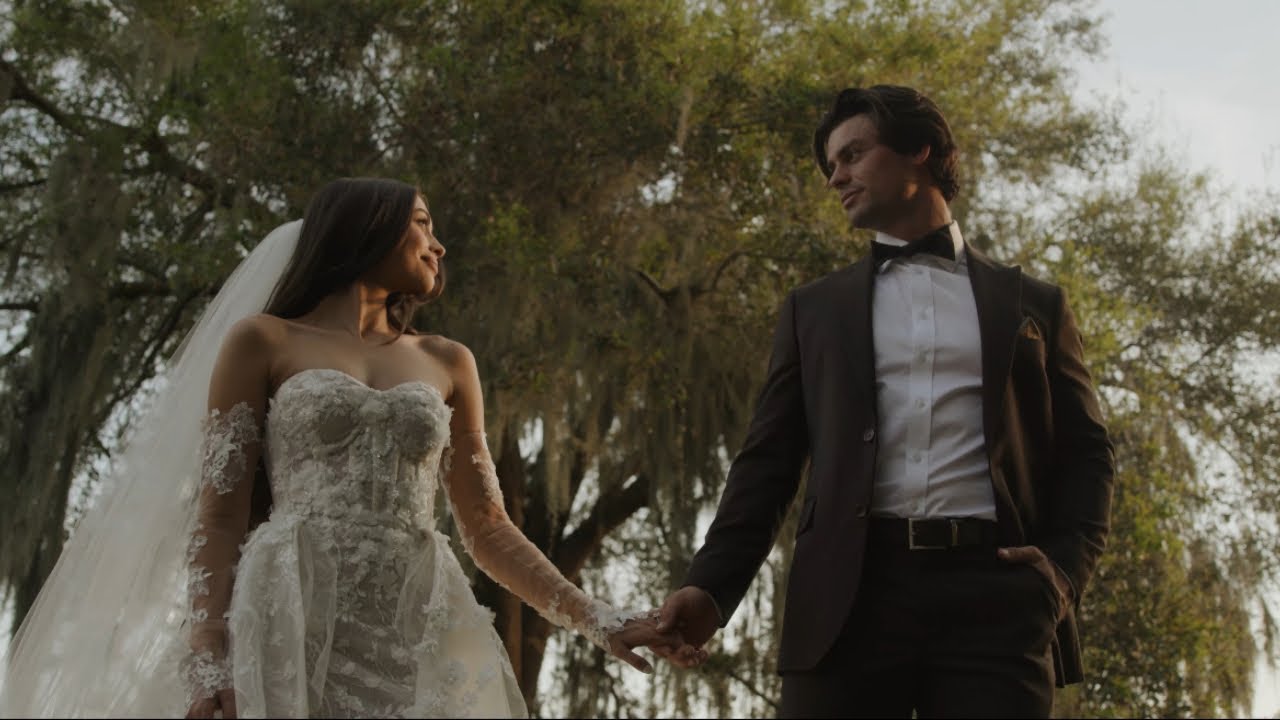


Getting ready


Ceremony


Speeches


First dance
Wedding highlight film
The day as a story, from getting ready to the first dance, with the vows you can hear.

- First look0:22
 Rings0:59
- Kiss1:37
60-second teaser
The most beautiful moments, fast, for Instagram and TikTok.
- 48:10
Full ceremony, tidied up
The whole ceremony kept, the waiting and silences cut out.
 CC
Speeches and toasts
Every speech with captions, each speaker named on screen.
- 1×
 1×0.5×
First dance
The first dance with its own song, the best angles and slow motion at the big moment.
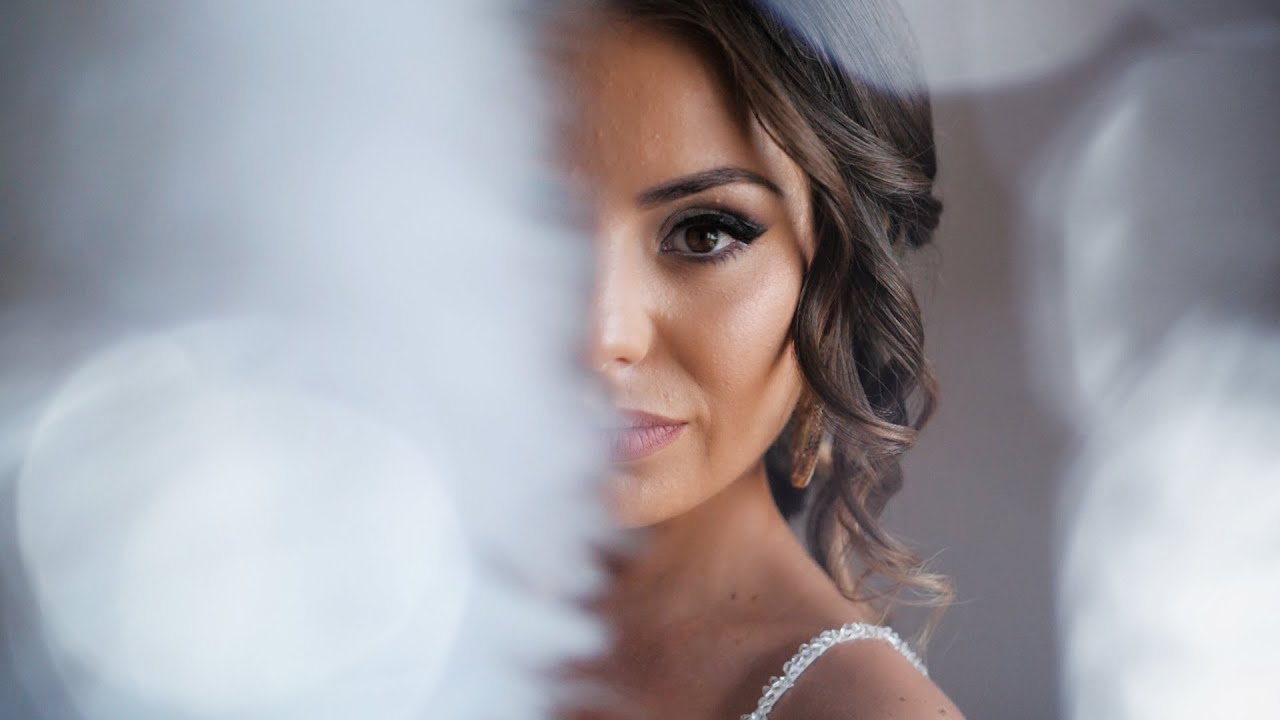
Guests Family Dance floor 
Sparkler exit Thank-you video for guests
Your photos and short clips with a thank-you message to send to everyone.































A wedding highlight film in three steps
Describe the film, add the day's footage, then run it and review before you deliver.
Add the day's footage
Upload clips from every camera and phone, or bring them in from Google Drive or Dropbox. Free takes 5 videos and 10 minutes; Business takes 80 videos and 6 hours.
 3:38MP4 · 916 MB0%
Describe the film
The moments, the order, the length, the music and the names. 'Skip the speeches' or 'keep the best man's joke' steers it.
Review, refine, deliver
Pick one of up to 3 versions, trim a clip or swap the song by chat, then export at 1080p on Pro or up to 4K on Business (from 4K footage).
0%MP41080pMP4
Made for wedding footage
Vows, first dance and toasts, cut into a highlight film
Upload the ceremony and reception footage from every camera. VIDIO finds the moments couples rewatch and hands back a highlight film you can deliver or share.
Finds the moments that matter
The AI scans hours of footage for the vows, the first kiss, the toasts and the first dance, so you skip the scrubbing.
- Vows0:31
- First kiss1:23
- Toast2:15
- First dance3:07
Every part of the day, listed
VIDIO lists each moment with its picks marked. Switch the cake cutting in or a long speech out.
Ring exchange0:42First kiss0:18 Cake cutting0:26First dance0:35
Teaser or full film
Quick cuts for a social teaser or longer moments for the couple's film, at 30 seconds, one minute or three.
Scored on the beat
Pick a royalty-free track and the cuts land on its beat, from the walk down the aisle to the last dance.
- Romantic piano
- Acoustic love song
- Cinematic score
For the couple and the feed
Export 16:9 for the full film, 9:16 for Reels, Shorts and TikTok, or square for Instagram.
Aisle to dance floor
Crossfades, wipes and zooms carry the film from the ceremony to the reception, added automatically.
Names, dates and a little sparkle
Animated titles, the couple's names and emoji land on the moments that matter most.
 JUST MARRIED
Refine by hand
Add the moment you love, drop the one you don't
Let AI assemble the first highlight edit, then keep, remove, or extend plays and scenes with transitions, captions, and music adjusting around every cut.
Ring exchange
0:00 / 8:12Adjusts automatically
- Transitions3
- Captions4
- Music8:12
Recommended by top media and bloggers.





Who it's for
The same wedding footage, cut for everyone who'll watch it
Couples want the film, videographers need a teaser, family abroad wants the vows. VIDIO makes each version from the footage you already have.
8:00:00 footage
5:00Long footage → short cut
Couples
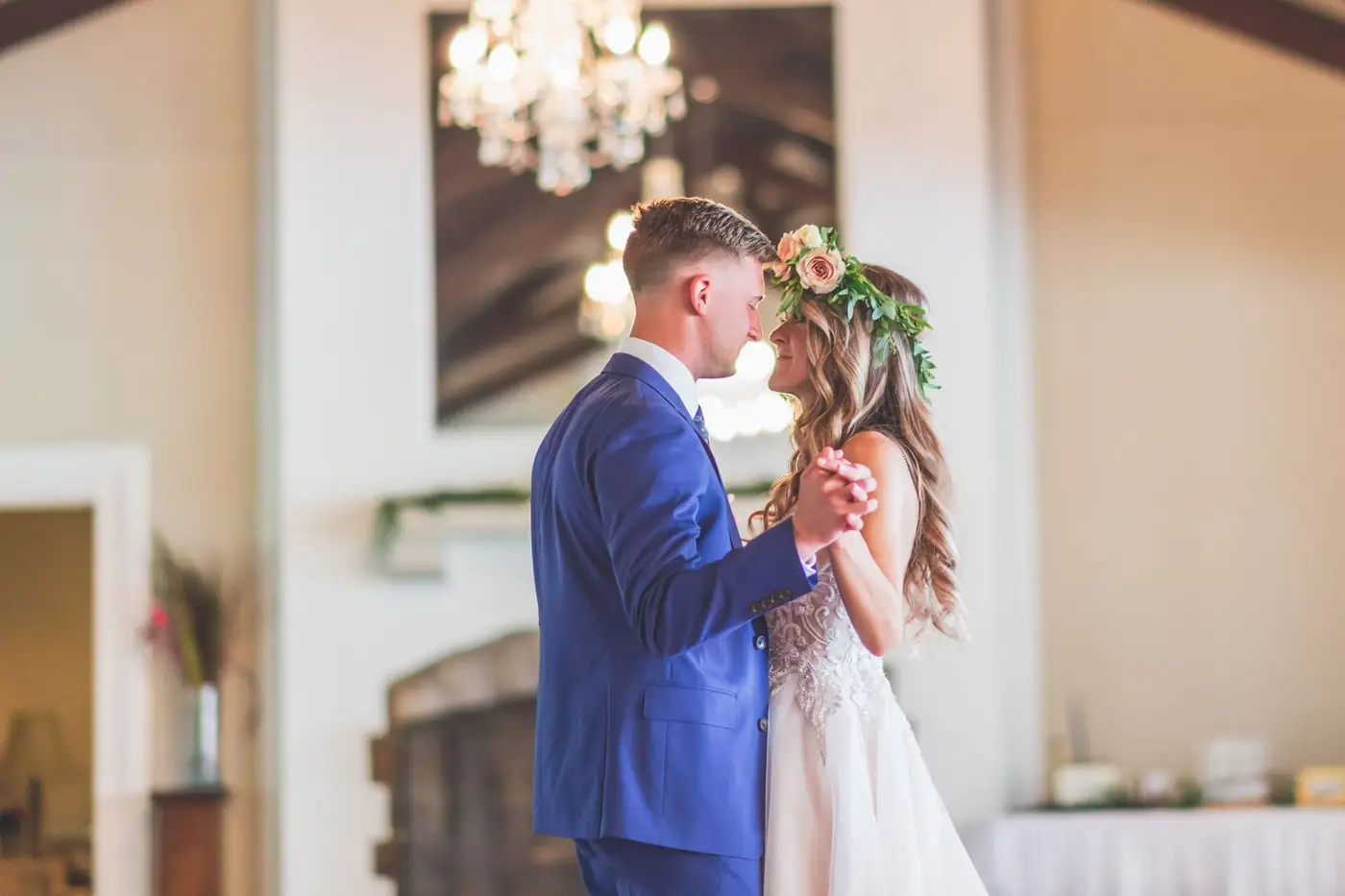
A highlight film you'll rewatch every anniversary
Vows, first look, first dance and toasts from every camera, cut to music into a short film you'll keep coming back to.
YouTube16:9 · 5:00
More for Events and weddings0
Hours until teaser
Videographers
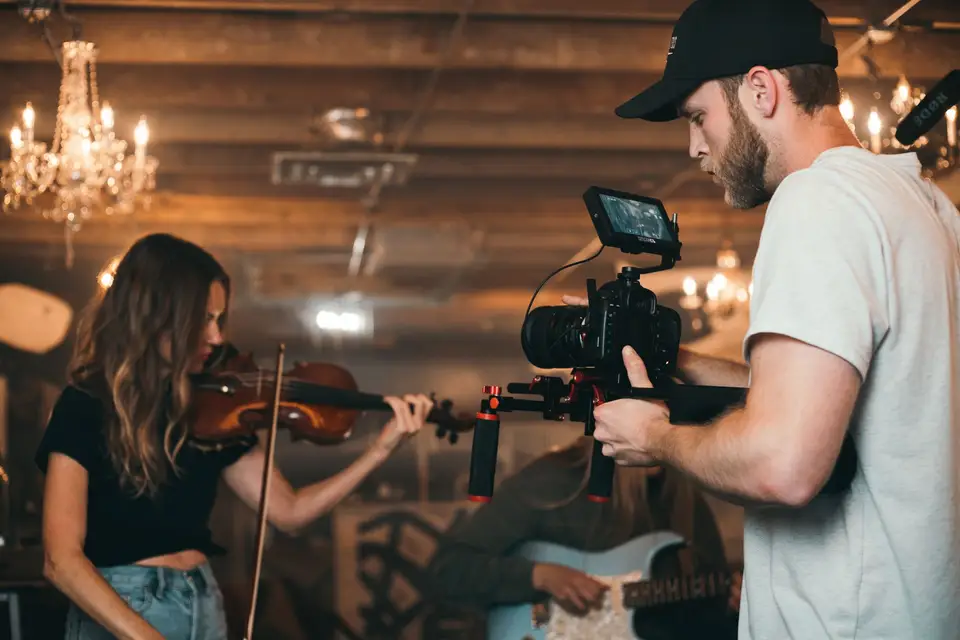
A client teaser sent the next day
Pull the best minute from the day's footage and send the couple a preview while the full edit is in progress.
Instagram4:5 · 1:00
More for Videographers- VowsKissDead air
What's kept
Family abroad
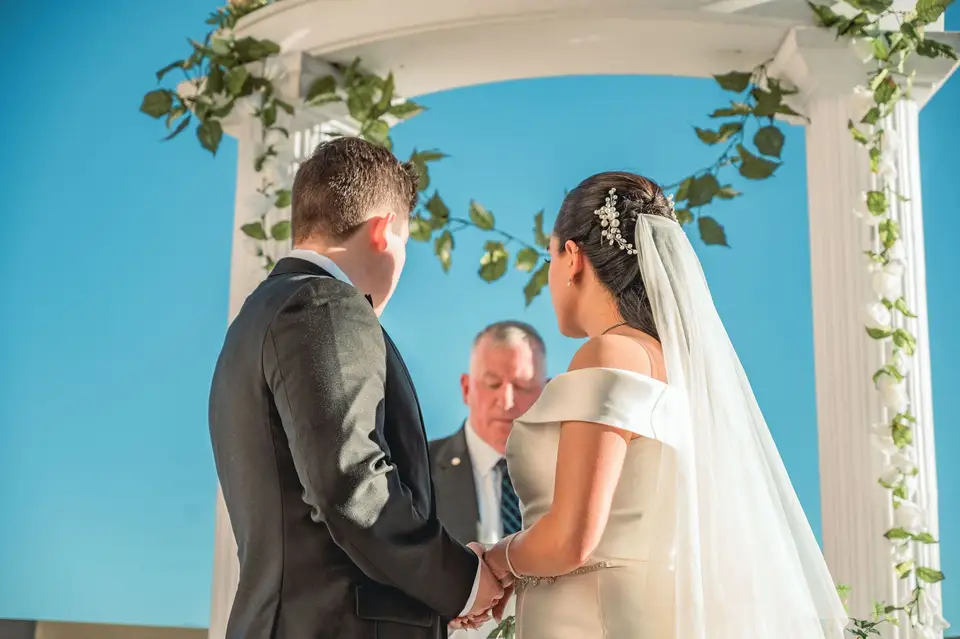
The ceremony, for those who couldn't fly in
Processional, vows and the kiss in one video, with captions in their language.
MP416:9 · 4:00
More for Families 0:30
9:16
Ready for Reels
Wedding planners
Portfolio clips that show your work
Short edits of the details, décor and venue from each wedding you planned.
Reels9:16 · 0:30
More for Events and weddings- 0:45
Phones, one video
Guests and friends
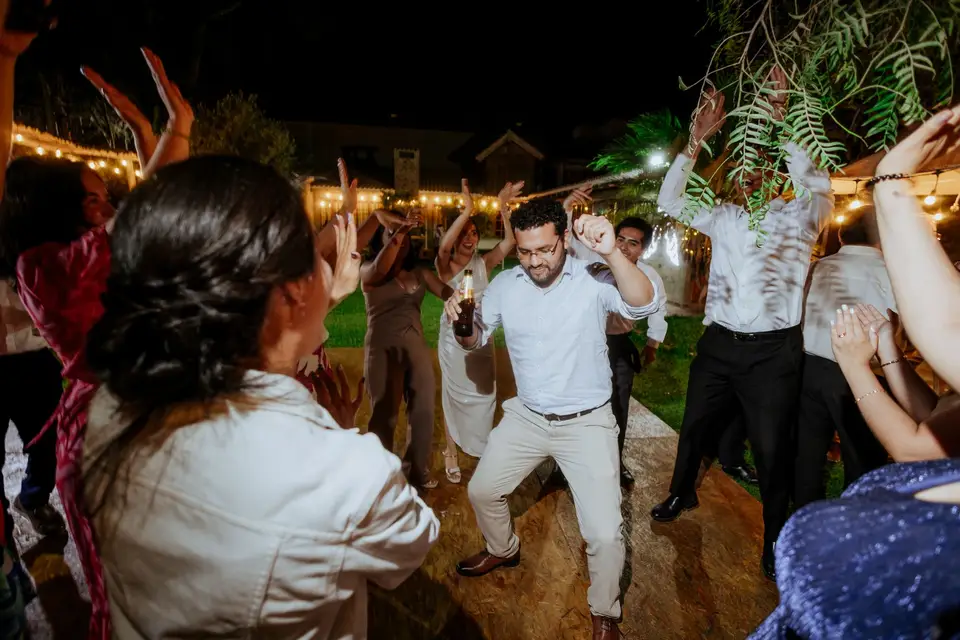
The party in under a minute
Your phone clips of the dance floor and speeches, cut to the beat and ready to post.
TikTok9:16 · 0:45
More for Events and weddings

Discover More175
More ways to use VIDIO, grouped by what you're making.
AI Tools for Video Creators
Browse all tools- Wedding Footage Cleaner
- Wedding photos to video maker
- Podcast highlight maker
- Audiogram maker
- Wedding highlight maker
- Event highlight maker
- Real estate highlight maker
- Drone video highlight maker
- Travel highlight maker
- Action video editor
- Scriptless video editor
- Silent video editor
- Anniversary Highlight Video Maker
- Baby First Year Video Maker
- Baby Shower Video Maker
- Birthday Highlight Video Maker
- Bridal Shower Video Maker
- Graduation Highlight Video Maker
- Dance Recital Video Maker
- Pet Tribute and Memorial Video Maker
- School Year Recap Video Maker
- Sports Season Highlight Video Maker
- Vacation Recap Video Maker
- Audio to video converter
- Commercial video maker
- Social media video maker
- Ecommerce video maker
- Facebook video maker
- Facebook video ad creator
- Facebook story ad maker
- Instagram video maker
- YouTube video maker
- LinkedIn video ad maker
- Fashion marketing video maker
- Fitness marketing video maker
- Restaurant marketing video maker
- Digital menu board maker
- Travel video ad maker
- Beauty marketing video maker
- Amazon video ad maker
- AI motion graphics maker
- AD video maker
- Video intro maker
- SaaS promo video maker
- Product launch video maker
- Product demo video maker
- SaaS product demo video maker
- Software demo video maker
- Website promo video maker
- Auto video flyer maker
- Motion graphics generator
- Text animation maker
- Kinetic typography maker
- Motion graphics software
- Free motion graphics app
- Promo video generator
- Online animation maker
- Animated video maker
- AI teaser video maker
- Explainer video maker
- Text to video maker
- LinkedIn video maker
- Video resume maker
- Video invitation maker
- Training video maker
- Title card maker
- Logo animation maker
- Starting soon screen maker
- Sports highlight video maker
- Sports action detector
- Sports summary video maker
- Pickleball Highlight Video Maker
- Tennis Highlight Video Maker
- Baseball Highlight Video Maker
- Softball Highlight Video Maker
- Lacrosse Highlight Video Maker
- Wrestling Highlight Video Maker
- Golf Highlight Video Maker
- Cricket Highlight Video Maker
- Rugby Highlight Video Maker
- MMA Highlight Video Maker
- American Football Highlight Video Maker
- Futsal Highlight Video Maker
- Football highlight maker
- Soccer highlight video maker
- Basketball highlight video maker
- Volleyball Highlight Video Maker
- Sports Mixtape Maker
- Ice Hockey Highlight Video Maker
- Sports Recruiting Video Maker
- Soccer Recruiting Video Maker
- Volleyball Recruiting Video Maker
- Baseball Recruiting Video Maker
- Football Recruiting Video Maker
Related Tools
2Related Articles
5Video editing guides and news
- 01Wedding Content Creators: Instant Same-Day Highlight Reels
- 02What Is a Wedding Highlight Video? A Short Cinematic Recap of Your Big Day
- 03Top Tools to Turn Wedding and Family Photos into a Beautiful Slideshow Video
- 04Best Tools to Create Wedding Photo Slideshow Videos
- 05Same-Day Wedding Highlights: How to Keep Up with Couples’ Demand
Loved by content creators worldwide.
Review is translated.

Make your next upload your best one
Edit it, package it, schedule it and track it with VIDIO. Free to start.

Escape 100 Cops, Win $500,000
- Create


- PublishClick appeal 79
- Creator analyticsviews