For events and weddings
Every event, a recap worth sharing
Turn hours of event, wedding and party footage from every camera and phone into a recap people watch, with the best moments, music and names on screen.
Trusted by over 1 Million users worldwide
Make your next recap in 3 steps
Nothing to install and nothing to learn: upload, describe the edit, then download.
Upload the footage
Drag and drop the clips from every camera and phone, or import them from Google Drive or Dropbox.
 33:20MP4 · 8.2 GB0%
Describe the recap
Tell the AI what you want, for example a 3-minute recap with the speeches, the dance floor and upbeat music, and send it.
Download and share
Export 16:9 for the website and YouTube, or 9:16 for Reels and TikTok.
0%MP41080pMP4
Edit faster
Hours of footage, a recap in minutes
Upload everything from the day, from the main camera to guests' phones. VIDIO finds the moments people will want to see again and cuts them to music.
The moments worth rewatching
Speeches, first dances, big reveals and packed rooms, found in hours of footage.
 Entrance4:40
 Speech12:40
 First dance20:40
 Finale28:40
Every part of the day, listed
See each part of the day the AI found with its picks marked, and switch on one it left out.
 Arrivals0:42
 Ceremony0:18
 Toasts0:26
 Party0:35
Every camera and phone, one film
Add clips from the main camera, a second shooter and guests' phones, and VIDIO joins them into one timeline.

Main camera

Second camera

Guest phone

Drone


Names on screen
Speakers, hosts and places named with a lower third, spelled exactly as you type them.

Music that fits the night
Add a royalty-free track or your own, with cuts that land on the beat.
- Upbeat pop
- Romantic piano
- Festival house

Refine by hand
Keep the moment it missed, drop the one you don't want
VIDIO assembles the first cut. Keep, remove or extend any moment, and captions, transitions and music adjust around every change.
Arrivals
0:00 / 8:12Adjusts automatically
- Transitions3
- Captions4
- Music8:12
Recommended by top media and bloggers.





Who it's for
Built for every kind of event
Conferences, weddings, parties and festivals: VIDIO turns the footage into something people share.
5:20:00 event
3:00Long footage → short cut
Event organizers
The recap that sells next year's tickets
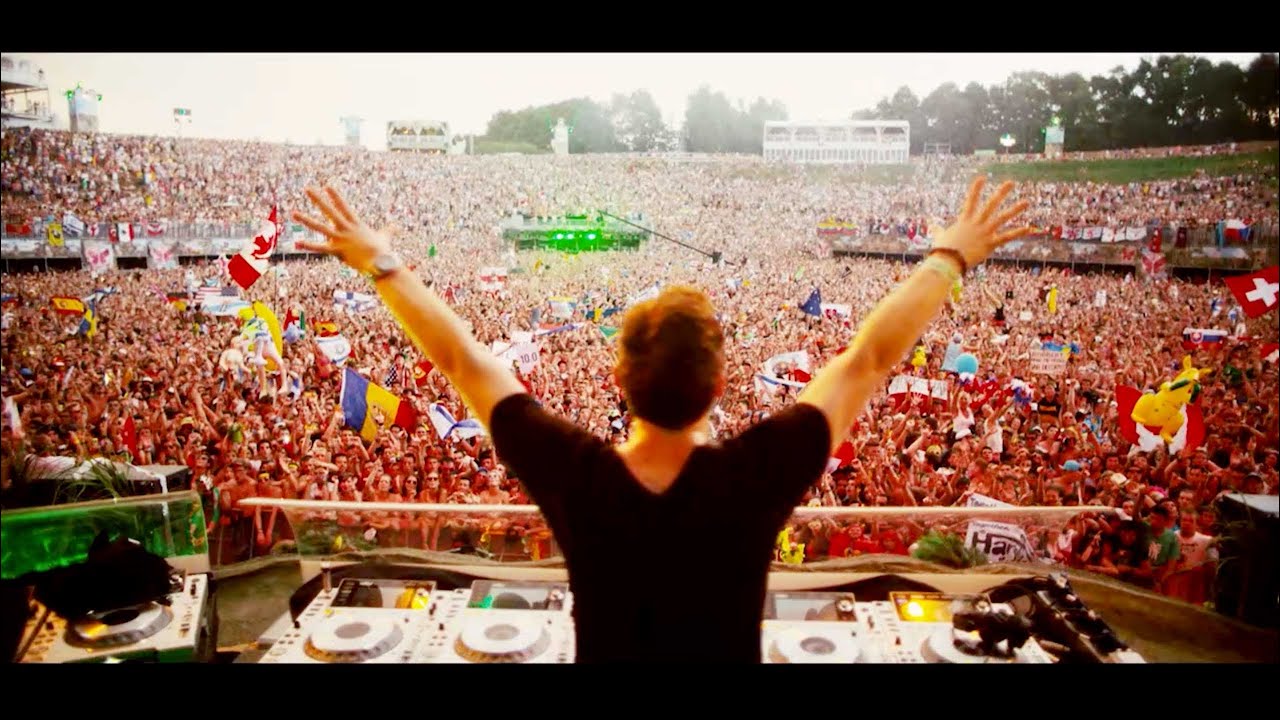
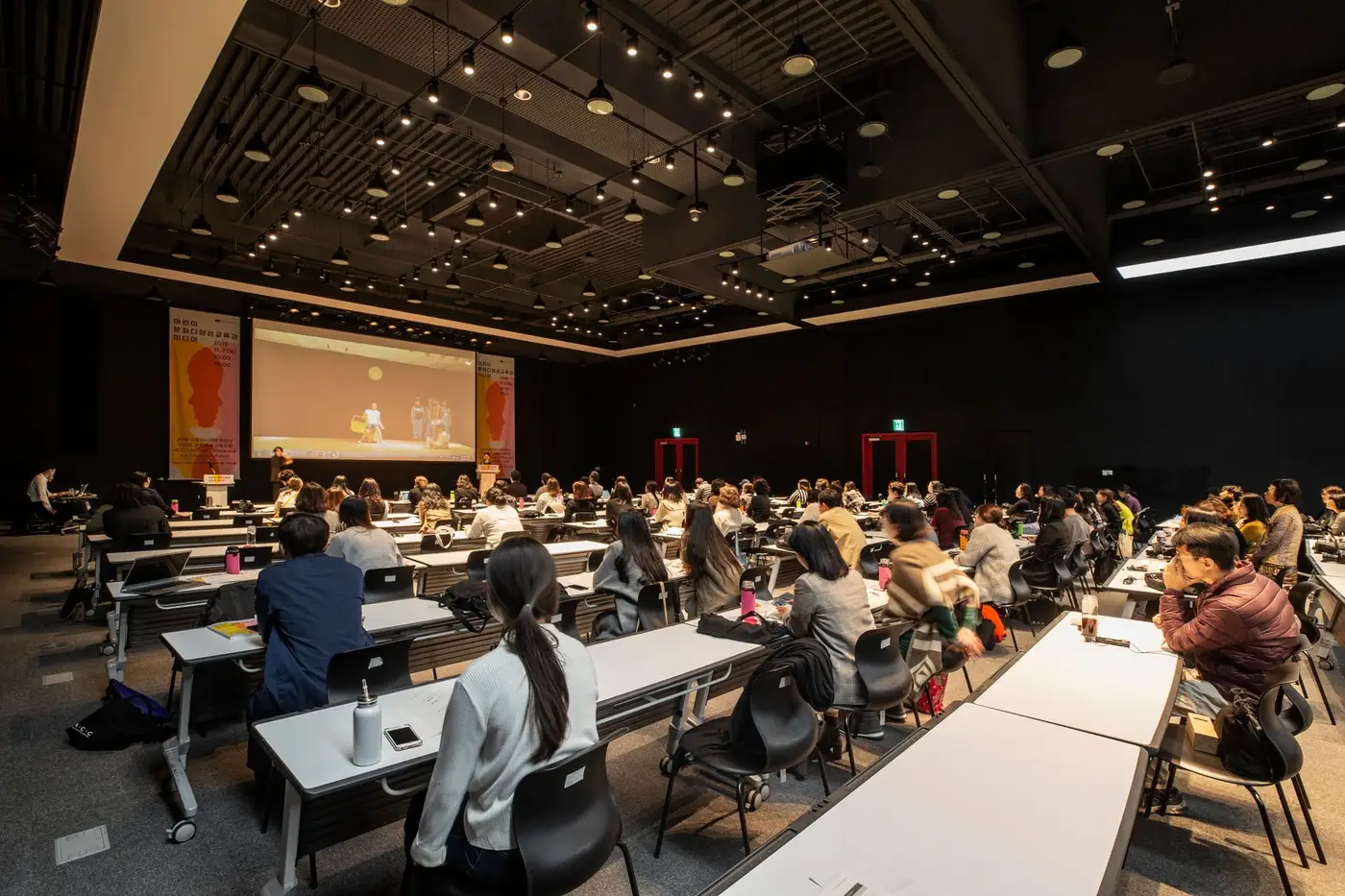
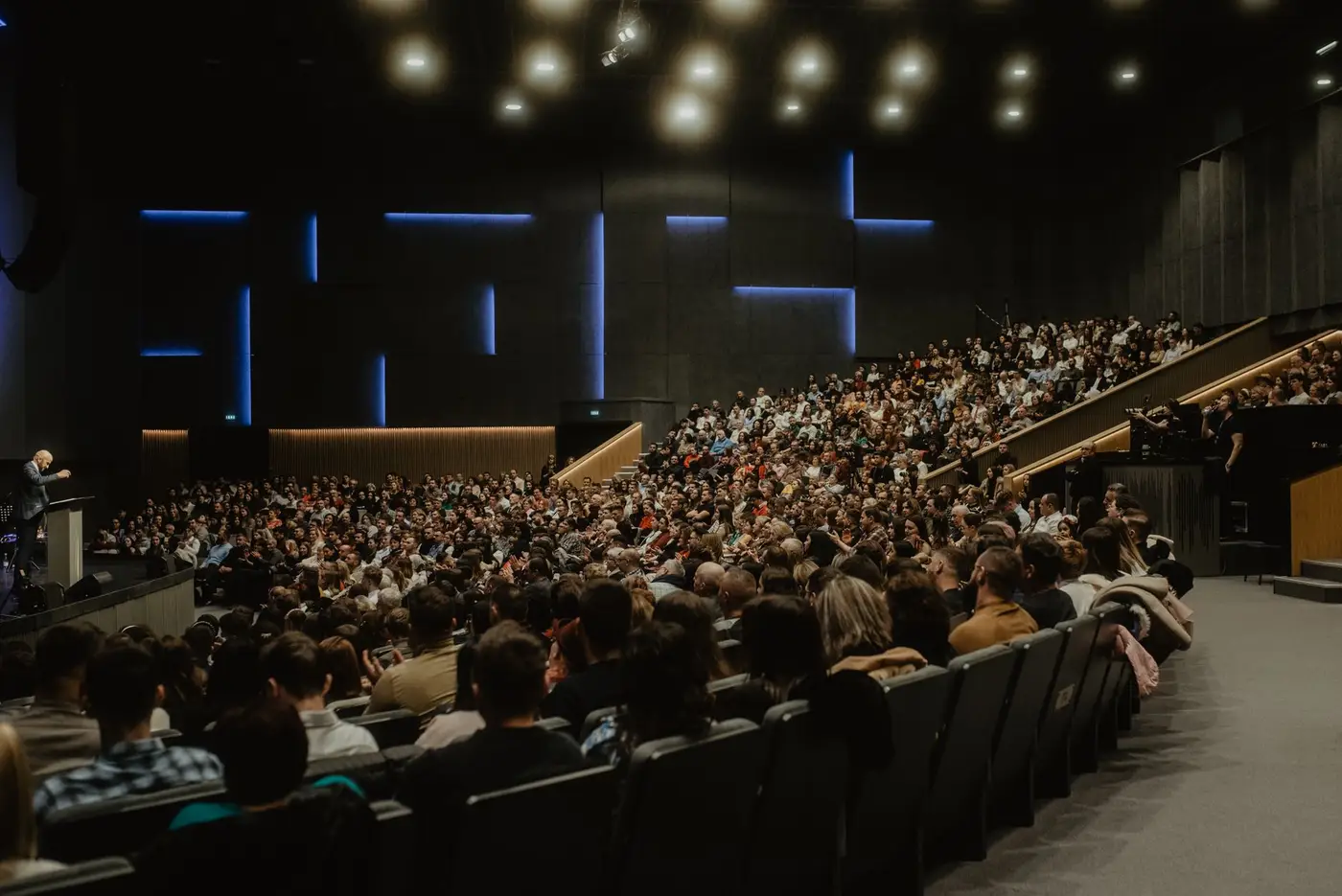
Keynotes, packed rooms and standing ovations, cut into a video for your website and the early-bird email.
YouTube16:9 · 3:00
6:00:00 footage
5:00Long footage → short cut
Couples
A highlight film you'll rewatch every anniversary
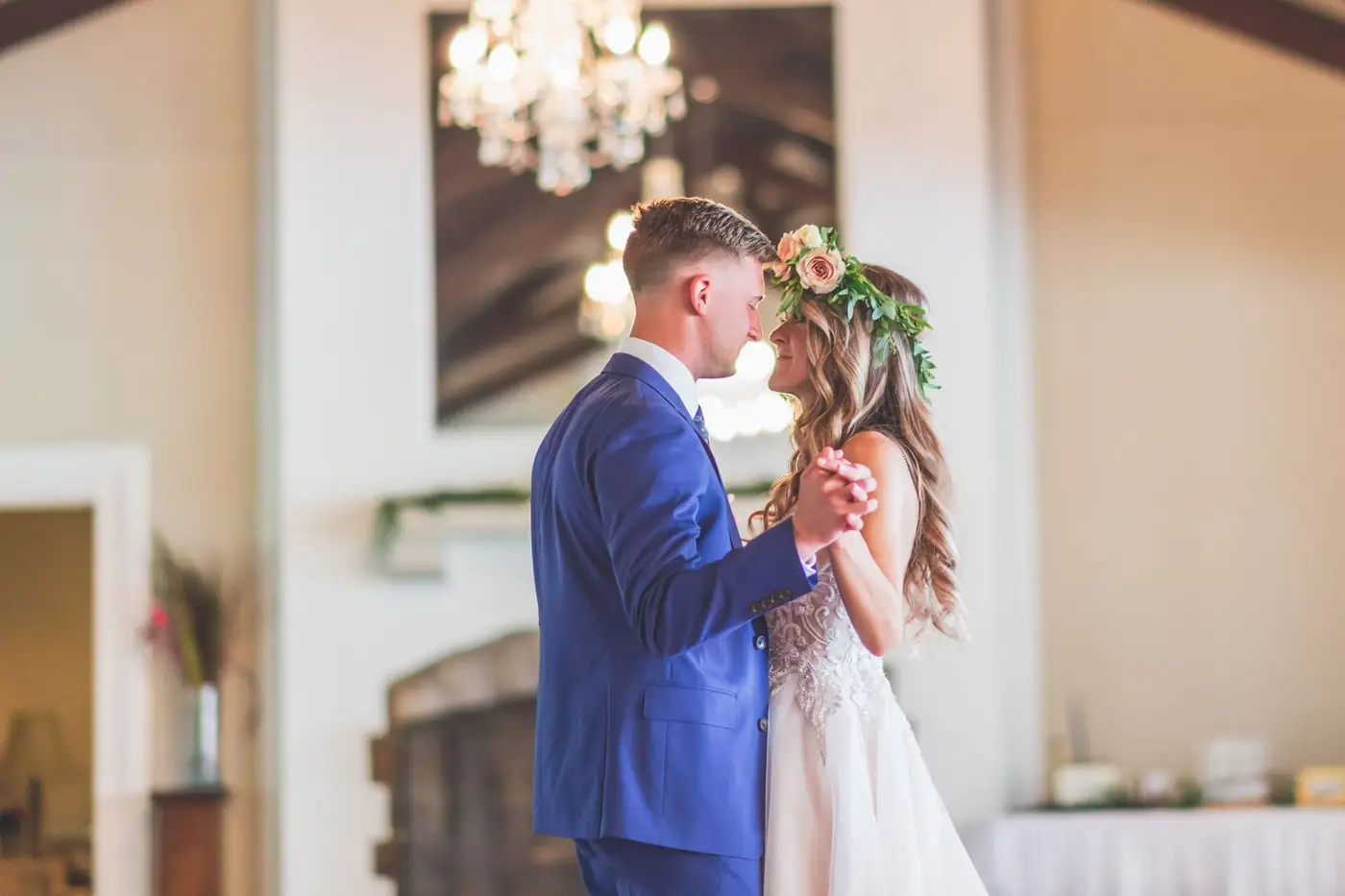
Vows, first look, first dance and toasts from every camera, cut to music into a short film you'll keep coming back to.
YouTube16:9 · 5:00
6:00:00 footage
5:00Long footage → short cut
Event organizers
A conference recap from hours of sessions
The keynote's strongest lines, the audience questions and the live demos, pulled from a full day of recordings into one recap.
YouTube16:9 · 5:00
- WishesShaky startsLong pauses
What stays, what goes
Friends
A surprise video for the birthday person
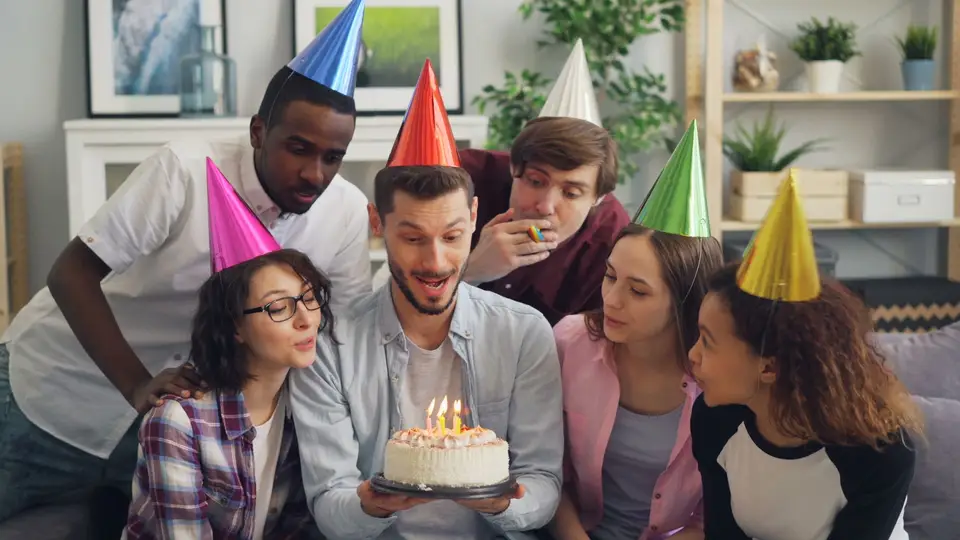
Collect clips from friends and get one video to play at the party.
MP416:9 · 2:30
0
Faces blurred
Event organizers
Festival recaps with the crowd blurred
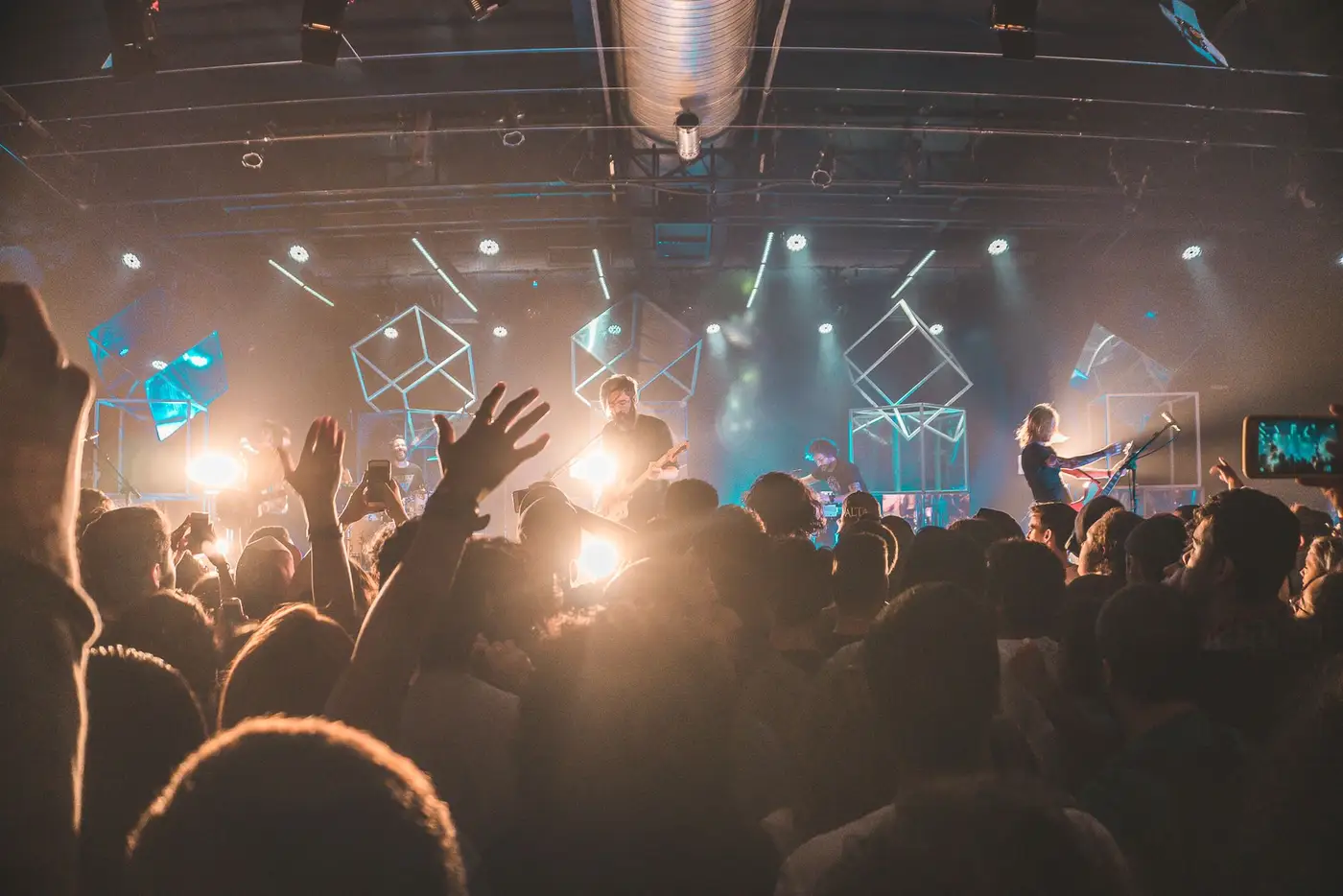
Show the energy of the event without showing every guest's face.
Instagram9:16 · 0:45
Tools for events
Go straight to the tool for the job
Each one works on its own, and all of them share one VIDIO account.
- Event highlight makerTurn a full event into a short recap.
- Wedding highlight makerVows, toasts and the first dance in one film.
- Company event recap makerA recap of the offsite, conference or launch.
- Birthday video makerThe party in a few minutes, set to music.
- Lower thirds makerNames and titles over the footage.
- Low-light video enhancerBrighten dark venue and after-party footage.
- Crowd face anonymizerBlur the crowd in festival and venue footage.
Every way to use it
73 ways to use VIDIO
Each card is a tool page made with this use in mind. Open one to see it work on a real video.
- Conference organizersEvery talk trimmed for the archiveEach session cut from the full-day stream and captioned for the event's video library.AI Long-Form Video Editor
- Event teamsA webinar recap people finishTrim an hour-long session to its key points and post it where your audience already scrolls.AI video cutter
- CouplesYour anniversary, in two minutesTurn a dinner, a trip or a party into the video you will play every year.Anniversary Highlight Video Maker
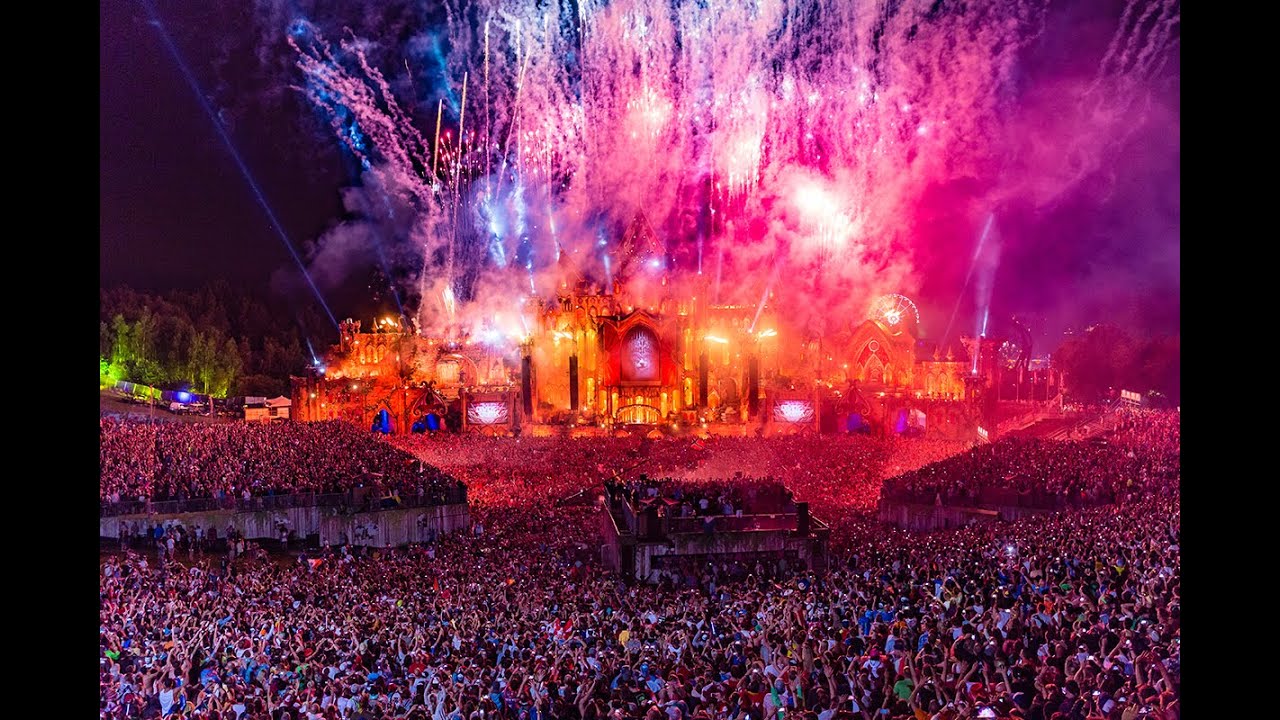
- Event organizersAn aftermovie that sells next yearThe crowd, the stage and the best moments of the day, cut fast to music for the event page.Auto Highlight Montage Maker
- Event teamsA next-day recap for attendeesKeynote moments, applause and crowd shots, cut down for attendees and sponsors to share.Automatic Highlight Video Editor
- Event organizersThe key moments of every sessionThe quotable lines from each talk, pulled for the post-event recap.Automated highlight extraction
Loved by content creators worldwide.

Make your next upload your best one
Edit it, package it, schedule it and track it with VIDIO. Free to start.

Escape 100 Cops, Win $500,000
- Create


- PublishClick appeal 79
- Creator analyticsviews