AI lower thirds
Lower Thirds Maker
Make lower thirds for your video online. Give the names and titles, and VIDIO places each one over the right shot, styled and animated, with no templates to edit.
Trusted by over 1 Million users worldwide


























Make lower thirds in 3 steps
No motion graphics software and no templates. Upload, describe, download.
Upload your video
Drop in your interview, podcast, event or lesson footage.
 50:54MP4 · 12.5 GB0%
Give the names and titles
Type each name and title in quotes and say when it appears. VIDIO shows its plan before it runs.
Download and share
Check every name, fix any text in the editor and download the video.
0%MP41080pMP4
Built for lower thirds
Every name, on the right shot
Name tags, titles and place names drawn over the footage at the bottom of the frame, animated in and out, in the colors and words you choose.
Names and titles over the footage
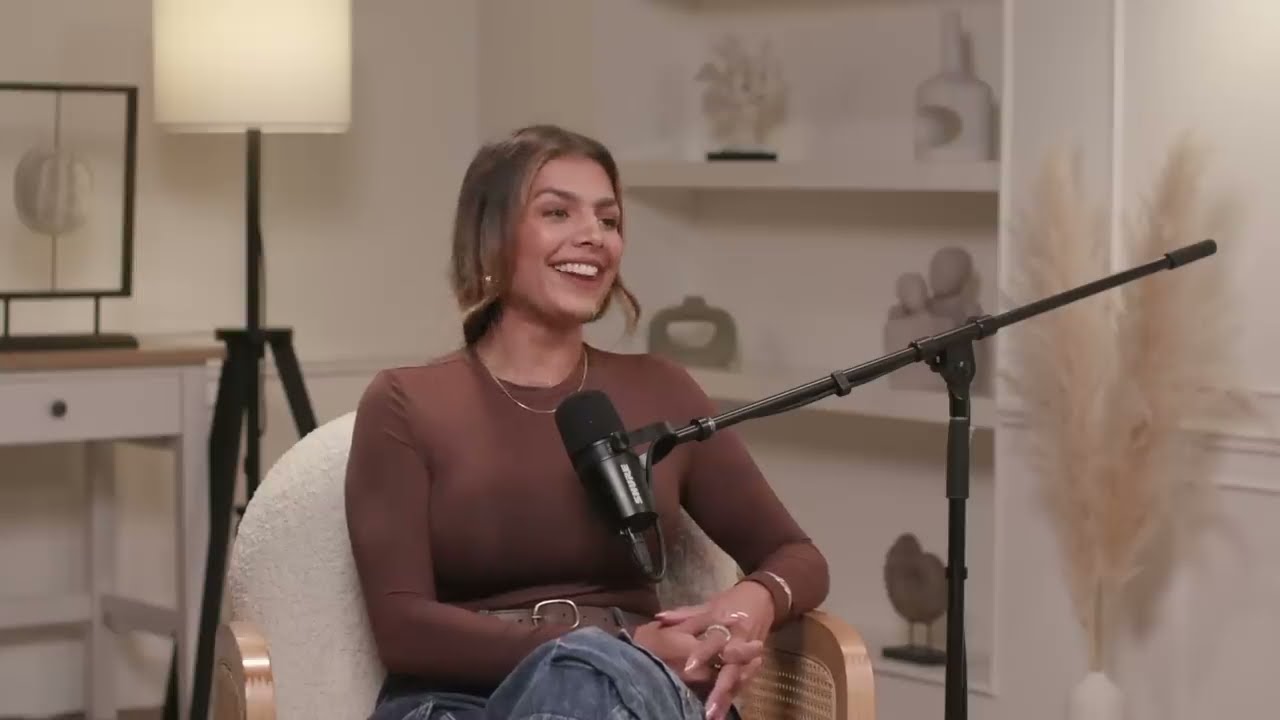
Each lower third slides in over the shot, bottom left, small enough to keep the speaker in view.
Placed where you say
At a time or on a clip: "a name tag at 0:42", "a title on clip 3".


Your colors and fonts
Change the colors, font, size or case of any lower third in the chat.
 MAYA CHEN
Place names from your photos
For trips and events, VIDIO can add place cards with where and when each part was shot, read from your photos' location.


Captions too, if you want
Add captions under the speakers, plain or word by word, alongside the lower thirds.
CCKeep the whole video, or cut it
Add lower thirds to the full interview, or let VIDIO cut the best answers first and label them.
Every shape
Lower thirds sit correctly in 16:9, 9:16 and 1:1, so the same video works on YouTube, Reels and LinkedIn.
Make it yours
Fix a name, move a title, change the look
Fix a spelling in the editor, or ask in the chat to move a lower third, change its colors or add another, and VIDIO updates the video.
Wait for it…
0:00 / 8:12Adjusts automatically
- Transitions3
- Captions4
- Music8:12
Recommended by top media and bloggers.





Who it's for
Lower thirds for every kind of video
Interviews, podcasts, events and lessons: anyone on screen gets a name and a title.
- 1Host2Guests
Lower thirds
Podcasters
Every guest named on screen
The host's and each guest's name and title, at the times you give.
YouTube16:9 · 45:00
- Lower thirdsTemplatesKeyframes
What you skip
Companies
Interviews and testimonials that look produced
Customer and team interviews with clean name and role titles in your brand colors.
LinkedIn16:9 · 2:00
6 h
3:00Full day → short recap
Event teams
Every speaker named in the recap
Each speaker's name and talk title over their best moment in the event recap.
YouTube16:9 · 3:00
0people
Named on screen
Journalists
News-style name straps
Name and role straps on every interviewee, styled like a newscast.
X16:9 · 1:30
- 12:00
Topics labelled
Teachers and trainers
Chapter titles in your lessons
A lower third for each topic as the lesson moves on, so viewers always know where they are.
MP416:9 · 12:00
Discover More149
More ways to use VIDIO, grouped by what you're making.
AI Tools for Video Creators
Browse all tools- Commercial video maker
- Social media video maker
- Ecommerce video maker
- Facebook video maker
- Facebook video ad creator
- Facebook story ad maker
- Instagram video maker
- YouTube video maker
- LinkedIn video ad maker
- Fashion marketing video maker
- Fitness marketing video maker
- Restaurant marketing video maker
- Travel video ad maker
- Beauty marketing video maker
- Amazon video ad maker
- AI motion graphics maker
- AD video maker
- Video intro maker
- SaaS promo video maker
- Website promo video maker
- Auto video flyer maker
- Motion graphics generator
- Text animation maker
- Motion graphics software
- Free motion graphics app
- Promo video generator
- Online animation maker
- Animated video maker
- AI teaser video maker
- Sports highlight video maker
- Sports action detector
- Sports summary video maker
- Pickleball Highlight Video Maker
- Tennis Highlight Video Maker
- Baseball Highlight Video Maker
- Lacrosse Highlight Video Maker
- Wrestling Highlight Video Maker
- Golf Highlight Video Maker
- Cricket Highlight Video Maker
- Rugby Highlight Video Maker
- MMA Highlight Video Maker
- American Football Highlight Video Maker
- Futsal Highlight Video Maker
- Football highlight maker
- Soccer highlight video maker
- Basketball highlight video maker
- Sports Mixtape Maker
- Ice Hockey Highlight Video Maker
- Sports Recruiting Video Maker
- Wedding Footage Cleaner
- Wedding photos to video maker
- Podcast highlight maker
- Wedding highlight maker
- Event highlight maker
- Real estate highlight maker
- Drone video highlight maker
- Travel highlight maker
- Action video editor
- Scriptless video editor
- Silent video editor
- Anniversary Highlight Video Maker
- Baby First Year Video Maker
- Baby Shower Video Maker
- Birthday Highlight Video Maker
- Bridal Shower Video Maker
- Graduation Highlight Video Maker
- Pet Tribute and Memorial Video Maker
- School Year Recap Video Maker
- Sports Season Highlight Video Maker
- Vacation Recap Video Maker
Related Tools
2Loved by content creators worldwide.

Make your next upload your best one
Edit it, package it, schedule it and track it with VIDIO. Free to start.

$456,000 Squid Game In Real Life!
- Create


- PublishClick appeal 81
- Creator analyticsviews