For companies and teams
Video your whole company can use
Make offsite recaps, product demos, training and hiring videos from footage you already have, and blur faces, badges and screens before a video goes out.
Trusted by over 1 Million users worldwide
Make your next team video in 3 steps
Nothing to install and nothing to learn: upload, describe the edit, then download.
Upload your footage
Drag and drop recordings and phone clips, or import them from Google Drive or Dropbox.
 1:48:16MP4 · 26.6 GB0%
Describe the video
Tell the AI what you want, for example a 3-minute offsite recap with the speeches and the awards, and send it.
Download and share
Export the MP4 for the all-hands, the intranet or LinkedIn.
0%MP41080pMP4
Make it faster
Footage you already have, videos people watch
Upload recordings and phone clips from the office, a call or an offsite. VIDIO finds the parts worth keeping, cuts the rest and adds captions, names and music.
The parts worth keeping
Speeches, demos, awards and candid moments, found in hours of recordings.

 Opening talk15:09
 Product demo41:08
 Award1:07:08
 Team photo1:33:07
Every part, listed
See each part the AI found with its picks marked, and switch on one it left out.
 Welcome0:42
 Keynote0:18
 Workshop0:26
 Party0:35
Every speaker named
Names and titles appear as lower thirds, spelled exactly as you type them.

Faces hidden when they need to be
AI Face Blurring, a separate tool, covers staff or bystanders in a clip before it is shared, up to 10 minutes per run.
 Scanning
Screens and documents made safe
Privacy info blurring reads the text on screen and blurs names, emails, phone and card numbers in demos and training videos.
- Sam Leesam.lee@mail.com
- Ana Ruiz+1 555 0187
- Ken Itoken@ito.jp
- Mia Park42 Elm St, Apt 3
- Leo Grant4111 1111 1111 1111
- Ana Ruizana.r@studio.io
- Sam Leesam.lee@mail.com
- Ana Ruiz+1 555 0187
- Ken Itoken@ito.jp
- Mia Park42 Elm St, Apt 3
- Leo Grant4111 1111 1111 1111
- Ana Ruizana.r@studio.io
Refine by hand
Keep the part it missed, drop the one you don't want
VIDIO assembles the first cut. Keep, remove or extend any moment, and captions, transitions and music adjust around every change.
Welcome
0:00 / 8:12Adjusts automatically
- Transitions3
- Captions4
- Music8:12


Recommended by top media and bloggers.





Who it's for
Built for every team
HR, sales, recruiting and training teams use VIDIO to turn recordings into videos people finish, and to share them safely.
- 3:00
Phones, one video
HR and people teams
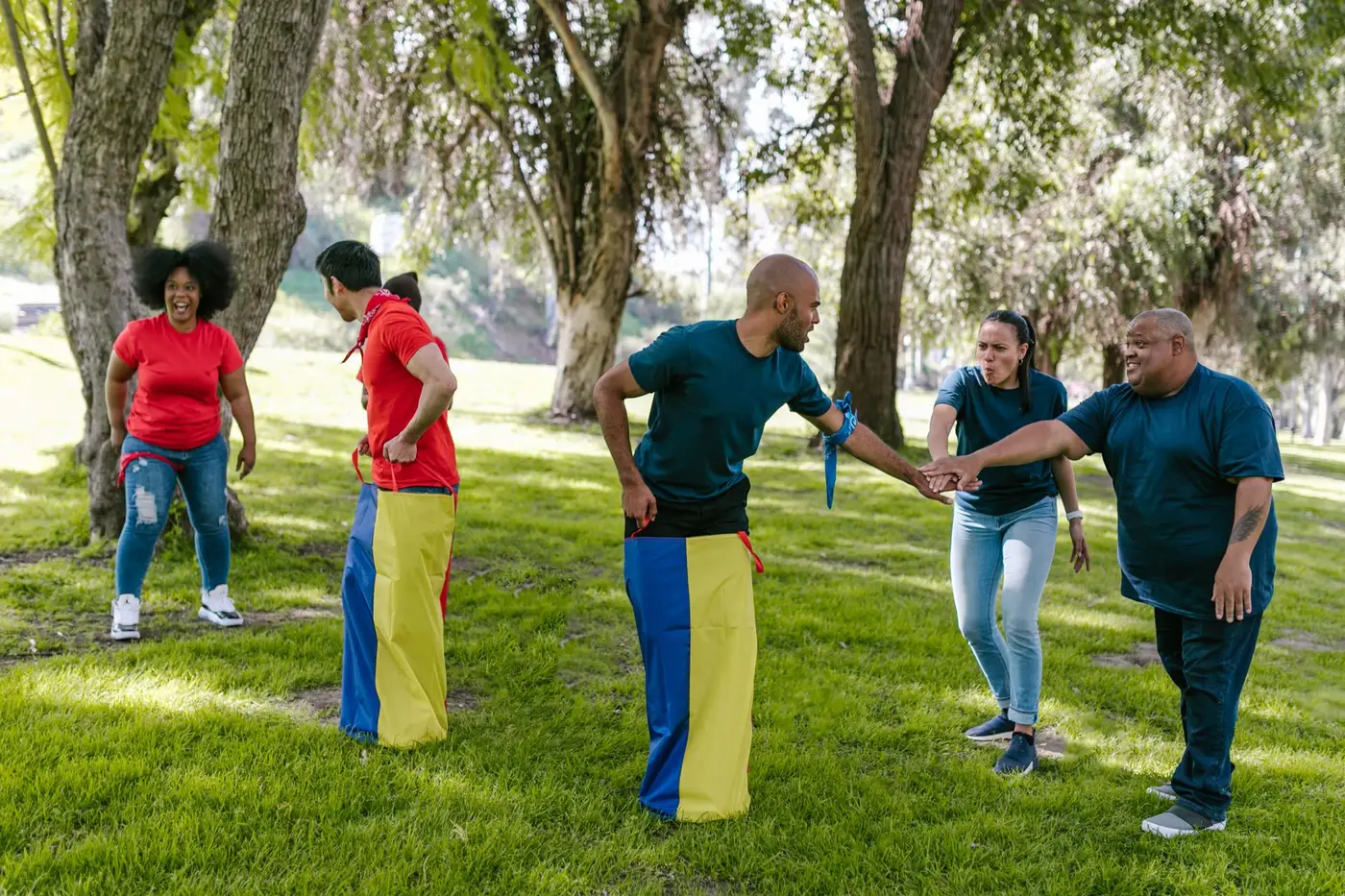
An offsite recap the whole company watches
Team activities, speeches and candid moments from everyone's phones, cut into one video for the all-hands or the intranet.
MP416:9 · 3:00
0
Prospects
Sales teams
A demo to send after a call
Just the features the prospect asked about.
MP416:9 · 1:00
0
Perks
Recruiters and HR
A job opening video
Role, salary, perks and a QR code to apply, vertical for mobile.
MP49:16 · 0:20
- 0%
Footage left out
Remote teams
Just the part of the meeting that matters
Trim a long call recording to the decision and send it to whoever missed it.
MP416:9 · 3:00
0
Badges blurred
HR and training teams
Onboarding videos with staff badges
Film the real office and blur every badge name and number.
LinkedIn16:9 · 4:30




Tools for teams
Go straight to the tool for the job
Each one works on its own, and all of them share one VIDIO account.
- Company event recap makerA recap of the offsite, conference or launch.
- Product demo video makerShow how your product works in under a minute.
- LinkedIn video makerHiring posts and company news for LinkedIn.
- AI video captioningAdd word-by-word captions in one step.
- AI face blurringCover staff or bystanders before a video goes out.
- Privacy info blurringHide names, emails and numbers on screen.
- Audio redactionBleep names and numbers people say in recordings.
- AI audio descriptionMake training videos accessible to blind and low-vision staff.
Every way to use it
54 ways to use VIDIO
Each card is a tool page made with this use in mind. Open one to see it work on a real video.
- Sales teamsProduct demos that get to the pointA recorded demo cut to the parts a prospect needs to see, ready to drop into a follow-up email.Auto Cut
- ProfessionalsA LinkedIn update that gets to the pointRecord a quick thought, cut the hesitations and share a square clip with captions.Auto Jumpcut Video Editor
- Sales teamsDemo recordings worth sendingCut a recorded walkthrough down to the parts a prospect needs to see before the next call.Auto video cut
- HR and people teamsAn offsite recap the whole company watchesTeam activities, speeches and candid moments from everyone's phones, cut into one video for the all-hands or the intranet.Company or Team Event Recap Video Maker
- Job seekersA video intro under a minuteA rambling self-introduction trimmed into a tight pitch for your LinkedIn profile or an application.Easy Video Cutter
- Product teamsTypography videos with no footageA launch film on Pro and up: your news in moving type.Kinetic Typography Maker
Loved by content creators worldwide.

Make your next upload your best one
Edit it, package it, schedule it and track it with VIDIO. Free to start.

Escape 100 Cops, Win $500,000
- Create


- PublishClick appeal 79
- Creator analyticsviews