#1 Online Motion Graphics Tool
AI Teaser Video Maker
Generate captivating teaser videos in seconds using AI. Perfect for launches, previews, and announcements — no editing skills required. Try it free online!
Trusted by over 1 Million users worldwide
Templates
Pick a teaser, fill in the date
Each one is a film VibeEdit makes, shown with sample words. Choose one, type what is coming and when, and VibeEdit makes the teaser with music. Every plan can make one and download it with a watermark; Pro and up downloads it without (0.5 credits a second).
It makes teasers from animated titles, a countdown, your offer or lineup, a QR code and music, plus your logo and photos if you add them.
It can't make: movie-style trailer footage · cartoon characters or 3D scenes · people or products that aren't in your photos · dates or prices you didn't type
Product launch teaser
Something new is coming: a countdown and a waitlist link.
Event teaser
The date, the lineup and tickets, in neon.
New music release
Your single's title, the release date and a pre-save QR code.
Course or ebook launch
What's inside, the early-bird price and the date doors open.
Black Friday teaser
The sale is coming: a countdown and the deal people get.
New season or series
Season title, premiere date and where to watch.
Newsletter teaser
This week's issue in three headlines, then subscribe.
Case study teaser
One client's number before and after, their words, and read the story.
Webinar invite
What people will learn, the date and time, and a QR code to register.
































How to make an AI teaser video
Making teaser videos has never been easier. Just follow these quick steps.
Enter a teaser prompt
Write something like 'Coming soon: Fall Collection' or 'Big update drops next week'.
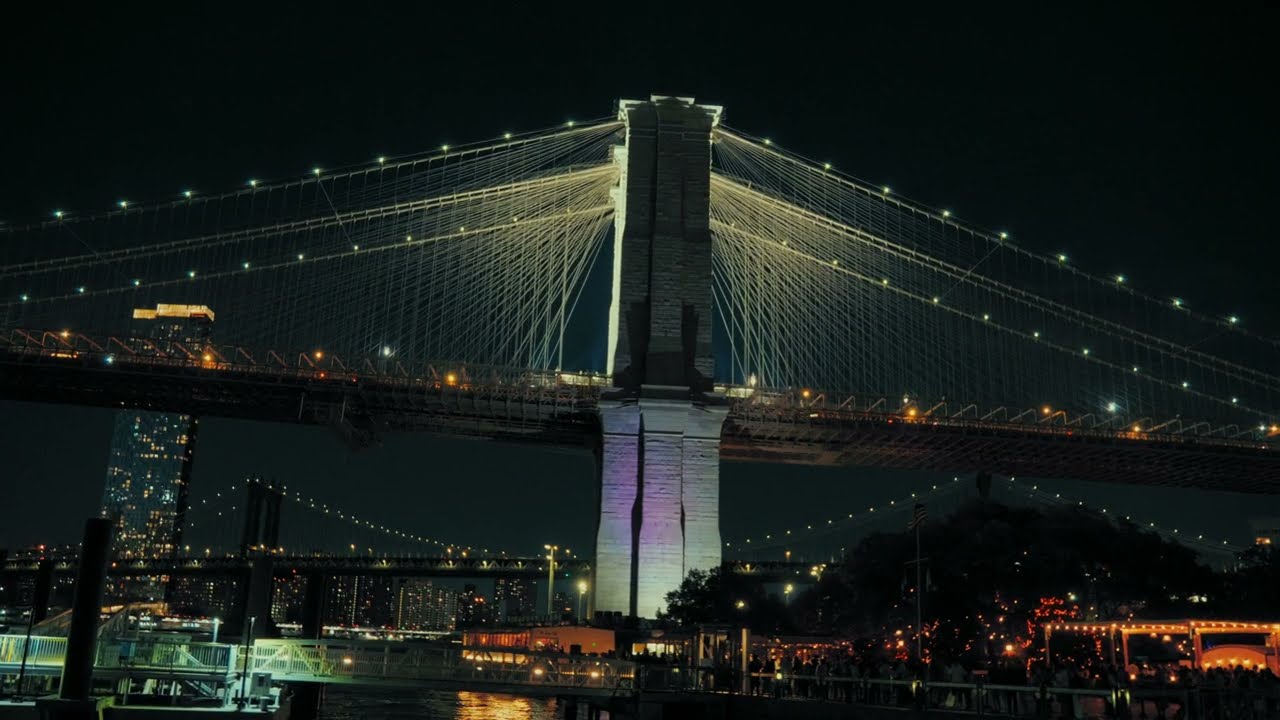 Slow reveal16:910 sec
AI generates your teaser
Your text is turned into a short, compelling teaser video in seconds.
 Teaser · 10 sec
Share your teaser
Download and post your teaser across social platforms or embed it on your site.
0%MP41080pMP4
Teasers from a sentence
Build the wait before the launch
Describe what is coming and when. VIDIO puts a title, a date and a countdown feel over your footage.
A title that keeps them guessing
Type the name and the mood. The words appear one by one over your shot.
- Title
- City Lights
- Date
- Coming June 21
- Accent
- Bodoni Moda
A slow reveal
Start in the dark, show the name, then open up to the footage.
 Teaser · 8 sec
The date and place on screen
Add when and where in a clean bar at the bottom.
Ask for the teaser you want
Write one sentence. VIDIO reads the title, the format and the length from it.
Try another mood
See the same title as bold, neon or minimal, or describe your own.

Recommended by top media and bloggers.





Who it's for
Teasers for anything coming soon
Launches, new seasons and events get a short teaser that says what and when.
0
Days of build-up
YouTubers
A teaser for the next series
Post a 10 second teaser a week before the first episode.
YouTube16:9 · 0:10
More for YouTubers0
Teasers posted
Small businesses
Opening day, announced
Show your new space with the opening date over it.
Instagram9:16 · 0:08
More for Small businesses0
Reveals
Event organizers
Line-up reveals
Tease one name a day with the date and the venue.
TikTok9:16 · 0:06
More for Events and weddings- 19:1614:5116:9
Formats
Marketers
Launch teasers in every size
Make the same teaser for stories, feeds and YouTube.
Facebook4:5 · 0:10
More for Marketers - 0%
Streams with a teaser
Streamers
Stream starting soon
A short teaser for your next big stream with the time on it.
X16:9 · 0:08
More for Streamers


Related Articles
5Video editing guides and news
- 01Automatic Scene Detection & Premiere Pro XML Export: AI Tools for Auto‑Tagging Video Clips
- 02AI Video Editors That Automatically Remove Boring Parts of Videos
- 03AI-Powered Sweet 16 Highlight Video Editing: Fast Same-Day Reels for Unforgettable Parties
- 04Top Web-Based AI Video Enhancement Tools Like Topaz Labs
- 05Best Browser‑Based Motion Graphics Tools for Beginners
Loved by content creators worldwide.



I tried your compositing software and I think it is terrific! It works really well in the preview that I did. Blown away, actually.




Such and amazing and fast way to get your video stabilized without the need of having a beefed up PC.


Finally, I can edit like a professional without spending crazy amount of money on software I don't know how to use. Highly recommended for those who are wanting a quick and easy way to remove backgrounds from video.



Make your next upload your best one
Edit it, package it, schedule it and track it with VIDIO. Free to start.

Escape 100 Cops, Win $500,000
- Create


- PublishClick appeal 79
- Creator analyticsviews