

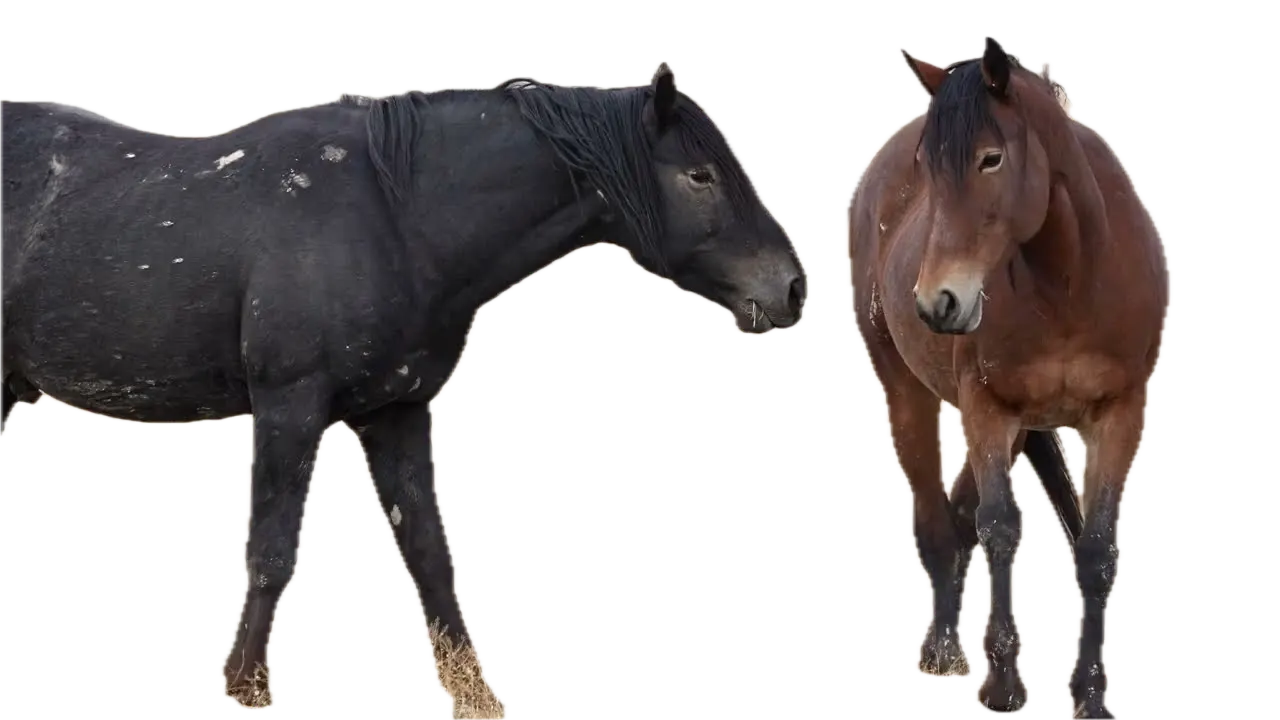
- Foreground only
- On a color
- New scene




























三個簡單步驟來達成您的目標
無需安裝或廣泛學習。僅需幾次點擊,我們將以最簡單的方式完成剩餘工作。
上傳
拖放您的視頻文件。上傳進度將顯示直到完成。
56:11MP4 · 13.8 GB0%選擇前景物體
在視頻中點擊要遮罩的物體,我們的先進AI算法將清晰地將其隔離出來。
Click the horsesBackground off應用提取
通過點擊提取按鈕,得到的遮罩將應用於視頻中的所有幀,讓背景變得透明。
0%MP41080pMP4
Keep what's in front
Pull the foreground out of a video
VIDIO separates what is in front, like these two horses, from the field behind. You keep the foreground as its own clip.
Foreground pulled out
VIDIO finds the two horses and drops the field behind them.
- Foreground only
- On a color
- New scene
Save it with no background
Download the foreground on a transparent background, ready to layer.
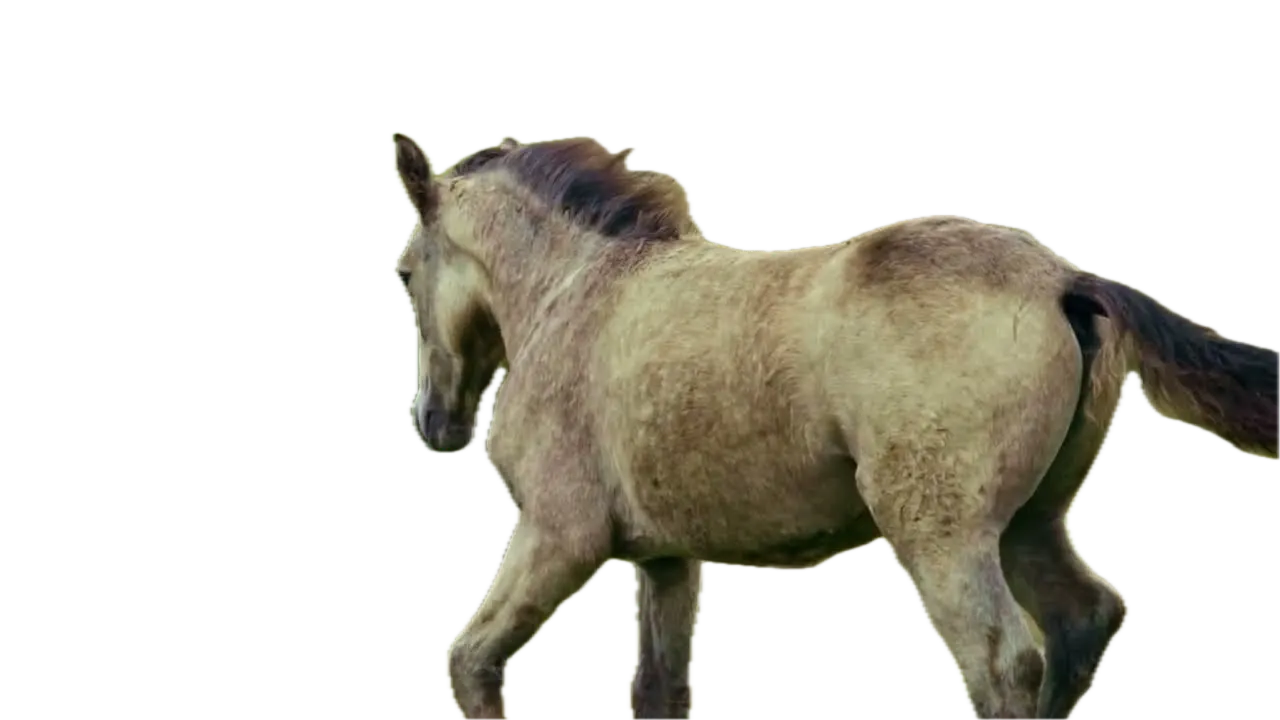
The whole clip, not one frame
The foreground is extracted in every frame, horses and dogs included.

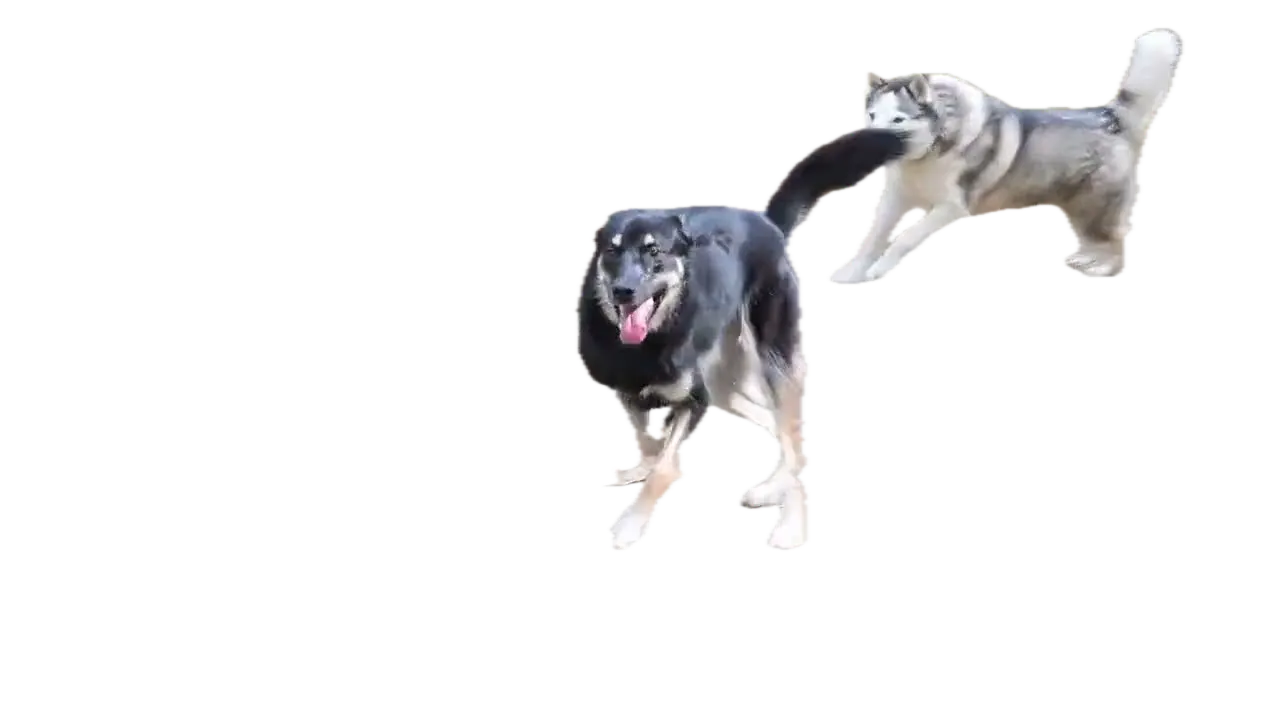

Put it on something new
Set the foreground on a new scene, a color or a blurred copy.
Keep the field, but soft
Not ready to remove it? Blur the background and keep the horses sharp.
受到頂級媒體和部落客的推薦。





Who it's for
One clip, many uses
Extract the foreground once and reuse it wherever you need it.
- ActorLocation
What stays, what goes
Editors
Composite without a green screen
Extract the actor and place them into a different shot.
MP416:9 · 0:30
- 0%
Frames extracted
Teachers
Appear next to your lesson
Extract yourself from a webcam recording and lay it over your slides.
YouTube16:9 · 15:00
0
Campaign versions
Marketers
One shoot, many ads
Extract the spokesperson and drop them into each campaign design.
Facebook1:1 · 0:20
- 2WebM1PNG
Exports
Streamers
Yourself, without the room
Turn a recorded clip into a transparent overlay for your stream scenes.
MP416:9 · 0:10
0:30
9:16
Ready for Reels
Short-form creators
Step into any scene
Extract yourself and put yourself in front of a new background.
Reels9:16 · 0:30
相關工具
7全球內容創作者喜愛的。
評論已翻譯。


我試用了你的合成軟體,我覺得它非常棒!在我做的預覽中,它運作得非常好。其實,我感到驚訝。





最後,我可以像專業人士一樣編輯,而不必在我不知道如何使用的軟體上花費瘋狂的金額。強烈推薦給那些想要快速簡便地從視頻中移除背景的人。





