





























三個簡單步驟
無需安裝。無需學習曲線。僅需幾次點擊。
上傳
拖放您的影片檔案。我們會處理剩下的工作。
1:59MP4 · 500 MB0%點擊遮罩
在影片中點擊對象以進行遮罩。
Click the presenterBackground off傳播
點擊傳播按鈕以獲得透明背景。
0%MP41080pMP4
Same presenter, new setting
Let AI replace the room behind you
Record at home or in the office. AI keeps the presenter and swaps everything behind them.
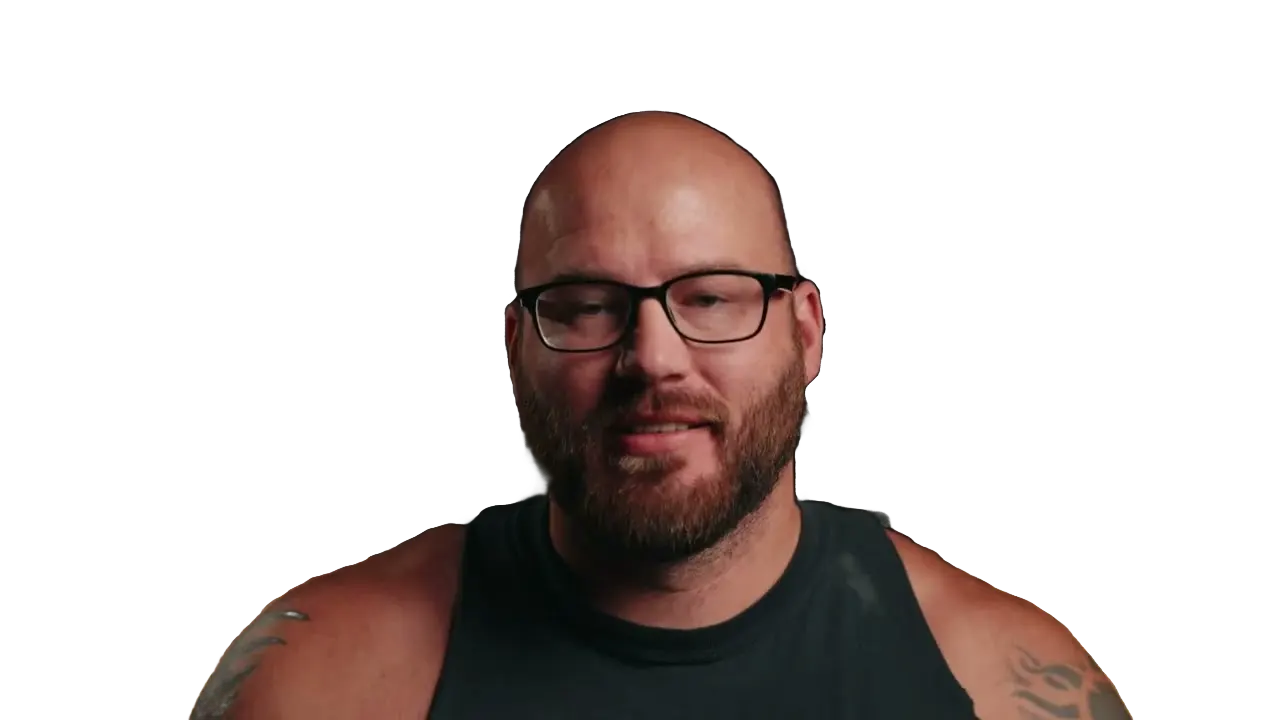
Swap his room for a new scene
AI keeps the presenter and replaces the lamp-lit room. Pick a scene, a color or a blur.
The old room comes out first
VIDIO finds the presenter and removes the shelves and plants behind her.

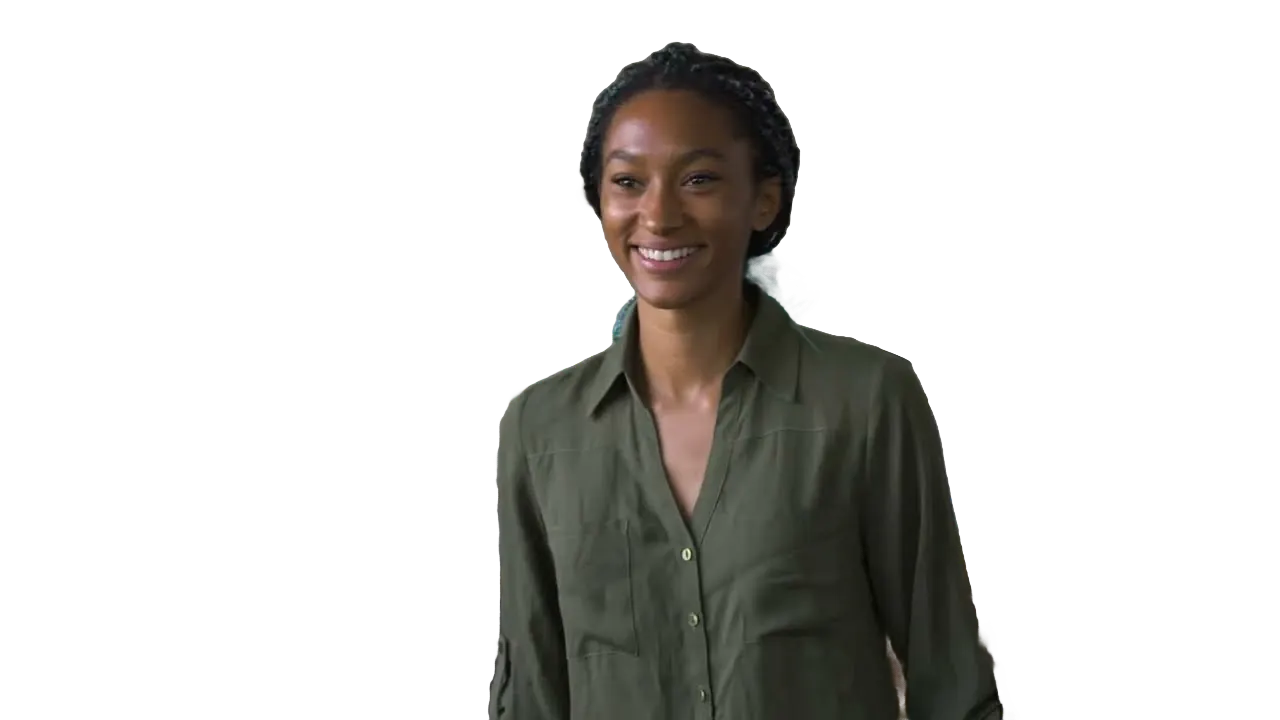
Click the speaker once
One click on the speaker and his studio drops away.

Blur her home instead
Keep the room, just softer, so the focus stays on her.

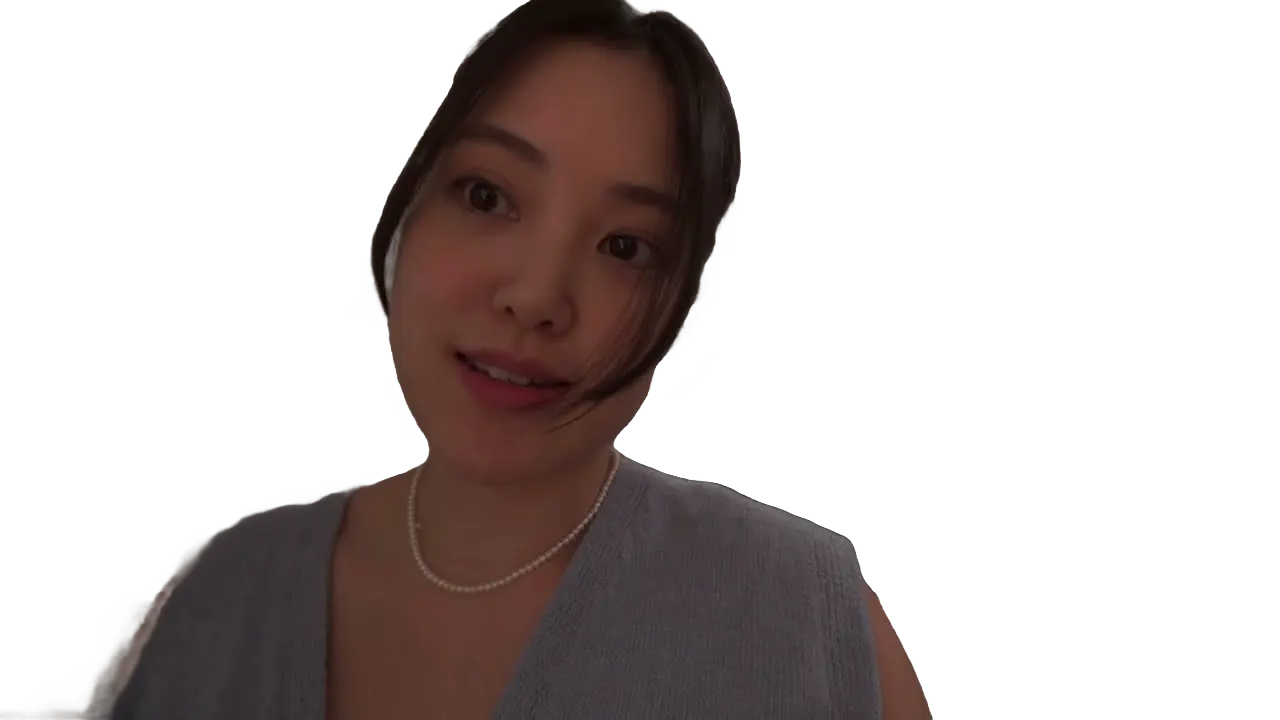
Replaced on every frame
Hands move and heads turn; the new background stays behind them.

受到頂級媒體和部落客的推薦。





Who it's for
A better backdrop for every video
Film where you can. Pick the background afterward.
- YouMessy wall
What stays, what goes
YouTubers
Swap the bedroom for a studio
Replace a messy wall with a clean set that matches your channel.
YouTube16:9 · 12:00
0
Videos updated
Small businesses
Product talks on your brand color
Put the speaker on your brand color for site and social videos.
LinkedIn16:9 · 1:00
- 0%
Frames replaced
Speakers
A stage look from home
Record your talk at a desk and place yourself in front of an event backdrop.
YouTube16:9 · 20:00
0:40
9:16
Ready for TikTok
Short-form creators
Talk in front of anything
Put the clip you're reacting to right behind you.
TikTok9:16 · 0:40
- 2Summer3Holiday
Versions
Marketers
Seasonal versions of one ad
Swap the background for each campaign without reshooting.
Instagram4:5 · 0:20
相關工具
7全球內容創作者喜愛的。
評論已翻譯。


我試用了你的合成軟體,我覺得它非常棒!在我做的預覽中,它運作得非常好。其實,我感到驚訝。





最後,我可以像專業人士一樣編輯,而不必在我不知道如何使用的軟體上花費瘋狂的金額。強烈推薦給那些想要快速簡便地從視頻中移除背景的人。





