

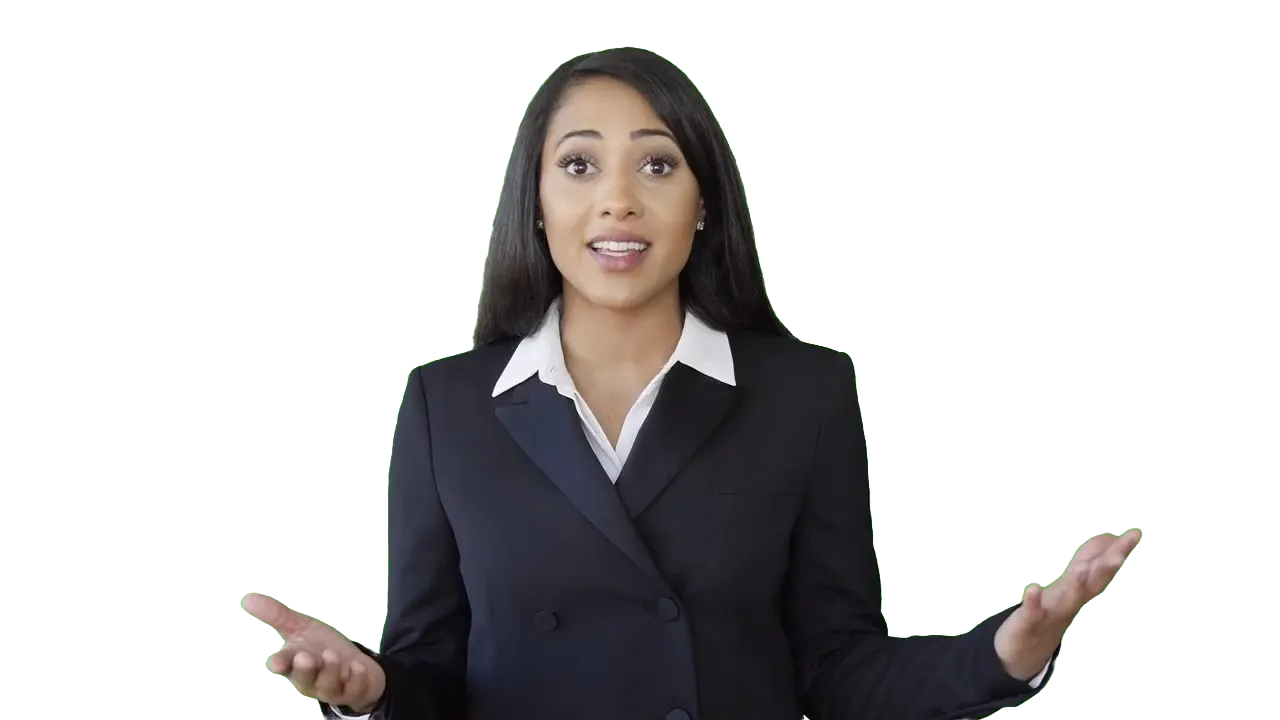
- Green removed
- New color
- New scene




























簡單的 3 個步驟達成您想要的
無需在您的設備上安裝任何東西。使用我們的工具不需要學習。我們只需要您幾次點擊。我們會以最簡單的方式完成工作。
上傳
拖放您的視頻文件。上傳進度會顯示直到完成。
0:29MP4 · 122 MB0%點擊要保留的前景物體
您在視頻中點擊物體以進行遮罩,我們會運用最先進的 AI 算法清晰地隔離該物體。
Click the presenterGreen off點擊傳播按鈕
通過單擊傳播按鈕,所產生的遮罩將應用於視頻中的所有幀,使您的綠幕變為透明。
0%MP41080pMP4
Keying, without the fiddling
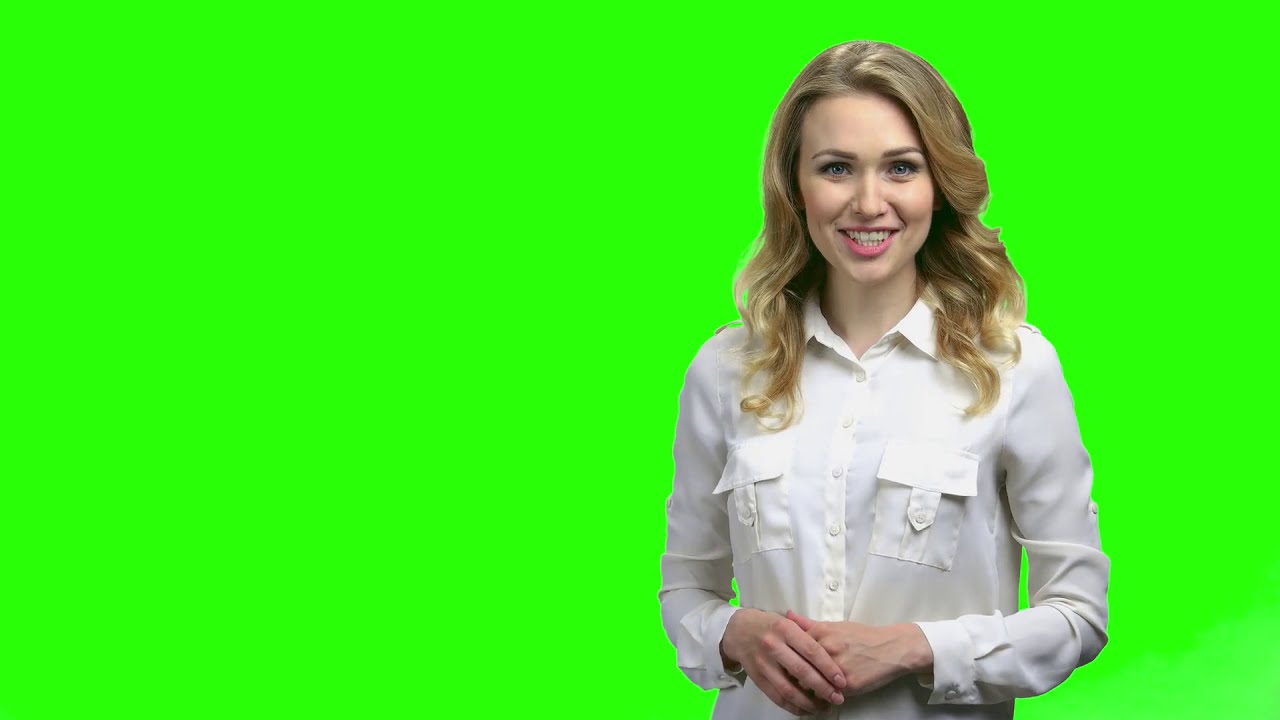
Remove the green screen behind her
VIDIO keeps the presenter and drops the green wall. No color picking, no spill to clean up.
Green screen gone
Upload the green screen take. VIDIO keeps the presenter and removes the green.
- Green removed
- New color
- New scene
Put her in a new scene
Place the presenter on a photo, a video or a solid color.
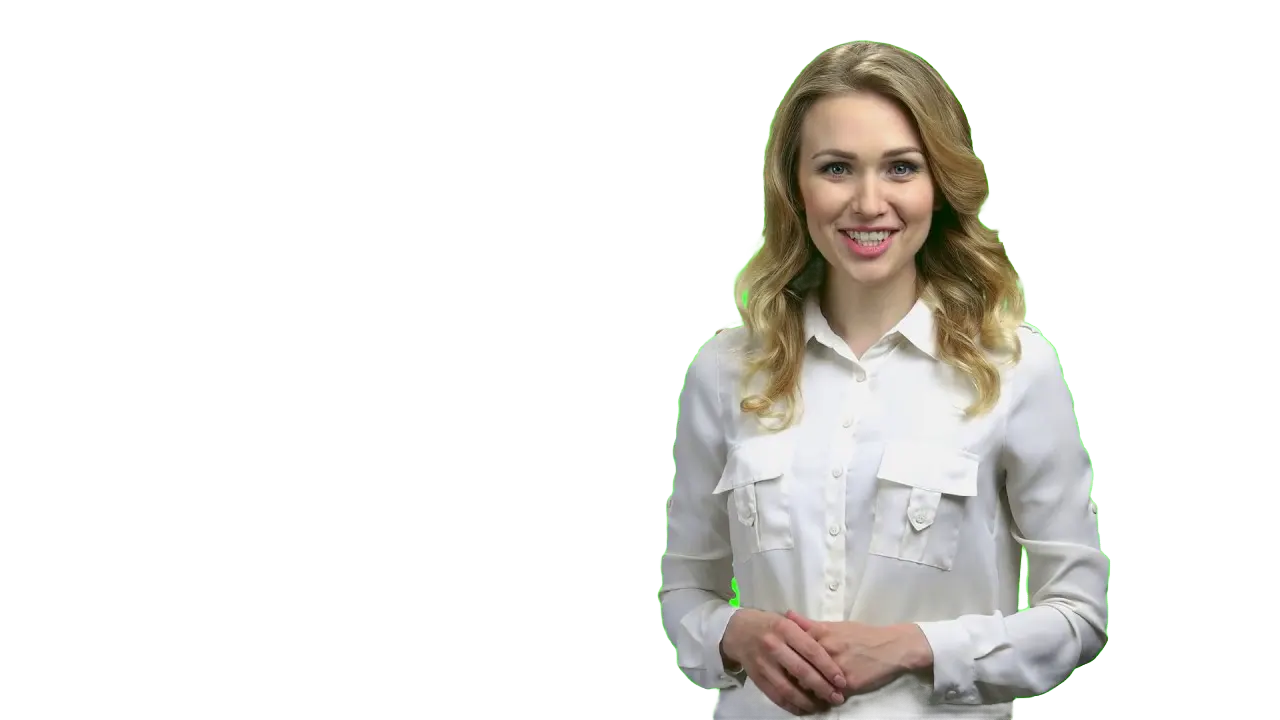
Keyed in every frame
Hair and hands stay clean as she talks and gestures.



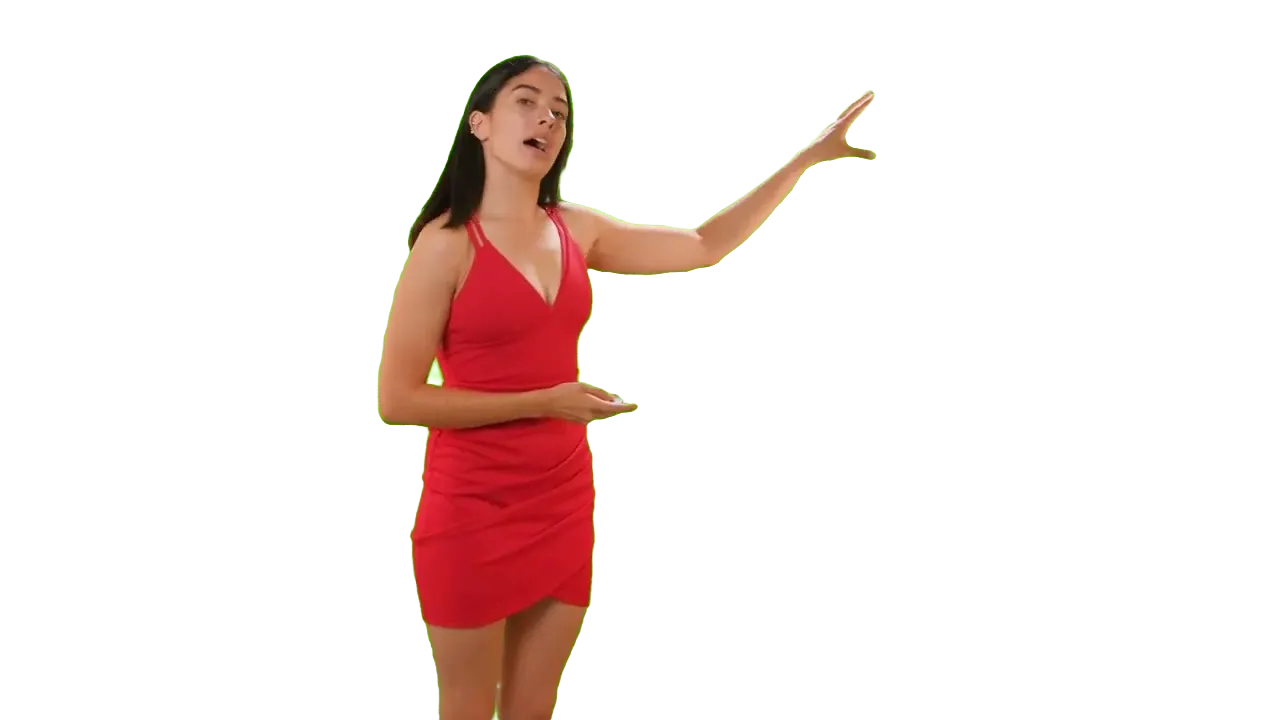
Export with alpha
Download a transparent clip and finish the composite in your editor.
Click who to keep
One click on the person. The green around her turns off.
受到頂級媒體和部落客的推薦。





Who it's for
From green screen to final scene
Shoot in front of green, or anything else, and choose the background later.
- SpeakerGreen screen
What stays, what goes
Videographers
Key interviews fast
Remove the green screen behind each speaker without tuning a keyer.
MP416:9 · 5:00
0
Sets used
YouTubers
Any set for your channel
Film in front of a green sheet and drop in a new set for each video.
YouTube16:9 · 10:00
- 3WebM1ProRes
Exports
Streamers
A clean key for your stream clips
Remove the green screen from recorded clips for highlights and intros.
MP416:9 · 0:30
- 0%
Frames keyed
Teachers
Stand in front of your slides
Key out the green wall and place yourself over the lesson.
YouTube16:9 · 20:00
0:45
9:16
Ready for TikTok
Short-form creators
Green screen reactions
Put yourself in front of the clip or photo you're talking about.
TikTok9:16 · 0:45
相關工具
7全球內容創作者喜愛的。
評論已翻譯。


我試用了你的合成軟體,我覺得它非常棒!在我做的預覽中,它運作得非常好。其實,我感到驚訝。





最後,我可以像專業人士一樣編輯,而不必在我不知道如何使用的軟體上花費瘋狂的金額。強烈推薦給那些想要快速簡便地從視頻中移除背景的人。





