Facial Privacy Filter
Protect privacy with ease. Our advanced AI technology seamlessly blurs faces in videos, allowing you to safeguard identities and maintain confidentiality effortlessly.
Trusted by over 1 Million users worldwide

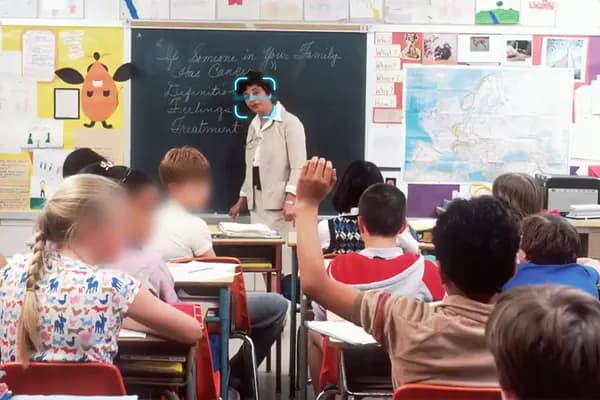































Hours of video editing in minutes with AI
No more manual editing. Focus on your creativity and let our AI tools take care of the facial privacy filtering for you.
Simple 3 steps to apply facial privacy filter
No need to install anything on your device. Nothing to learn to use our tool. We need just a few clicks from you. We simply do the job in easiest way.
- You upload.
No installations, nothing to learn to use our tool. Moving objects are blurred with just a few clicks.
- Choose faces to blur.
We automatically apply state-of-the-art AI algorithms to blur faces in a minute. You can select faces to remain unblurred in this process.
- You download.
You download your face-blurred videos on your device by simply clicking the Export button.



Click and Blur
Facial privacy filter made simple for you.
Facial privacy filter doesn't need a hundred features. It just needs three things to get what you want.
- Easy to use.
- No installations, nothing to learn to use our tool. Faces are blurred with just a few clicks.
- Fast.
- We leverage GPU infrastrature and the cutting-edge web tech to deliver the outcome in most efficient ways.
- Accurate.
- Powered by state-of-the-art AI algorithms, we deliver the quality output that you won't get elsewhere.
AI Facial Privacy Filter
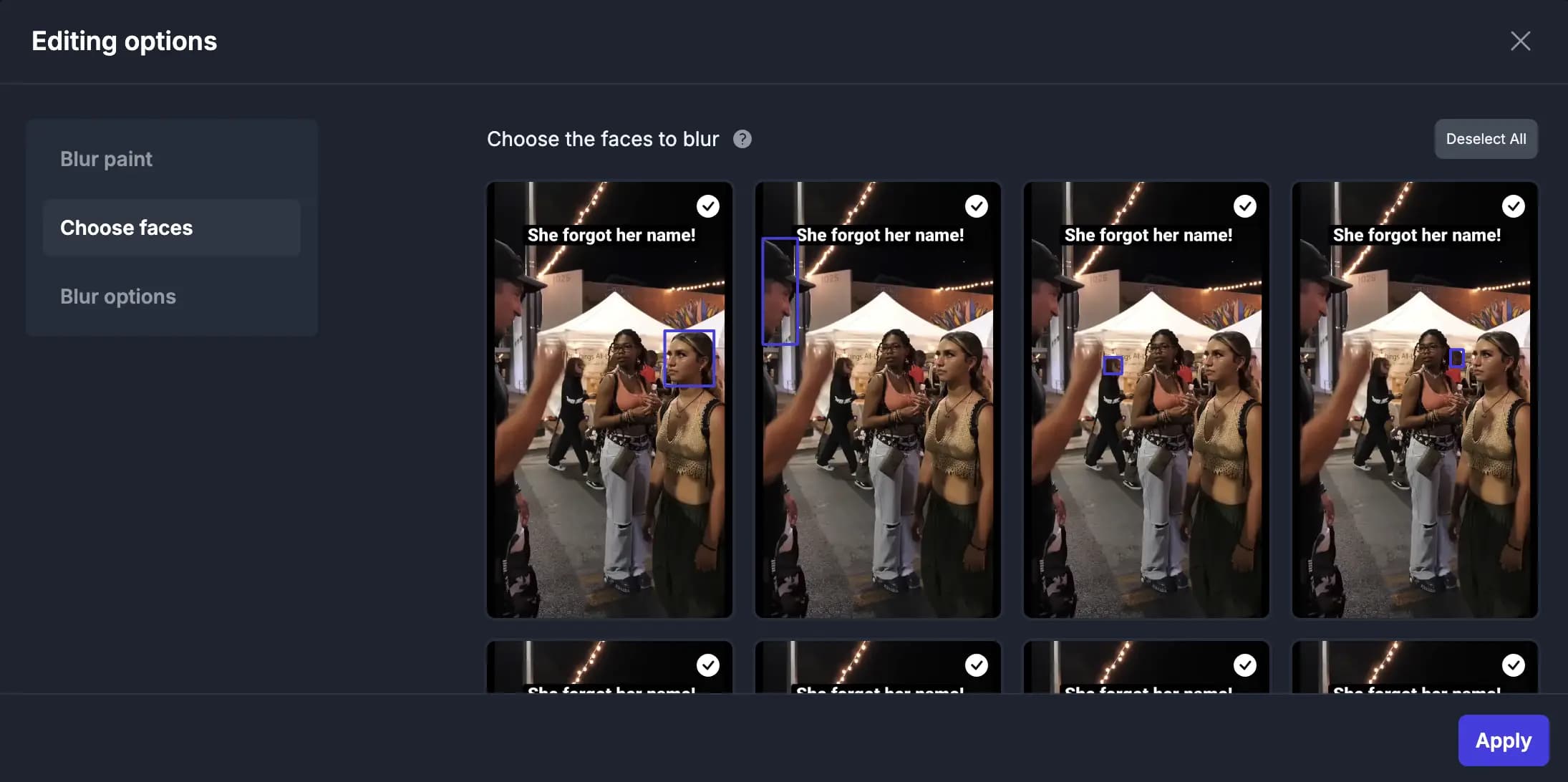
Select faces to blur
Our AI technology automatically detects faces in videos and allows you to select the faces you want to blur. Leave the important faces unblurred.
Smart Features of Our Facial Privacy Filter
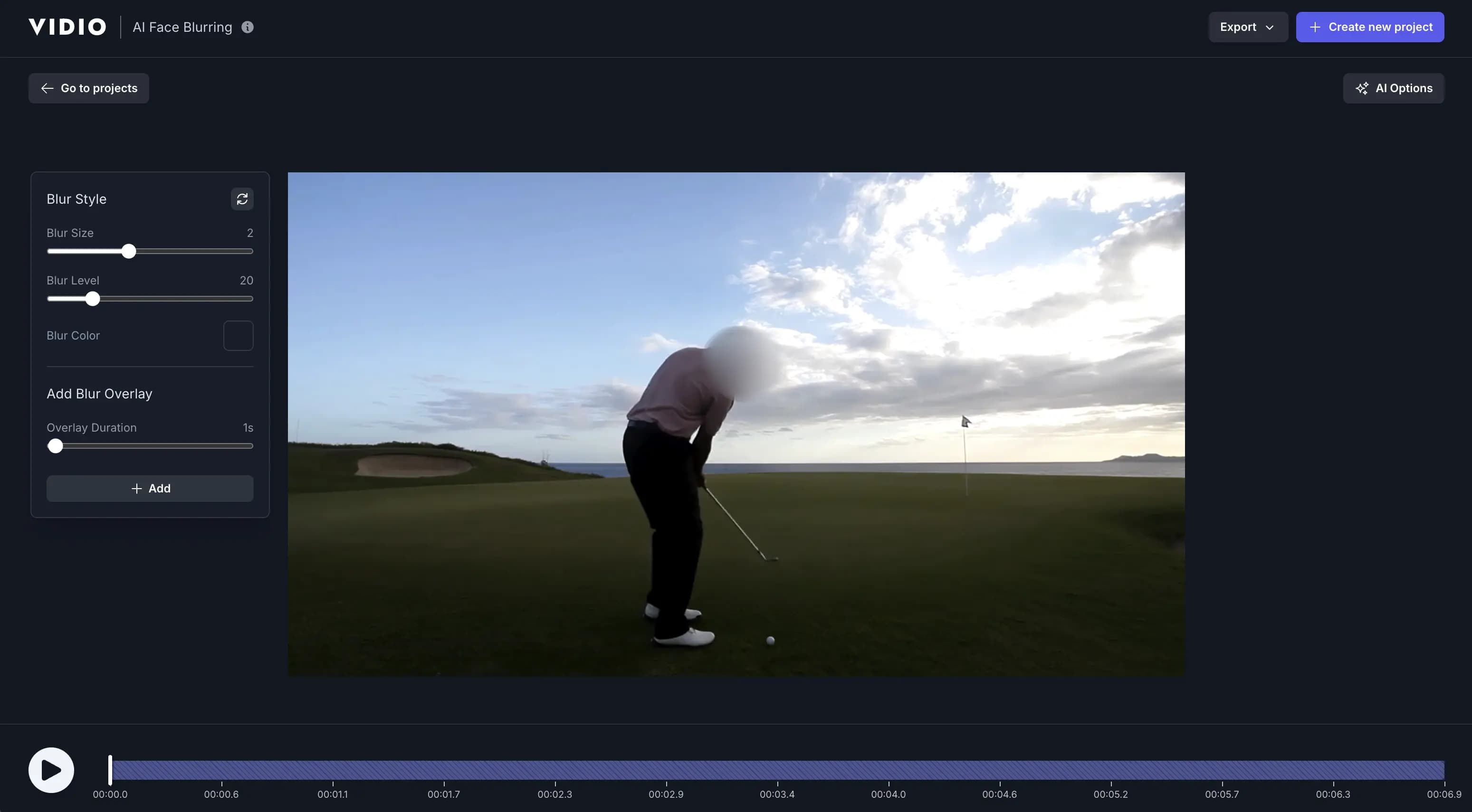
- Natural Blur Boundary
- Applies a smooth gradient to the edges of the blur, ensuring a natural blend with the surrounding video content.
- Adjustable Blur Size
- Allows precise control over the size of the blurred area, perfect for covering faces of different sizes.
- Adjustable Blur Level
- Fine-tune the intensity of the blur to achieve the desired level of concealment while retaining visual quality.
- 4K Export
- Ensures your edited videos maintain their ultra-high-definition quality with 4K export support.
- Email Notification of Output
- Receive an instant email alert when your video is processed and ready for download.
- Multi-Face Detection
- Automatically detects and blurs multiple faces within the same video frame.
- Background Blur for Privacy
- Blur not only faces but also entire backgrounds for enhanced privacy protection (available in the Video Background Changer tool).
- Advanced Face Angle Detection
- Accurately detects faces even when they are turned sideways or looking down, ensuring consistent blurring in challenging scenarios.


Smart Blur Touch-Up
Take Control with Precision Blur
When AI misses a spot, you step in. Instantly blur any remaining faces or areas with easy-to-use tools—perfect your edit down to the last frame.
Recommended by top media and bloggers.





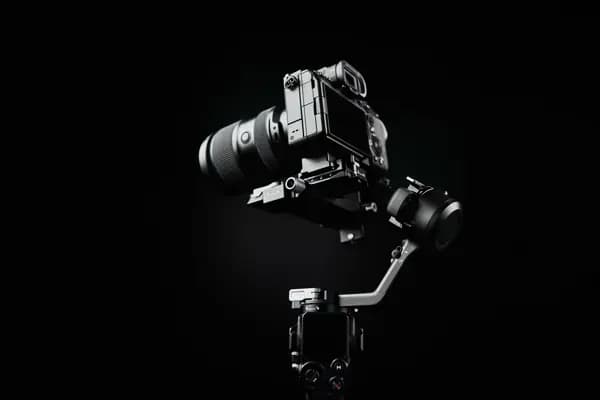
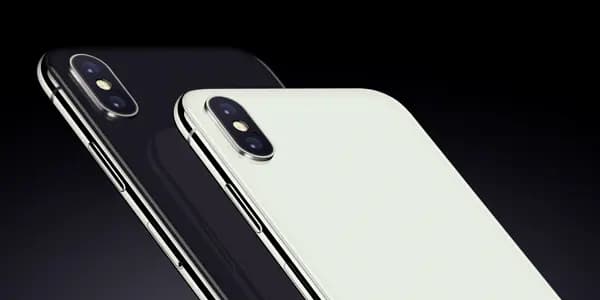
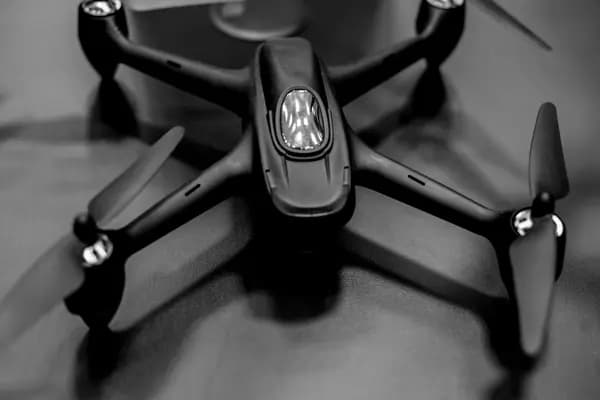
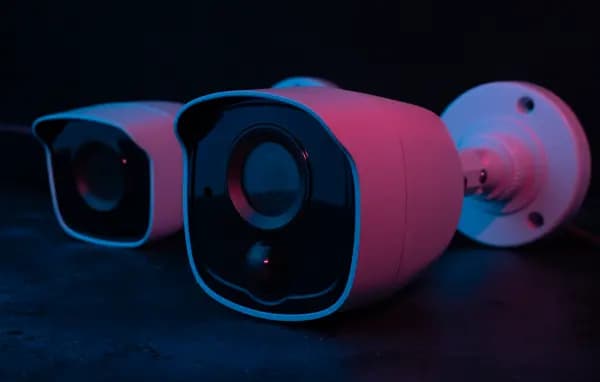
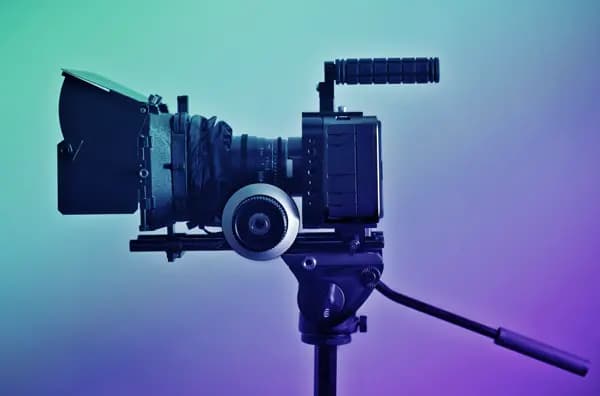
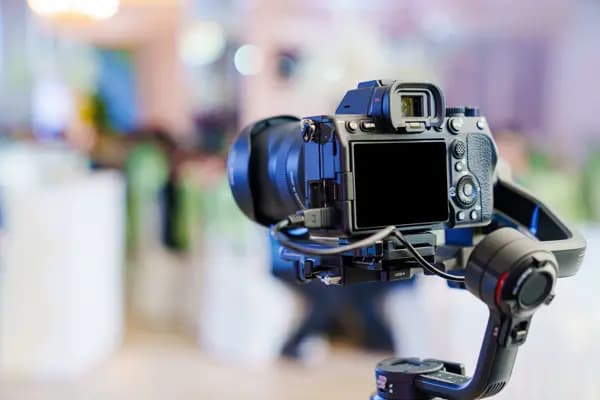
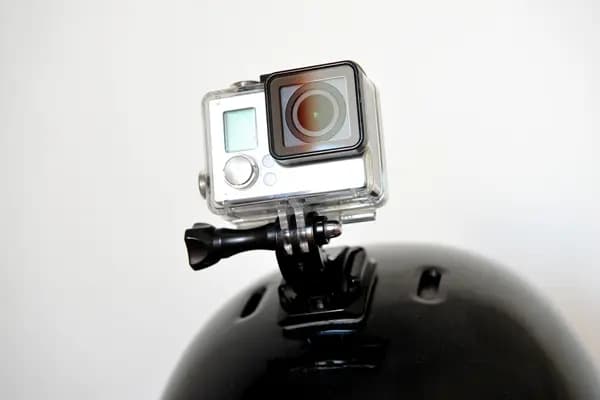
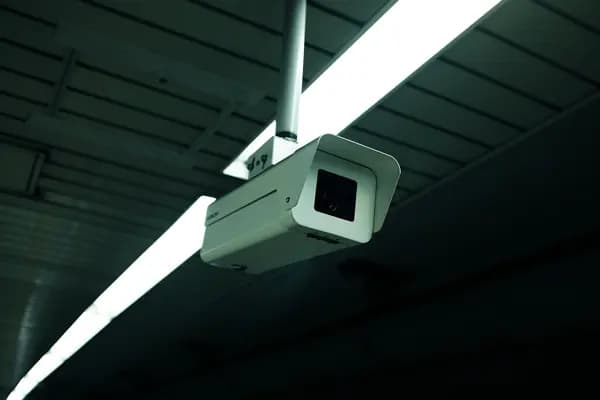
Works with diverse camera types
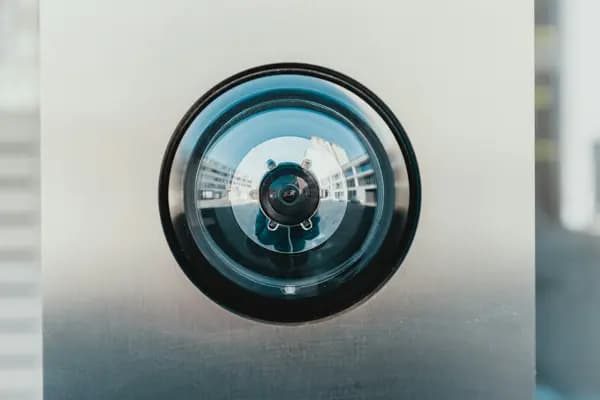
Facial Privacy Filter is compatible with a wide range of camera types, including surveillance cameras, body cameras, and more. Protect privacy in any video with ease.
Discover More
Related Tools
Related Articles
Make your next upload your best one
Edit it, package it, schedule it and track it with VIDIO. Free to start.
Free to start. No credit card needed.

$456,000 Squid Game In Real Life!
- Create


- PublishClick appeal 81
- Creator analyticsviews