#1 Online rotoscoping tool
Blur moving objects
Effortlessly blur moving objects in videos with our AI-powered tool! Try it online for free—no installations, just a few clicks for pro results!
Trusted by over 1 Million users worldwide



































Simple 3 steps to blur your moving objects
No need to install anything on your device. Nothing to learn to use our tool. We need just a few clicks from you. We simply do the job in easiest way.
Click the foreground object to blur
Once the upload is complete, you click inside objects to blur in your video and we apply state-of-the-art AI algorithms to clearly isolate the object.
3:00MP4 · 756 MB0%Click the Propagate button
By clicking the Propagate button, the resulting mask will be applied across all frames in your video, making the entire video masked.
Click the cyclistRoad dimmedClick the Change Foreground
Click the 'Change Foreground' button and select 'Blur effect'.
0%MP41080pMP4
Blur that keeps up
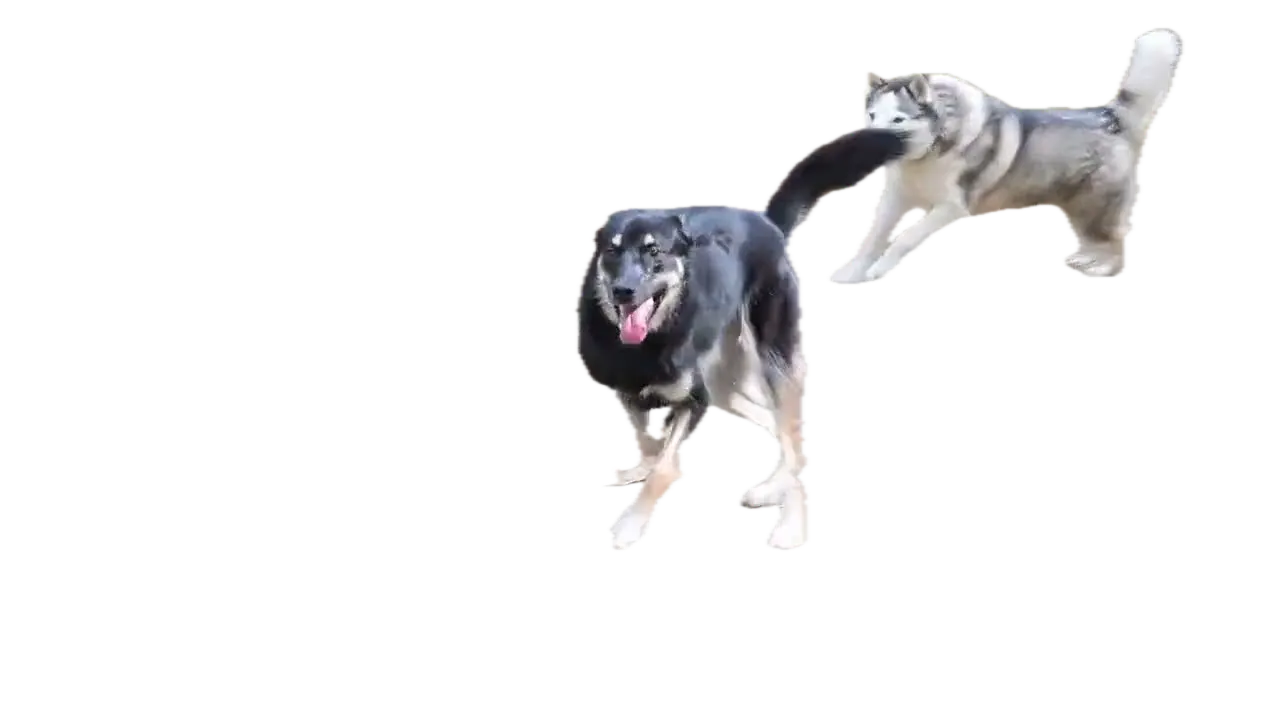
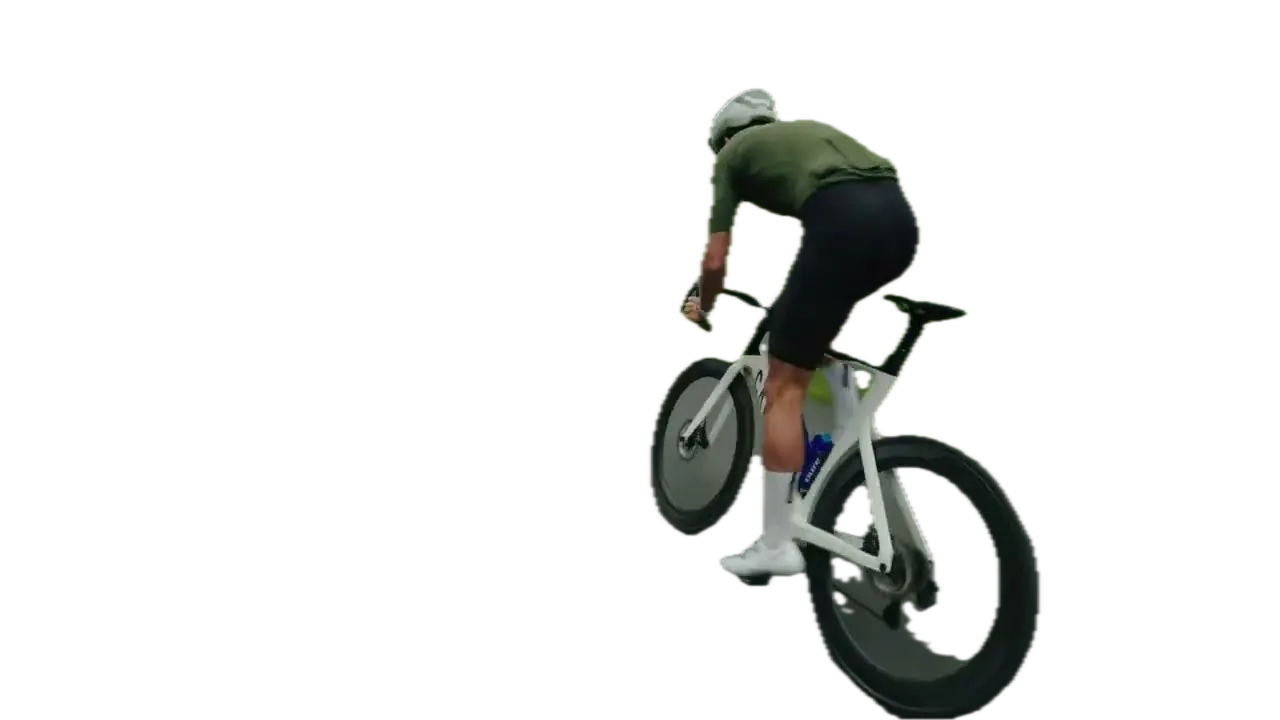
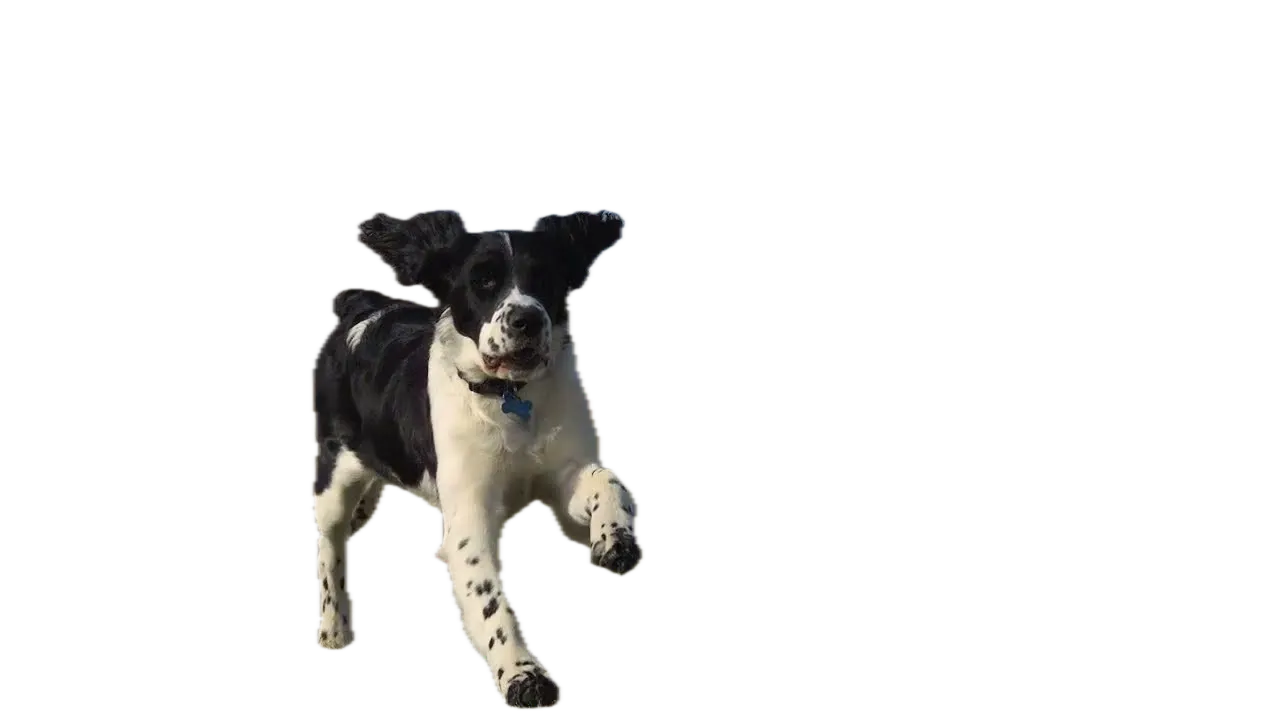
Blur a cyclist, a car or a dog in motion
Mark the moving subject once. VIDIO follows it through the shot and keeps it covered.
Mark it, it stays blurred
Brush over the cyclist once. The blur covers the rider, not the road.
One click picks the subject
Click the rider and VIDIO selects the whole person and bike.

Followed at full speed
The selection stays on the cyclist, the dog or the car in every frame.

Or blur around it
Keep the cyclist sharp and blur the road and trees instead.
Cut it out instead
Export the rider on a transparent layer for your own effects.
Recommended by top media and bloggers.





Who it's for
Keep moving subjects private
Hide what moves through the frame without blurring every frame by hand.
- YouPassers-by
What's shown
Vloggers
Blur strangers who walk by
People crossing your shot stay blurred as they move.
YouTube16:9 · 12:00
0:45
9:16
Ready for TikTok
Travelers
Cars and faces on the move
Blur passing cars and people in street footage.
TikTok9:16 · 0:45
0
Players blurred
Coaches
Share drills, hide the players
Blur players who didn't agree to be shown in training clips.
MP416:9 · 3:00
0
Cars blurred
Cyclists
Ride videos without passing cars
Blur cars and riders that pass you on the road.
YouTube16:9 · 8:00
- 0%
Frames tracked
Businesses
Store videos without customers
Blur shoppers moving through your shop footage.
Instagram4:5 · 0:30
Discover More21
More ways to use VIDIO, grouped by what you're making.
AI Tools for Video Creators
Browse all tools- Object extraction from video
- Transparent gif maker
- Transparent video maker
- Foreground background separation
- Auto background defocus
- AI footage cutout
- Video background remover
- Video background changer
- Green screen remover
- Video masking
- Blur video background
- Online rotoscoping
- GIF background remover
- Highlight moving object
- Highlight moving person
- Blur moving object
- Blur a part of video
- Replace video background by AI
- AI video foreground extraction
- Video Background Cutout
- Unscreen
Related Tools
7Related Articles
5Video editing guides and news
- 01Highlight Moving Objects in Video: Easy Online Tools for Beginners
- 02Which App is Best for Blurring a Moving Face in a Video?
- 03Tools for Selective Face Blurring in Videos
- 04How do I add smooth parallax and motion blur to a wedding photo montage in Premiere Pro?
- 05Best Browser-Based Motion Graphics Tools for Beginners
Loved by content creators worldwide.
Review is translated.


I tried your compositing software and I think it is terrific! It works really well in the preview that I did. Blown away, actually.





Finally, I can edit like a professional without spending crazy amount of money on software I don't know how to use. Highly recommended for those who are wanting a quick and easy way to remove backgrounds from video.



Make your next upload your best one
Edit it, package it, schedule it and track it with VIDIO. Free to start.

$456,000 Squid Game In Real Life!
- Create


- PublishClick appeal 81
- Creator analyticsviews